5.01 months ago
“Review”
Keep improving!
Abubakr Jajja

Create optimized Pinterest pins effortlessly.
Pin Generator is a comprehensive tool designed to streamline and optimize Pinterest marketing efforts. It offers a suite of features aimed at maximizing the effectiveness of your Pinterest presence. A key provision is the ability to generate Pinterest pins in optimal sizes, helping to ensure your content aligns with platform guidelines and community preferences. Additional functionalities include scheduling pins, allowing users to post at peak engagement times, and a Pinterest SEO functionality to enhance the discoverability of pins. Users can also create their own pin templates for a more personalized approach. The Pinterest Keyword Research tool and Trend Alerts feature are geared towards keeping users abreast of platform trends, while the Pin History maintains a record of previously created pins. The tool also allows for direct importation of products from eCommerce stores like Etsy and Shopify, catering to businesses looking to showcase their products. The Pin Generator tool integrates with WordPress through a plugin and also offers a Google Chrome extension for easy access and uses. Furthermore, the platform provides multiple tutorials and guides, giving new users the ability to swiftly navigate through it and utilize it for optimizing their Pinterest marketing. As Pin Generator continues to evolve, users are encouraged to contribute to its growth by voting for upcoming features. Help other people by letting them know if this AI was useful. Add your own prompts and outputs to help others understand how to use this AI.
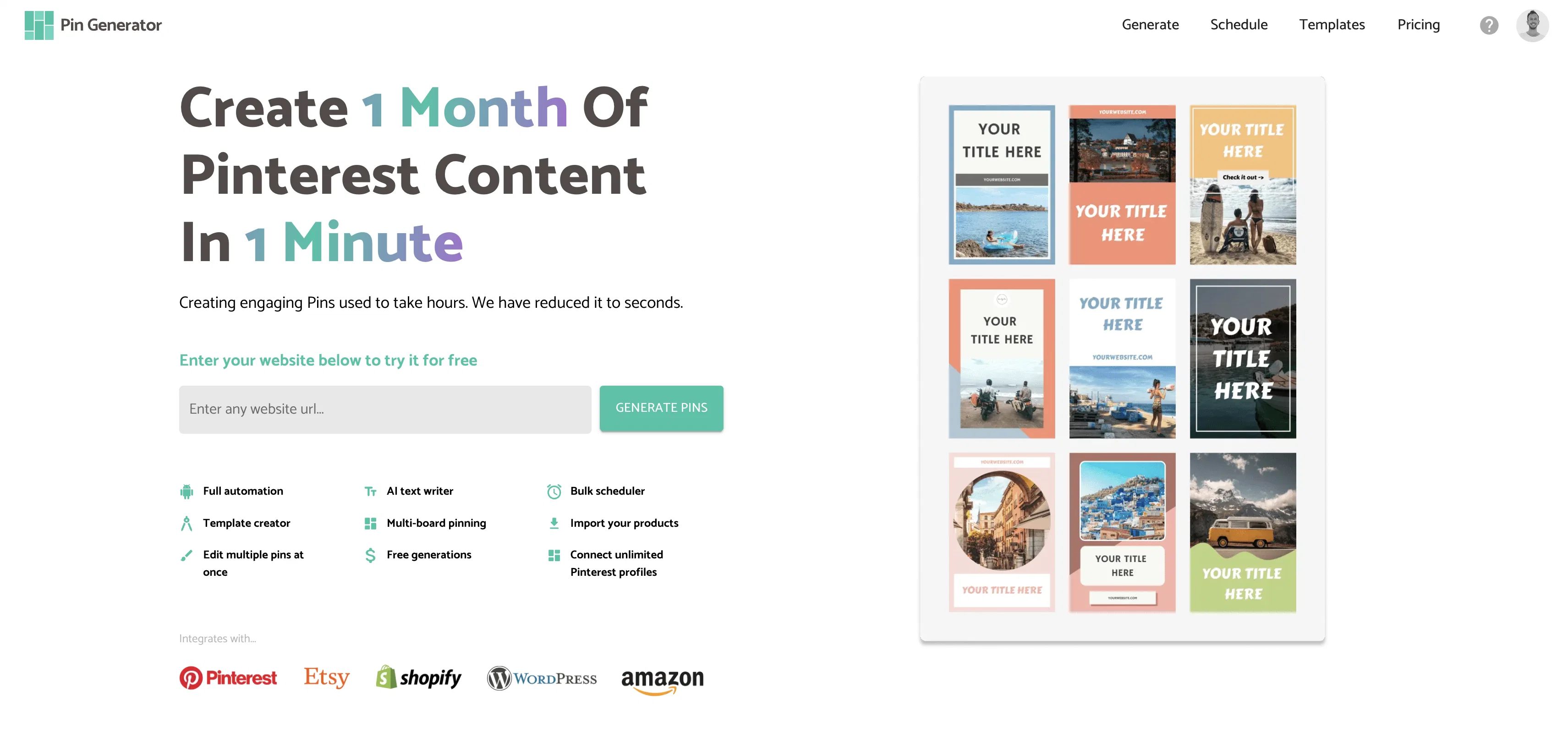
When considering Pin Generator for integration into your organizational workflow, we recommend deploying a structured score card across three critical operational pillars: Security & Compliance, Integration Friction, and long-term Price Scalability. Rather than looking only at basic feature lists, modern procurement teams must assess how a software platform behaves under high load and how well it fits into the team's data security guidelines.
Depending on your operating region and field, ensure that Pin Generator supports standard security layers such as SOC 2 Type II certifications, GDPR compliance, or HIPAA-compliant database encryption. If the tool connects directly to client database tables or handles user passwords, verify that they implement multi-factor authentication (MFA), single sign-on (SSO) integrations, and end-to-end data encryption in transit and at rest.
Siloed data is the primary cause of operational friction. Evaluate if Pin Generator has native connectors for your current project trackers, messaging hubs, and customer communication channels. For custom developer requirements, check if they provide a fully documented REST API with reasonable rate limits, comprehensive Webhooks support, and robust SDK packages in your language. A flexible API layer saves hundreds of hours of manual copy-paste overhead.
SaaS pricing packages are often deceptively simple. When reviewing Pin Generator's billing structure, map out your team's projected expansion over the next 12 to 24 months. Determine how costs scale as your customer database increases or as you add team members. Factor in setup costs, mandatory support plan upgrades, API access fees, and storage overage rates to understand the true cost before committing to a contract.
By combining verified user reviews from our directory with internal workflow pilot tests, your procurement team can make an informed decision that drives productivity without creating capital waste.
Overall rating
Based on 19 reviews
Keep improving!
Abubakr Jajja
has been an absolute game changer. Easy to use and offers the flexibility of enterprise level integrations at a fraction of the cost of some other tools. Training models are easy.
navin jeno
I think the software is really good.
Jiahui Zhou
B12 exceeded my expectations especially after I tried a few similar tools. Signing up took under a minute and because I offer a very specific set of services as a consultant, I didn't expect the AI to be able to capture my work, but it did a great job with creating content for me. I only had to make a few edits, add my bio, and was able to publish that same day. Now I get lots of compliments on my site and I've even tried their other tools like email marketing, which is great because the emails match my site's appearance. Overall I would recommend B12 as an effective, affordable, and easy to use website solution.
Katie G
I'm still testing the tool yet it looks very promising. I tested it with a 5.5k words Academic text that I had previously red. I tested the Key points feature, it does work!
Ivana González
I think it's the best @Image Generator I ever found on the net. It gives more accurate image according to the prompt. And thank you for keeping it for free.
My Sawsiri
Faster than sifting through reddit myself. TY for building.
Sean M
im not receiving the code in my email
aiden shop
I tested a one-month planner, and it was amazing. Kudos to the team!
EasyDine
We will give you guys a go! thanks!
Silent Co
Suppppeeeeerrr! Wowwww! @Mindsmith is absolutely fantastic! It is incredibly useful, easy to use, and very professional.
Claudia Scilletta
O GPT faz uma análise melhor e mais personalizada.
Vinicius Vilela
As the service was in beta-testing stage, I created there a dozen of AI-generated courses for free. I wanted to use them. Those courses remained in my account as they started subscription tiers. But recently I have found out that they were deleted. The support didn't answer to my e-mail at all.
Oldfag TV
@KeywordSearch creates AI Ad Targeting audiences for YouTube
Aleric Heck
Really like how it finds connection in the content that I save. I don't think any other tool can do that.
amix ffx
I’ve tried many AI writing tools in the past, but this one actually delivers content that sounds human and ranks. I love how you can create a full SEO blog post with just a keyword… and it’s ready to publish in one click. That saves me so much time. Also, small win for the wallet — use code FSL25 to get 25% off on any plan. Definitely helped me out when testing it for the first time. 👍 Hope this helps someone else who’s been struggling like I was!
Jason
This tool i found is super cool, I created 5 books from this tool to sell them online, which gives me great profit. I am creating more valuable books to spread knowledge, and earn some bucks as well 🤑.
Bilal Ashraf
Thanks for the great review :-) Kind regards, Ollie
Oliver Boyers
I recently started using @Pin Generator, and I can confidently say it’s a game-changer for Pinterest creators. This tool is the best combination of all current Pinterest creation tools, including Canva, but it takes things to a whole new level. Compared to Tailwind, @Pin Generator is far superior, allowing me to create everything I need quickly and effortlessly. One of the standout features of @Pin Generator is its bulk creation capability, which feels like Canva Bulk Creation on steroids. I no longer have to manually add backgrounds, making the process of creating quotes and other bulk content incredibly fast and easy. The options for using it across multiple accounts are exceptional, providing flexibility and efficiency. @Pin Generator has revolutionized my Pinterest workflow, saving me not just hours, but days of work. The efficiency it brings is unparalleled, allowing me to focus on other important tasks while maintaining a robust Pinterest presence. A special shoutout to Ollie, the creator of @Pin Generator. His responsiveness to emails and openness to suggestions for future additions have been impressive. He’s even helped me figure out how to use some features I was initially unsure about. His support and dedication to improving the tool make a significant difference. Overall, I couldn’t be happier with @Pin Generator. If you’re looking for a powerful, efficient, and user-friendly Pinterest creation tool, @Pin Generator is the way to go.
Captain22
Starting Price
From $18.00/user/month
Pricing may vary based on team size and features selected.