5.02 months ago
“Review”
di lettering generator a nice touch, specially fi names, dates, an quotes. some fonts come out cleaner dan odders, but it gi yuh a quick way fi compare styles before carryin di idea to a real tattoo artist.
Jayam Santos

Remove text, objects, and watermark from images online for free.
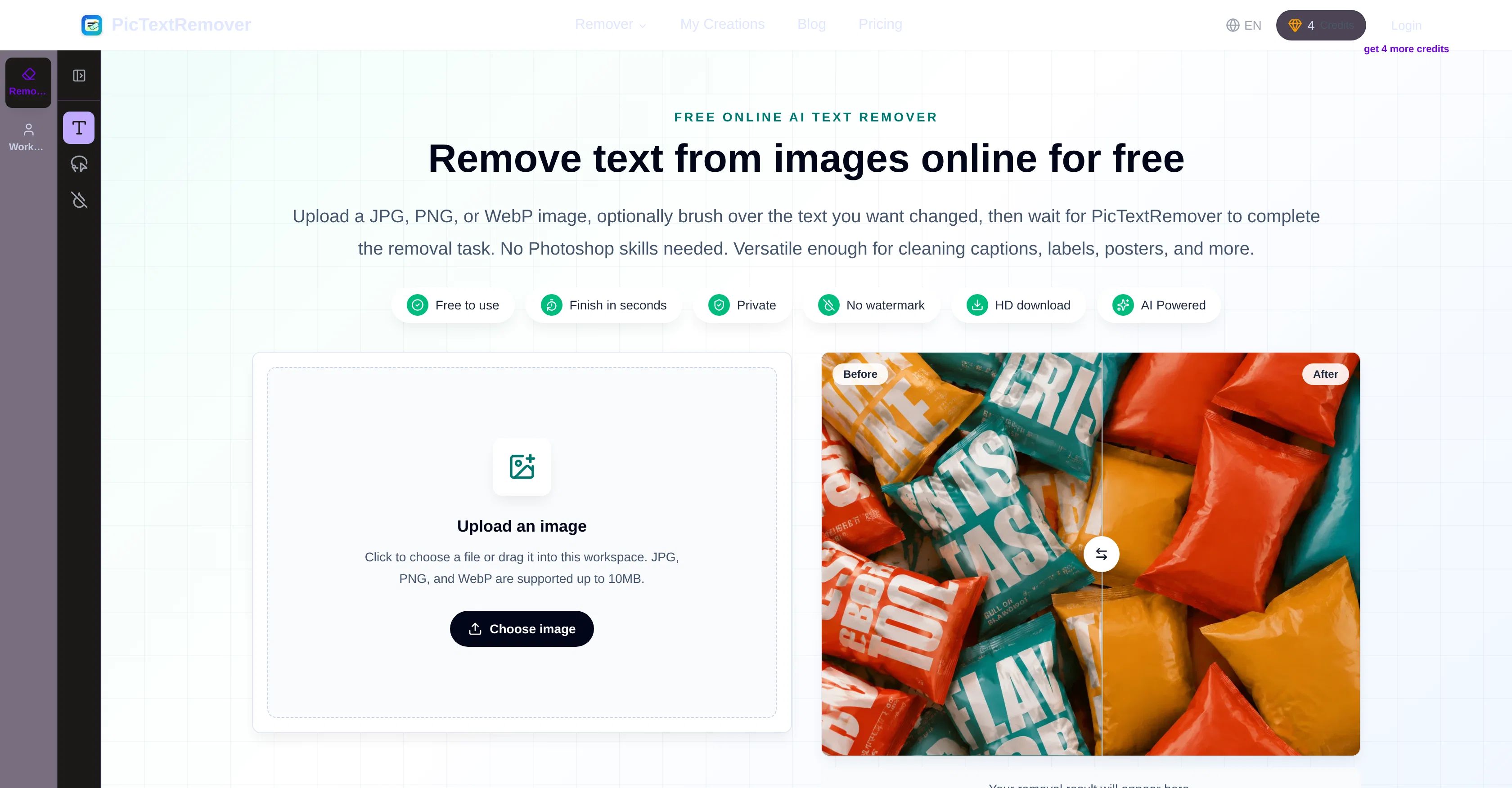
PicTextRemover is an online tool designed to remove text from images. With a straightforward process, it offers flexible control to both beginners and professionals such as designers, sellers, and marketers. It works by allowing users to upload an image in JPG, PNG, or WebP format, and brush over the unwanted text. PicTextRemover will then automatically remove the highlighted text areas and reconstruct the image for a natural look. No advanced skills are required, making it versatile for a variety of uses including removing captions, labels, posters, and more. Particularly, it's useful for tasks such as preparing product photos for e-commerce listings by cleaning supplier labels and outdated promo text, clearing old text from advertisement posters, or removing text clutter from presentation slides. For personal use, it can erase unwanted text like date stamps or captions from everyday photos. With its focus on preserving the original image structure, PicTextRemover ensures the final image remains free from distracting background noise while maintaining the overall layout, crisp textures, and natural colors of the image. Help other people by letting them know if this AI was useful. Add your own prompts and outputs to help others understand how to use this AI.
When considering PicTextRemover for integration into your organizational workflow, we recommend deploying a structured score card across three critical operational pillars: Security & Compliance, Integration Friction, and long-term Price Scalability. Rather than looking only at basic feature lists, modern procurement teams must assess how a software platform behaves under high load and how well it fits into the team's data security guidelines.
Depending on your operating region and field, ensure that PicTextRemover supports standard security layers such as SOC 2 Type II certifications, GDPR compliance, or HIPAA-compliant database encryption. If the tool connects directly to client database tables or handles user passwords, verify that they implement multi-factor authentication (MFA), single sign-on (SSO) integrations, and end-to-end data encryption in transit and at rest.
Siloed data is the primary cause of operational friction. Evaluate if PicTextRemover has native connectors for your current project trackers, messaging hubs, and customer communication channels. For custom developer requirements, check if they provide a fully documented REST API with reasonable rate limits, comprehensive Webhooks support, and robust SDK packages in your language. A flexible API layer saves hundreds of hours of manual copy-paste overhead.
SaaS pricing packages are often deceptively simple. When reviewing PicTextRemover's billing structure, map out your team's projected expansion over the next 12 to 24 months. Determine how costs scale as your customer database increases or as you add team members. Factor in setup costs, mandatory support plan upgrades, API access fees, and storage overage rates to understand the true cost before committing to a contract.
By combining verified user reviews from our directory with internal workflow pilot tests, your procurement team can make an informed decision that drives productivity without creating capital waste.
Overall rating
Based on 8 reviews
di lettering generator a nice touch, specially fi names, dates, an quotes. some fonts come out cleaner dan odders, but it gi yuh a quick way fi compare styles before carryin di idea to a real tattoo artist.
Jayam Santos
Superior generation quality and a strategic game-changer for fashion brand content creation
Luca Patrone
Image3D feels like a practical tool rather than just a demo. The workflow is simple, the preview loads in-browser, and I can export common formats like GLB, OBJ, STL, and PLY. I would recommend it for fast 3D asset drafts and 3D printing experiments.
刘中奎
I mainly used Himedia AI for image creation and got surprisingly realistic outputs. Prompt control feels intuitive compared with some other tools.
KoooU
A very simple-to-use, yet very powerful app. It made my work so much easier, my scanned and downloaded files are no longer a mess.
Filip Pendovski
This tool is definitely good for basic stuff, no doubt. Just keep the prompts super duper simple and it gets the job done. But once I put in something a bit more complex at it… it kinda screwed up the thing. Still, I see potential here
Anil Felipe
You get 300 credits upon signing up, which is enough to test out the app and see its potential. I had a bit of fun with it. It takes a few minutes to generate content, but the results are impressive. There are many styles, modifiers, and customization options available. I would definitely use this for content creation or storytelling.
Daniel Garaiacu
Reducing manual efforts in first-pass during code-review process helps speed up the "final check" before merging PRs
Sahil Mohan Bansal
Starting Price
Free plan available
Free tier available with optional paid upgrades.