5.01 months ago
“Review”
Loved the tool! I used it to build a launch strategy for a project and took all the market analysis and competitors research from there. A real time saver
Natalia Cristin

Transform geospatial data into sustainable action.
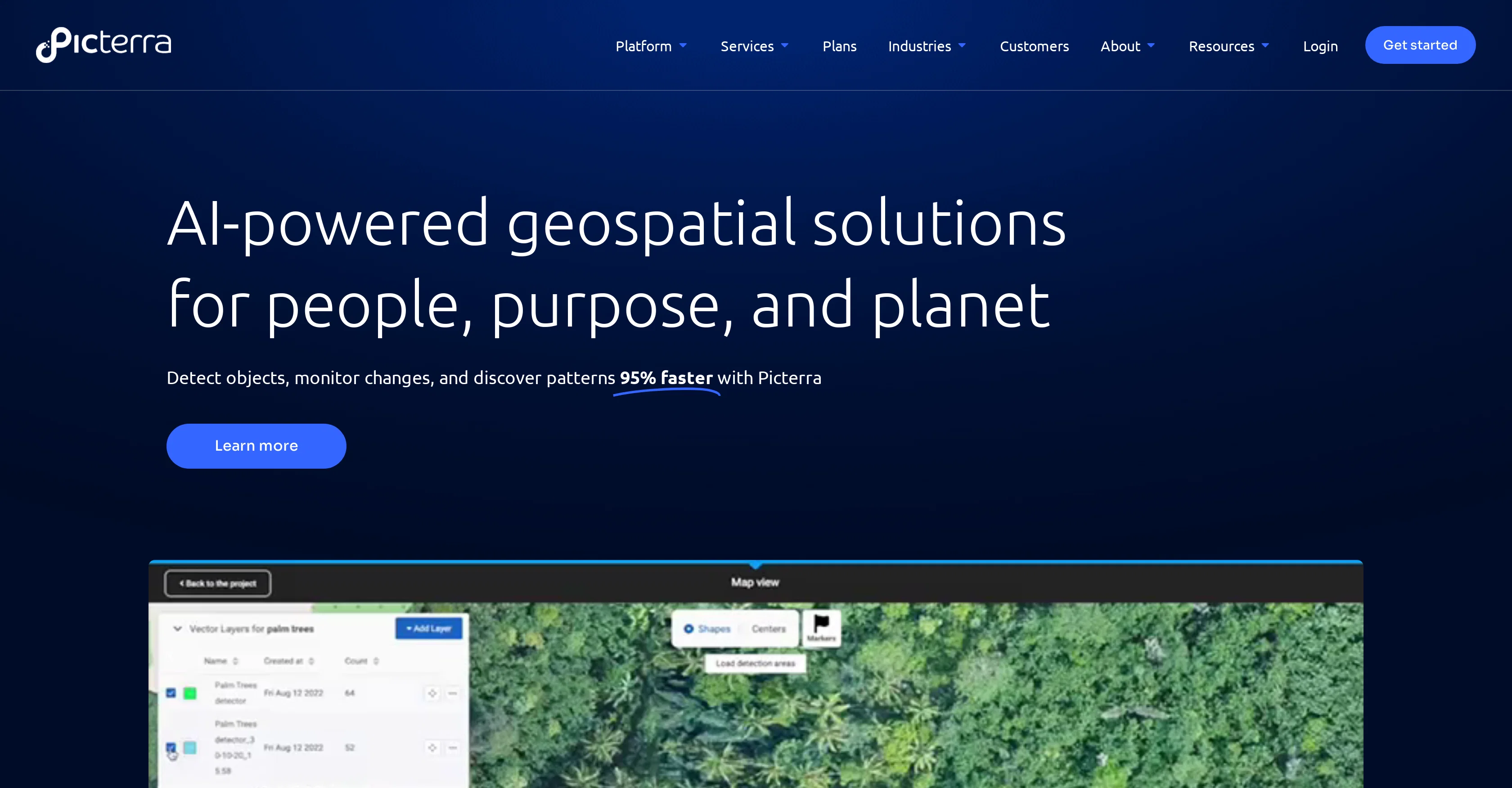
Picterra is a cloud-based platform that harnesses the power of AI for geospatial solutions, contributing to a sustainable future. Leveraging AI, Picterra offers object detection, change monitoring and pattern discovery features to optimise geospatial workflows and facilitate quick action. It serves various industries including Forestry and Carbon Markets, Agriculture and Regenerative Farming, Mining and Quarries, Infrastructure, and FMCG & commodities. For each industry, specific functionalities are provided. For example, tree detection for forestry, multi-class crop detection for agriculture, and mine expansion/deforestation detection for mining. Customers can use Picterra's platform to automate their data analysis and generate insights efficiently. Their services extend to providing professional solutions adhering to EUDR compliance. The application of Picterra spans across several sectors, enabling businesses to manage and interpret their data more effectively, thereby driving sustainable action. Help other people by letting them know if this AI was useful. Add your own prompts and outputs to help others understand how to use this AI.
When considering Picterra for integration into your organizational workflow, we recommend deploying a structured score card across three critical operational pillars: Security & Compliance, Integration Friction, and long-term Price Scalability. Rather than looking only at basic feature lists, modern procurement teams must assess how a software platform behaves under high load and how well it fits into the team's data security guidelines.
Depending on your operating region and field, ensure that Picterra supports standard security layers such as SOC 2 Type II certifications, GDPR compliance, or HIPAA-compliant database encryption. If the tool connects directly to client database tables or handles user passwords, verify that they implement multi-factor authentication (MFA), single sign-on (SSO) integrations, and end-to-end data encryption in transit and at rest.
Siloed data is the primary cause of operational friction. Evaluate if Picterra has native connectors for your current project trackers, messaging hubs, and customer communication channels. For custom developer requirements, check if they provide a fully documented REST API with reasonable rate limits, comprehensive Webhooks support, and robust SDK packages in your language. A flexible API layer saves hundreds of hours of manual copy-paste overhead.
SaaS pricing packages are often deceptively simple. When reviewing Picterra's billing structure, map out your team's projected expansion over the next 12 to 24 months. Determine how costs scale as your customer database increases or as you add team members. Factor in setup costs, mandatory support plan upgrades, API access fees, and storage overage rates to understand the true cost before committing to a contract.
By combining verified user reviews from our directory with internal workflow pilot tests, your procurement team can make an informed decision that drives productivity without creating capital waste.
Overall rating
Based on 19 reviews
Loved the tool! I used it to build a launch strategy for a project and took all the market analysis and competitors research from there. A real time saver
Natalia Cristin
was good but no longer accessible in there own words "available exclusively to qualified law enforcement agencies, enterprise users and government entities"
Tarrin Mc
@Google Earth AI embraces a plethora of tasks. It helps in visualizing geographic data, guides in making advanced data mapping, and supports in 3D earth modeling. It also provides a platform for location-based services and remote sensing, while incorporating satellite imagery for detailed geospatial analysis.
Abhay raj
I am Single Tired exploit Scripter, I've Constantly Facing Bugging, Problems, Glitches, My body Is going Into is limit, And I finally Found out Exploits Gpt Come out, And Is Very Usefull For me Instead Making Myself For hours, Love it
Mat Playz2
Just implemented your instruction out how to run drip campaigns automatically, nice! Getting prospect calls coming in
Jenn N.
I’ve been using UX sniff for a little while now and I absolutely love it! It’s brilliant! It’s very easy to use, very easy to set up and the support has been spot on. It’s really been helping me with my Business - Pawfection Pet Products. I highly recommend this product.
Anneka Avery
Big time saver but the download file is not very friendly
Paul Mercer
For now the best browser based AI scraper i have ever used.
Jason Shirazi
im not receiving the code in my email
aiden shop
I would highly recommend for researches and students. useful to manage your articles and use AI to get the key points.
Hamed Mousavi
At first glance, this will save me hours of keyword research. I can't wait for the pro plan to be released to get access to more keywords. Much more user-friendly than traditional keyword research tools
Enzo Snyman
I've been playing around with this for a few hours. It's made me say "WOW" too many times than i wish to admit. I'm going to follow this and see how it evolves. For now, i managed to create quite a nice Expenses app for personal use. | It did have some problems when it came to moving some components on other pages, but for how short the prompts it uses can be, it is really impressive. With some proper prompts it can generate some strong stuff.
Bernard
I rarely leave reviews, but Elsa amazed me. After a few weeks of using it, I'm still excited. Props, guys.
Anton
Hi thanks for pointing this out, we've checked and can confirm that the thing is in fact doing the thing 🫡
Osum
Useful tool for visualizing traffic flowing through your website. Does what GA4 does but without the headache and unnecessary learning curve.
Nic Miller
No other tool quite like this, it's pretty straightforward. Needed to extract a long interview from YouTube and it extracted everything, providing it in different meaningful formats in less than two minutes. Awesome
Juan Sierra
After my first use, I think it's surprisingly good. The only drawback so far is the PDF export option for the report which is formatless.
Alejandro Correa
Does not know how to spell
Emily Hamilton
your answer is much too general, so useless. You could have just tell me to ask Perplexity.
Ta
Starting Price
Free plan available
Free tier available with optional paid upgrades.


