5.01 months ago
“Review”
Perfect tool, very good work, thank you
RudArt

AI Powered Photo Editor, background remover, AI generator.
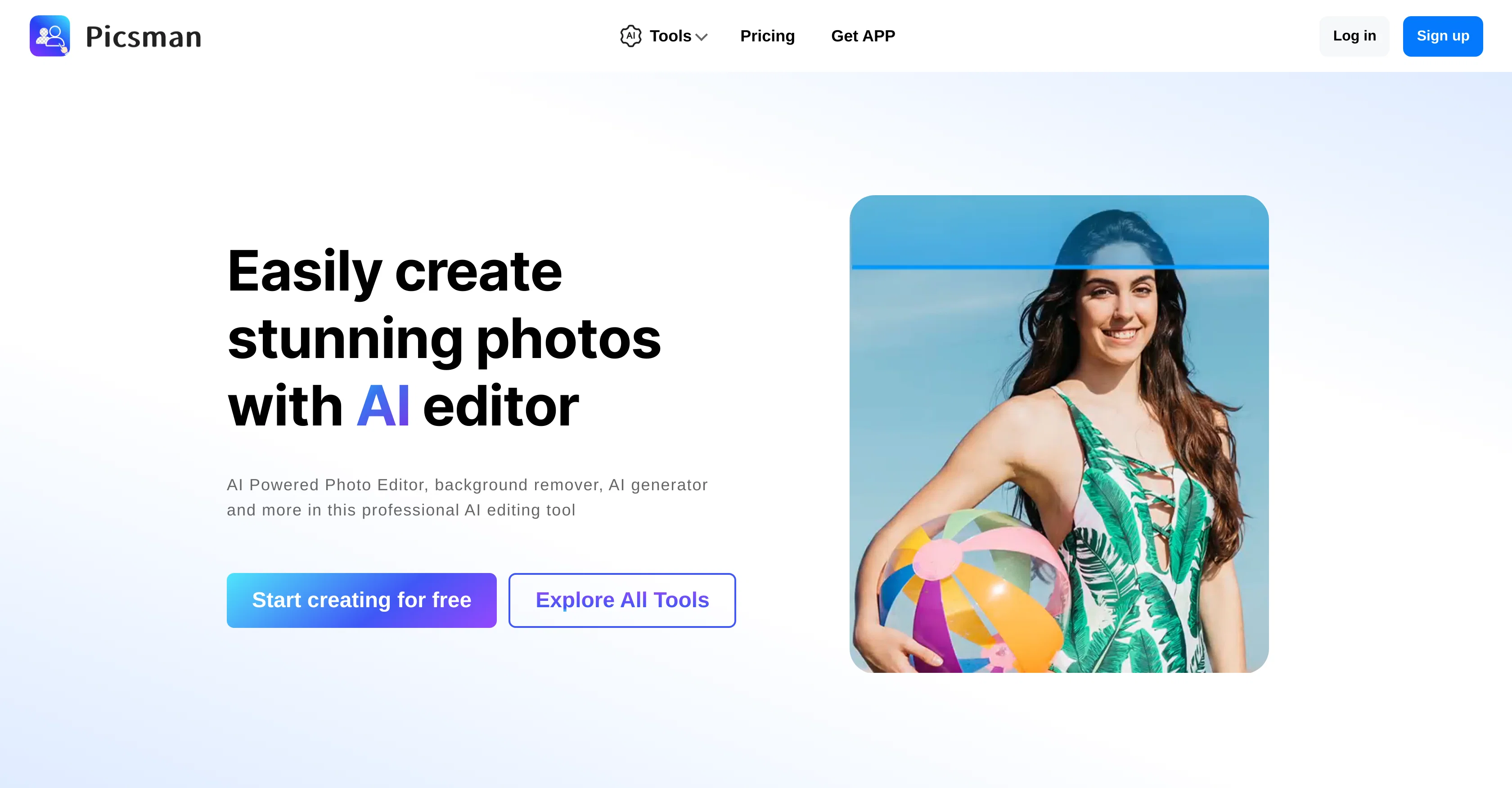
Picsman is an AI-driven photo editing tool designed to easily enhance and create product photos. The editor includes multiple features, each powered by artificial intelligence to automate tasks and improve user efficiency. A signature functionality is the 'Remove Background' tool, which simplifies the process of making imagery transparent and is enhanced by an automatic PNG download option. The 'Magic Eraser' is designed to remove objects from images effectively, while the 'AI Background' tool generates realistic backgrounds for your images instantly. 'Batch Edit' is an all-in-one bulk editing tool, built to retouch multiple images simultaneously and is particularly useful for product photos on platforms like Amazon, eBay, and Depop. The 'Photo Enhancer' utility can upscale and enhance image quality in seconds, delivering HD resolution outputs. Additional capabilities include text addition, color changes, image enlargement, sharpening, object removal, and image conversion into a cartoon form. To add more creativity and customization, it also provides a variety of backgrounds, illustrations, text effects and PNG stickers. Users can also resize, crop and even add 3D shadow or reflection effects to images. For convenience and accessibility, the tool is available as an app on both iOS and Android. Help other people by letting them know if this AI was useful. Add your own prompts and outputs to help others understand how to use this AI.
When considering Picsman - AI Photo Editor for integration into your organizational workflow, we recommend deploying a structured score card across three critical operational pillars: Security & Compliance, Integration Friction, and long-term Price Scalability. Rather than looking only at basic feature lists, modern procurement teams must assess how a software platform behaves under high load and how well it fits into the team's data security guidelines.
Depending on your operating region and field, ensure that Picsman - AI Photo Editor supports standard security layers such as SOC 2 Type II certifications, GDPR compliance, or HIPAA-compliant database encryption. If the tool connects directly to client database tables or handles user passwords, verify that they implement multi-factor authentication (MFA), single sign-on (SSO) integrations, and end-to-end data encryption in transit and at rest.
Siloed data is the primary cause of operational friction. Evaluate if Picsman - AI Photo Editor has native connectors for your current project trackers, messaging hubs, and customer communication channels. For custom developer requirements, check if they provide a fully documented REST API with reasonable rate limits, comprehensive Webhooks support, and robust SDK packages in your language. A flexible API layer saves hundreds of hours of manual copy-paste overhead.
SaaS pricing packages are often deceptively simple. When reviewing Picsman - AI Photo Editor's billing structure, map out your team's projected expansion over the next 12 to 24 months. Determine how costs scale as your customer database increases or as you add team members. Factor in setup costs, mandatory support plan upgrades, API access fees, and storage overage rates to understand the true cost before committing to a contract.
By combining verified user reviews from our directory with internal workflow pilot tests, your procurement team can make an informed decision that drives productivity without creating capital waste.
Overall rating
Based on 30 reviews
Perfect tool, very good work, thank you
RudArt
@GoEnhance's production from video to animation is impressive. It can go up to 2k 60fps, so exciting.
qiufeng hua
"Brilliant AI solution—making life easier."
Catherine Leblanc
Isn't it intriguing how all three other reviews for this "website builder" share the exact same profile photo?
Desiree Miller
Useful tool for visualizing traffic flowing through your website. Does what GA4 does but without the headache and unnecessary learning curve.
Nic Miller
This tool i found is super cool, I created 5 books from this tool to sell them online, which gives me great profit. I am creating more valuable books to spread knowledge, and earn some bucks as well 🤑.
Bilal Ashraf
superb, e gratis, merge blana, in EN se aude ideal
jon doe
Undetectable.wtf is better bypasses everything maintaining thee integrity of the text.
LiteEagle
I’ve tried many AI writing tools in the past, but this one actually delivers content that sounds human and ranks. I love how you can create a full SEO blog post with just a keyword… and it’s ready to publish in one click. That saves me so much time. Also, small win for the wallet — use code FSL25 to get 25% off on any plan. Definitely helped me out when testing it for the first time. 👍 Hope this helps someone else who’s been struggling like I was!
Jason
The website is pretty good but there are only a limited number of responses
Probal Roy
It's really frustrating when you try to select something you want, only to be immediately redirected to a subscription-based payment model. There's no opportunity to even test things out, which kills the enthusiasm right away. It seems like everything is geared towards subscriptions nowadays, and it's a turn-off. Companies should prioritize transparency and give customers a chance to try out products before committing to a subscription. Practices like these erode consumer trust and deter many potential customers.
X X
Personal top 5 most convenient tools for creating content for website or social media. Writing text and generating images immediately
Juju
I tested a one-month planner, and it was amazing. Kudos to the team!
EasyDine
O GPT faz uma análise melhor e mais personalizada.
Vinicius Vilela
Not at all accurate…. The only thing similar between original and generated images were the clothes and accessories… face was absolutely new and unconnected.
Shvetank Sharma
Thanks for free credits. Please 🙏 adapt for mobile💪
Budget Plusit
A great AI tool that can generate amazing artistic photos, but it requires good prompts. Do you have any good prompts?
Jiangtao Zhang
I swear this actually saved me a lot. 100% recommend to anyone.
307LLL
AI tools is helpful,great!
picsman
The Remove Background tool is designed to be quite simple and easy to use. As long as the image is uploaded, the machine can automatically recognize the subject and background range, quickly remove the background, turn it into a transparent background or apply a specific color
sally li
I recently stumbled upon this incredible image processing website, and I must say, it has completely transformed my experience with digital media editing. The user interface is sleek, intuitive, and a joy to navigate, making even the most complex image manipulation tasks a breeze. The website offers a plethora of tools that cater to both beginners and professionals alike. From basic cropping and resizing to advanced features like AI-enhanced color correction and background removal, this platform truly has it all. The real-time preview feature is a game-changer, allowing me to see the impact of my edits instantly, which has significantly improved my workflow. What sets this website apart is its commitment to quality. The image processing algorithms are top-notch, ensuring that the final output is always crisp and clear, without any loss in resolution or detail. The website also supports a wide range of file formats, which is a huge plus for someone like me who works with various types of media. The customer support is another aspect that deserves a special mention. The team is responsive, knowledgeable, and always ready to assist with any queries or issues. It's clear that they take user satisfaction seriously. In conclusion, this image processing website is a must-try for anyone looking to enhance their digital images with ease and precision. It has earned a permanent spot in my toolkit, and I highly recommend it to anyone seeking a seamless and efficient image editing experience.
Cloud
Picsman have many features like object removal, background removal, photo enhancement and AI image generator. It is easy to use and great for editing images, helps me save a lot of time!
tanjenter
Helpful AI tools
Scofield michael
This one gives some pretty decent logo directions quickly. The first concepts are useful, but I’d still want finer control over typography and spacing before calling anything final.
Josh KUMAR
Such a great place to start out!
Helli Lang
Love how it offers stuff for both free and premium users. huge thanks to the devs and keep it up!
Burner Cruz
Free Start with a Free Experience $0 /mo
Vitus Bering
It's not free, it forces you to input an email before shoving a price tag in your face.
Arvoly XSL
I think it's the best @Image Generator I ever found on the net. It gives more accurate image according to the prompt. And thank you for keeping it for free.
My Sawsiri
Thank you for your support. We value your feedback. If you have any questions or suggestions, please send us your feedback.
picsman
Starting Price
Free plan available
Free tier available with optional paid upgrades.


