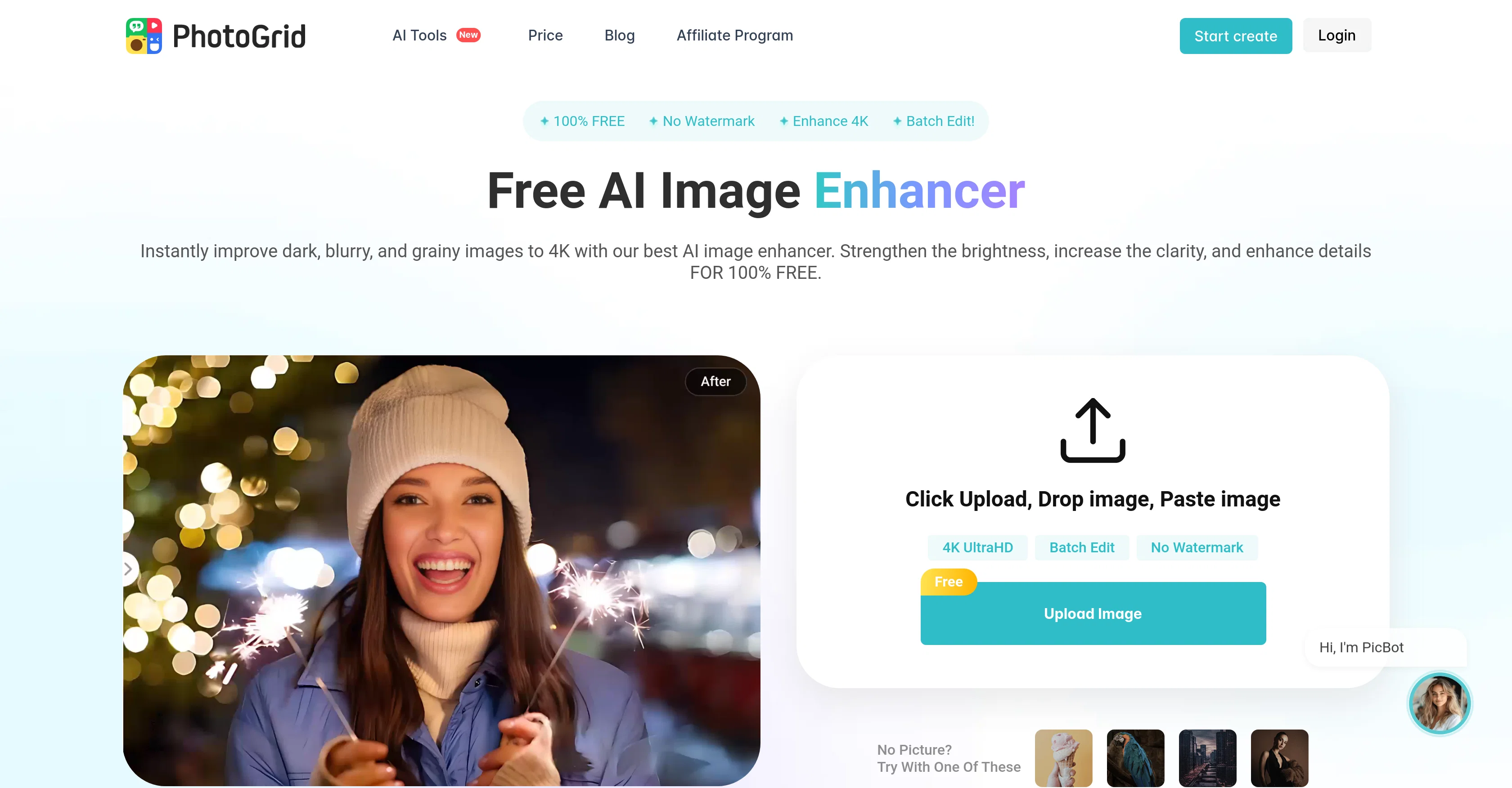
The PhotoGrid AI Image Enhancer is a tool designed for boosting the quality of images instantaneously. It is equipped to refine and enhance photographs, eliminating blurriness, fixing darkness issues, removing grain, and increasing image resolution.
It is highly capable when it comes to rectifying dark or underexposed photos, ensuring balanced brightness, correct contrast, and appropriate saturation.
Images clarified by this tool can range from unclear texts, pixelated visuals, low-resolution photos downloaded from the web, to historic images needing detail enhancement.
This tool can also up-scale images, making it a useful solution for ecommerce businesses, by producing neat and captivating product images. It is a particularly user-friendly tool, requiring no signup process or additional fees.
It aids in easy refinement of pictures without distorting the contents, and even allows for smooth textures in the case of portraits. Features include the ability to batch enhance images, with preset social media sizes and templates.
The AI Image Enhancer also houses an AI watermark remover and the AI hug feature, useful for professional or personal projects.
Help other people by letting them know if this AI was useful.
Add your own prompts and outputs to help others understand how to use this AI.
Screenshot gallery
Pros & Cons
Pros
+Instant quality boost
+Removes blurriness
+Fixes darkness issues
+Grain removal
+Increases image resolution
+Balanced brightness
+Correct contrast adjustment
+Appropriate saturation adjustment
+Clears unclear texts
+Corrects pixelated visuals
+Enhances low-resolution photos
+Details historic images
+Upscales images
+Ecommerce image solution
+No signup required
+No additional fees
+Maintains image contents
+Smoothes texture for portraits
+Batch image enhancement
+Preset social media sizes
+Template availability
+Free to use
+4K image quality
+HD watermark-free outcomes
+Professional and personal projects
+Includes dark photo rectification
+Improves underexposed photos
+Professorial advertisement capability
+Automatic dark, blurry, grainy image fix
+All-in-one editing solution
+Restores original details from pixelation
+Makes text in images clear
+Removes grain from images
+E-commerce content win template
+HD image creation
+Crisp visuals
+Creates photograph with professional look
+Vibrant and detailed social media images
+HD download available
+Multi device support
+JPEG, JPG, PNG support
+Creates watermark free images
Cons
−Limited file formats supported
−No offline version
−No mobile application specified
−Not suitable for 3D images
−No advanced manual adjustments
−Lacks multi-platform compatibility
−Limited social media formats
−No analytics or reporting
−No integration with third-party applications
A Professional Framework to Evaluate PhotoGrid AI Image Enhancer
When considering PhotoGrid AI Image Enhancer for integration into your organizational workflow, we recommend deploying a structured score card across three critical operational pillars: Security & Compliance, Integration Friction, and long-term Price Scalability. Rather than looking only at basic feature lists, modern procurement teams must assess how a software platform behaves under high load and how well it fits into the team's data security guidelines.
1. Security and Database Compliance
Depending on your operating region and field, ensure that PhotoGrid AI Image Enhancer supports standard security layers such as SOC 2 Type II certifications, GDPR compliance, or HIPAA-compliant database encryption. If the tool connects directly to client database tables or handles user passwords, verify that they implement multi-factor authentication (MFA), single sign-on (SSO) integrations, and end-to-end data encryption in transit and at rest.
2. API Coverage and Custom Integrations
Siloed data is the primary cause of operational friction. Evaluate if PhotoGrid AI Image Enhancer has native connectors for your current project trackers, messaging hubs, and customer communication channels. For custom developer requirements, check if they provide a fully documented REST API with reasonable rate limits, comprehensive Webhooks support, and robust SDK packages in your language. A flexible API layer saves hundreds of hours of manual copy-paste overhead.
3. Total Cost of Ownership (TCO)
SaaS pricing packages are often deceptively simple. When reviewing PhotoGrid AI Image Enhancer's billing structure, map out your team's projected expansion over the next 12 to 24 months. Determine how costs scale as your customer database increases or as you add team members. Factor in setup costs, mandatory support plan upgrades, API access fees, and storage overage rates to understand the true cost before committing to a contract.
By combining verified user reviews from our directory with internal workflow pilot tests, your procurement team can make an informed decision that drives productivity without creating capital waste.
Features of PhotoGrid AI Image Enhancer
AI Image Enhancement
Image Quality Improvement
Photo Enhancement
Blur Removal
Grain Removal
Darkness Rectification
Free + From $4.99/Mo
SaaS1to10 verified reviews for PhotoGrid AI Image Enhancer
Overall rating
★★★★★5.0
Based on 22 reviews
★★★★★5.01 months ago
“Review”
It's really frustrating when you try to select something you want, only to be immediately redirected to a subscription-based payment model. There's no opportunity to even test things out, which kills the enthusiasm right away. It seems like everything is geared towards subscriptions nowadays, and it's a turn-off. Companies should prioritize transparency and give customers a chance to try out products before committing to a subscription. Practices like these erode consumer trust and deter many potential customers.
X X
★★★★★5.01 months ago
“Review”
I especially like that there's a colored side to guide the artist as reference
Kristoff 1 Skalet 1
★★★★★5.01 months ago
“Review”
Loving this app and having a blast! The generated image came out even better than I hoped!" Outcome: Very positive, informal, and gets straight to the point. How: Uses more common, enthusiastic phrasing ("having a blast," "even better than I hoped") to convey excitement and the pleasant surprise.
Books Cozy
★★★★★5.01 months ago
“Review”
It doesn’t include the specified text. It doesn’t allow you to describe the logo
David April
★★★★★5.01 months ago
“Review”
wonderful tool,thanks
chandrapala perera
★★★★★5.01 months ago
“Review”
Does not know how to spell
Emily Hamilton
★★★★★5.01 months ago
“Review”
Needs to learn about different art schools, imo: doesn’t seem to understand the concept of cubism.
Catherine Karaguézian
★★★★★5.01 months ago
“Review”
Not at all accurate…. The only thing similar between original and generated images were the clothes and accessories… face was absolutely new and unconnected.
Shvetank Sharma
★★★★★5.01 months ago
“Review”
gave it a shot with a small full-stack idea and it got surprisingly far before I had to step in. The setup is nice, but I’d still want to test it on a bigger repo before trusting it with anything serious.
Jakir Kousik
★★★★★5.01 months ago
“Review”
Classic tool 😮💨 Loving Gen 4, it's wild how good the motion consistency is. It feels like a full studio in your browser. Big W guys keep it up!
Chris Studioz
★★★★★5.01 months ago
“Review”
It simplifies my video creation. It's a must-have tool.
fei shi
★★★★★5.01 months ago
“Review”
Such a great place to start out!
Helli Lang
★★★★★5.01 months ago
“Review”
nice holistic
Amit ImmI
★★★★★5.01 months ago
“Review”
There were no aristocratic Asians and Africans in ancient Rome.
Sándor Gajdos
★★★★★5.01 months ago
“Review”
Very interesting
Béatrice Duval
★★★★★5.01 months ago
“Review”
Hey I made this because another tool I found didn’t work lol
stablereligion
★★★★★5.01 months ago
“Review”
I think it's the best @Image Generator I ever found on the net. It gives more accurate image according to the prompt. And thank you for keeping it for free.
My Sawsiri
★★★★★5.02 months ago
“Review”
I’ve used PhotoGrid for 8 years—it’s amazing! The new AI Eraser
Lee Carrie
★★★★★5.02 months ago
“Review”
This is very very bad. Image loses details completely. Waste of time.
pika pika
★★★★★5.02 months ago
“Review”
COOL !! IT MADE MY PICTURE LOOK REALLY HD AND CLEAR AND EVEN THOUGH IT WAS KINDA BLURRY BEFORE, IT WORKS. NOT SO MUCH ON RANDOM STUFF OR OBJECTS BUT STILL GOOD. NICE !
Dara Mason
★★★★★5.02 months ago
“Review”
Great!! I used a blurry photo of mine and tried two different modes, Soft and Balanced, and the effect was very good! But the tips for different enhance modes could be more detailed so that I can better judge which enhance mode my photos. The effect of enhancing the picture is still very good!
Ethan Smith
★★★★★5.02 months ago
“Review”
I really enjoy using @Remini, but I can only rate it three stars for two main reasons: 1. The ads in the free version are too long and disrupt the experience. 2. The pro version is extremely expensive, making it hard to justify the upgrade.
Eugene Bridger
Pricing
Starting Price
Free plan available
Free tier available with optional paid upgrades.
Where can PhotoGrid AI Image Enhancer be deployed?