5.01 months ago
“Review”
Very interesting
Béatrice Duval

Organize masses of tabs with AI
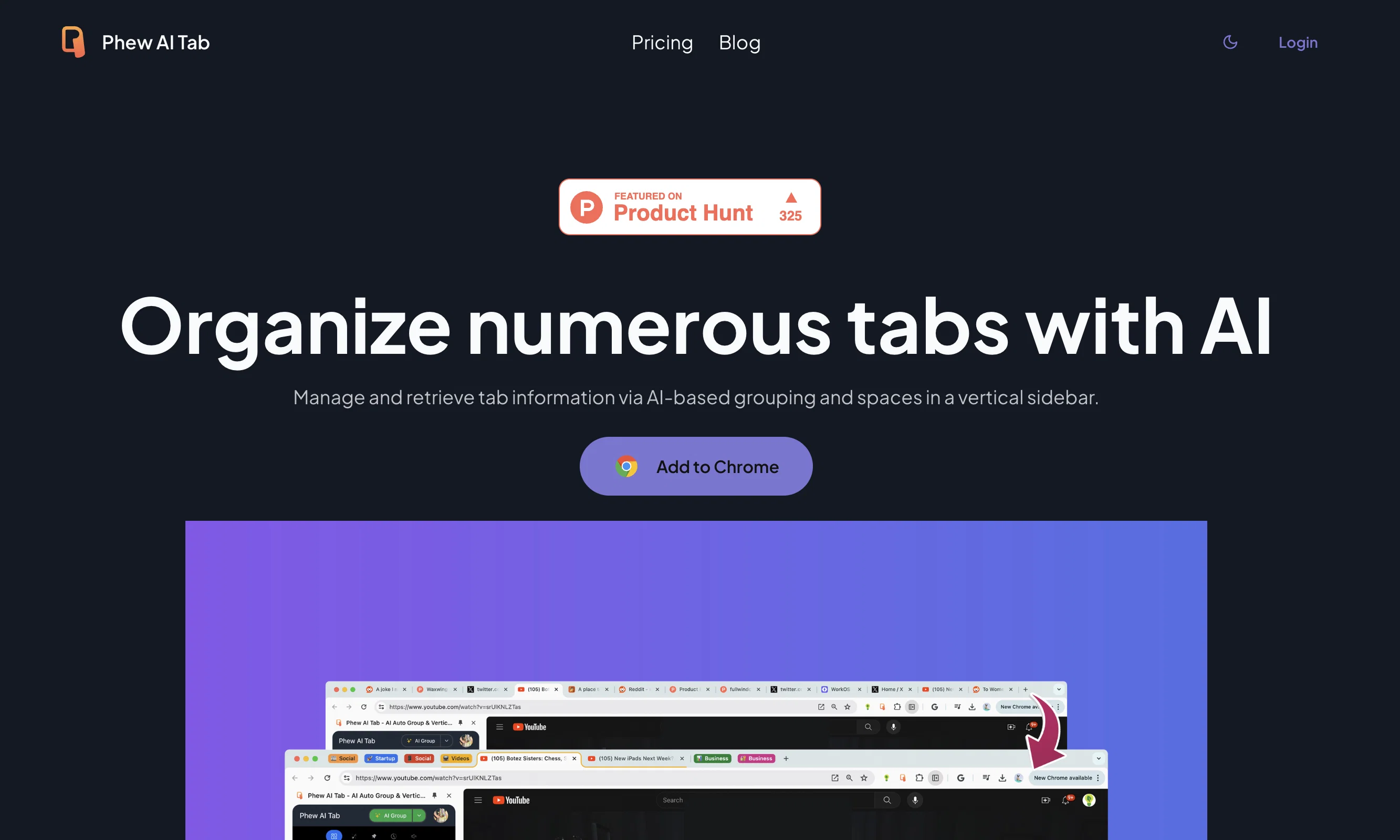
Phew AI Tab is an AI-powered tool designed to effectively organize numerous tabs. This tool is made with the intention of significantly improving the internet browsing experience by eliminating the common issues of clutter and memory limitations. It can be seen as a highly efficient tool for managing mass amounts of tabs. By simply opening the tabs, users allow Phew AI Tab to handle the rest of the process, which includes automatic organization and management of the opened tabs. This tool presents a unique solution for those who need to have multiple tabs open for research, work, or personal use but face challenges with their management. Its application extends to memory management, as it actively works to prevent the overcrowding of memory by various tabs. This tool operates by simply adding and integrating it into your Chrome browser. Once added, it autonomously takes care of the tab and memory management processes that can often be overwhelming for many users. Phew AI Tab is intended to make internet browsing more efficient and less daunting by overcoming the common concern of managing numerous tabs at once. This tool appears to be a suitable fit for anyone looking for a way to manage their tabs better, from students and researchers to industry professionals and casual internet users. Help other people by letting them know if this AI was useful. Add your own prompts and outputs to help others understand how to use this AI.
When considering Phew AI Tab for integration into your organizational workflow, we recommend deploying a structured score card across three critical operational pillars: Security & Compliance, Integration Friction, and long-term Price Scalability. Rather than looking only at basic feature lists, modern procurement teams must assess how a software platform behaves under high load and how well it fits into the team's data security guidelines.
Depending on your operating region and field, ensure that Phew AI Tab supports standard security layers such as SOC 2 Type II certifications, GDPR compliance, or HIPAA-compliant database encryption. If the tool connects directly to client database tables or handles user passwords, verify that they implement multi-factor authentication (MFA), single sign-on (SSO) integrations, and end-to-end data encryption in transit and at rest.
Siloed data is the primary cause of operational friction. Evaluate if Phew AI Tab has native connectors for your current project trackers, messaging hubs, and customer communication channels. For custom developer requirements, check if they provide a fully documented REST API with reasonable rate limits, comprehensive Webhooks support, and robust SDK packages in your language. A flexible API layer saves hundreds of hours of manual copy-paste overhead.
SaaS pricing packages are often deceptively simple. When reviewing Phew AI Tab's billing structure, map out your team's projected expansion over the next 12 to 24 months. Determine how costs scale as your customer database increases or as you add team members. Factor in setup costs, mandatory support plan upgrades, API access fees, and storage overage rates to understand the true cost before committing to a contract.
By combining verified user reviews from our directory with internal workflow pilot tests, your procurement team can make an informed decision that drives productivity without creating capital waste.
Overall rating
Based on 17 reviews
Very interesting
Béatrice Duval
Code varies from run to run. Still it is a helpful app. You can specify coding languages that are not in the dropdown menu.
Oran Kangas
Such an impressive platform for all of us who are looking for more efficient ways to do the investigation. @OpenRead has the potential to solve our problems.
Zhuohang Tong
Fantastic tool for anyone who is looking to promote their personal brand and gain followers on Linkedin with no experience. The tool has a lot of potential to grow and as someone who has recently purchased the tool I'm hoping for more topics in settings.
Ed Soltani
after playing around with it for a bit, i am now aware of how much i need this. i can already feel the hours of sleep coming back to me <3
Bru no no no
As the service was in beta-testing stage, I created there a dozen of AI-generated courses for free. I wanted to use them. Those courses remained in my account as they started subscription tiers. But recently I have found out that they were deleted. The support didn't answer to my e-mail at all.
Oldfag TV
your answer is much too general, so useless. You could have just tell me to ask Perplexity.
Ta
it's nice that you have a Summarize button on youtube when you go and have the extension installed. Im not getting sources on articles it gives me however..
Ron Jayson
Great accuracy and easy to crosscheck with the provided hyperlinks to the sources.
Marius Schmitt
Great idea, but does not find what you are looking for-about the same as Google Scholar
Andy
A valuable resource. I think I will be using this site quite regularly.
Slavica Voss
We will give you guys a go! thanks!
Silent Co
Alternative for fast academic writing
Ivan Taslim
O GPT faz uma análise melhor e mais personalizada.
Vinicius Vilela
I joined Kin's beta program on my iPhone XR. After upgrading to an iPhone 13, I found that I couldn't log into my existing account on the new phone, forcing me to create a new account. Now, I have two separate Kin accounts on different phones. Today, when I accessed the beta version of Kin, I got a notification stating that the test version ended on Monday, September 23rd. It instructed me to back up my data and move to the official Kin app. I did as advised—backed up my data, confirmed, uninstalled the beta app via TestFlight, and installed the official Kin app. However, when I attempted to “log in”, I was still unable to access my existing account. This issue hasn't been resolved yet. I have been trying desperately to get in contact with the support team. I left feedback through the test flight app and sent emails. No response. Now trying to find a forums, Reddit posts, TAAFT comments☻
Desiree Miller
Suppppeeeeerrr! Wowwww! @Mindsmith is absolutely fantastic! It is incredibly useful, easy to use, and very professional.
Claudia Scilletta
The grouping feature is excellent. Bring the Arc browser's Space functionality to Chrome, a fantastic idea!
SILU
Starting Price
Free plan available
Free tier available with optional paid upgrades.


