5.01 months ago
“Review”
So helpful!!!
kyle m

Convert lecture slides and notes into flashcards instantly.
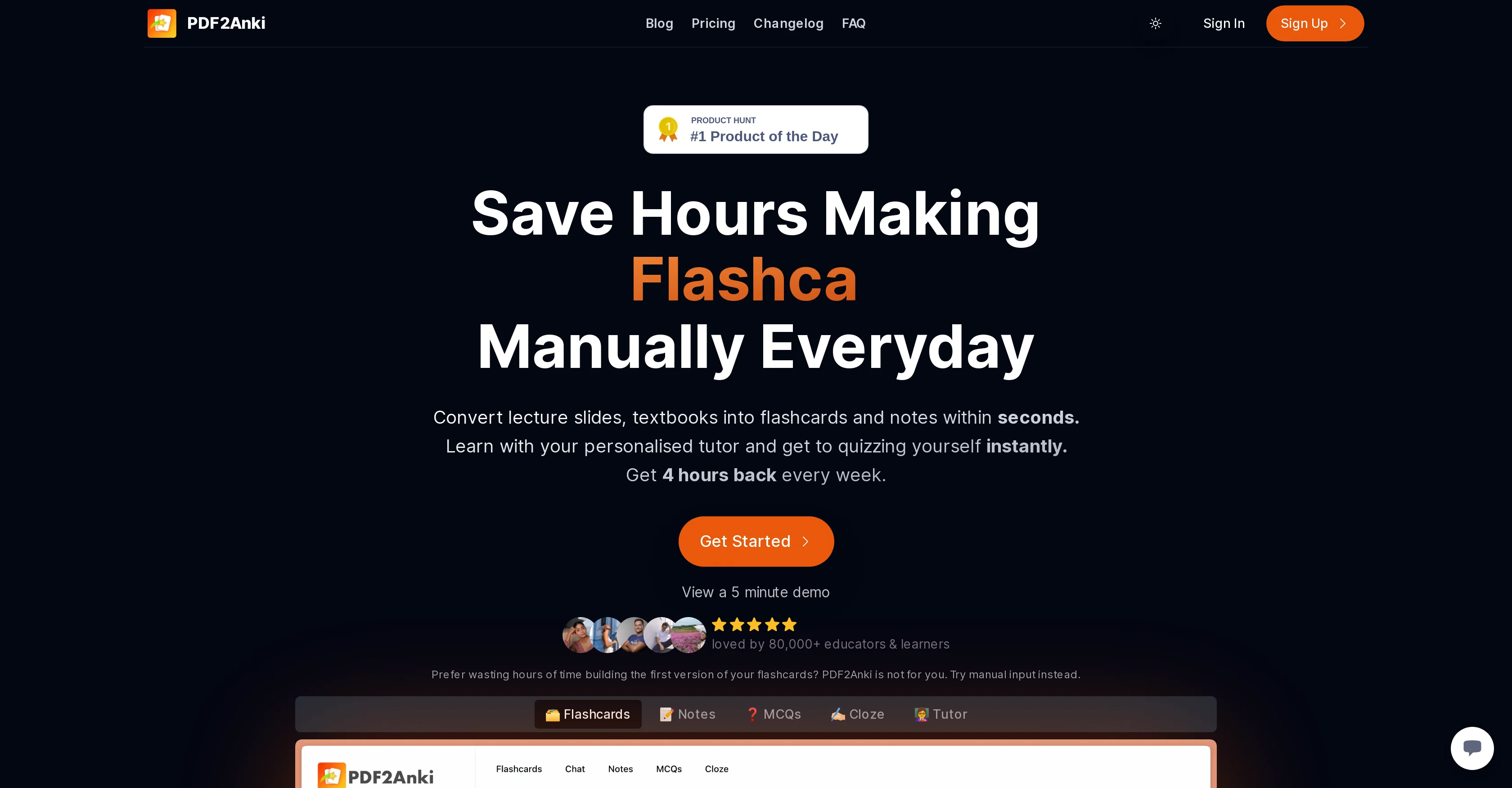
Memo is an AI-driven learning tool that allows users to convert lecture slides, textbooks, notes and PowerPoints into flashcards, notes, Multiple Choice Questions (MCQs), and cloze deletions, in a matter of seconds. This automates the manual and time-consuming process of creating flashcards, enabling users to make efficient use of their time for studying and learning rather than preparing resources. Users can upload their PDFs, select the desired style, and generate flashcards tailored to their study needs. The tool also offers a 'Tutor mode' for a personalised learning experience. This feature involves a virtual tutor trained on the user's material, to provide customised feedback on their strengths and weaknesses and suggest a tailored study plan. Users can further export their flashcards to apps such as Anki, Quizlet, and others for convenient revision. PDF2Anki supports 100+ languages and employs high-grade models in the industry, ensuring excellent quality. Created by medical students, this tool aims to revolutionise the learning approach by making resource creation smarter and more accessible to students worldwide. Help other people by letting them know if this AI was useful. Add your own prompts and outputs to help others understand how to use this AI.
When considering Memo (Formerly PDF2ANKI) for integration into your organizational workflow, we recommend deploying a structured score card across three critical operational pillars: Security & Compliance, Integration Friction, and long-term Price Scalability. Rather than looking only at basic feature lists, modern procurement teams must assess how a software platform behaves under high load and how well it fits into the team's data security guidelines.
Depending on your operating region and field, ensure that Memo (Formerly PDF2ANKI) supports standard security layers such as SOC 2 Type II certifications, GDPR compliance, or HIPAA-compliant database encryption. If the tool connects directly to client database tables or handles user passwords, verify that they implement multi-factor authentication (MFA), single sign-on (SSO) integrations, and end-to-end data encryption in transit and at rest.
Siloed data is the primary cause of operational friction. Evaluate if Memo (Formerly PDF2ANKI) has native connectors for your current project trackers, messaging hubs, and customer communication channels. For custom developer requirements, check if they provide a fully documented REST API with reasonable rate limits, comprehensive Webhooks support, and robust SDK packages in your language. A flexible API layer saves hundreds of hours of manual copy-paste overhead.
SaaS pricing packages are often deceptively simple. When reviewing Memo (Formerly PDF2ANKI)'s billing structure, map out your team's projected expansion over the next 12 to 24 months. Determine how costs scale as your customer database increases or as you add team members. Factor in setup costs, mandatory support plan upgrades, API access fees, and storage overage rates to understand the true cost before committing to a contract.
By combining verified user reviews from our directory with internal workflow pilot tests, your procurement team can make an informed decision that drives productivity without creating capital waste.
Overall rating
Based on 20 reviews
So helpful!!!
kyle m
Alternative for fast academic writing
Ivan Taslim
O GPT faz uma análise melhor e mais personalizada.
Vinicius Vilela
@Aithor is an excellent tool for writing scientific essays. The best part is that it shows real references. This means your generated text is validated. Other tools, like Gemini or Chatgpt, frequently give wrong citations and references, even nonexistent ones.
Iftekhar Alam
Thank you for your kind words, Ruach Dak! We're thrilled to be a part of the writing journey for so many writers worldwide. If you ever need assistance or have any feedback, feel free to reach out to us at hello@Paperpal.com. We are always here to assist you. Happy writing!
Paperpal
I’ve been using it for a month now and I have decided to keep it for a year. There definitely are some kinks they can still work out like file management, but it’s very good at it’s core function: it generally does a good job answering questions and most times identifies PDFs automatically and correctly. The browser plugin works great, and it’s very nice that @Papers allows you to add your university’s library API so you can automatically download PDFs that are accessible through your institution (sometimes it refuses to download some @Papers, so you just have to downlow it yourself and manually add it). The iPad and Android apps are serviceable. Every once in a while it will mess up the PDF identification, especially with @Papers from either very old sources or online-only journals. Things they must work on: * A much better system to annotate PDFs (the post-it type notes are cumbersome). * Introduce a notepad attached to each PDF or some way to easily link and save the AI’s output to the PDF. Currently, you have to add a little post it note and then paste the text there. * Keep the AI answers available after closing the documents. If you close the document by mistake or have several open and wish to close some, the ai conversation will be reset. * I REALLY wish that you could get citations and links to where the info was from extracted from PDFs. Currently, I have found Coral.ai does a much better job of showing you where the info came from and it even highlights it for you. Give it a try, their 30-day no credit card needed trial allowed me to truly test it, and now I’m a yearly subscriber looking forward for new additions and releases.
JB
I completely agree with the previous comment. I first purchased the $5 package and then upgraded to the Pro package, hoping to create videos longer than 3.5 minutes. However, I was disappointed to find out that I needed to purchase the $99 package to create longer videos. It was not clear that the 5000 characters of script only equated to 3.5 minutes of video. To make things worse, the company has a strict no-refund policy, which feels unfair. They seem more focused on taking your money than providing quality service. I would highly recommend avoiding this service at all costs.
Yannis P.
Very cool app! Build was fast as, and with a few tweaks I fully launched my website in 1 hour!
Joe Smythe
Fantastic tool for anyone who is looking to promote their personal brand and gain followers on Linkedin with no experience. The tool has a lot of potential to grow and as someone who has recently purchased the tool I'm hoping for more topics in settings.
Ed Soltani
No other tool quite like this, it's pretty straightforward. Needed to extract a long interview from YouTube and it extracted everything, providing it in different meaningful formats in less than two minutes. Awesome
Juan Sierra
I already have another transcription tool, but this one is much better. I love the different features such as the summary, quiz, and chapters. It does a great job of them. I've only done one transcript so far to try it out, but I'm truly impressed and am going to grab another code. A couple things that would make it even better are: - the ability to rename the files and organize them through folders. - the ability to download a copy of the other features as well as the transcript. Copying and pasting it works, but doesn't keep the format.
dunn
Suppppeeeeerrr! Wowwww! @Mindsmith is absolutely fantastic! It is incredibly useful, easy to use, and very professional.
Claudia Scilletta
easy to pick up and you get a few free file imports. it gives you results pretty fast, unfortunately i can't find a way to get back to these, they're locked behind the paid service.
Ron Jayson
It's sad to see people want to try your tool out but you have no free sample for them. This may be the best tool out there, but, as mentioned, going through with the AI for minutes to explain what you want, then being prompted to pay, without even knowing if it CAN create something, is discouraging. I hope we can get a free sample or preview at one point, im interested in this one.
Ron Jayson
Everything is working normally. Best,
Stefan Mitrovic
Really like how it finds connection in the content that I save. I don't think any other tool can do that.
amix ffx
I've been playing around with this for a few hours. It's made me say "WOW" too many times than i wish to admit. I'm going to follow this and see how it evolves. For now, i managed to create quite a nice Expenses app for personal use. | It did have some problems when it came to moving some components on other pages, but for how short the prompts it uses can be, it is really impressive. With some proper prompts it can generate some strong stuff.
Bernard
this is very bad and very poor site its not good i visit this but it look like just a simple html css and js page just.....
Raeesmaan
@Keepmind can quickly turn study materials or notes into flashcards, quizzes, and mind maps, while using the more efficient FSRS-5 algorithm to boost learning efficiency — super practical!
Shirley Wilson
Wisdolia is such an useful tool to make flashcards and review content in such an efficient and entertaining way, since you can make flashcards and type the answer and the IA will tell you in which way you got it wrong or right. It's not entirely free unfortunately, you get a limited amount of cards per month.
Luis Javier Morgado
Starting Price
Free plan available
Free tier available with optional paid upgrades.


