5.02 months ago
“Review”
Best PDF to Explainer Videos AI Tool
Alex Cao

Turn PDFs into professional explainer videos in minutes.
Help other people by letting them know if this AI was useful. Add your own prompts and outputs to help others understand how to use this AI.
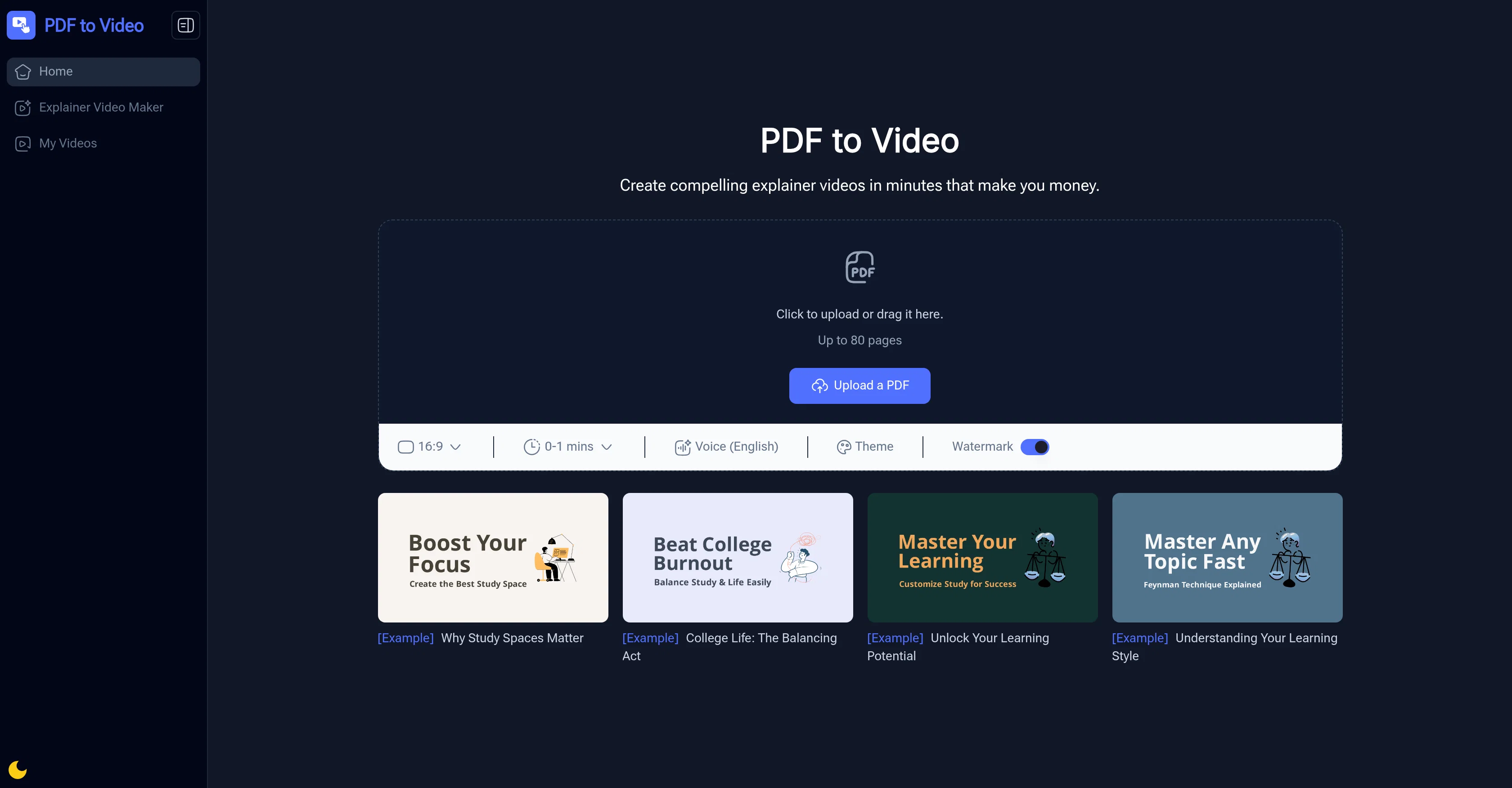
When considering PDF to Video AI for integration into your organizational workflow, we recommend deploying a structured score card across three critical operational pillars: Security & Compliance, Integration Friction, and long-term Price Scalability. Rather than looking only at basic feature lists, modern procurement teams must assess how a software platform behaves under high load and how well it fits into the team's data security guidelines.
Depending on your operating region and field, ensure that PDF to Video AI supports standard security layers such as SOC 2 Type II certifications, GDPR compliance, or HIPAA-compliant database encryption. If the tool connects directly to client database tables or handles user passwords, verify that they implement multi-factor authentication (MFA), single sign-on (SSO) integrations, and end-to-end data encryption in transit and at rest.
Siloed data is the primary cause of operational friction. Evaluate if PDF to Video AI has native connectors for your current project trackers, messaging hubs, and customer communication channels. For custom developer requirements, check if they provide a fully documented REST API with reasonable rate limits, comprehensive Webhooks support, and robust SDK packages in your language. A flexible API layer saves hundreds of hours of manual copy-paste overhead.
SaaS pricing packages are often deceptively simple. When reviewing PDF to Video AI's billing structure, map out your team's projected expansion over the next 12 to 24 months. Determine how costs scale as your customer database increases or as you add team members. Factor in setup costs, mandatory support plan upgrades, API access fees, and storage overage rates to understand the true cost before committing to a contract.
By combining verified user reviews from our directory with internal workflow pilot tests, your procurement team can make an informed decision that drives productivity without creating capital waste.
Overall rating
Based on 39 reviews
Best PDF to Explainer Videos AI Tool
Alex Cao
It's good to make videos
meng
Nice tool,pdf to video is smooth.
sum sum
Amazing product—super easy to use and perfect for making lessons.
hoi lau
Keep it up devolopers! It's damn good ngl
Rex
I uploaded a 25-page PDF into AI Explainer Video Maker, and within 2 minutes it created an 8-minute MP4 with narration and animations. The voice was clear, and the transitions made the content easy to follow. For example, a “Safety Rules” section became simple animated slides, which worked much better for training. It’s a quick, practical way to turn long documents into explainer videos.
Hazel H
It saved me a lot of time in making videos.
yiming zhou
Very easy to use, it can even handle images contained in PDFs, and the video depth and audio quality are also quite impressive.
pierre
Time saver!Turn any PDF into a video in minutes
Estrella
One of my favorite tools this year!
Lemarie Eaglen
Good, I hope that the text to video function can be launched in the future.
Maxine
It's very smooth to use and has saved me a lot of time in making videos.
Ginzz
I am an educator, and PDF to Video has really solved my problem of classroom presentations. My students no longer have to look at stiff text, which is really great for improving my teaching quality.
Sophie
Great Tool Guys Need to Try These
Yashwanth Kumar Gummadavelli (Siddu)
Gave it a 4 because the voice over would say "registered" whenever the symbol (R) appears.
Mark
Amazing tool. Absolutely loved it! As a new guy who is trying get into teaching this helps me a lot. NO FEE AT ALL! This is amazing. I hope you add an AI chat bot to give commands as well to cover specific topics in the PDF. Absolutely love it, keep it up guys.
Syam Avvari
Great Idea and very helpful, it need to have more voices to choose from, and need to give us the option to edit the transcription, and also it should not always edit the pdf because sometimes the result will be a little glitchy. But I have to say: WELL DONE.
Ghaith Azawi
Really good overall works fast..
Priya
Reviewing after using it for a while, the tool is really slow, sometimes it's good sometimes it's shit. Need to improve on the speed guys. My video generation has been stuck at 97% for last 3 hours. Got nowhere. changing my rating from 5 to 3 stars.
Syam Avvari
I just want to say Thank you to whoever created this tool 😭😭😭😭❤️❤️❤️... Thank you so much... I hope it remains free😭❤️ but for real thank you so much 🙌🏾🙌🏾🙏🏾🙏🏾🙏🏾
Chidera Emmanuel
Very good, would like to have more voices available. Nevertheless, it works to a high level.
Howard Campbell
By far the best video maker I have used so far
brian keary
I really appreciate you trying it out and sharing this! 🙏 The tools should work, but sometimes the verification gets stuck depending on the network. I’ll work on making this smoother. Thanks again!
Shawn Lee
It doesn't want to follow the prompt (only up to 30%), so the strong stylization is too close to "coloring book art" rather than paintings, 2D, 3D, or any "handmade art," as strictly specified in the prompt and shown on the app's demo picture. It simply does whatever it wants, not whatever we want because it's a shiny-fancy rebel like R2D2 ;-) THX
Timeship
very powerful tool
Benji Asiamah
This tool i found is super cool, I created 5 books from this tool to sell them online, which gives me great profit. I am creating more valuable books to spread knowledge, and earn some bucks as well 🤑.
Bilal Ashraf
nice holistic
Amit ImmI
your answer is much too general, so useless. You could have just tell me to ask Perplexity.
Ta
I often struggle to find the right words, but this tool helps me polish my expressions and make my writing flow naturally.
Sarah
this is completely free, and it is amazing that you can change pictures into art and animations without paying anything.
Ellio
This tool not only transcribes videos and audio, but also automatically generates summaries, which greatly helps me organize my study notes.
Sarah
Love this app!
Chase O'Neal
There were no aristocratic Asians and Africans in ancient Rome.
Sándor Gajdos
Went from a C to an A in Cognitive Psychology using @Thea!!
Sarah White
still background removing accuracy is required. it only 80% not 100%
Krutika Creations
Not at all accurate…. The only thing similar between original and generated images were the clothes and accessories… face was absolutely new and unconnected.
Shvetank Sharma
I think it's the best @Image Generator I ever found on the net. It gives more accurate image according to the prompt. And thank you for keeping it for free.
My Sawsiri
Not what I expected. The roblocks stuff. When you say PDF to video, I was expecting whatever the PDF says there would be an animation or cartoon or something visually animated going on.
CADmanDesigns
A very clean website — simple, clear, and fast to generate results.
yiming zhou
Starting Price
Free plan available
Free tier available with optional paid upgrades.