5.01 months ago
“Review”
O GPT faz uma análise melhor e mais personalizada.
Vinicius Vilela

AI Meeting Assistant for real-time transcription and notes
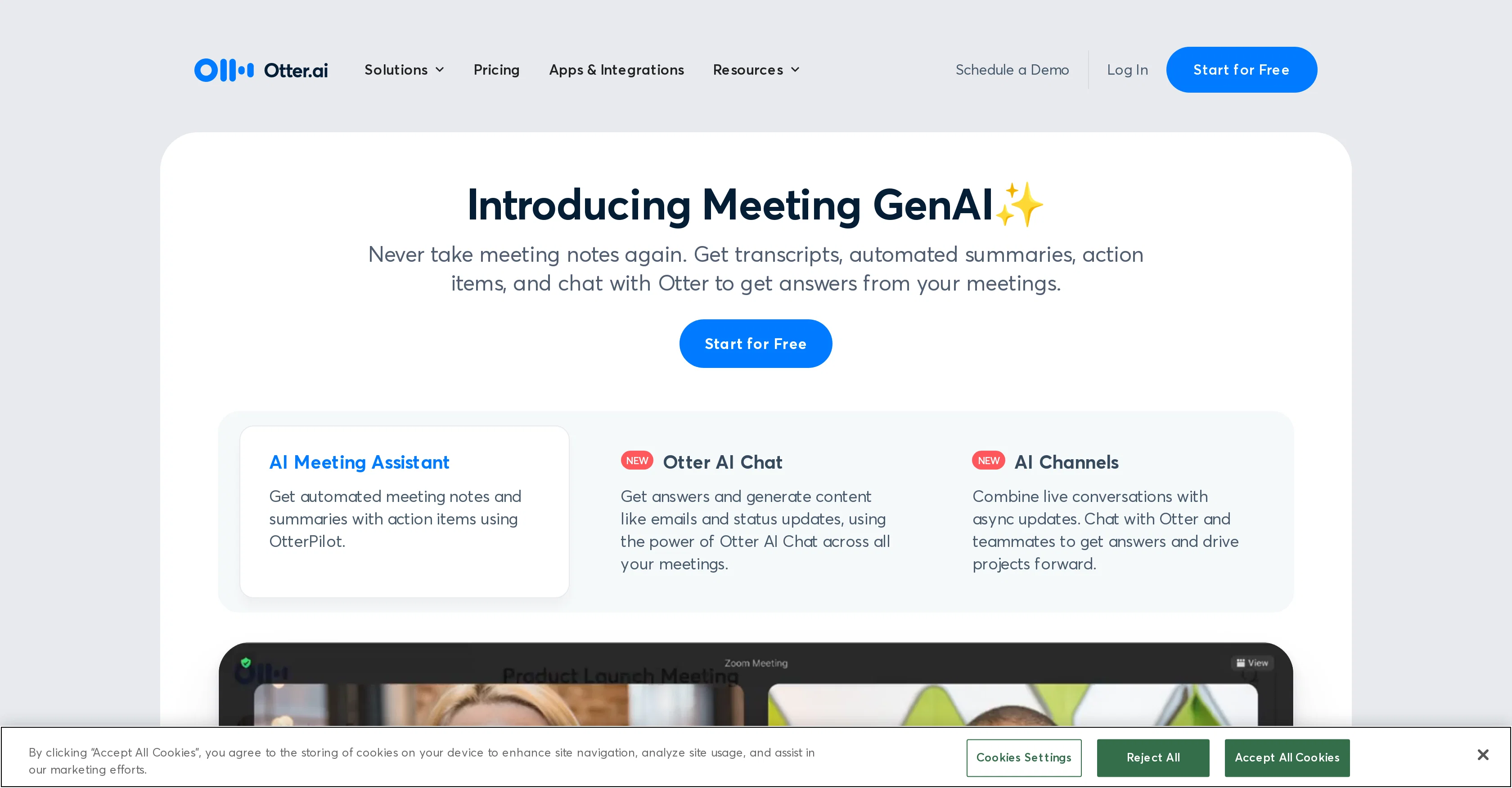
Otter.ai offers a comprehensive solution for managing meetings by providing transcription and note-taking services powered by AI. Its toolset enables automatic transcription of meetings in real time, recording audio, capturing slides, and highlighting action items. It works across various sectors, including business, sales, education, and media, and is designed to make meetings more effective and actionable by creating automated notes. Otter.ai provides a service named 'OtterPilot', which auto-joins meetings on different platforms like Zoom, Google Meet, and Microsoft Teams to produce notes automatically. It features Otter AI Chat, which offers the capability to generate content like emails and status updates across all meetings. One of its significant features is the ability to generate a summary in 30 seconds from a one-hour team meeting, keeping everyone informed. Otter.ai also assigns action items from the meeting and sends follow-up emails. The platform integrates with different workflows and tools, including Salesforce, HubSpot, Egnyte, Amazon S3, Snowflake, and Microsoft SharePoint. AI Meeting Agent joins calls, transcribes, answers questions, and schedules follow-ups Sales and SDR agents offer real-time coaching and lead support Otter Chat generates summaries, action items, and emails from meeting content AI Channels combine live discussions with async updates for team collaboration OtterPilot now offers deeper integrations with Zoom, Teams, and Google Meet for automated notes and summaries Help other people by letting them know if this AI was useful. Add your own prompts and outputs to help others understand how to use this AI.
When considering Otter.aiv4.0 for integration into your organizational workflow, we recommend deploying a structured score card across three critical operational pillars: Security & Compliance, Integration Friction, and long-term Price Scalability. Rather than looking only at basic feature lists, modern procurement teams must assess how a software platform behaves under high load and how well it fits into the team's data security guidelines.
Depending on your operating region and field, ensure that Otter.aiv4.0 supports standard security layers such as SOC 2 Type II certifications, GDPR compliance, or HIPAA-compliant database encryption. If the tool connects directly to client database tables or handles user passwords, verify that they implement multi-factor authentication (MFA), single sign-on (SSO) integrations, and end-to-end data encryption in transit and at rest.
Siloed data is the primary cause of operational friction. Evaluate if Otter.aiv4.0 has native connectors for your current project trackers, messaging hubs, and customer communication channels. For custom developer requirements, check if they provide a fully documented REST API with reasonable rate limits, comprehensive Webhooks support, and robust SDK packages in your language. A flexible API layer saves hundreds of hours of manual copy-paste overhead.
SaaS pricing packages are often deceptively simple. When reviewing Otter.aiv4.0's billing structure, map out your team's projected expansion over the next 12 to 24 months. Determine how costs scale as your customer database increases or as you add team members. Factor in setup costs, mandatory support plan upgrades, API access fees, and storage overage rates to understand the true cost before committing to a contract.
By combining verified user reviews from our directory with internal workflow pilot tests, your procurement team can make an informed decision that drives productivity without creating capital waste.
Overall rating
Based on 27 reviews
O GPT faz uma análise melhor e mais personalizada.
Vinicius Vilela
I'm still testing the tool yet it looks very promising. I tested it with a 5.5k words Academic text that I had previously red. I tested the Key points feature, it does work!
Ivana González
Looks amazing, but only 5 searches??
kanawati
A whole new way of learning how to code
Francisco Silverio
@Cursor is underrated.
Vanessa
I got some top quality results after learning how to prompt songs 🤩
Claes Lanng
I think it's the best @Image Generator I ever found on the net. It gives more accurate image according to the prompt. And thank you for keeping it for free.
My Sawsiri
Now here's an application where ML can shine. Translation quality is usually excellent, especially if the target language is English. Probably the closest you can get to a decent translation short of hiring a professional translator.
Daniel Saner
When I want to sign up on the @Ideogram website with "Continue with Google" and press it, the sentence "Please choose an option to continue" appears below the banner and no action happens. Anybody can help me?
Michael Ryan
The most humanly AI i have used so far but the problem is as soon as you start piling up messages in single chat session , it starts getting slow and at some point it starts freezing and also uses a lot of resources. For time being its okay to do 3 4 messages but as soon as we continue it has messages limitation and also starts getting very very slow . For the price of £18 per month this is unacceptable and with the newly introduced feature called project, if we start new chat within the project we cannot continue with the context we provided in other chats within same project. There are lot of improvements for them to work on. And to start with the its speed and its price
Bibash Katel
too expensive for me, I just want to make memes, not pay that much
Grzegorz Rolnik
Great avatar generation tool!
Ethan Webb
Couldn't live without it.
Ryan
easy onboarding, quick to set up.
Pluto Radigund
State of the Art
Dmitry G.
Such a great place to start out!
Helli Lang
Loved the search engine ideas.
Amr عمرو Amin امين
very accurate transcription. summaries are spot on. and can transcribe conversations in real-time. easy to use
Jeff Matteus
Otter joins the meeting as an AI recording. It is fine if you are the host. If you are not than most hosts don’t allow it so its not helpful. Many other other AI meeting programs can transcribe, summarize, and do all the things otter does without the complication of being added to the meeting. TactiIQ, Limitless, and others are superior.
Gavriel F
has been a serious timesaver. It handles meeting transcriptions, summaries and follow-ups way faster than I ever could. OtterPilot jumping into Zooms for me is low key genius. I just wish the voice detection was a bit more accurate with overlapping speakers, but overall, a solid tool.
Sedigheh Amiri
use this for every patient consultation now. transcribes everything so i can focus on the patient instead of typing notes. saves me at least 2 hours of documentation daily. my charting is actually done before i leave the office
Matt Ray
Amazing tool which transcribes and summarizes meetings. I've tried a few, and this one's the best!
Natalya Knyazeva
I've tried 10 note-taking tools, and so far this is the best. My work is now much simpler and more efficient.
Happy Kid
Maybe more useful as I think!
yuesheng zheng
I like the desktop version, it can record and transcribe my meetings. Pretty accurate transcript and summary.
akihouse98
Very smooth and effective. It could detect even Hindi language and could summarise pretty reasonably
Pankaj Dixit
👋 Hey everyone — I’m Yusef, founder of @Jamy. We built @Jamy because we were tired of wasting time after meetings — rewriting notes, chasing action items, and trying to remember what was actually said. @Jamy handles all of that automatically: it joins your calls, transcribes, summarizes, pulls tasks and quotes, and even sends branded follow-ups. It works with Zoom, Google Meet, Teams, and phone calls — and connects with tools like Slack, Trello, and Notion. If you’re curious, give it a spin — @Jamy.ai. Would love your feedback! — Yusef
Yusef Jacobs
Starting Price
Free plan available
Free tier available with optional paid upgrades.


