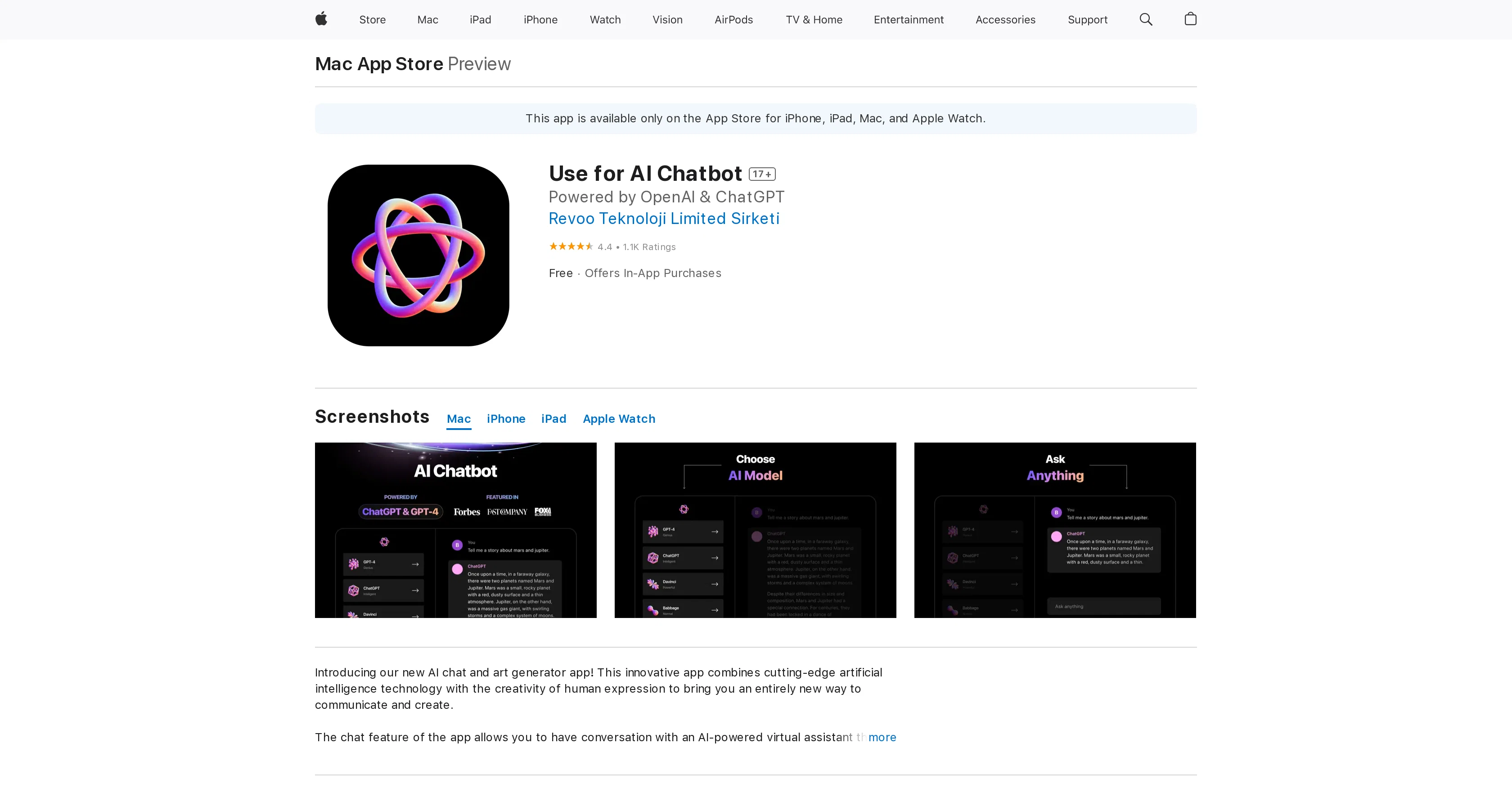
Use for AI Chatbot is a digital tool created by Revoo Teknoloji Limited Sirketi that functions both as an AI chat and art generator app. This innovative application merges advanced artificial intelligence with an aspect of human creativity, providing users with a unique method of communication and creation.
The chat functionality of the app allows interaction with an AI-powered virtual assistant capable of understanding and responding to natural language inputs.
It facilitates casual conversations, answers queries, and emulates human-like responses. The art generation aspect enables users to design distinct art pieces using AI.
It offers a variety of styles to select from, producing an original artwork based on user preferences. The app also permits users to incorporate their personal photos while generating art, thus giving a personalized touch to the creations.
While this app uses OpenAI's GPT3.5 API, it should be noted that the developers are not directly associated with OpenAI. Their official API is simply employed in the application.
The app is available for download across various Apple devices, opening up a new creative world for users to explore.
Help other people by letting them know if this AI was useful.
Add your own prompts and outputs to help others understand how to use this AI.
Screenshot gallery
Pros & Cons
Pros
+Available on multiple devices
+Integrated natural language processing
+Machine learning responses
+Simulates human conversation
+User ratings available
+Screenshot previews
+Artistic personalization
+Incorporates user photos for art
+Allows casual conversations
+Facilitates answering user queries
+Offers variety of art styles
+Artwork based on user preferences
+Good user reviews
+User-friendly interface
+Accurate and informative solutions
+Aesthetic and easy navigation
+Requires no prior knowledge
+Multiple subscription options
+Option for one-time purchase
Cons
−iOS and MacOS only
−No available API
−Paid subscription model
−Some issues reported with purchase/subscription restoration
−Problems reported with server load causing downtime
−Art generation feature may not meet users' expectations
−User activity data tracking
−Potential privacy issues
−Requires latest iOS, iPadOS, MacOS versions
A Professional Framework to Evaluate OpenAI for Desktop
When considering OpenAI for Desktop for integration into your organizational workflow, we recommend deploying a structured score card across three critical operational pillars: Security & Compliance, Integration Friction, and long-term Price Scalability. Rather than looking only at basic feature lists, modern procurement teams must assess how a software platform behaves under high load and how well it fits into the team's data security guidelines.
1. Security and Database Compliance
Depending on your operating region and field, ensure that OpenAI for Desktop supports standard security layers such as SOC 2 Type II certifications, GDPR compliance, or HIPAA-compliant database encryption. If the tool connects directly to client database tables or handles user passwords, verify that they implement multi-factor authentication (MFA), single sign-on (SSO) integrations, and end-to-end data encryption in transit and at rest.
2. API Coverage and Custom Integrations
Siloed data is the primary cause of operational friction. Evaluate if OpenAI for Desktop has native connectors for your current project trackers, messaging hubs, and customer communication channels. For custom developer requirements, check if they provide a fully documented REST API with reasonable rate limits, comprehensive Webhooks support, and robust SDK packages in your language. A flexible API layer saves hundreds of hours of manual copy-paste overhead.
3. Total Cost of Ownership (TCO)
SaaS pricing packages are often deceptively simple. When reviewing OpenAI for Desktop's billing structure, map out your team's projected expansion over the next 12 to 24 months. Determine how costs scale as your customer database increases or as you add team members. Factor in setup costs, mandatory support plan upgrades, API access fees, and storage overage rates to understand the true cost before committing to a contract.
By combining verified user reviews from our directory with internal workflow pilot tests, your procurement team can make an informed decision that drives productivity without creating capital waste.
Features of OpenAI for Desktop
AI Communication
Art
Art Generation
Artificial Creativity
Chatbot
Desktop App
Free + From $29.99/Yr
SaaS1to10 verified reviews for OpenAI for Desktop
Overall rating
★★★★★5.0
Based on 20 reviews
★★★★★5.01 months ago
“Review”
A fantastic tool for IPhone 16 Pro and other mobile phones. They just released the full suite of Dolphin 🐬 3.0 models and I am impressed by the variety and functionality. Slowed the bigger you get in the parameter count but worth it for something able to be run in your pocket with no cloud calls. Cheap too! Good product.
brian croteau
★★★★★5.02 months ago
“Review”
I wasn't able to use this one (I have my API key)
Pauline LeBlanc
★★★★★5.02 months ago
“Review”
paid and stuff and not that good
Max Adventures
★★★★★5.02 months ago
“Review”
I am not satisfied with @Looka.
AK Properties
★★★★★5.02 months ago
“Review”
Amazing, fast
Leonel Curra
★★★★★5.02 months ago
“Review”
Finally, a prompt optimizer that makes sense, adding power to my own words. Easy to expand details, easy to go deeper and to get exactly what I need to squeeze out incredible results with ChatGPT. The Prompt_Enhancer setting is something serious. Thanks guys, keep on providing excellent AI tools!
Hollie Arsement
★★★★★5.02 months ago
“Review”
Nice interface, but no good at PDF answers, especially tables data.
hifive szu
★★★★★5.02 months ago
“Review”
Such an impressive platform for all of us who are looking for more efficient ways to do the investigation. @OpenRead has the potential to solve our problems.
Zhuohang Tong
★★★★★5.02 months ago
“Review”
The website is pretty good but there are only a limited number of responses
Probal Roy
★★★★★5.02 months ago
“Review”
An amazing app, I love the share feature and the comment section summaries
Silvia Cho
★★★★★5.02 months ago
“Review”
It's not free, it forces you to input an email before shoving a price tag in your face.
Arvoly XSL
★★★★★5.02 months ago
“Review”
O GPT faz uma análise melhor e mais personalizada.
Vinicius Vilela
★★★★★5.02 months ago
“Review”
Easy to implement into my workflow and helps save time reviewing and drafting various legal documents
Meaghan Hounslow
★★★★★5.02 months ago
“Review”
like the other person said, you have to pay. Normally, I wouldn't care, but this particular group advertised itself as free for quite some time. A lot of the materials about it still suggest it's free. And then it engages in basically the same pricing structure that people use this tool to protect themselves from.
comrade circuits
★★★★★5.02 months ago
“Review”
It seems to be working fine right now. Maybe try again and double check if you’re using the book’s original or most recognized title. That might make a difference.
Alexandru Bostina
★★★★★5.02 months ago
“Review”
Beautiful//videos
Tanu singh
★★★★★5.02 months ago
“Review”
Great app to create funny text messages
Zack Fediay
★★★★★5.02 months ago
“Review”
OpenAI Sora 2 cost 200 USD /month this tool is just 12 USD / month
shahryar khan
★★★★★5.02 months ago
“Review”
Very good and you don't need a premium to do certain things.
EEP
★★★★★5.02 months ago
“Review”
Accurate. Private and anonymous. No ads, spam or tracking. Just the way I like it