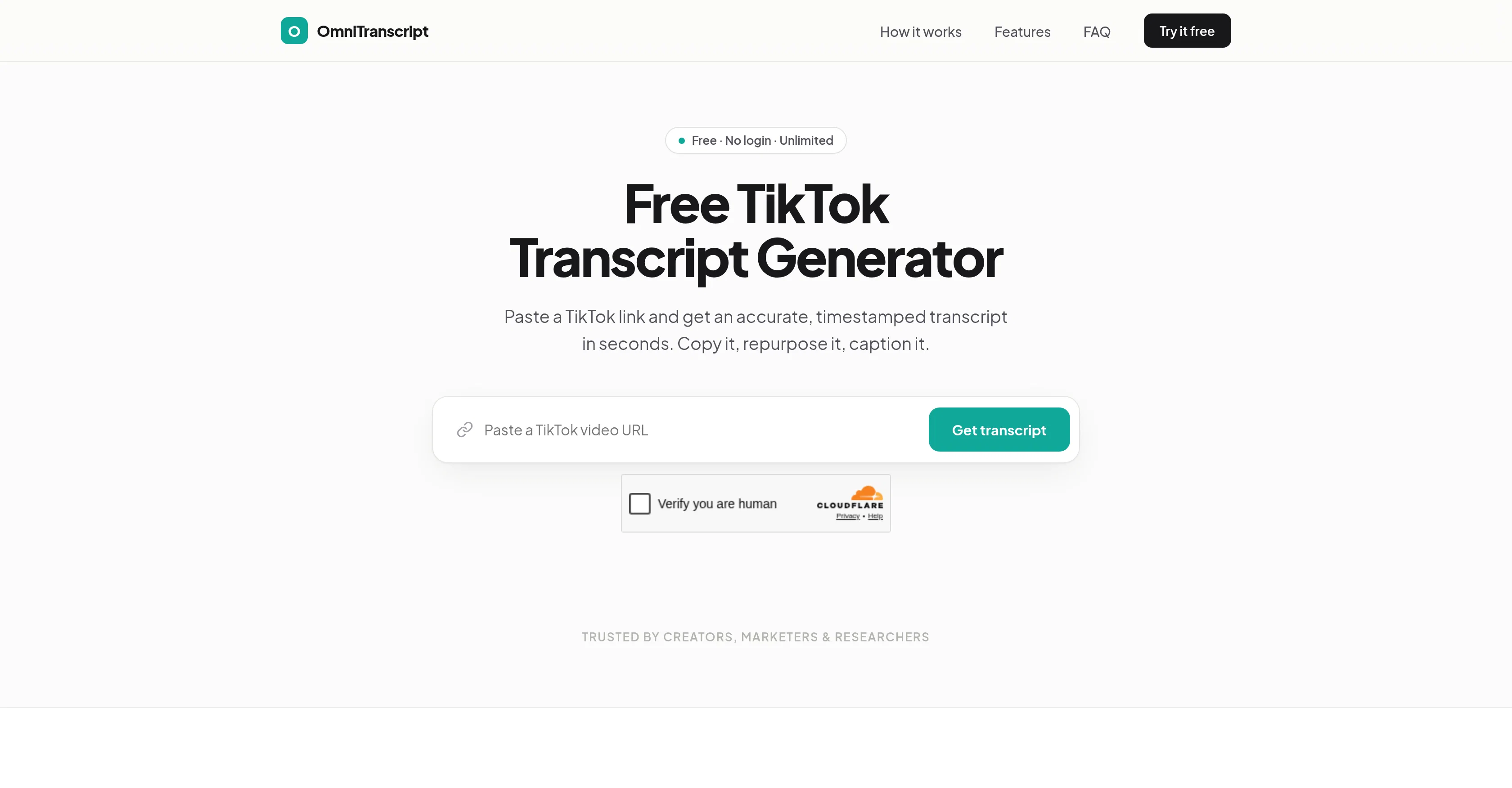
OmniTranscript's TikTok Transcript Generator is a free online tool designed for generating precise transcripts from any public TikTok video in a matter of seconds.
With easy functioning, it involves pasting a TikTok link into the tool to obtain an accurate, timestamped transcript. It is not mandatory for users to sign up or login, providing unrestricted, free usage for unlimited video transcription.The tool operates with a speech engine that extracts audio from the videos, converting spoken words to text.
This process provides for relevant captioning and re-purposing of content. The TikTok Transcript Generator stands out with its level of precision, handling challenges including slang, fast speech, and background noise.
Accompanied with timestamps, every line of the transcript is linked with its precise moment in the video. This feature simplifies the locating of specific quotes in the video.
Transcripts can be exported in TXT or SRT formats, making it useful for content editors and creators. Prioritizing user privacy, it does not store any videos or transcripts after processing.
This provides users with a secure experience, ensuring their content is not retained after usage. OmniTranscript supports transcription in over 100 languages, which allows users to effectively work with a wide range of international content.
Help other people by letting them know if this AI was useful.
Add your own prompts and outputs to help others understand how to use this AI.
Screenshot gallery
Pros & Cons
Pros
+Free online tool
+Transcribes public TikTok videos
+No signup or login
+Unlimited video transcription
+Handles slang and fast speech
+Reduces background noise for accuracy
+Timestamped transcripts
+TXT and SRT export
+100+ languages supported
+Does not store user data
+Repurposing content made simple
+User-centric privacy focus
+Instant results
+Handles even fast speech
+Transcripts linked to video moment
+Great for content editors and creators
+Efficient audio extraction
+Reliable speech to text conversion
+No video or transcript retention
+Wide international content applicability
Cons
−Only public TikTok videos
−No video storage feature
−Only TXT and SRT exports
−No API
−Inability to handle private accounts
−No sign-up possibility for preferences
−No WebVTT export
−Precision varying language to language
−Limited to TikTok
−Accuracy depends on audio clarity
A Professional Framework to Evaluate OmniTranscript
When considering OmniTranscript for integration into your organizational workflow, we recommend deploying a structured score card across three critical operational pillars: Security & Compliance, Integration Friction, and long-term Price Scalability. Rather than looking only at basic feature lists, modern procurement teams must assess how a software platform behaves under high load and how well it fits into the team's data security guidelines.
1. Security and Database Compliance
Depending on your operating region and field, ensure that OmniTranscript supports standard security layers such as SOC 2 Type II certifications, GDPR compliance, or HIPAA-compliant database encryption. If the tool connects directly to client database tables or handles user passwords, verify that they implement multi-factor authentication (MFA), single sign-on (SSO) integrations, and end-to-end data encryption in transit and at rest.
2. API Coverage and Custom Integrations
Siloed data is the primary cause of operational friction. Evaluate if OmniTranscript has native connectors for your current project trackers, messaging hubs, and customer communication channels. For custom developer requirements, check if they provide a fully documented REST API with reasonable rate limits, comprehensive Webhooks support, and robust SDK packages in your language. A flexible API layer saves hundreds of hours of manual copy-paste overhead.
3. Total Cost of Ownership (TCO)
SaaS pricing packages are often deceptively simple. When reviewing OmniTranscript's billing structure, map out your team's projected expansion over the next 12 to 24 months. Determine how costs scale as your customer database increases or as you add team members. Factor in setup costs, mandatory support plan upgrades, API access fees, and storage overage rates to understand the true cost before committing to a contract.
By combining verified user reviews from our directory with internal workflow pilot tests, your procurement team can make an informed decision that drives productivity without creating capital waste.
Features of OmniTranscript
TikTok
Video Transcription
Transcription
Speech To Text
Timestamping
Audio Extraction
Free
SaaS1to10 verified reviews for OmniTranscript
Overall rating
★★★★★5.0
Based on 14 reviews
★★★★★5.02 months ago
“Review”
@Reelyze is an excellent AI tool for short-form content creators. It provides detailed frame-by-frame analysis, identifies weak hooks, pacing issues, and audience drop-off points, then offers practical suggestions to improve future videos. The interface is clean, the reports are easy to understand, and it saves a lot of time compared to manual analysis. A great tool for anyone serious about growing on Instagram Reels, TikTok, or YouTube Shorts. Highly recommended!
Sheraaz Ahmad
★★★★★5.02 months ago
“Review”
Best AI tool
דניאל
★★★★★5.02 months ago
“Review”
Hello! Thor here, creator of @Axell. We're the first generative AI application with real-time sync for multiple users, happy to answer any questions.
Thor
★★★★★5.02 months ago
“Review”
I trained on mockup of our robots and used the photos for presentation!! Loved how they look on my presentation. Planning to use it to create headshots for our team.
Yume Robotics
★★★★★5.02 months ago
“Review”
Building multi-agent AI systems shouldn’t require wrestling with messy Python boilerplate, cloud subscription or complex local setups. I built @AgentSwarms (@AgentSwarms.fyi) to solve this. It’s an interactive, in-browser visual sandbox for learning, building, testing, and orchestrating multi-agent AI workflows. Instead of relying on a single AI chatbot that easily hallucinates, @AgentSwarms lets you drag and drop specialized AI agents—like data extractors, code reviewers, and SQL query nodes—to handle complex tasks reliably. Key features for builders: Visual Edge Tracing: Stop guessing why your AI failed. Click any connection line to see the exact JSON data passing between agents in real-time. In-Browser Execution: Powered by local DuckDB WASM. No backend setup required. Enterprise Templates: Test reverse-engineered Agenitic AI architectures for Cybersecurity, Finance, and E-commerce and 10+ industries right on the canvas. If you are tired of black-box AI debugging and want to master Agentic AI orchestration visually, come try the sandbox for free! Let me know what you think of the new execution history features. 🚀
Rohan Ghosh
★★★★★5.02 months ago
“Review”
Deploys the backend directly from chat!
Spam Trapper
★★★★★5.02 months ago
“Review”
ThumbnailCreator lets you generate YouTube Thumbnails using AI! 🚀
Aleric Heck
★★★★★5.02 months ago
“Review”
Very interesting
Béatrice Duval
★★★★★5.02 months ago
“Review”
This tool i found is super cool, I created 5 books from this tool to sell them online, which gives me great profit. I am creating more valuable books to spread knowledge, and earn some bucks as well 🤑.
Bilal Ashraf
★★★★★5.02 months ago
“Review”
Not at all accurate…. The only thing similar between original and generated images were the clothes and accessories… face was absolutely new and unconnected.
Shvetank Sharma
★★★★★5.02 months ago
“Review”
It translateed quite well my video and easy to use and edit. PLus the free version is good to hava a first try
Nicoleta Dragus
★★★★★5.02 months ago
“Review”
Super helpful tool for content creators like myself. I have a Patreon where I give my Patreons quizzes and video summaries based on my YouTube video and this website speeds the whole process up tremendously.
Terzian Teaching
★★★★★5.02 months ago
“Review”
It doesn't allow me to upload a file with less then 1GB and sends the message "Tenant ID missing"...
Fil Ca
★★★★★5.02 months ago
“Review”
Fast - probably the fastest tool I've tried for transcribing from an uploaded MP3. Accuracy was good. My samples was a ~30 min university lecture recorded alone (recorded with a mic and laptop, not in a lecture hall). Only complaint is that the logical sectioning or paragraphing isn't great. (It's hard to do with these stream-of-consciousness type lectures, but some tools do a great job.) If I didn't need the logical breaks, I'd likely come back to this tool solely for the speed and accuracy. Great job!