5.01 months ago
“Review”
It's not free, it forces you to input an email before shoving a price tag in your face.
Arvoly XSL

Intelligent AI document translation, preserving format.
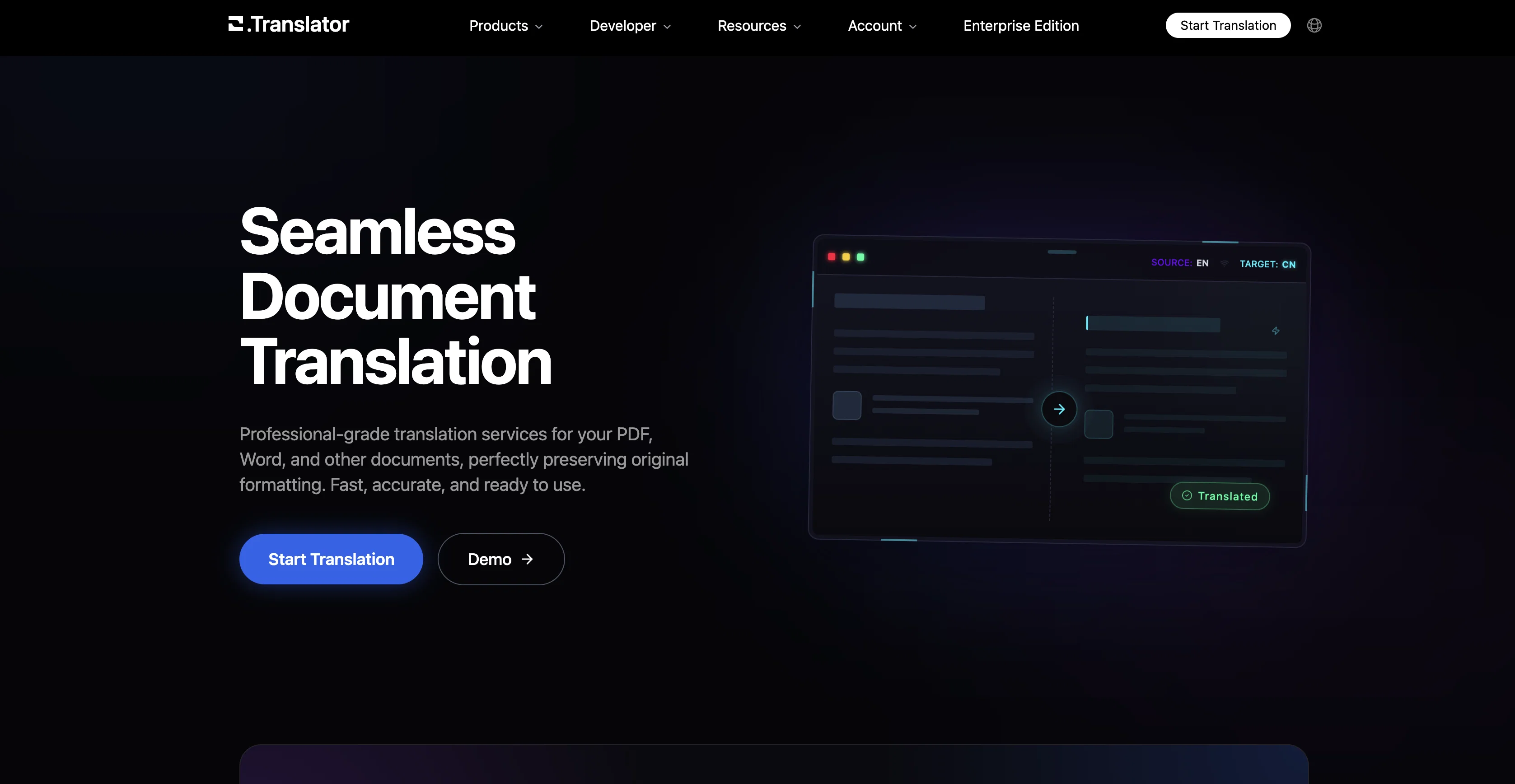
Office Translator is an online translation tool that leverages artificial intelligence (AI) to translate various document formats while retaining their format. The tool is designed to meet translation needs across diverse sectors such as legal, gaming, and finance. It employs a large language model (LLM) which aims for improved semantic understanding and application, thereby enhancing the quality of translations. Formats supported include PDF, DOCX, XLSX, PPT, EPUB, among others. An highlighting feature of Office Translator is the ability to preview translations before deciding to translate the entire document. This application ensures the secure storage of translated documents, allowing users to preview them anytime, from any device. Office Translator offers robust technical support, being accessible via email or Discord. It provides a simple interface where users can upload a document, select the original and target languages, and start the translation. Although pricing details may vary depending on the length and complexity of the documents, the tool strives to minimally charge customers while maintaining system operations effectively. Help other people by letting them know if this AI was useful. Add your own prompts and outputs to help others understand how to use this AI.
When considering Office Translator for integration into your organizational workflow, we recommend deploying a structured score card across three critical operational pillars: Security & Compliance, Integration Friction, and long-term Price Scalability. Rather than looking only at basic feature lists, modern procurement teams must assess how a software platform behaves under high load and how well it fits into the team's data security guidelines.
Depending on your operating region and field, ensure that Office Translator supports standard security layers such as SOC 2 Type II certifications, GDPR compliance, or HIPAA-compliant database encryption. If the tool connects directly to client database tables or handles user passwords, verify that they implement multi-factor authentication (MFA), single sign-on (SSO) integrations, and end-to-end data encryption in transit and at rest.
Siloed data is the primary cause of operational friction. Evaluate if Office Translator has native connectors for your current project trackers, messaging hubs, and customer communication channels. For custom developer requirements, check if they provide a fully documented REST API with reasonable rate limits, comprehensive Webhooks support, and robust SDK packages in your language. A flexible API layer saves hundreds of hours of manual copy-paste overhead.
SaaS pricing packages are often deceptively simple. When reviewing Office Translator's billing structure, map out your team's projected expansion over the next 12 to 24 months. Determine how costs scale as your customer database increases or as you add team members. Factor in setup costs, mandatory support plan upgrades, API access fees, and storage overage rates to understand the true cost before committing to a contract.
By combining verified user reviews from our directory with internal workflow pilot tests, your procurement team can make an informed decision that drives productivity without creating capital waste.
Overall rating
Based on 18 reviews
It's not free, it forces you to input an email before shoving a price tag in your face.
Arvoly XSL
after playing around with it for a bit, i am now aware of how much i need this. i can already feel the hours of sleep coming back to me <3
Bru no no no
As the service was in beta-testing stage, I created there a dozen of AI-generated courses for free. I wanted to use them. Those courses remained in my account as they started subscription tiers. But recently I have found out that they were deleted. The support didn't answer to my e-mail at all.
Oldfag TV
Not at all accurate…. The only thing similar between original and generated images were the clothes and accessories… face was absolutely new and unconnected.
Shvetank Sharma
Worst translator tool ever. Please either test them before you recommend or don't recommend at all. I paid $1.79 and the translated pdf has all the system messages in place of text and overlapped text and some places which made no sense whatsoever.
Sahil Tanveer (The Social Sahil)
The automatic translation feature is a time saver. Definitely worth a try if you have a large project!
Silvia Cho
love that it's still super usable even on the free plan. clean translations, different modes that actually make a difference. a good one right here.
Roberto Hennessy
I get the idea, but if you are making image generator, that is so specific, it has to be really really good. But i like the idea, still, much to work on.
Jonathan
basic image editing without proper UI
Jaagrav
For me it worked. I recommend trying again.
Aramis
Voice clone sounds really good and the lip sync is the most accurate I've seen. Look forward to seeing how this product progresses. Pricing is good imo, especially since others don't have voice clone or lip sync with the translation. The editor is also really useful for checking the transcripts and translations. I think it's the best editor out of all the ones I have tested.
James Harvey
Now here's an application where ML can shine. Translation quality is usually excellent, especially if the target language is English. Probably the closest you can get to a decent translation short of hiring a professional translator.
Daniel Saner
killer one!!!!
Daniel Melegari
Such an impressive platform for all of us who are looking for more efficient ways to do the investigation. @OpenRead has the potential to solve our problems.
Zhuohang Tong
This is the finest PDF translation service I have utilized, with exceptional preservation of document formatting.
Loger Zhu
I run an e-commerce store with customers worldwide. This tool helps me translate product descriptions into multiple languages while keeping them natural and engaging. Sales have increased thanks to localized content!
Misty Tharin
Love this site so much tnx♥️
Seti Adakh
5/5 very easy, it translated all the text very easily and in 5seconds
Jhon Smith
Starting Price
From $22.00/user/month
Pricing may vary based on team size and features selected.


