5.02 months ago
“Review”
The best tool for starting your store. No coding, agent-first interaction.
Michael

AI-powered invoice automation that outperforms human accountants.
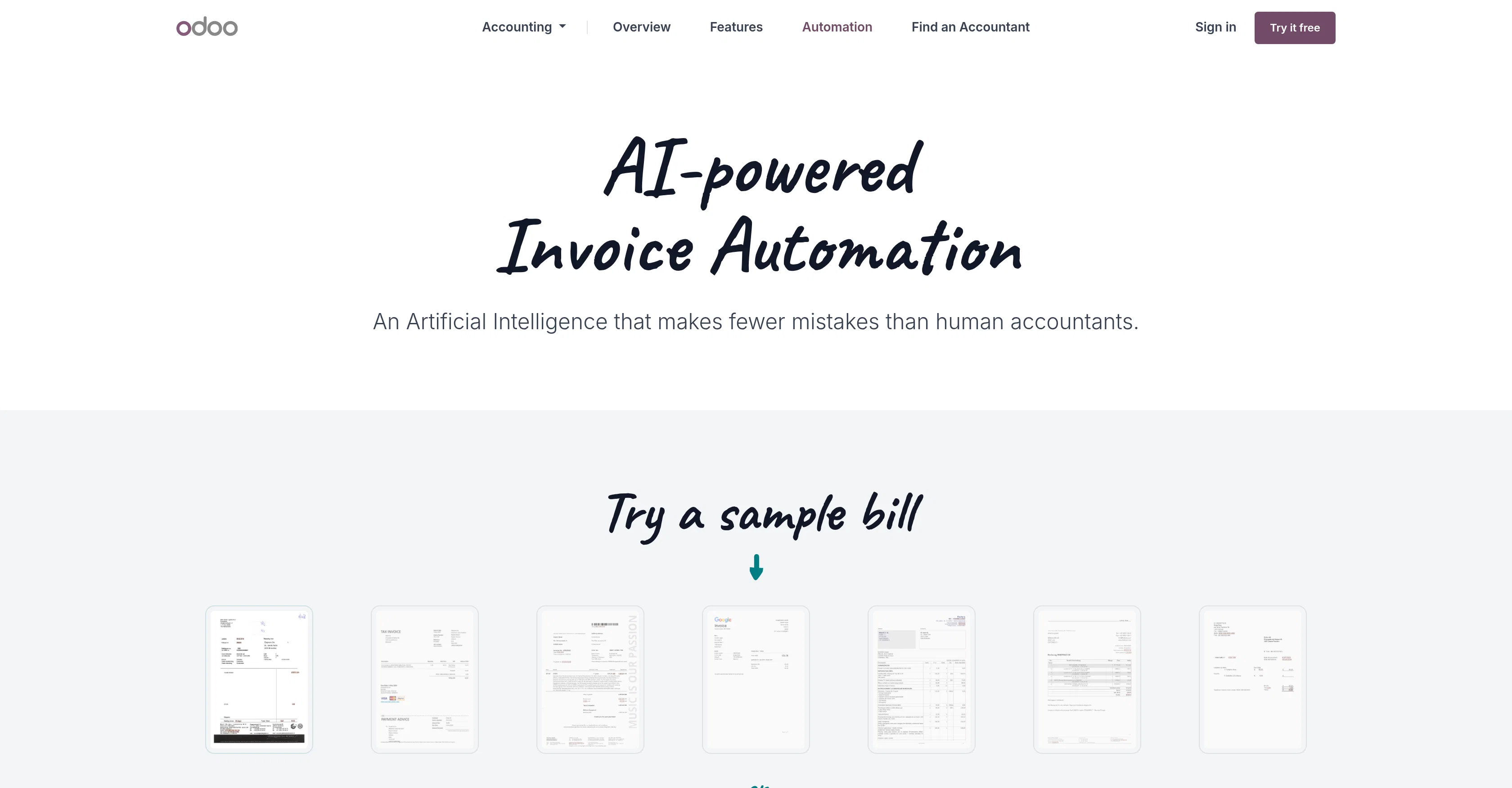
Odoo's Accounting Automation tool offers businesses powerful artificial-intelligence-based solutions for streamlining their financial workflows. The key feature of the tool is its AI-powered Invoice Automation which reduces human errors in invoice processing. The innovative algorithm works with humans, reviewing and adjusting data as necessary to ensure unmatched accuracy. When you update data associated with a bill, Odoo manually reviews the bill and creates a tailored template. This template aids in recognizing the document's layout and capturing the correct data for future invoices from the same vendor, thereby perfecting the invoice processing mechanism with each use.The tool also aids businesses in going paperless, as it accelerates the data processing and document collection process. Odoo's mobile application can be used to scan Vendor Bills, email them directly to your database, or batch process hundreds of documents at once.Avoiding manual bill processing becomes possible with Odoo's use of Image and Metadata Recognition in scanned documents. Through an Optical Character Recognition (OCR) engine, it converts scanned documents before processing them via the AI. For PDF files received from suppliers, Odoo first looks for embedded metadata, enhancing the tool's accuracy.Odoo's Accounting Automation tool is part of Odoo's suite of open source business apps designed for various needs such as CRM, eCommerce, accounting, inventory, project management, among others. Odoo prides itself on the integrative and user-friendly nature of its tools. Help other people by letting them know if this AI was useful. Add your own prompts and outputs to help others understand how to use this AI.
When considering Odoo Invoice Automation for integration into your organizational workflow, we recommend deploying a structured score card across three critical operational pillars: Security & Compliance, Integration Friction, and long-term Price Scalability. Rather than looking only at basic feature lists, modern procurement teams must assess how a software platform behaves under high load and how well it fits into the team's data security guidelines.
Depending on your operating region and field, ensure that Odoo Invoice Automation supports standard security layers such as SOC 2 Type II certifications, GDPR compliance, or HIPAA-compliant database encryption. If the tool connects directly to client database tables or handles user passwords, verify that they implement multi-factor authentication (MFA), single sign-on (SSO) integrations, and end-to-end data encryption in transit and at rest.
Siloed data is the primary cause of operational friction. Evaluate if Odoo Invoice Automation has native connectors for your current project trackers, messaging hubs, and customer communication channels. For custom developer requirements, check if they provide a fully documented REST API with reasonable rate limits, comprehensive Webhooks support, and robust SDK packages in your language. A flexible API layer saves hundreds of hours of manual copy-paste overhead.
SaaS pricing packages are often deceptively simple. When reviewing Odoo Invoice Automation's billing structure, map out your team's projected expansion over the next 12 to 24 months. Determine how costs scale as your customer database increases or as you add team members. Factor in setup costs, mandatory support plan upgrades, API access fees, and storage overage rates to understand the true cost before committing to a contract.
By combining verified user reviews from our directory with internal workflow pilot tests, your procurement team can make an informed decision that drives productivity without creating capital waste.
Overall rating
Based on 10 reviews
The best tool for starting your store. No coding, agent-first interaction.
Michael
Great tool. It makes it easier to have proactive agents on the web that are providing you with relevant research updates. Here's a video I made on it https://youtu.be/RFxcC_ktOtM
J.I.
you're right.. I went back to the site and realized i had not signed up. Will remove my comment.
Lenny Deus
Easy to use.
A x
Best Free Movie Maker App on the Market
Iacoletti Software
website is well laid out and its free
martin nolan
im not receiving the code in my email
aiden shop
This sucky website is wow!
Puspa Dotcom
I think it's the best @Image Generator I ever found on the net. It gives more accurate image according to the prompt. And thank you for keeping it for free.
My Sawsiri
We use it at Ucademy with 10 gmail accounts and works like a charm
Pablo Prieto
Starting Price
Free plan available
Free tier available with optional paid upgrades.