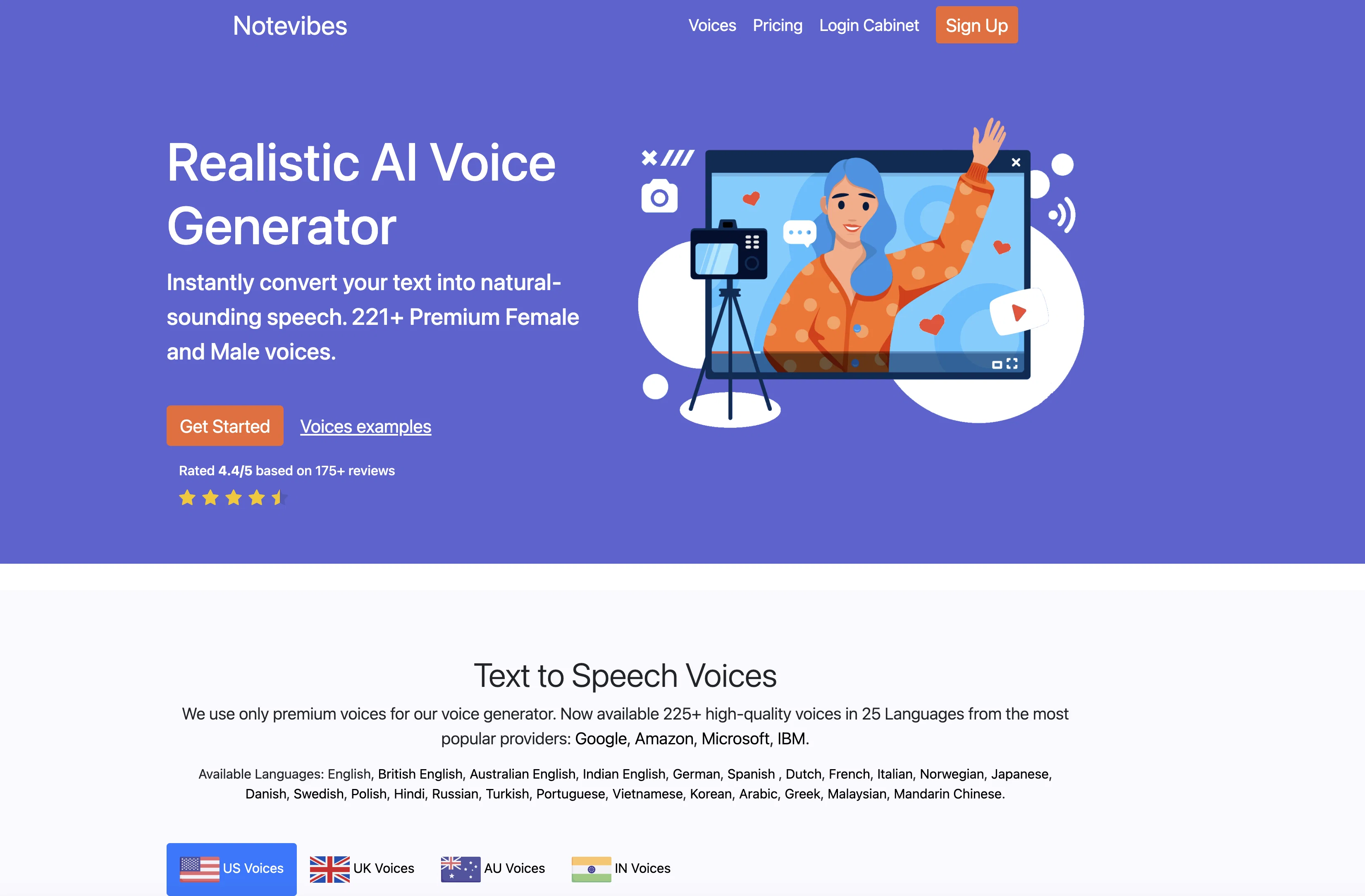
Notevibes is a versatile online tool that converts text to speech in the mp3 format, suitable for a variety of personal and commercial uses. It generates human-like voiceovers, eliminating the need for professional voiceover artists, thereby making it a time and cost-effective alternative in creating audio materials.
The tool uses superior quality voices, in over 25 languages, from leading companies like Google, Amazon, Microsoft, and IBM. Notably, it offers an extensive collection of male, female and even children's voices in different accents such as US, UK, Australian and Indian English.
Users can customize the speech output with advanced editor features like pausing, speed and pitch adjustment, emphasis and volume control. Plus, the audio can be saved as an MP3 or WAV file.
One of the standout features of Notevibes is its applicability across various sectors ranging from sales, education to broadcasting, making it a reliable tool for any business communication that requires converting text into natural-sounding speech.
All intellectual rights of the generated audio files belong to the user, and the platform ensures secure data handling. Notevibes is built to accommodate multi-language teams and offers a manageable master account system for team operations.
Help other people by letting them know if this AI was useful.
Add your own prompts and outputs to help others understand how to use this AI.
Screenshot gallery
Pros & Cons
Pros
+Converts text to speech
+Generates human-like voiceovers
+Time and cost-effective
+Superior quality voices
+Over 25 language support
+Voices from Google, Amazon, Microsoft, and IBM
+Male, female, children voices
+Different accents available
+Customizable speech output
+Advanced editor features
+Saved as MP3 or WAV
+Applicable across various sectors
+Secure data handling
+Multi-language team accommodation
+Manageable master account system
+Intellectual rights of audio files belongs to user
When considering Notevibes for integration into your organizational workflow, we recommend deploying a structured score card across three critical operational pillars: Security & Compliance, Integration Friction, and long-term Price Scalability. Rather than looking only at basic feature lists, modern procurement teams must assess how a software platform behaves under high load and how well it fits into the team's data security guidelines.
1. Security and Database Compliance
Depending on your operating region and field, ensure that Notevibes supports standard security layers such as SOC 2 Type II certifications, GDPR compliance, or HIPAA-compliant database encryption. If the tool connects directly to client database tables or handles user passwords, verify that they implement multi-factor authentication (MFA), single sign-on (SSO) integrations, and end-to-end data encryption in transit and at rest.
2. API Coverage and Custom Integrations
Siloed data is the primary cause of operational friction. Evaluate if Notevibes has native connectors for your current project trackers, messaging hubs, and customer communication channels. For custom developer requirements, check if they provide a fully documented REST API with reasonable rate limits, comprehensive Webhooks support, and robust SDK packages in your language. A flexible API layer saves hundreds of hours of manual copy-paste overhead.
3. Total Cost of Ownership (TCO)
SaaS pricing packages are often deceptively simple. When reviewing Notevibes's billing structure, map out your team's projected expansion over the next 12 to 24 months. Determine how costs scale as your customer database increases or as you add team members. Factor in setup costs, mandatory support plan upgrades, API access fees, and storage overage rates to understand the true cost before committing to a contract.
By combining verified user reviews from our directory with internal workflow pilot tests, your procurement team can make an informed decision that drives productivity without creating capital waste.
Features of Notevibes
Text To Speech
Voiceover Automation
Accessibility Tool
Content Localization
Multi Language Support
Communication
From $8/Mo
SaaS1to10 verified reviews for Notevibes
Overall rating
★★★★★5.0
Based on 13 reviews
★★★★★5.02 months ago
“Review”
I really enjoy @Article Reader AI, it's a no-frills article/pdf converter to narrated audio. The voices are excellent and there are no crazy expensive yearly commitment to use it. Perfect for multitasking and staying productive during my busy days!
Argiris Paraskevas
★★★★★5.02 months ago
“Review”
A reaaly good AI, though not completely free, when register will still give you a good word limit, and there's a lot of voices from almost every language.
Nhân Nguyễn Hồng
★★★★★5.02 months ago
“Review”
I never thought I’d be using an AI service for something like this, but I’m glad I did. The headshot looks like it was taken by a professional photographer, without the pain.
Shabnam Katoch
★★★★★5.02 months ago
“Review”
Currently, the website provides free text-to-speech (TTS) with emotions without requiring registration. You can generate 50,000 characters using generic Microsoft voices which are available also within any ReadAloud/Read out Loud apps. However, these voices lack emotion, but you can generate 5,000 characters with emotion per generation for free. Firstly, you have to select a voice, preview it, and then select it - paste your text or write it down and after a few minutes, you can listen and download it for free. However, the website's reviews are likely fake, suggesting that this free service might not last long.
Shteryan Nikolaev (AcTePuKc)
★★★★★5.02 months ago
“Review”
Everything is working normally. Best,
Stefan Mitrovic
★★★★★5.02 months ago
“Review”
I tried a chat section. It's pretty cool, I used another company that's very similar to yours but it didn't recognize speech nearly as well as yours does. The only negative feedback I have for you is the web app seems a little bit buggy on my phone sometimes when you click to hold down for speech it doesn't work very well you have to try it a couple times. I like it though I'm going to try it again.
Igor Durov
★★★★★5.02 months ago
“Review”
As the service was in beta-testing stage, I created there a dozen of AI-generated courses for free. I wanted to use them. Those courses remained in my account as they started subscription tiers. But recently I have found out that they were deleted. The support didn't answer to my e-mail at all.
Oldfag TV
★★★★★5.02 months ago
“Review”
I didn't get to the voices. I don't give my credit card information up front. I clicked away as soon as I saw that. It's a shame too, the pricing structure looked great.
David Marshall
★★★★★5.02 months ago
“Review”
Great video!
Andrei
★★★★★5.02 months ago
“Review”
superb, e gratis, merge blana, in EN se aude ideal
jon doe
★★★★★5.02 months ago
“Review”
At last, we have a voice AI hub that works like OpenRouter.
Hank Darren
★★★★★5.02 months ago
“Review”
Great AI voices, though still monotonous and robotic, or rather too neutral, with almost zero voice inflections! Excellent to read news, articles, essays, and any nonfiction books. BTW, computers should be allowed to TALK to us for free, like in the Star Trek TV series. Our future grandchildren will laugh at us for "paying" to use this everyday option, biting the hook to "monthly subscriptions" like gullible fish and then getting up to 1,000 words per month" under the so-called Pro version ;-) This is crazy!
Timeship
★★★★★5.02 months ago
“Review”
too expensive for me, I just want to make memes, not pay that much
Grzegorz Rolnik
Pricing
Starting Price
From $14.00/user/month
Pricing may vary based on team size and features selected.