5.02 months ago
“Review”
When I want to sign up on the @Ideogram website with "Continue with Google" and press it, the sentence "Please choose an option to continue" appears below the banner and no action happens. Anybody can help me?
Michael Ryan

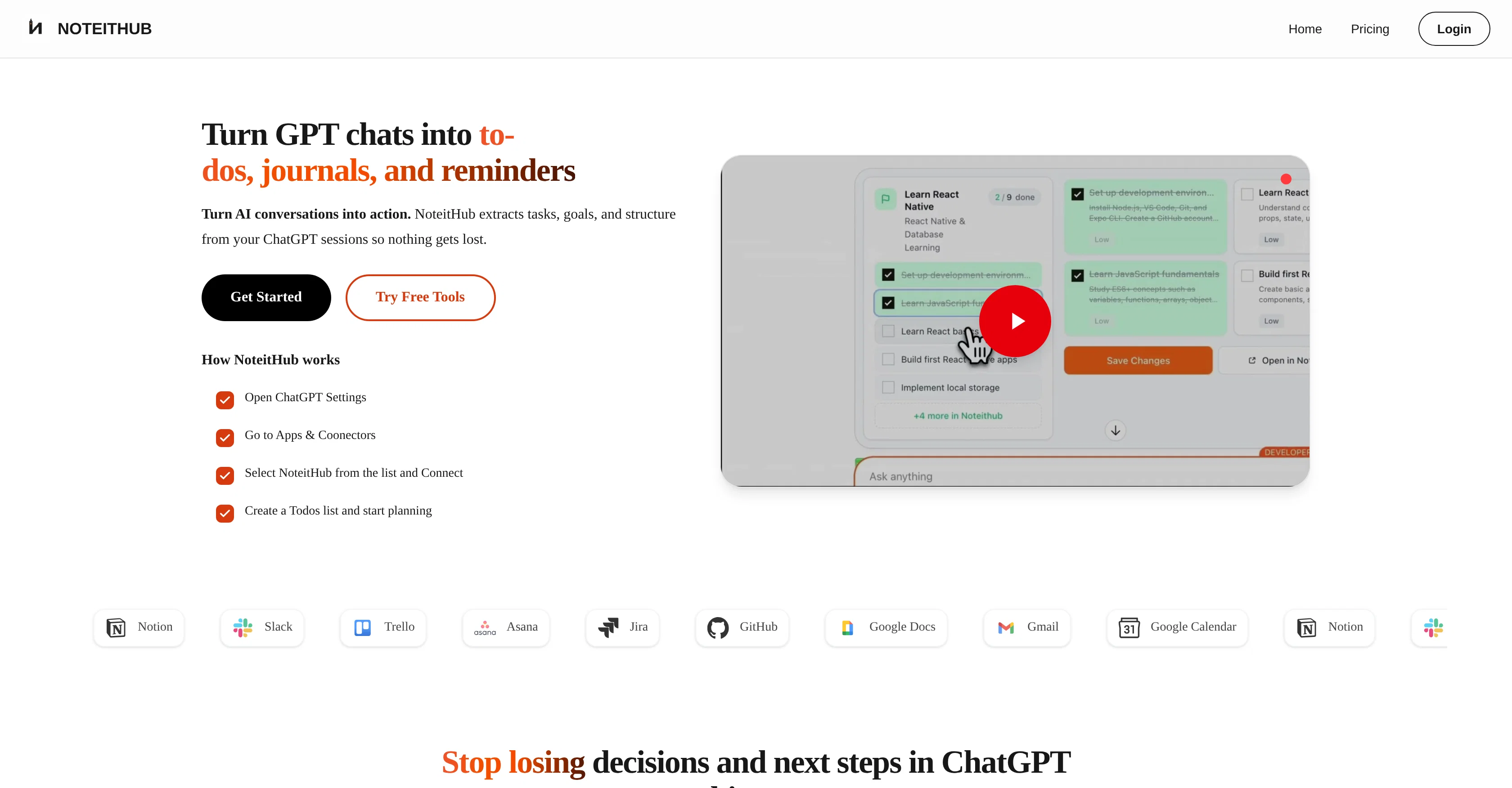
Turn GPT chats into to-dos, journals, and reminders
ChatGPT To-Do List is a tool designed to convert AI-powered conversations into organized to-do lists and searchable journals. Utilizing NoteitHub, it extracts tasks, goals, and structures from conversations held on ChatGPT. The tool captures and remembers past decisions, appending new tasks as you revisit a topic. In doing so, it creates an evolving to-do list, reducing the need for re-planning. NoteitHub also offers the capabilities to transform unstructured chat threads into clear and trackable to-dos. It turns any ChatGPT conversation into a structured NoteitHub entry, complete with a title, summary, tags, and a goal, effectively journalizing your AI conversations. Saved conversations can be re-accessed anytime from the NoteitHub dashboard, enabling you to continue exactly where you left off. It can be particularly useful for founders and indie hackers who use ChatGPT daily for planning and execution of tasks. The tool serves key sectors such as work, education, personal management, sales, and customer support. Not only does it ensure the preservation of valuable AI advice, but it also aids in transforming that advice into actionable tasks, thereby bridging the gap between cognitive tasks and execution. We have fixed reported bugs and improved the user experience. Noteithub now also supports creating graphs from simple text descriptions, helping users turn ideas, notes, and ChatGPT conversations into structured tasks and visual outputs more easily. Help other people by letting them know if this AI was useful. Add your own prompts and outputs to help others understand how to use this AI.
When considering NoteitHubv1.1.0 for integration into your organizational workflow, we recommend deploying a structured score card across three critical operational pillars: Security & Compliance, Integration Friction, and long-term Price Scalability. Rather than looking only at basic feature lists, modern procurement teams must assess how a software platform behaves under high load and how well it fits into the team's data security guidelines.
Depending on your operating region and field, ensure that NoteitHubv1.1.0 supports standard security layers such as SOC 2 Type II certifications, GDPR compliance, or HIPAA-compliant database encryption. If the tool connects directly to client database tables or handles user passwords, verify that they implement multi-factor authentication (MFA), single sign-on (SSO) integrations, and end-to-end data encryption in transit and at rest.
Siloed data is the primary cause of operational friction. Evaluate if NoteitHubv1.1.0 has native connectors for your current project trackers, messaging hubs, and customer communication channels. For custom developer requirements, check if they provide a fully documented REST API with reasonable rate limits, comprehensive Webhooks support, and robust SDK packages in your language. A flexible API layer saves hundreds of hours of manual copy-paste overhead.
SaaS pricing packages are often deceptively simple. When reviewing NoteitHubv1.1.0's billing structure, map out your team's projected expansion over the next 12 to 24 months. Determine how costs scale as your customer database increases or as you add team members. Factor in setup costs, mandatory support plan upgrades, API access fees, and storage overage rates to understand the true cost before committing to a contract.
By combining verified user reviews from our directory with internal workflow pilot tests, your procurement team can make an informed decision that drives productivity without creating capital waste.
Overall rating
Based on 15 reviews
When I want to sign up on the @Ideogram website with "Continue with Google" and press it, the sentence "Please choose an option to continue" appears below the banner and no action happens. Anybody can help me?
Michael Ryan
that's such a great AI
piw
I rarely leave reviews, but Elsa amazed me. After a few weeks of using it, I'm still excited. Props, guys.
Anton
Reducing manual efforts in first-pass during code-review process helps speed up the "final check" before merging PRs
Sahil Mohan Bansal
Very interesting
Béatrice Duval
I got some top quality results after learning how to prompt songs 🤩
Claes Lanng
I have been using @Saufter, and I'm blown away. It has created a marketing newsletters for all of my sales leads, and is giving me data on which leads are interacting with the newsletters, it has created a new 'recently active' segment. I just got the fully drafted campaign in my inbox last week. Very cool!
Ryan Mason
This tool i found is super cool, I created 5 books from this tool to sell them online, which gives me great profit. I am creating more valuable books to spread knowledge, and earn some bucks as well 🤑.
Bilal Ashraf
Great tool! Was very helpful in content production
Duck Typer
Went from a C to an A in Cognitive Psychology using @Thea!!
Sarah White
B12 exceeded my expectations especially after I tried a few similar tools. Signing up took under a minute and because I offer a very specific set of services as a consultant, I didn't expect the AI to be able to capture my work, but it did a great job with creating content for me. I only had to make a few edits, add my bio, and was able to publish that same day. Now I get lots of compliments on my site and I've even tried their other tools like email marketing, which is great because the emails match my site's appearance. Overall I would recommend B12 as an effective, affordable, and easy to use website solution.
Katie G
Love how much time it saves me every week!
Jeffrey Juarez
Thank you! What did you find interesting about this website? Did you try daily moon reading?
Diary Tarot Support Team
The most humanly AI i have used so far but the problem is as soon as you start piling up messages in single chat session , it starts getting slow and at some point it starts freezing and also uses a lot of resources. For time being its okay to do 3 4 messages but as soon as we continue it has messages limitation and also starts getting very very slow . For the price of £18 per month this is unacceptable and with the newly introduced feature called project, if we start new chat within the project we cannot continue with the context we provided in other chats within same project. There are lot of improvements for them to work on. And to start with the its speed and its price
Bibash Katel
State of the Art
Dmitry G.
Starting Price
Free plan available
Free tier available with optional paid upgrades.


