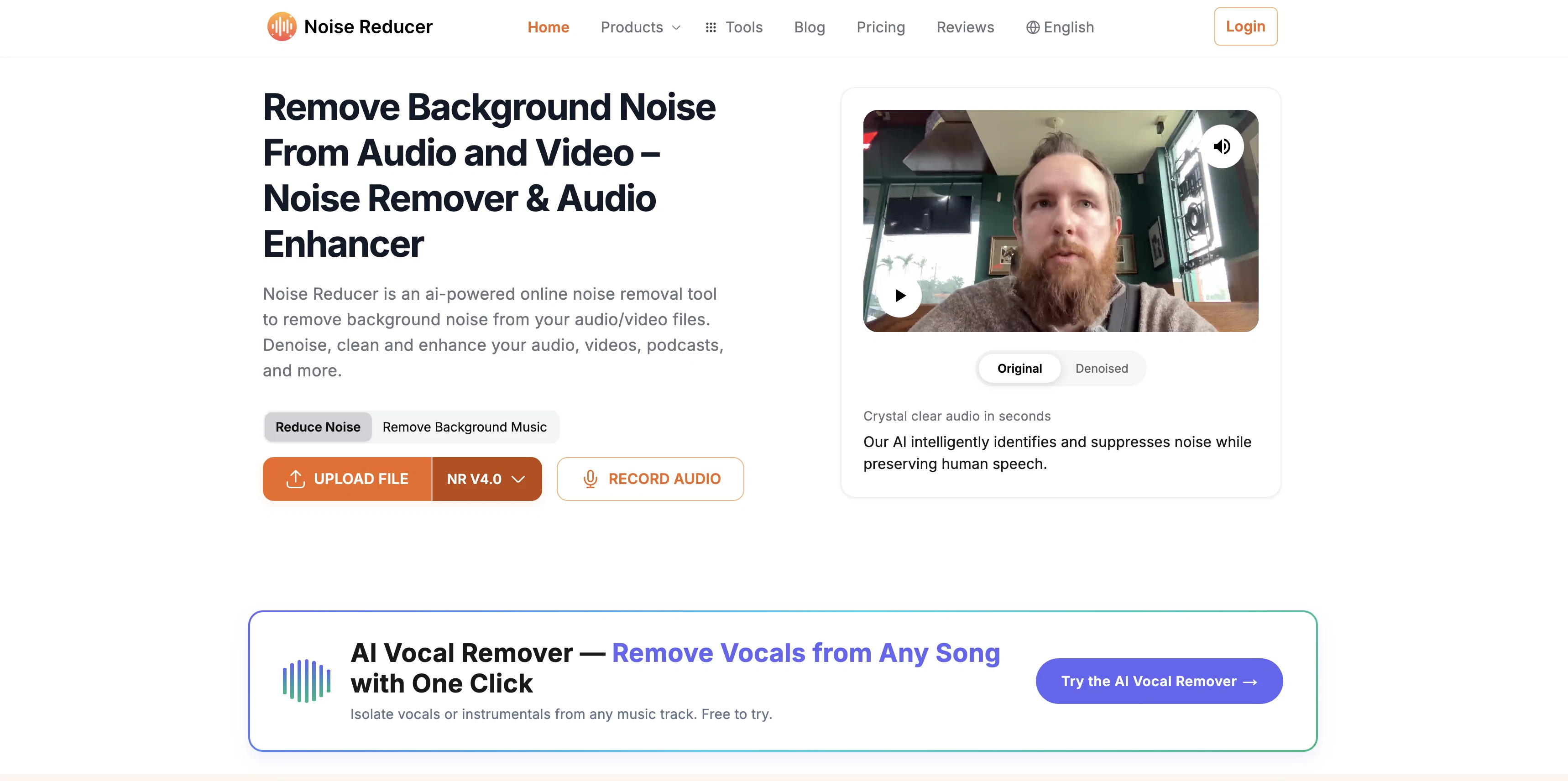
Noise Reducer & Audio Enhancer is a powerful online tool that uses artificial intelligence to eliminate unwanted noise from audio and video files. Its robust features aid in cleaning and enhancing the audio quality of podcasts, video calls, YouTube videos, and more.
Users can easily upload or record their files, adjust and denoise their audio or video content, and download the processed file in various formats. The AI-driven tool offers enhanced performance in noise reduction, sound cleaning, and volume boosting, making it an ideal choice for delivering crystal-clear audio experiences.
The software's key features include AI-driven noise reduction for eliminating distractions like wind, noise, static, and audio enhancement to add power, depth, and clarity to sound content.
The platform also boasts of seamless recording capabilities, multiple audio/video format support, and instant processing for a user-friendly experience.
The built-in Recorder function ensures the delivery of high-quality audio. The tool also caters to a range of users from podcasters and content creators to music enthusiasts and business professionals, delivering the desired seamless audio experience for every use case.
This makes it a preferred product for all users who wish to remove background noise, enhance audio quality, and elevate their listening experience.
Help other people by letting them know if this AI was useful.
Add your own prompts and outputs to help others understand how to use this AI.
Screenshot gallery
Pros & Cons
Pros
+Robust feature set
+Audio and video support
+Simple file upload
+Built-in recording functionality
+Multiple file format output
+Seamless recording capabilities
+Instant processing
+Background noise elimination
+Audio enhancement capabilities
+In-depth sound cleaning
+Volume booster feature
+Suitable for multiple user types
+User-friendly experience
+Eliminates various audio distractions
+High-quality audio delivery
+Supports professional sound editing
+Customizable audio settings
+One-click vocal isolation
+Efficient noise minimization
+Powerful online capability
+Support for business communications
+Works well for content creators
+Enhances YouTube video quality
+Ideal for podcasters
+Music enjoyment without noise
+Audio depth addition
+Transforms listening experience
+Free basic usage
+User testimonials available
+Built-in voice enhancer recorder
+Removes unwanted background sounds
+Advanced noise reduction
+Transparent pricing
+Offers Audio/video cleaning
+Eliminates traffic, wind, static
+Audio clarity enhancement
+Maximizes audio output
+Supports MP3, WAV, MP4
+Professional results
+Custom solution for audio needs
+Perfect for virtual meeting recording
Cons
−Limited to Online Use
−Lacks Offline Capabilities
−Processing Speed Dependent on Internet
−Potential Privacy Issues
−No Detailed Editing Features
−Lacks Multi-Track Support
−Inefficient for Large Files
−Limited Customization
−Doesn't Support All File Formats
−No Mention of Secure Storage
A Professional Framework to Evaluate Noise Reducer
When considering Noise Reducer for integration into your organizational workflow, we recommend deploying a structured score card across three critical operational pillars: Security & Compliance, Integration Friction, and long-term Price Scalability. Rather than looking only at basic feature lists, modern procurement teams must assess how a software platform behaves under high load and how well it fits into the team's data security guidelines.
1. Security and Database Compliance
Depending on your operating region and field, ensure that Noise Reducer supports standard security layers such as SOC 2 Type II certifications, GDPR compliance, or HIPAA-compliant database encryption. If the tool connects directly to client database tables or handles user passwords, verify that they implement multi-factor authentication (MFA), single sign-on (SSO) integrations, and end-to-end data encryption in transit and at rest.
2. API Coverage and Custom Integrations
Siloed data is the primary cause of operational friction. Evaluate if Noise Reducer has native connectors for your current project trackers, messaging hubs, and customer communication channels. For custom developer requirements, check if they provide a fully documented REST API with reasonable rate limits, comprehensive Webhooks support, and robust SDK packages in your language. A flexible API layer saves hundreds of hours of manual copy-paste overhead.
3. Total Cost of Ownership (TCO)
SaaS pricing packages are often deceptively simple. When reviewing Noise Reducer's billing structure, map out your team's projected expansion over the next 12 to 24 months. Determine how costs scale as your customer database increases or as you add team members. Factor in setup costs, mandatory support plan upgrades, API access fees, and storage overage rates to understand the true cost before committing to a contract.
By combining verified user reviews from our directory with internal workflow pilot tests, your procurement team can make an informed decision that drives productivity without creating capital waste.
Features of Noise Reducer
Audio Restoration
AI Audio Cleaning
Background Noise Reduction
Audio Distractions Elimination
Audio Enhancer
AI Driven Noise Reduction
Free + From $9.99/Wk
SaaS1to10 verified reviews for Noise Reducer
Overall rating
★★★★★5.0
Based on 9 reviews
★★★★★5.01 months ago
“Review”
Great for automating podcast mastering. Voicecrush takes care of removing "em, eh, äh, um" etc. Also: my recording setup has some subtle background noise / hum, which cause I never was able to identify, nor able to get rid of with typical audio software. I don't know how @Voice Crush accomplishes it, but I guess its AI features are doing an awesome job of filtering out these noises and distortions from hour-long recordings flawlessly.
G H
★★★★★5.01 months ago
“Review”
YO?! I've been trying a bunch of background removal tools within taaft and this one works beautifully, I think it's the best one so far.. whaaaat
Ashu Jain
★★★★★5.01 months ago
“Review”
Works well, thanks!
Isaac Hathhorn
★★★★★5.01 months ago
“Review”
Hi, We’re truly sorry to hear that you had a less-than-satisfactory experience with our product. Your feedback is very important to us, and we sincerely apologize for any inconvenience caused. If you’re encountering any specific issues or have suggestions for improvement, please don’t hesitate to reach out to us at rosemanh070016@gmail.com. Our team is committed to addressing your concerns and will do our best to assist you promptly. We’re always working to improve, and your input helps us get better. Thank you for giving us the opportunity to do so.
roseman gianfranco
★★★★★5.01 months ago
“Review”
It did nothing after more than 20 minutes on a 90 seconds audio...
JC PL
★★★★★5.01 months ago
“Review”
calling this freemium feels like a stretch as the free version is extremely limited. results are covered in watermarks and the upscaling isn't great either...
Jason Bowers
★★★★★5.01 months ago
“Review”
While searching for audio transcription tools, I found that many came with limitations—until I discovered @Audio Transcriber AI. Not only is it free and unlimited, but its accuracy rivals that of paid tools; I have since recommended it to my friends.
Jason zhang
★★★★★5.02 months ago
“Review”
Particularly useful in scenarios where human voices are clear but background noise is complex.
Eason wu
★★★★★5.02 months ago
“Review”
Is this a joke? creator of this web must be deaf, otherwise i honestly don't understand how he/she can make that absolute crap