5.02 months ago
“Review”
Zero GPT which is supposed to be covered detects it with 100% certainty. So... No.
Stephan Tual

Rewrite and rephrase text in multiple languages.
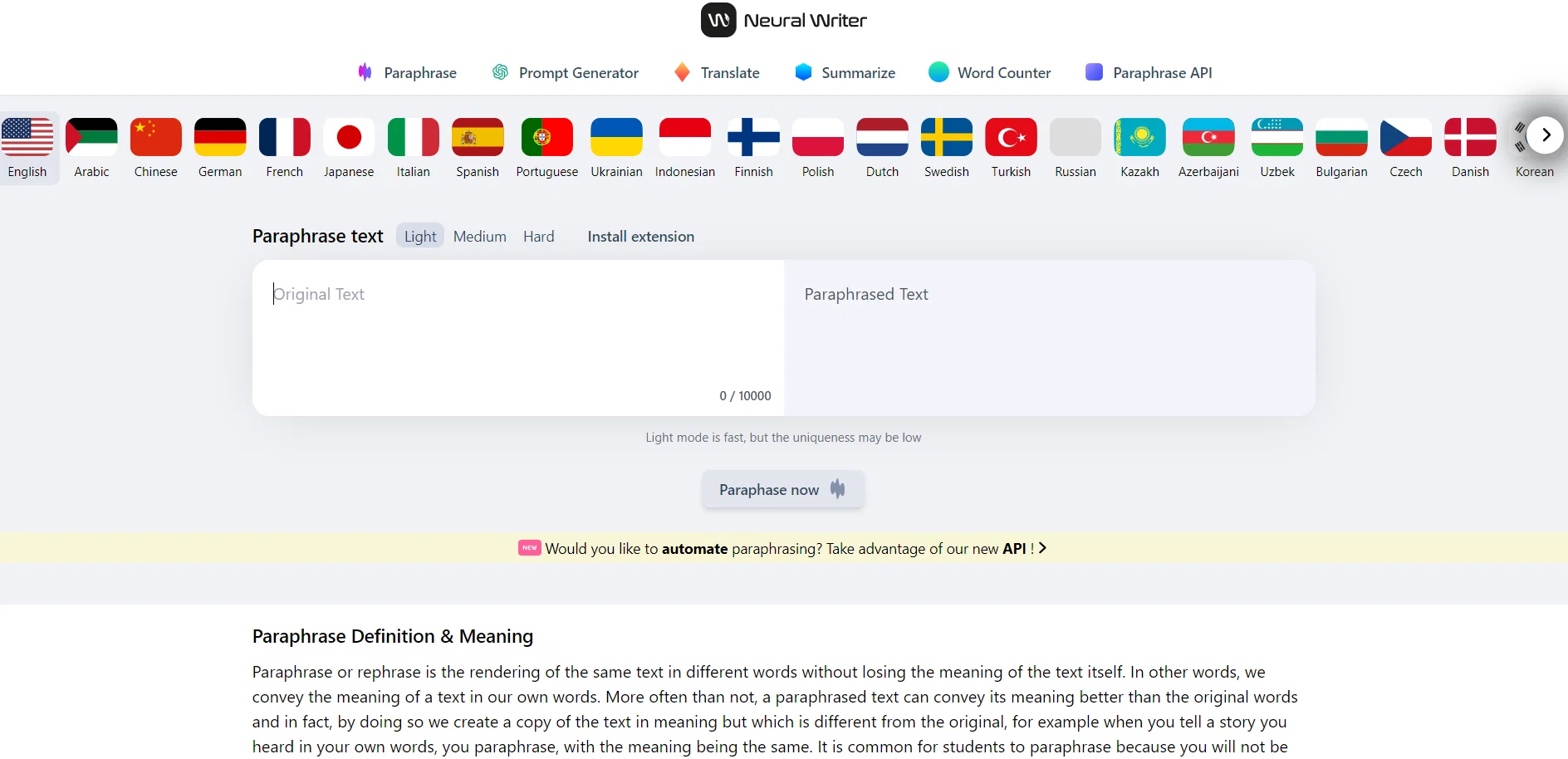
NeuralWriter is a free online paraphrasing tool called "Paraphrasing tool." It offers a diff checker feature to easily rewrite articles, essays, rephrase sentences, and reword paragraphs in multiple languages. The tool aims to convey the same meaning of a text in different words without losing its essence. This can be especially useful for students who need to paraphrase texts while maintaining the original meaning. The tool operates in three specific AI modes and supports over 27 languages, making it a versatile option for users worldwide. It boasts a character limit of up to 10,000 and performs a uniqueness check to ensure the paraphrased text remains distinct. NeuralWriter claims to go beyond the conventional word change or synonym replacement method commonly used by paraphrasing tools. It leverages modern AI technologies to work with texts of any complexity, generating content that closely resembles human rewriting. Users can accurately preserve the initial meaning of their text while potentially enriching it through the paraphrasing process. NeuralWriter provides a multilingual rewriting option, catering to various languages, including English, Chinese, Arabic, Spanish, and many more. The paraphrasing tool is free to use without any registration required, offering an alternative to paid versions that often deliver inferior results. NeuralWriter positions itself as the best online paraphrasing tool currently available, leveraging advanced AI-based technologies to offer enhanced capabilities compared to similar tools. Users can access the website, input their text, and click the "Paraphrase now" button to receive the paraphrased text with visible word replacements. Help other people by letting them know if this AI was useful. Add your own prompts and outputs to help others understand how to use this AI.
When considering NeuralWriter for integration into your organizational workflow, we recommend deploying a structured score card across three critical operational pillars: Security & Compliance, Integration Friction, and long-term Price Scalability. Rather than looking only at basic feature lists, modern procurement teams must assess how a software platform behaves under high load and how well it fits into the team's data security guidelines.
Depending on your operating region and field, ensure that NeuralWriter supports standard security layers such as SOC 2 Type II certifications, GDPR compliance, or HIPAA-compliant database encryption. If the tool connects directly to client database tables or handles user passwords, verify that they implement multi-factor authentication (MFA), single sign-on (SSO) integrations, and end-to-end data encryption in transit and at rest.
Siloed data is the primary cause of operational friction. Evaluate if NeuralWriter has native connectors for your current project trackers, messaging hubs, and customer communication channels. For custom developer requirements, check if they provide a fully documented REST API with reasonable rate limits, comprehensive Webhooks support, and robust SDK packages in your language. A flexible API layer saves hundreds of hours of manual copy-paste overhead.
SaaS pricing packages are often deceptively simple. When reviewing NeuralWriter's billing structure, map out your team's projected expansion over the next 12 to 24 months. Determine how costs scale as your customer database increases or as you add team members. Factor in setup costs, mandatory support plan upgrades, API access fees, and storage overage rates to understand the true cost before committing to a contract.
By combining verified user reviews from our directory with internal workflow pilot tests, your procurement team can make an informed decision that drives productivity without creating capital waste.
Overall rating
Based on 19 reviews
Zero GPT which is supposed to be covered detects it with 100% certainty. So... No.
Stephan Tual
Think its a fab tool but why wont it allow you to save your workflows?
Azmat Yusaf
I've tried to find the exact articles via WoS, Google, or Scopus. Despite using a very advised and complicated search query, it was just a waste of time. Perplexity didn't help either. The Jenni AI, which may add useful links when generating text, finds nothing but trash. SciScape gave exactly what I needed from the first query! A couple of fresh relative articles with very exact topics!
Elijah
It seems to be working fine right now. Maybe try again and double check if you’re using the book’s original or most recognized title. That might make a difference.
Alexandru Bostina
easy to pick up and you get a few free file imports. it gives you results pretty fast, unfortunately i can't find a way to get back to these, they're locked behind the paid service.
Ron Jayson
The website is pretty good but there are only a limited number of responses
Probal Roy
I'm still testing the tool yet it looks very promising. I tested it with a 5.5k words Academic text that I had previously red. I tested the Key points feature, it does work!
Ivana González
As the service was in beta-testing stage, I created there a dozen of AI-generated courses for free. I wanted to use them. Those courses remained in my account as they started subscription tiers. But recently I have found out that they were deleted. The support didn't answer to my e-mail at all.
Oldfag TV
No way to test it. Only paid options. The 7 days trial requires a credit card. this sounds as a scham
Roberto Lopez
Such an impressive platform for all of us who are looking for more efficient ways to do the investigation. @OpenRead has the potential to solve our problems.
Zhuohang Tong
superb, e gratis, merge blana, in EN se aude ideal
jon doe
O GPT faz uma análise melhor e mais personalizada.
Vinicius Vilela
It just said error, try again later over and over again
Carolina Schnapp
Great idea, but does not find what you are looking for-about the same as Google Scholar
Andy
I joined Kin's beta program on my iPhone XR. After upgrading to an iPhone 13, I found that I couldn't log into my existing account on the new phone, forcing me to create a new account. Now, I have two separate Kin accounts on different phones. Today, when I accessed the beta version of Kin, I got a notification stating that the test version ended on Monday, September 23rd. It instructed me to back up my data and move to the official Kin app. I did as advised—backed up my data, confirmed, uninstalled the beta app via TestFlight, and installed the official Kin app. However, when I attempted to “log in”, I was still unable to access my existing account. This issue hasn't been resolved yet. I have been trying desperately to get in contact with the support team. I left feedback through the test flight app and sent emails. No response. Now trying to find a forums, Reddit posts, TAAFT comments☻
Desiree Miller
I think it's the best @Image Generator I ever found on the net. It gives more accurate image according to the prompt. And thank you for keeping it for free.
My Sawsiri
Excelente parafraseador, puedes regular el tono del parafraseo, te permite hacer unos ejercicios gratis y después te exige hacer una cuenta para obtener 20 parafraseos extras y posteriormente pagar una cuenta premium por 8 dólares americanos mensuales o 60 usd anuales.
Anabel Benítez
This tool is just rewriting the text, and the limit is 1500 words.
Akbar Shaik
I just joined the website, hope it would be a worthy experience
Syed Moiz Uddin
Starting Price
Free plan available
Free tier available with optional paid upgrades.


