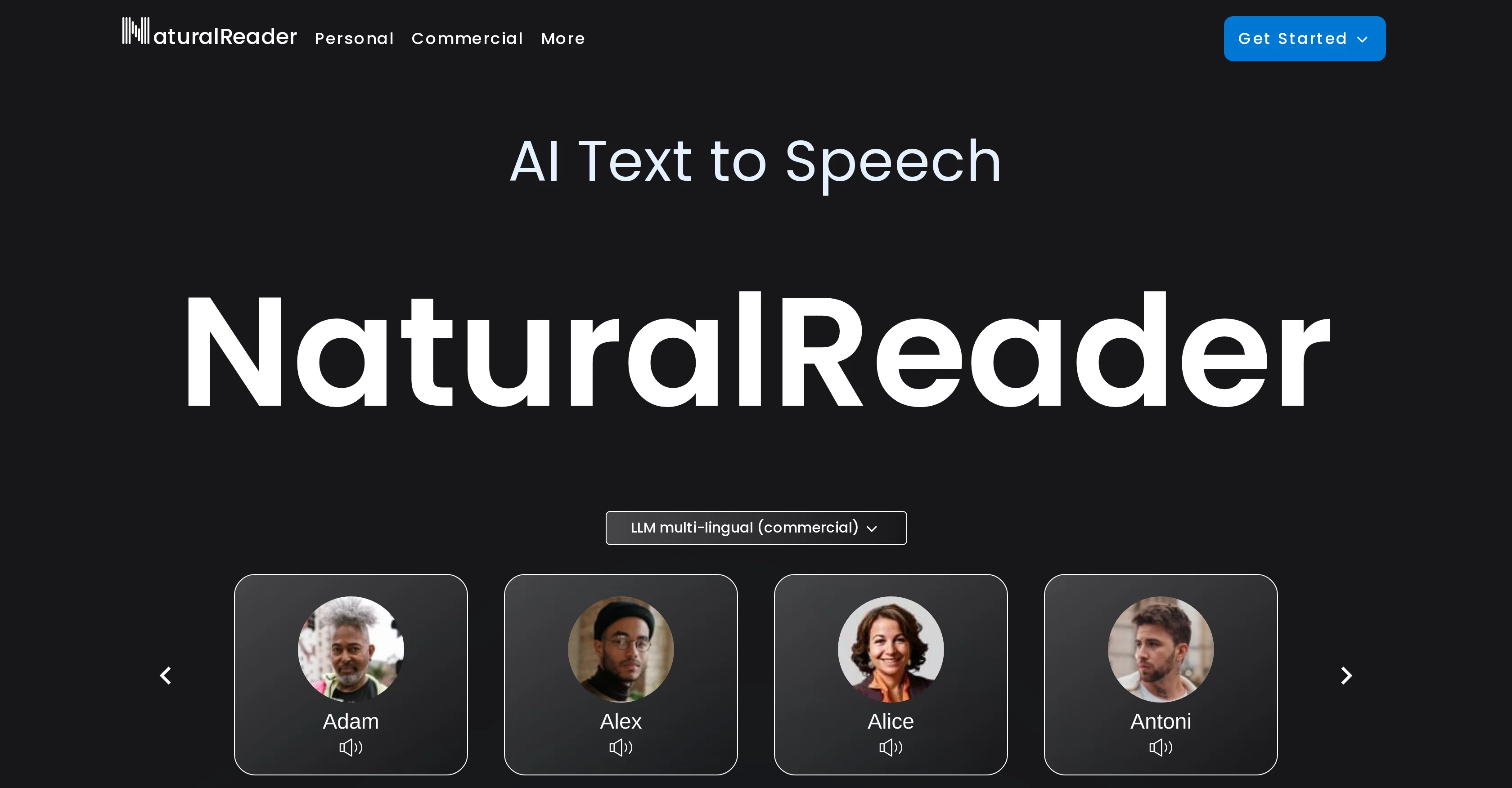
NaturalReader is an AI-powered Text to Speech (TTS) application developed by NaturalSoft Limited. It has the capability to convert written text into natural-sounding spoken words.
The application supports over 20 different formats including PDF and over 50 languages, and uses artificial intelligence to create over 200 unique voice outputs.
A key feature of NaturalReader is its multilingual voices powered by a technology called Large Language Models (LLM), which reportedly enhances the quality, fluency, and comprehension of the spoken output.The tool also comes with a voice cloning feature which harnesses artificial intelligence to replicate any voice instantly.
One of the key benefits of NaturalReader is its range of applications. It permits individual users to listen to their documents, provides commercial options to generate voiceovers for professional usage, and offers group plans for educational purposes.
Furthermore, it is capable of creating voiceover audio from text, ideal for platforms like YouTube, training sessions, eLearning resources, and audiobooks.Another unique feature of NaturalReader is its content-aware AI voices which not only vocalize the text but also understand the context of the script which aids in producing a more natural and human-like speech.
The application offers user-friendly deployment options, including a web version, a mobile application for both iOS and Android, and a Chrome extension for listening to webpages directly.
Help other people by letting them know if this AI was useful.
Add your own prompts and outputs to help others understand how to use this AI.
Screenshot gallery
Pros & Cons
Pros
+Cross-platform compatibility
+Commercial Studio features
+Features for academic use
+Visual and auditory support
+Helps reading-based learning disabilities
+Dyslexia font
+Adjustable reading speeds
+Text highlighted during reading
+Trusted by 10 million users
+Used by over 2000 institutions
+Converts text, PDF, other formats
+Mobile app
+Chrome Extension
+Email or class code sharing
+Secure and reliable
+Easy to use
+Supports 20+ formats
+Over 50 language support
+Over 200 unique voices
+Large Language Models technology
+Voice cloning feature
+Commercial voiceover generator
+Group plans for education
+User-friendly deployment
+Produces human-like speech
+Used for platforms like YouTube
+Aids for eLearning resources
+Creates audiobooks
+Web version available
+iOS and Android application
+Direct listening to webpages
Cons
−Limited voice customization options
−Lacks sophisticated editing features
−Limited language models
−Content-aware voice might misinterpret context
−Doesn't support all text formats
−Limited accessibility features
−Voice cloning may lack accuracy
−No offline mode
−Limited multimedia support
−Dependent on reliable internet connection
A Professional Framework to Evaluate NaturalReader
When considering NaturalReader for integration into your organizational workflow, we recommend deploying a structured score card across three critical operational pillars: Security & Compliance, Integration Friction, and long-term Price Scalability. Rather than looking only at basic feature lists, modern procurement teams must assess how a software platform behaves under high load and how well it fits into the team's data security guidelines.
1. Security and Database Compliance
Depending on your operating region and field, ensure that NaturalReader supports standard security layers such as SOC 2 Type II certifications, GDPR compliance, or HIPAA-compliant database encryption. If the tool connects directly to client database tables or handles user passwords, verify that they implement multi-factor authentication (MFA), single sign-on (SSO) integrations, and end-to-end data encryption in transit and at rest.
2. API Coverage and Custom Integrations
Siloed data is the primary cause of operational friction. Evaluate if NaturalReader has native connectors for your current project trackers, messaging hubs, and customer communication channels. For custom developer requirements, check if they provide a fully documented REST API with reasonable rate limits, comprehensive Webhooks support, and robust SDK packages in your language. A flexible API layer saves hundreds of hours of manual copy-paste overhead.
3. Total Cost of Ownership (TCO)
SaaS pricing packages are often deceptively simple. When reviewing NaturalReader's billing structure, map out your team's projected expansion over the next 12 to 24 months. Determine how costs scale as your customer database increases or as you add team members. Factor in setup costs, mandatory support plan upgrades, API access fees, and storage overage rates to understand the true cost before committing to a contract.
By combining verified user reviews from our directory with internal workflow pilot tests, your procurement team can make an informed decision that drives productivity without creating capital waste.
Features of NaturalReader
Text To Speech
Natural Sounding Voices
Multilingual Support
Voice Cloning
Voiceover Audio
Content Aware AI Voices
Free + From $4.99/Mo
SaaS1to10 verified reviews for NaturalReader
Overall rating
★★★★★5.0
Based on 22 reviews
★★★★★5.02 months ago
“Review”
B12 exceeded my expectations especially after I tried a few similar tools. Signing up took under a minute and because I offer a very specific set of services as a consultant, I didn't expect the AI to be able to capture my work, but it did a great job with creating content for me. I only had to make a few edits, add my bio, and was able to publish that same day. Now I get lots of compliments on my site and I've even tried their other tools like email marketing, which is great because the emails match my site's appearance. Overall I would recommend B12 as an effective, affordable, and easy to use website solution.
Katie G
★★★★★5.02 months ago
“Review”
Works but I cannot understand what's the use. I was expecting it to give me some videos
Samartha Venkatramana
★★★★★5.02 months ago
“Review”
An amazing app, I love the share feature and the comment section summaries
Silvia Cho
★★★★★5.02 months ago
“Review”
after playing around with it for a bit, i am now aware of how much i need this. i can already feel the hours of sleep coming back to me <3
Bru no no no
★★★★★5.02 months ago
“Review”
@Voiser is an exceptional platform that seamlessly bridges the gap between text and speech. What sets @Voiser apart is its user-friendly interface and the versatility it offers. Whether you're looking to convert written content into speech or vice versa, the platform's intuitive design ensures a smooth and efficient experience.
Hafzullah
★★★★★5.02 months ago
“Review”
pretty useful for quick fact-checking and comparisons. the answers are laid out clearly, but it can feel like overkill for really simple questions. still a nice tool to have around.
Vansh Thakur
★★★★★5.02 months ago
“Review”
Androlicous!!!
Wazim Aju
★★★★★5.02 months ago
“Review”
It works nicely. The autodraw function works really well, it easily detects what I’m trying to go for. W tool!
Orit Paredes
★★★★★5.02 months ago
“Review”
hmm it is un-real...literally...sounds robotic....far awy from Real
Dhhaval Joshi
★★★★★5.02 months ago
“Review”
O GPT faz uma análise melhor e mais personalizada.
Vinicius Vilela
★★★★★5.02 months ago
“Review”
It works! It is fast and you have many choices for the background. Also the pricing seems to be ok
Fabio Ferraris
★★★★★5.02 months ago
“Review”
I'm still testing the tool yet it looks very promising. I tested it with a 5.5k words Academic text that I had previously red. I tested the Key points feature, it does work!
Ivana González
★★★★★5.02 months ago
“Review”
As the service was in beta-testing stage, I created there a dozen of AI-generated courses for free. I wanted to use them. Those courses remained in my account as they started subscription tiers. But recently I have found out that they were deleted. The support didn't answer to my e-mail at all.
Oldfag TV
★★★★★5.02 months ago
“Review”
you have to pay to do anything on this app
LACEY GRANGER
★★★★★5.02 months ago
“Review”
Now here's an application where ML can shine. Translation quality is usually excellent, especially if the target language is English. Probably the closest you can get to a decent translation short of hiring a professional translator.
Daniel Saner
★★★★★5.02 months ago
“Review”
Really amazing! Makes learning content and engaging with things so much easier!
Jamie McDonald
★★★★★5.02 months ago
“Review”
I didn't get to the voices. I don't give my credit card information up front. I clicked away as soon as I saw that. It's a shame too, the pricing structure looked great.
David Marshall
★★★★★5.02 months ago
“Review”
Great video!
Andrei
★★★★★5.02 months ago
“Review”
superb, e gratis, merge blana, in EN se aude ideal
jon doe
★★★★★5.02 months ago
“Review”
At last, we have a voice AI hub that works like OpenRouter.
Hank Darren
★★★★★5.02 months ago
“Review”
Great AI voices, though still monotonous and robotic, or rather too neutral, with almost zero voice inflections! Excellent to read news, articles, essays, and any nonfiction books. BTW, computers should be allowed to TALK to us for free, like in the Star Trek TV series. Our future grandchildren will laugh at us for "paying" to use this everyday option, biting the hook to "monthly subscriptions" like gullible fish and then getting up to 1,000 words per month" under the so-called Pro version ;-) This is crazy!
Timeship
★★★★★5.02 months ago
“Review”
too expensive for me, I just want to make memes, not pay that much