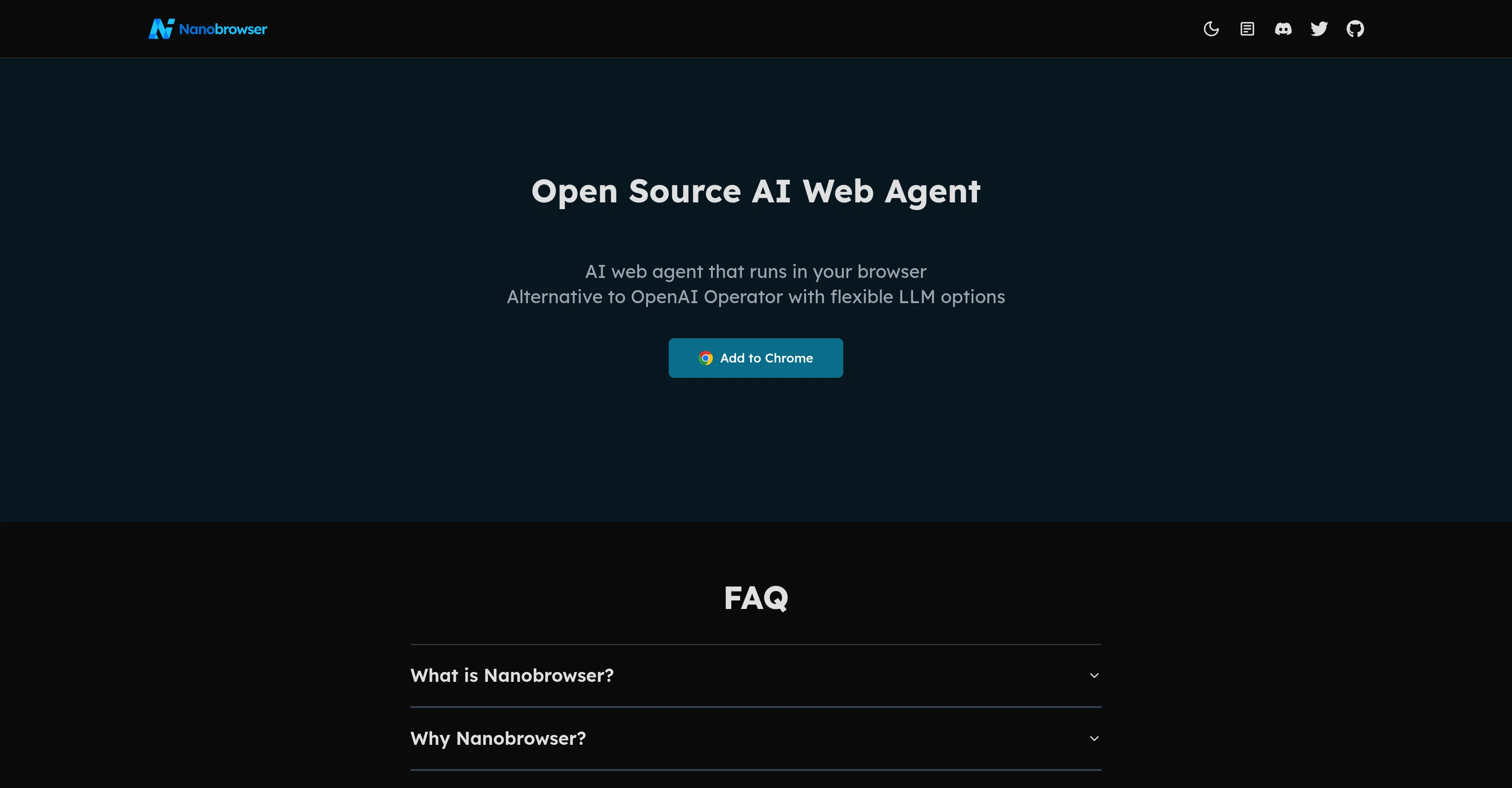
Nanobrowser is an open-source Artificial Intelligence web agent that operates as a Chrome extension for AI-powered web automation. The tool provides an alternative to OpenAI Operator, and allows users to run multitasking workflows using their Language Learning Model (LLM) API key, giving room for customization.
The agent operates in the browser, offering an agile and flexible AI helper that leverages the capabilities of LLM for task automation. The functionality of Nanobrowser expands beyond web navigation, using AI to automate a sequence of actions, which could reduce the manual overhead on daily tasks.
As an open-source project anyone can contribute, this suggests it could be continually developed and updated. The tool supports a few different unspecified models, meaning it may be adaptable to various tasks.
It is also developed to allow for an easy start-up process, making it user-friendly and easily incorporated into workflows. Tools or software extensions like Nanobrowser could be important for businesses and individuals looking to integrate AI into their workflows for efficiency and automation.
Help other people by letting them know if this AI was useful.
Add your own prompts and outputs to help others understand how to use this AI.
Screenshot gallery
Pros & Cons
Pros
+Open-source project
+Chrome extension
+Web automation capability
+Allows multitasking workflows
+Uses LLM API key
+Room for customization
+Operates in browser
+Agile and flexible
+Task automation
+Expands beyond web navigation
+Reduces manual overhead
+Community contribution possible
+Continual updates possible
+Adapts to various tasks
+User-friendly
+Easily integrated into workflows
+Can improve individual productivity
+Enhances business tools
+Promotes efficiency
+Easy start-up process
+Supports multiple models
+User maintains API ownership
+Multi-agent workflows
+Flexible LLM options
+Potential for continual development
Cons
−Chrome extension only
−Requires LLM API key
−Vague model support
−Dependent on community updates
−Limited to web automation
−Start-up might be complex
−Multitasking may overload system
−Potential security issues
−Customization may need coding
−Performance reliant on browser
A Professional Framework to Evaluate Nanobrowser
When considering Nanobrowser for integration into your organizational workflow, we recommend deploying a structured score card across three critical operational pillars: Security & Compliance, Integration Friction, and long-term Price Scalability. Rather than looking only at basic feature lists, modern procurement teams must assess how a software platform behaves under high load and how well it fits into the team's data security guidelines.
1. Security and Database Compliance
Depending on your operating region and field, ensure that Nanobrowser supports standard security layers such as SOC 2 Type II certifications, GDPR compliance, or HIPAA-compliant database encryption. If the tool connects directly to client database tables or handles user passwords, verify that they implement multi-factor authentication (MFA), single sign-on (SSO) integrations, and end-to-end data encryption in transit and at rest.
2. API Coverage and Custom Integrations
Siloed data is the primary cause of operational friction. Evaluate if Nanobrowser has native connectors for your current project trackers, messaging hubs, and customer communication channels. For custom developer requirements, check if they provide a fully documented REST API with reasonable rate limits, comprehensive Webhooks support, and robust SDK packages in your language. A flexible API layer saves hundreds of hours of manual copy-paste overhead.
3. Total Cost of Ownership (TCO)
SaaS pricing packages are often deceptively simple. When reviewing Nanobrowser's billing structure, map out your team's projected expansion over the next 12 to 24 months. Determine how costs scale as your customer database increases or as you add team members. Factor in setup costs, mandatory support plan upgrades, API access fees, and storage overage rates to understand the true cost before committing to a contract.
By combining verified user reviews from our directory with internal workflow pilot tests, your procurement team can make an informed decision that drives productivity without creating capital waste.
Features of Nanobrowser
Chrome Extension
Web Automation
Open Source
AI Helper
Language Learning Model
Task Automation
Free
SaaS1to10 verified reviews for Nanobrowser
Overall rating
★★★★★5.0
Based on 13 reviews
★★★★★5.01 months ago
“Review”
I have been using @Z.ai for two weeks for web development and it's mind blowing for me. What amaze me more is its capacity to understand my existing code with very little context and suggest -or just write- lot of improvement. I did some test to compare it with ChatGPT, Claude, etc. but the results were no even close. And I keep pushing the limits but it doesn't even blink.
Cmt
★★★★★5.01 months ago
“Review”
Extremely excited about this project and all the possibilities that follow!
James Daniels
★★★★★5.01 months ago
“Review”
it's actually kinda crazy. turned nothing (or lazy ideas) into tiny apps. and you can even tweak stuff. love that it's open source too. big ups to the dev. oh and it's really REALLY quick
Izaana Paswan
★★★★★5.01 months ago
“Review”
Not very impressive in usefulness. Small tweaks and it could be super.
Pontus Eriksson
★★★★★5.01 months ago
“Review”
Deploys the backend directly from chat!
Spam Trapper
★★★★★5.01 months ago
“Review”
This is my best bro! I communicate with him like my best friend, he always helps to direct my thoughts and ideas in the right direction, always tells me how to improve something and always gives detailed instructions during the conversation. Thanks to him, I’m launching a new project, in which he helps me take my ideas to a new level, just communication, during which you reassemble your concept and rethink your original idea, because you didn’t know how it would be better and more correct. @DeepSeek is my best assistant today, my creative inspiration, who gives me support and confidence in my business, guiding me to realize my dreams)
Gamer TOTORO
★★★★★5.01 months ago
“Review”
The most humanly AI i have used so far but the problem is as soon as you start piling up messages in single chat session , it starts getting slow and at some point it starts freezing and also uses a lot of resources. For time being its okay to do 3 4 messages but as soon as we continue it has messages limitation and also starts getting very very slow . For the price of £18 per month this is unacceptable and with the newly introduced feature called project, if we start new chat within the project we cannot continue with the context we provided in other chats within same project. There are lot of improvements for them to work on. And to start with the its speed and its price
Bibash Katel
★★★★★5.01 months ago
“Review”
Not at all accurate…. The only thing similar between original and generated images were the clothes and accessories… face was absolutely new and unconnected.
Shvetank Sharma
★★★★★5.01 months ago
“Review”
I think it's the best @Image Generator I ever found on the net. It gives more accurate image according to the prompt. And thank you for keeping it for free.
My Sawsiri
★★★★★5.02 months ago
“Review”
Hello 👋, I'm Luc, @SurfMind creator. I built this tool to solve my own problem of getting instant AI assistance on tab without switching tabs and disrupting my flows. I hope you find it just as helpful!
SurfMind Wave
★★★★★5.02 months ago
“Review”
A great tool without a doubt. However I prefer to have something that stays under my sight, like a separate app or a browser extension.
kanawati
★★★★★5.02 months ago
“Review”
It’s a fast, sleek, and feature-rich browser that makes multitasking effortless and browsing more enjoyable. Highly recommended!
melbin
★★★★★5.02 months ago
“Review”
It is really easy to use. Best of all, you can use the built-in free VPN to access content from anywhere in the world. I just recently found out that you can also stream FIFA games with this feature. It's so good!