5.02 months ago
“Review”
Easily the best Chat GPT alternative... A hidden Gem. A few issues with reasoning models but overall awesome product
Ali Morris

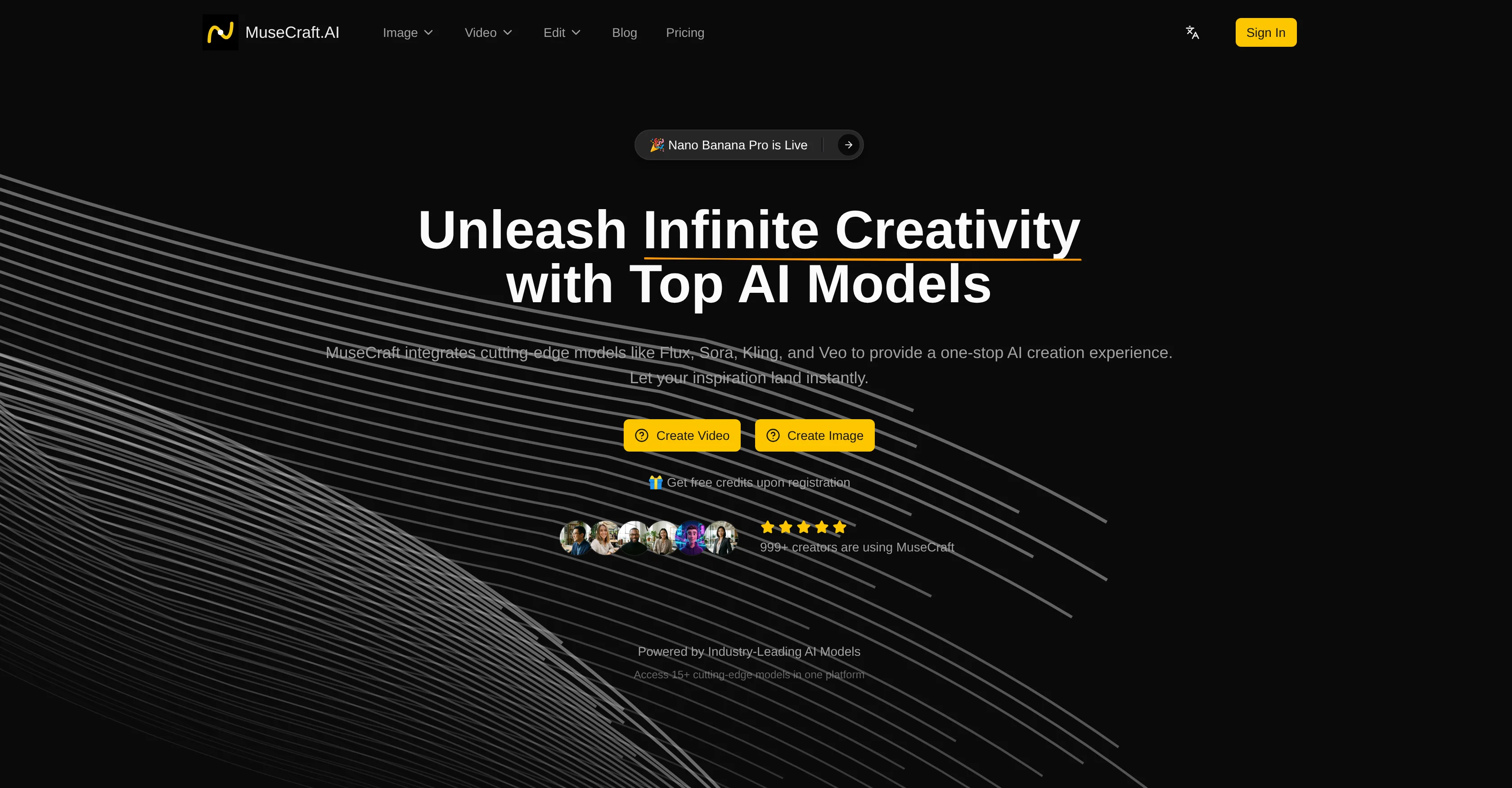
Unleash infinite creativity with top AI models.
MuseCraft is an artificial intelligence (AI) platform that integrates multiple top-tier models for a comprehensive creation experience. The platform is designed to generate high-quality videos and images based on user text inputs or image uploads. The service offers a variety of capabilities, including Text-to-Image, Text-to-Video, and Image-to-Video. With Text-to-Image, users can leverage top models such as Flux and Seedream to generate stunning images from textual descriptions. For Text-to-Video, the platform synthesizes cinematic videos from text prompts using models like Sora and Kling. Meanwhile, Image-to-Video allows users to animate static images into dynamic videos. Additional features include a professional-grade Skin Enhancer for AI-powered portrait retouching and an AI Background Remover for instant background removal from images. Notably, MuseCraft employs a unified credit system, removing the need for separate subscriptions for each AI service. Also, the infrastructure is optimized for fast generation times for both images and videos. Overall, MuseCraft is positioned as a unified AI creative platform that offers all-in-one access to the world's most potent AI models, enabling creators to bring their imaginations to life. Help other people by letting them know if this AI was useful. Add your own prompts and outputs to help others understand how to use this AI.
When considering MuseCraft for integration into your organizational workflow, we recommend deploying a structured score card across three critical operational pillars: Security & Compliance, Integration Friction, and long-term Price Scalability. Rather than looking only at basic feature lists, modern procurement teams must assess how a software platform behaves under high load and how well it fits into the team's data security guidelines.
Depending on your operating region and field, ensure that MuseCraft supports standard security layers such as SOC 2 Type II certifications, GDPR compliance, or HIPAA-compliant database encryption. If the tool connects directly to client database tables or handles user passwords, verify that they implement multi-factor authentication (MFA), single sign-on (SSO) integrations, and end-to-end data encryption in transit and at rest.
Siloed data is the primary cause of operational friction. Evaluate if MuseCraft has native connectors for your current project trackers, messaging hubs, and customer communication channels. For custom developer requirements, check if they provide a fully documented REST API with reasonable rate limits, comprehensive Webhooks support, and robust SDK packages in your language. A flexible API layer saves hundreds of hours of manual copy-paste overhead.
SaaS pricing packages are often deceptively simple. When reviewing MuseCraft's billing structure, map out your team's projected expansion over the next 12 to 24 months. Determine how costs scale as your customer database increases or as you add team members. Factor in setup costs, mandatory support plan upgrades, API access fees, and storage overage rates to understand the true cost before committing to a contract.
By combining verified user reviews from our directory with internal workflow pilot tests, your procurement team can make an informed decision that drives productivity without creating capital waste.
Overall rating
Based on 19 reviews
Easily the best Chat GPT alternative... A hidden Gem. A few issues with reasoning models but overall awesome product
Ali Morris
The generation effect is good, the pictures are exquisite, and the transition animations of the pictures are smooth The only drawback is that it would be better if the generation time were a little faster
GraphThread
Thanks for your feedback! We are also shipping some exciting new features this month!
Saverio Pulizzi
It’s an very interesting project, it helps me a lot to speed up my process.
Max Reverey
makes actually good clips
fourleafclover
Very interesting tool and useful ❤️👌🏽👏🏽🙏🏽
Béatrice Duval
Absolutely in love. I could create my own custom AI and shared it with my colleuges to get instant support from me, i mean digital AI of me :)
Derek W.
This tool finally helps me understand what makes a great prompt. It doesn't just give me a better version, it shows me to get there by analyzing why the original prompt is weak and showing what to improve. The difference this makes to the final AI output is incredible. An essential tool for getting more accurate and detailed results, Great Job!
Milo Quinn
Ideal for stock-watchlist and not missing trade setups that correspond to my strategy.
Builder
that's such a great AI
piw
Reducing manual efforts in first-pass during code-review process helps speed up the "final check" before merging PRs
Sahil Mohan Bansal
This tool i found is super cool, I created 5 books from this tool to sell them online, which gives me great profit. I am creating more valuable books to spread knowledge, and earn some bucks as well 🤑.
Bilal Ashraf
Many ai models help me create videos I love
long ff
I work on the @Tendem team, so take this with that context — but I also use the product constantly for my own work. I've used @Tendem to research AI directories — finding relevant ones, pulling submission requirements, organizing everything into a spreadsheet I could act on. I've also used it for copy edits — sending over drafts and getting back tightened, polished versions without going back and forth with a prompt ten times. The thing that keeps me coming back is how little I have to think about the handoff. I describe what I need, send it, and move on to something else. It's slower than getting a ChatGPT response, sure. But I get something finished — not a starting point I still need to rework. When you use AI tools for this kind of work, you trade waiting time for cleanup time. @Tendem flips that. I'd rather wait and get a result I can use than get a fast draft I have to fix myself.
Vladimir Gromozdin
Very interesting
Béatrice Duval
Has anyone made anything with these tools they could share? Curious about the AI capabilities.
Yerena
great for quick mockups when i need placeholder art. not as robust as some other tools but it's fast and the visuals are clean enough for client presentations. gets the job done without overthinking it
Joana Haseeb
WTF... this thing is actually wiiiildd! everything i've tried came out looking like straight up high quality movie scenes.. i'm actually mind blown... insane..
Chris Studioz
I handle a large number of tasks simultaneously through @VoooAI to complete my creative work, thereby accomplishing the workload equivalent to one month in one day
Terry
Starting Price
Free plan available
Free tier available with optional paid upgrades.


