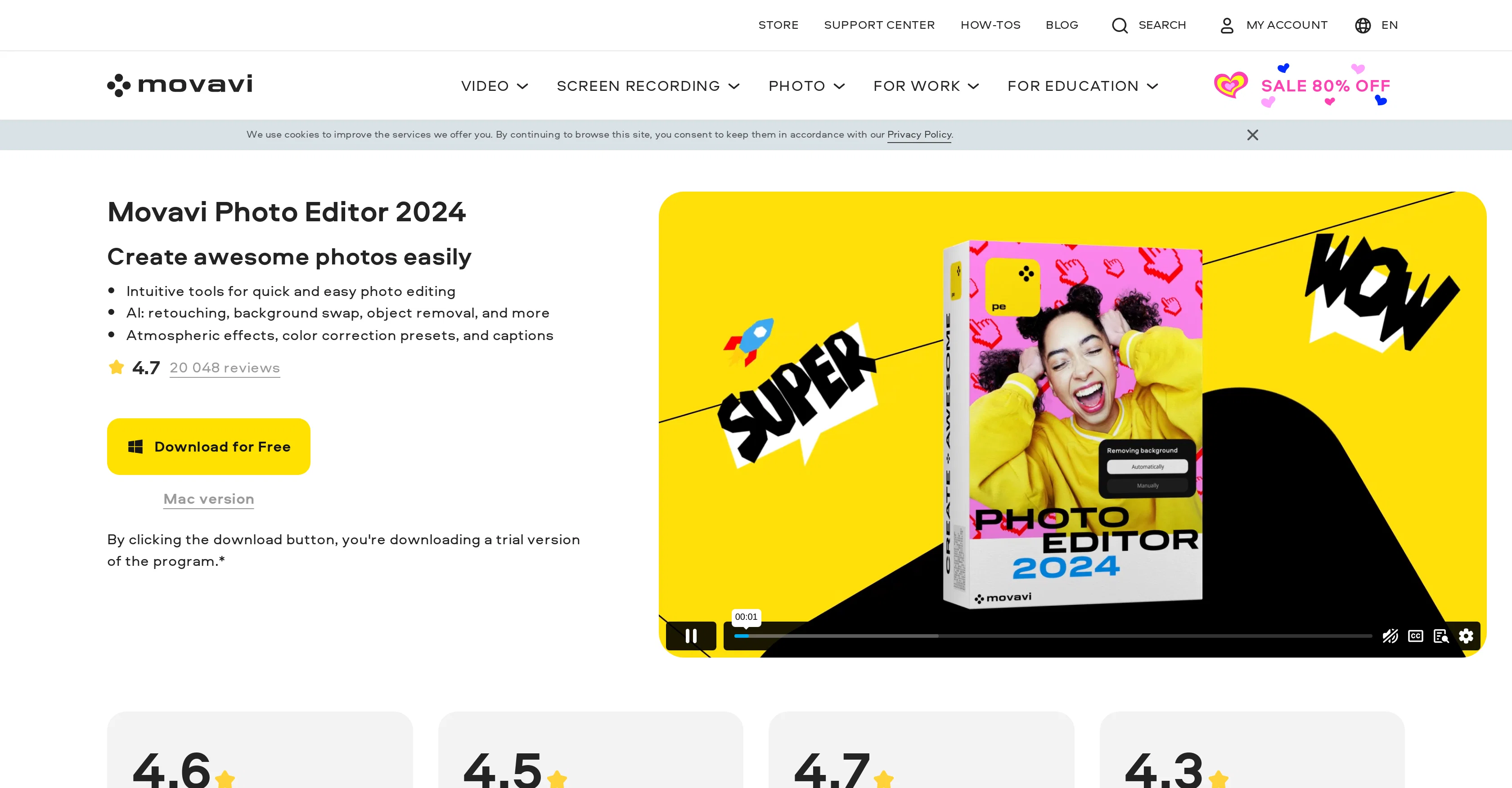
Movavi Photo Editor is a versatile photo-editing software that works on both Windows and Mac platforms. It is designed to enhance photograph quality quickly, utilizing smart tools to produce amazing images with minimal effort.
The program offers an assortment of intuitive tools accessible by users of different skill levels, consisting of AI-based features for retouching, background swapping, and object removal.
These tools aim to aid users in creating captivating images, providing atmospheric effects, color correction presets, and captioning facilities. The program also features automatic photo enhancement to improve light and color balance in images.
The software's capabilities extend to reviving old photos by reducing image noise in scans, adding color to black-and-white photos, and removing crease lines, scratches, and stains.
Besides standard photo improvement facilities, the software allows users to adjust sharpness, add custom filters and effects, apply virtual makeup, whiten teeth, restore old photos, and remove unwanted objects or details from images.
Help other people by letting them know if this AI was useful.
Add your own prompts and outputs to help others understand how to use this AI.
Screenshot gallery
Pros & Cons
Pros
+Works on Windows and Mac
+Quick photo quality enhancement
+Minimal effort image editing
+User-friendly tools
+Atmospheric effects
+Color correction presets
+Captioning facilities
+Automatic photo enhancement
+Revives old photos
+Reduces image noise
+Colorizes black-and-white photos
+Removes crease lines, scratches, stains
+Custom sharpness adjustment
+Custom filter and effect application
+Virtual makeup application
+Teeth whitening
+Old photo restoration
+Unwanted object removal
+Pro-quality color correction
+New juicy presets addition
+Automatic light balance
+Automatic color balance
+100+ effects and filters
+Custom sharpness adjustment
+Supports large images
+Regular updates and upgrades
+Trustworthy user reviews
+Multilingual support
Cons
−Limited large image support
−Software size is large
−Higher technical requirements
−Possible watermark in trial
−No support for Linux
−Premium price
−Can't guarantee correct processing
−No mobile version
−Trial version feature limitations
A Professional Framework to Evaluate Movavi
When considering Movavi for integration into your organizational workflow, we recommend deploying a structured score card across three critical operational pillars: Security & Compliance, Integration Friction, and long-term Price Scalability. Rather than looking only at basic feature lists, modern procurement teams must assess how a software platform behaves under high load and how well it fits into the team's data security guidelines.
1. Security and Database Compliance
Depending on your operating region and field, ensure that Movavi supports standard security layers such as SOC 2 Type II certifications, GDPR compliance, or HIPAA-compliant database encryption. If the tool connects directly to client database tables or handles user passwords, verify that they implement multi-factor authentication (MFA), single sign-on (SSO) integrations, and end-to-end data encryption in transit and at rest.
2. API Coverage and Custom Integrations
Siloed data is the primary cause of operational friction. Evaluate if Movavi has native connectors for your current project trackers, messaging hubs, and customer communication channels. For custom developer requirements, check if they provide a fully documented REST API with reasonable rate limits, comprehensive Webhooks support, and robust SDK packages in your language. A flexible API layer saves hundreds of hours of manual copy-paste overhead.
3. Total Cost of Ownership (TCO)
SaaS pricing packages are often deceptively simple. When reviewing Movavi's billing structure, map out your team's projected expansion over the next 12 to 24 months. Determine how costs scale as your customer database increases or as you add team members. Factor in setup costs, mandatory support plan upgrades, API access fees, and storage overage rates to understand the true cost before committing to a contract.
By combining verified user reviews from our directory with internal workflow pilot tests, your procurement team can make an informed decision that drives productivity without creating capital waste.
Features of Movavi
Photo Editing
Photo Enhancement
Image Processing
Photo Retouching
Reviving Old Photos
Color Correction
From $94.95/Yr
SaaS1to10 verified reviews for Movavi
Overall rating
★★★★★5.0
Based on 22 reviews
★★★★★5.01 months ago
“Review”
Which is more valuable, time or money? This doesn't save you either, at the moment as you only get two infographics to test out and you have to do quite a bit of editing to get it to look ok. The point of infographics is to inform in a highly visual and compelling way. None of the example info graphics are that. I suggest a pivot and use AI to fill out the text in a pre-made graphic template.
Michelle Ashton
★★★★★5.01 months ago
“Review”
Loved the tool! I used it to build a launch strategy for a project and took all the market analysis and competitors research from there. A real time saver
Natalia Cristin
★★★★★5.01 months ago
“Review”
It was so amazing
Radhakanta Mahananda
★★★★★5.02 months ago
“Review”
AI is the trend of the times. This product makes it easier and faster for me to learn and practice AI knowledge. It’s great.
Nahhida
★★★★★5.02 months ago
“Review”
Great 👌👌👌
Rajib Gartia
★★★★★5.02 months ago
“Review”
saving time and effort.
chloe
★★★★★5.02 months ago
“Review”
Excellent tool, for a free tool anyway
Mia Grace
★★★★★5.02 months ago
“Review”
I have tried it for my grandma, this is really game changing! She found it easy to use, and now we are starting to preserve her memories.
Anne Sue
★★★★★5.02 months ago
“Review”
This ai tool is awesome because I did figure out last Christmas when I was was lucky enough but thanks for sharing a tarot reading. But now I will be using this as often as I can. This may my Christmas a miracle for me.
Lauren music
★★★★★5.02 months ago
“Review”
Will not let you test on a HD picture without paying. I found a lot of these "programs" do a poor job and I am tired of paying for a test. Maybe offer 1 HD picture, but crop it (user crop)?
Tim Patrie
★★★★★5.02 months ago
“Review”
@Uizard is so great for spinning out ideas and iterating. You can generate designs from text prompts as well as individual screens and themes. Also has a ton of other cool AI features like turning screenshots into editable designs and attention heatmaps. I suck at design so this is a game changer for me.
J Williams
★★★★★5.02 months ago
“Review”
This is a great tool! I have a question. The first time I created an Interactive Lesson, the published result had a transcript of the podcast which interacted simultaneously with the mindmap. After navigating out of that window, I can't access this again. Is there a way to access it? Currently it only shows an outline, the podcast and mindmap with no transcript or mindmap interactivity.
Fly Soul O
★★★★★5.02 months ago
“Review”
Big time saver but the download file is not very friendly
Paul Mercer
★★★★★5.02 months ago
“Review”
Everything is working normally. Best,
Stefan Mitrovic
★★★★★5.02 months ago
“Review”
I joined Kin's beta program on my iPhone XR. After upgrading to an iPhone 13, I found that I couldn't log into my existing account on the new phone, forcing me to create a new account. Now, I have two separate Kin accounts on different phones. Today, when I accessed the beta version of Kin, I got a notification stating that the test version ended on Monday, September 23rd. It instructed me to back up my data and move to the official Kin app. I did as advised—backed up my data, confirmed, uninstalled the beta app via TestFlight, and installed the official Kin app. However, when I attempted to “log in”, I was still unable to access my existing account. This issue hasn't been resolved yet. I have been trying desperately to get in contact with the support team. I left feedback through the test flight app and sent emails. No response. Now trying to find a forums, Reddit posts, TAAFT comments☻
Desiree Miller
★★★★★5.02 months ago
“Review”
Wish I would have found this before hiring a designer! Wow.
Jordan
★★★★★5.02 months ago
“Review”
i edited my picture twice because the first time it randomly got deleted. second time i did everything and i pressed download but nothing happened, after repeatedly trying it didn’t work in the end. regardless very good editing tool (fyi you can’t download high res pic without paying)
Georg
★★★★★5.02 months ago
“Review”
I think this is the point of a free trial...
Michael McWilliam
★★★★★5.02 months ago
“Review”
Works wonders for anime, has me taking it in consideration for a tool rotation.
Sean Gandhi
★★★★★5.02 months ago
“Review”
The prompt library is extremely practical.
yang li
★★★★★5.02 months ago
“Review”
I was struggling to create some free Christmas and New Year's e-cards, and these templates are really good. I recommend giving them a try. The only downside is that each free template can only be used once.
youngwind
★★★★★5.02 months ago
“Review”
Not at all accurate…. The only thing similar between original and generated images were the clothes and accessories… face was absolutely new and unconnected.
Shvetank Sharma
Pricing
Starting Price
From $11.00/user/month
Pricing may vary based on team size and features selected.