“Review”
The most humanly AI i have used so far but the problem is as soon as you start piling up messages in single chat session , it starts getting slow and at some point it starts freezing and also uses a lot of resources. For time being its okay to do 3 4 messages but as soon as we continue it has messages limitation and also starts getting very very slow . For the price of £18 per month this is unacceptable and with the newly introduced feature called project, if we start new chat within the project we cannot continue with the context we provided in other chats within same project. There are lot of improvements for them to work on. And to start with the its speed and its price
Bibash Katel
“Review”
This tool i found is super cool, I created 5 books from this tool to sell them online, which gives me great profit. I am creating more valuable books to spread knowledge, and earn some bucks as well 🤑.
Bilal Ashraf
“Review”
State of the Art
Dmitry G.
“Review”
Não conseguir testar pois a plataforma fica toda hora caindo, então não conseguir gerar a imagem. Mas gostaria de conseguir testar pois a proposta é muito boa.
Evelyn Bezerra
“Review”
good for beginners & really awesome features, yet to be integrated within themselves
Lucas Azevedo Furlan
“Review”
Started out good and has real potential, but the owners got greedy. You used to be charged 1 credit for each generation and got 20 free credits a day. Now you get 30 credits, but (for example Flux pro ultra) costs 9 credits and some change, meaning you get just 3 credits a day in reality. And when a run fails you are still charged so if you click a fourth time and it fails, they subtract and put you into credit debt (negative credits). Greed... the downfall of so many AI art websites. You are better off just buying a miniPC with good memory and good video card and downloading Flux to your computer and running it locally. The pricing? Let's do the math. $2 for 200 credits, but a Flux ultra run will cost you 9.97 credits. So for $2 you get actually 20 runs, and that is what you used to get each day for free. Totally not worth your money, especially when they charge you for failed runs too and the fact that on the average, it will take you 5 or 6 runs to get a decent picture that doesn't have deformed hands or other defects or deviations from what you are looking for. Better to download stable diffusion and run flux on it or uses any of the other local ways to run AI art if you can.
Mic
“Review”
NOT Working!! support@AdsCreator.com I acidently forgot my trial, and you billed me for 1 year subscription. Its been a month since im trying to contact someone for refund but you EMaiL does NOT work, every time google respond to email saying that your server is.notnworking. checked your mail on websites and it does not exist. support@AdsCreator.com @ThumbnailCreator.com @KeywordSearch @VideoIdeas.ai
Kiza TheMan
“Review”
ThumbnailCreator lets you generate YouTube Thumbnails using AI! 🚀
Aleric Heck
“Review”
Image3D feels like a practical tool rather than just a demo. The workflow is simple, the preview loads in-browser, and I can export common formats like GLB, OBJ, STL, and PLY. I would recommend it for fast 3D asset drafts and 3D printing experiments.
刘中奎
“Review”
I think it's the best @Image Generator I ever found on the net. It gives more accurate image according to the prompt. And thank you for keeping it for free.
My Sawsiri
“Review”
Not at all accurate…. The only thing similar between original and generated images were the clothes and accessories… face was absolutely new and unconnected.
Shvetank Sharma
“Review”
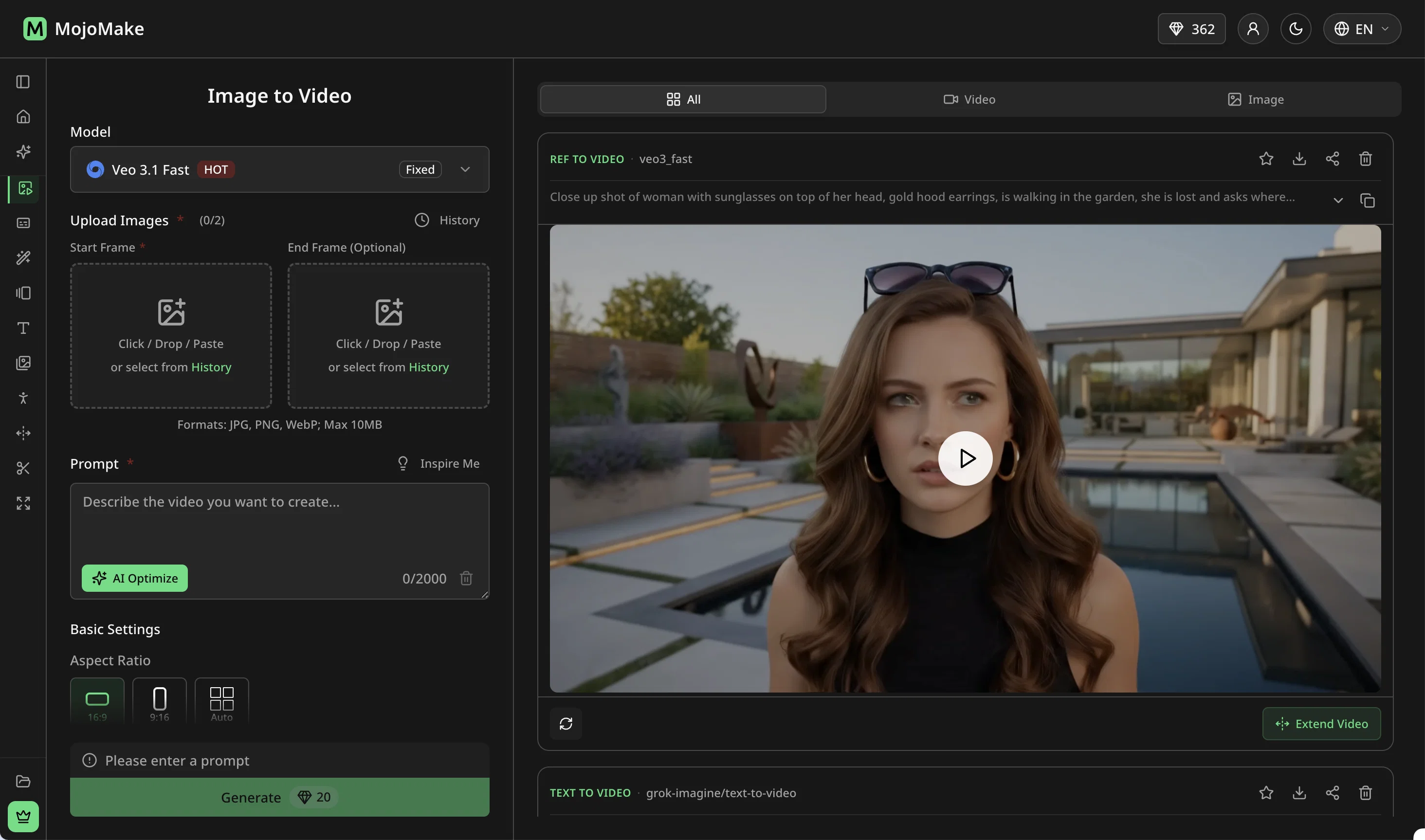
a friend sent me this the other day. veo, grok, seedance all run from one upload and it's actually fast. ui doesn't fight me. no complaints.
owen_reeves
“Review”
MojoMake exists so creators can stop managing tools and start making more.
One workspace for leading image and video models. Simple credits. Less switching, less friction — more time on what you’re creating.
That’s the product we stand behind. 💛
MojoMake
“Review”
"Stop paying for multiple AI tools." 👍 — Isn't this just a way for ordinary people to shell out cash for an "AI tool bundle" and pretend they're rich? Think of those "family bucket" combos at the convenience store downstairs—sure, they're marketed as a "package of all the snacks," but what are you actually eating?
As *The Atlantic* put it: "The more tools you add, the more you become the tool." You aren't using AI; you're acting as an ATM for it.
aomino233
“Review”
I mainly used Himedia AI for image creation and got surprisingly realistic outputs. Prompt control feels intuitive compared with some other tools.
KoooU
“Review”
Many ai models help me create videos I love
long ff
“Review”
Requires previous login, not fully free
Elenimotoon
“Review”
Feels illegal to be this early, quick run with @Grok Imagine: great for teaser bits. The image-to-video pass holds up for shorts ~6s loops with decent motion and sound sync. Style range is solid. Access sits behind the Grok sub on mobile, so not fully free and I’d love longer clips!
Herbert Kemp
“Review”
Only app I could create video for free! Thanks
7even