5.02 months ago
“Review”
Amazing renders, maintaining all details and smoothly micro edit any element in the image without changing anything else
La Maison Development

Design production UI directly in your codebase.
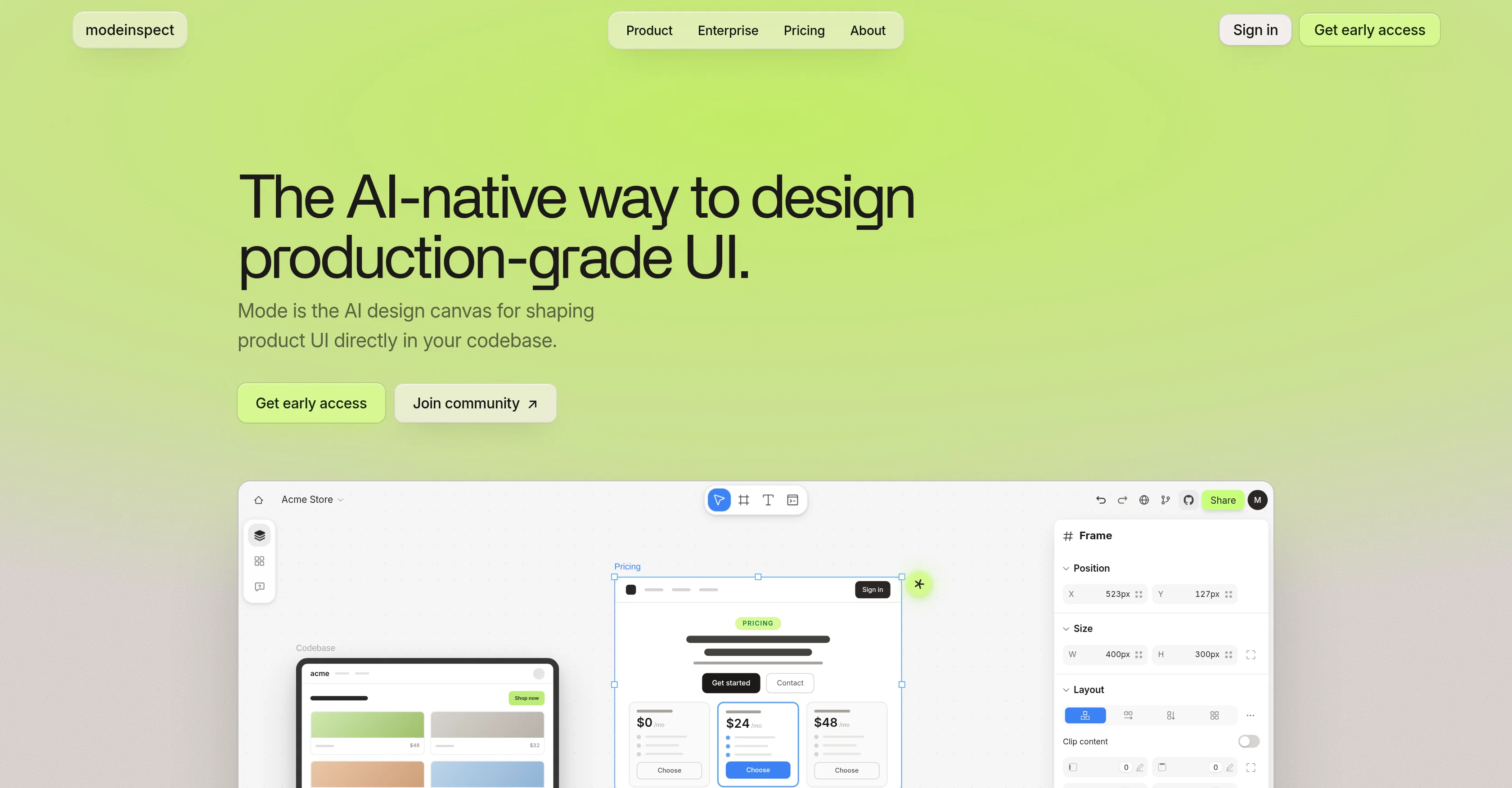
Modeinspect is an AI-native tool designed to create production-grade User Interface (UI) in your codebase. Its fundamental purpose is to shape product UI directly in the codebase. The tool is optimized for larger screens, featuring a design canvas that turns your products codebase into editable canvas frames. Users can refine real UI with visual controls, experiment with AI, share, or hand off for review. It offers a platform for designers to design on a real canvas, employing their components, styles, live data, every state and every screen, eliminating the necessity for throwaway mockups. The tool drops in the actual components that your product ships, preserving each variant and state intact. It enforces every color, space, and text style straight from your library, ensuring that everything placed is automatically on-brand.Modeinspect has features to ease layout of mobile, tablet, and desktop designs, and allows users to pull elements directly from the product onto the canvas. It also caters for dynamic states such as hover, focus, error, empty, loading, and success. Users can utilize the latest AI models to explore variants, restyle sections, adjust copy, or apply a design direction while remaining in control. The tool also benefits engineers by returning code that is easy to merge, reads the file layout, components, tokens, conventions, and existing logic, then writes within them. It offers scoped, clean diffs for engineering reviews, enforces the user's design system, avoids creating UI debt, and ensures type-safe changes. Help other people by letting them know if this AI was useful. Add your own prompts and outputs to help others understand how to use this AI.
When considering Modeinspect for integration into your organizational workflow, we recommend deploying a structured score card across three critical operational pillars: Security & Compliance, Integration Friction, and long-term Price Scalability. Rather than looking only at basic feature lists, modern procurement teams must assess how a software platform behaves under high load and how well it fits into the team's data security guidelines.
Depending on your operating region and field, ensure that Modeinspect supports standard security layers such as SOC 2 Type II certifications, GDPR compliance, or HIPAA-compliant database encryption. If the tool connects directly to client database tables or handles user passwords, verify that they implement multi-factor authentication (MFA), single sign-on (SSO) integrations, and end-to-end data encryption in transit and at rest.
Siloed data is the primary cause of operational friction. Evaluate if Modeinspect has native connectors for your current project trackers, messaging hubs, and customer communication channels. For custom developer requirements, check if they provide a fully documented REST API with reasonable rate limits, comprehensive Webhooks support, and robust SDK packages in your language. A flexible API layer saves hundreds of hours of manual copy-paste overhead.
SaaS pricing packages are often deceptively simple. When reviewing Modeinspect's billing structure, map out your team's projected expansion over the next 12 to 24 months. Determine how costs scale as your customer database increases or as you add team members. Factor in setup costs, mandatory support plan upgrades, API access fees, and storage overage rates to understand the true cost before committing to a contract.
By combining verified user reviews from our directory with internal workflow pilot tests, your procurement team can make an informed decision that drives productivity without creating capital waste.
Overall rating
Based on 8 reviews
Amazing renders, maintaining all details and smoothly micro edit any element in the image without changing anything else
La Maison Development
@Lovart is the 1st design agent, built for socials, posters, videos, 3D and more.
Sylvia Liu
DO NOT PAY FOR THIS. TERRIBLE PRODUCT, THERES FREE ALTERNATIVES OUT THERE THAT ARE JUST AS GOOD IF NOT BETTER. TRUST ME.
Michael Israel
Generate professional packaging from your logo, ready for print
Sally
Using @Thesys has been a game-changer for us. We can now ship AI features with interactive UIs in a fraction of the time it used to take. It’s simple to use and saves us so much effort.
abhishek mishra
Its actually good. I was able to make 3 screens using the promo code and they were better than the other UI tools.
Maram Urban
As a technical entrepreneur, working with designers is often way too slow - when I have an idea, I want a prototype the same day - not days/weeks later. I created UX Canvas because I wanted a better way to communicate my UI/UX ideas to developers, without having to spend thousands on hiring UI/UX designers or opening Figma and spending days/hours manually creating, iterating on, and prototyping designs myself. UX Canvas unlocks the ability for anyone - technical or not - to rapidly prototype their design ideas and instantly share them with team members in minutes. If you can put your idea into words, you can design it. No design skills required. (Although they are helpful) The agent has the ability to do cool things like generate it’s own image assets to be used in the design, and you can even export your designs to clean React/Typescript code - so you can hand the code over to your developers (or other AI tools like Cursor, Windsurf, etc.) to bring your product idea to life. Try it for free and let me know what you think! https://@UXCanvas.ai
Mike Tromba
Thank you everyone for trying @1UI! If you haven't yet, give it a spin and use code ‘TAAFT’ to get $5 credits to try @1UI.
Jessin Sam s
Starting Price
Contact vendor for pricing
Pricing may vary based on team size and features selected.