5.01 months ago
“Review”
I loveeeee this idea but sadly it does not send the email so i couldnt log in and try it... tried 2 different devices with different emails...
uma

AI that remembers, automates, and works 10x faster for you.
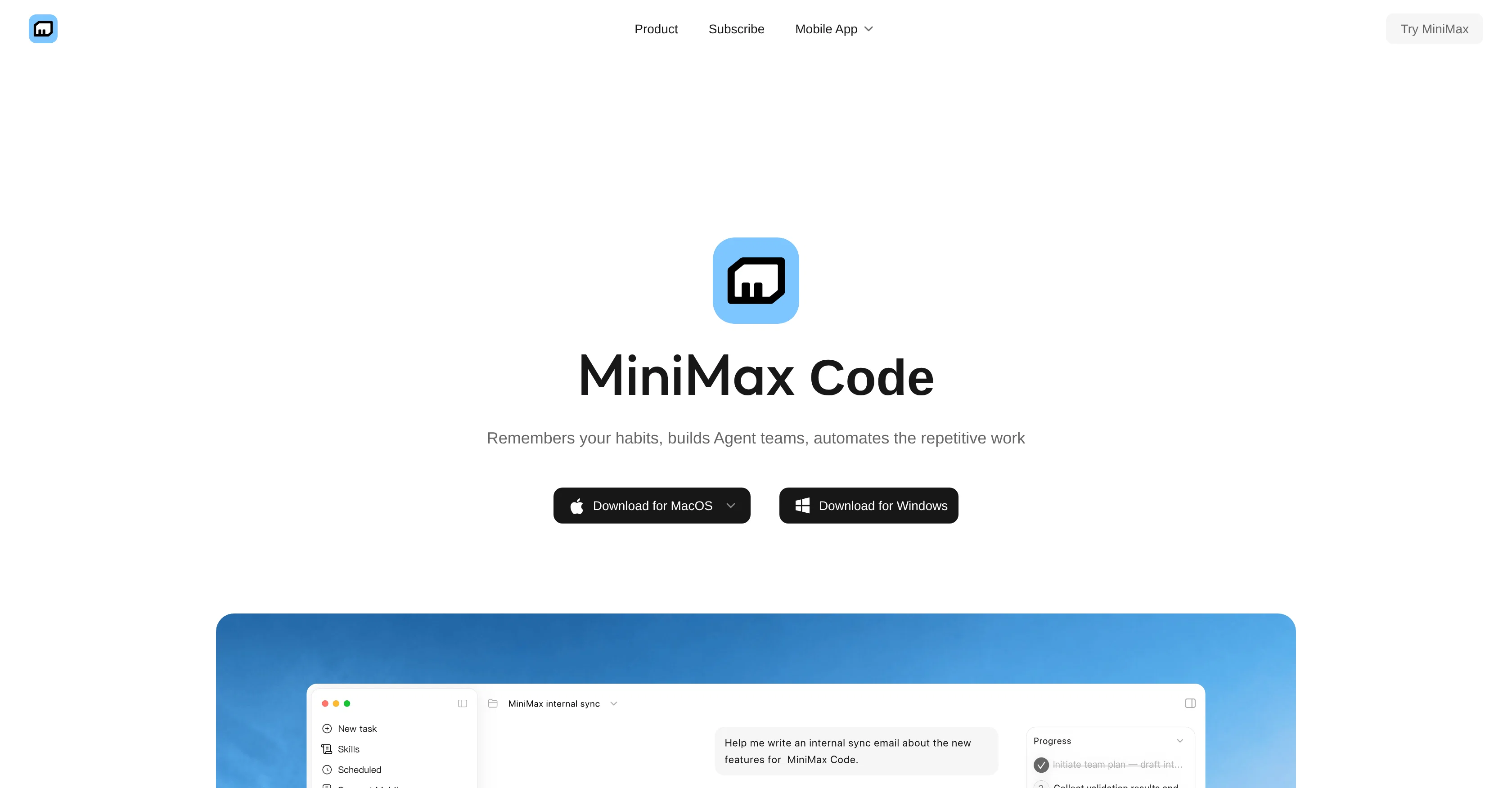
MiniMax Code is an AI tool designed to optimize productivity by learning and adapting to user habits and creating automated processes for repetitive tasks. Its core functionality lies in employing AI to understand user behavior, streamline work processes, and facilitate efficient learning. It achieves these functions by constructing 'Agent teams' based on your work patterns and habits. These teams are virtual assistants, developed to manage and reduce the burden of mechanical tasks, enabling the user to focus more on complex tasks where critical thinking and creativity are required. It's an ideal tool for individuals seeking to enhance their productivity in work or learning environments. However, it should be noted that the effectiveness of MiniMax Code largely depends on the user's consistency of use, as the more it is used, the better it can understand and predict user habits. In conclusion, MiniMax Code is a beneficial tool for those looking to increase efficiency and automate repetitive tasks. Help other people by letting them know if this AI was useful. Add your own prompts and outputs to help others understand how to use this AI.
When considering MiniMax Code for integration into your organizational workflow, we recommend deploying a structured score card across three critical operational pillars: Security & Compliance, Integration Friction, and long-term Price Scalability. Rather than looking only at basic feature lists, modern procurement teams must assess how a software platform behaves under high load and how well it fits into the team's data security guidelines.
Depending on your operating region and field, ensure that MiniMax Code supports standard security layers such as SOC 2 Type II certifications, GDPR compliance, or HIPAA-compliant database encryption. If the tool connects directly to client database tables or handles user passwords, verify that they implement multi-factor authentication (MFA), single sign-on (SSO) integrations, and end-to-end data encryption in transit and at rest.
Siloed data is the primary cause of operational friction. Evaluate if MiniMax Code has native connectors for your current project trackers, messaging hubs, and customer communication channels. For custom developer requirements, check if they provide a fully documented REST API with reasonable rate limits, comprehensive Webhooks support, and robust SDK packages in your language. A flexible API layer saves hundreds of hours of manual copy-paste overhead.
SaaS pricing packages are often deceptively simple. When reviewing MiniMax Code's billing structure, map out your team's projected expansion over the next 12 to 24 months. Determine how costs scale as your customer database increases or as you add team members. Factor in setup costs, mandatory support plan upgrades, API access fees, and storage overage rates to understand the true cost before committing to a contract.
By combining verified user reviews from our directory with internal workflow pilot tests, your procurement team can make an informed decision that drives productivity without creating capital waste.
Overall rating
Based on 14 reviews
I loveeeee this idea but sadly it does not send the email so i couldnt log in and try it... tried 2 different devices with different emails...
uma
1. Actually saves time (like, for real) 2. Not as confusing as other AI tools 3. Lots of ready-to-use stuff 4. Support team doesn't sound like robots
Magnus
This app is really great it helped me with automation and also getting an AI assistant that sounds exactly like a human improved my productivity
M O
Used it for PPT generation and performed extremely well, especially the numbers and data part.
Salina Hook
Great and easy to use chatbot.... It is my personal advisor...
David Mavashev
Hey everyone, I’m Evaldas, co-founder of @Guideless, the fastest way to turn any browser workflow into a polished, AI-narrated video guide in minutes. No screen recording. No tedious editing. Just turn on the extension, click through your process as you normally would, and instantly get a share-ready guide. We recently shipped a major update: a sleeker UX and new high-quality AI voiceover characters — making guides sound and feel more vibrant than ever. Give @Guideless a try and see how effortless creating high-quality tutorials can be 🪄
Evaldas Bieliūnas
Use full workspaces multiple people can use this ai
Rajkumar Dyagala
Phenonmal assistant!
Cav
Finally, a productivity tool that doesn't overcomplicate things. @Caret's tab-complete works seamlessly across apps — once you get used to it, going back feels impossible. Exactly what macOS was missing.
youdhis thira
Fast, Easy to use and makes repetitive tasks easy
Ioannis Gikas
We're live folks! Do check us out and drop your feedback or requests.
Shubh Saras
Can’t use it without an invite code.
Steven
I work on the @Tendem team, so take this with that context — but I also use the product constantly for my own work. I've used @Tendem to research AI directories — finding relevant ones, pulling submission requirements, organizing everything into a spreadsheet I could act on. I've also used it for copy edits — sending over drafts and getting back tightened, polished versions without going back and forth with a prompt ten times. The thing that keeps me coming back is how little I have to think about the handoff. I describe what I need, send it, and move on to something else. It's slower than getting a ChatGPT response, sure. But I get something finished — not a starting point I still need to rework. When you use AI tools for this kind of work, you trade waiting time for cleanup time. @Tendem flips that. I'd rather wait and get a result I can use than get a fast draft I have to fix myself.
Vladimir Gromozdin
I've put about 30-40 hours into SureThing, and it's seriously been a game-changer, basically acting like a virtual COO for my business!
Bonnie
Starting Price
Free plan available
Free tier available with optional paid upgrades.


