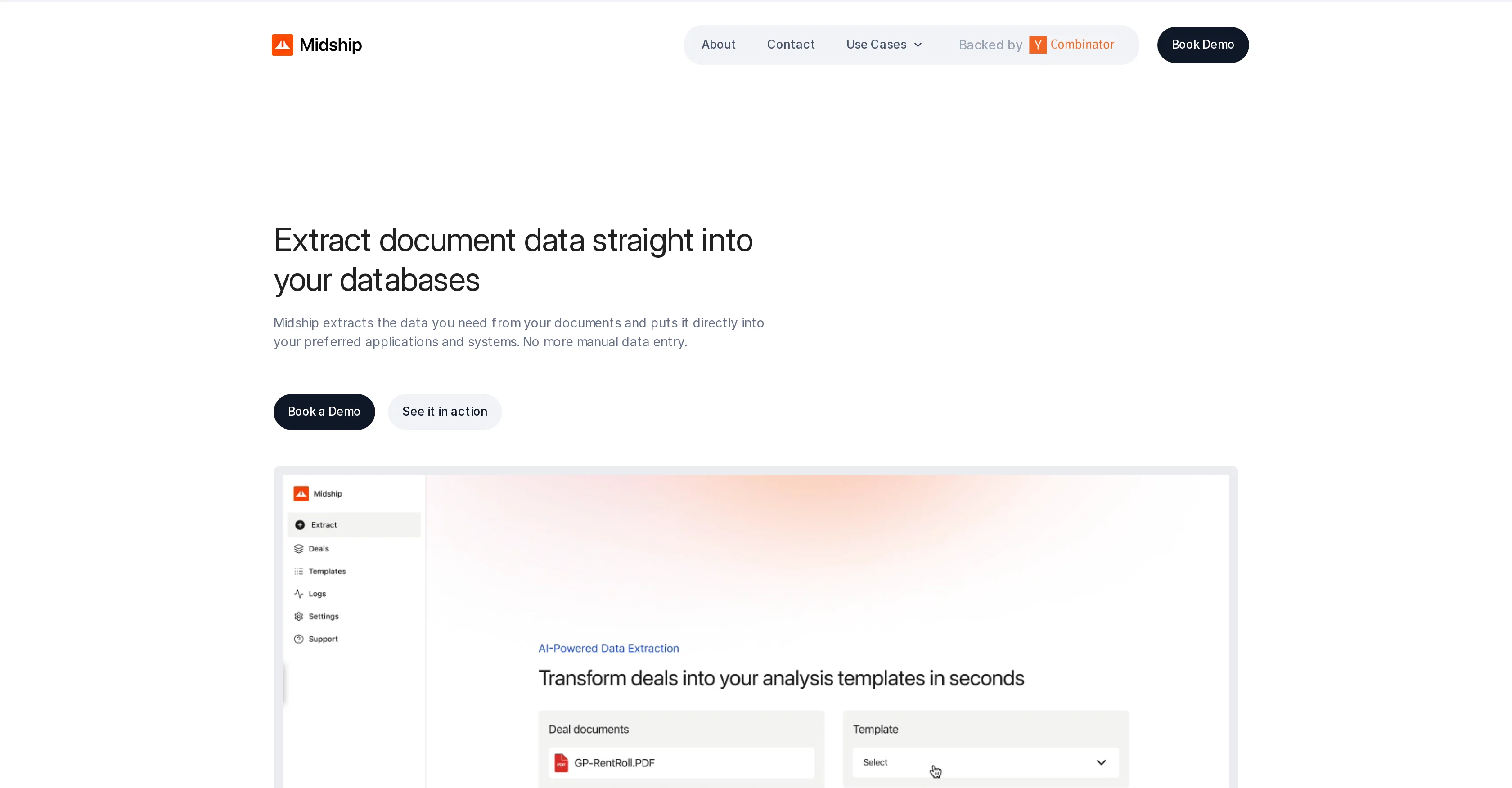
Midship is an AI tool designed to automate data entry, allowing structured data extraction from various types of documents. It utilizes custom-trained AI to understand specific document layouts, ensuring accurate data capture.
The tool is developed to address the need for speedy and precise document-to-data transformation, eliminating the need for manual copying and pasting.
It is capable of handling a pletora of document types and formats, from complex PDFs to customized reports. The feature of Intelligent Data Mapping enables automatic placement of extracted data within standardized formats, appropriately populating spreadsheets or other systems as required.
The tool can be customised to suit specific instructions, demonstrating flexibility and precision in dealing with unique tasks. Midship serves a broad range of industries and can process diverse documents like Audit Reports, Cash Flow Statements, Compliance Filings, Patent Applications, and more.
The tool is designed to seamlessly integrate and adapt to existing workflows, offering a variety of options to process documents, including through a Web App and Shared Drives, making it conducive for various enterprise environments.
Acknowledging the importance of security, especially for sensitive data, Midship also maintains a security-first infrastructure with state-of-the-art encryption and stringent access controls.
Help other people by letting them know if this AI was useful.
Add your own prompts and outputs to help others understand how to use this AI.
Screenshot gallery
Pros & Cons
Pros
+Automates data entry
+Handles various document types
+Handles complex PDFs
+Intelligent Data Mapping
+Populates spreadsheets automatically
+Customizable according to instructions
+Serves various industries
+Processes diverse documents
+Seamlessly integrates with workflows
+Processes documents through Web App
+Processes documents through Shared Drives
+Security-first infrastructure
+State-of-the-art encryption
+Stringent access controls
+Eliminates manual copying
+Accurate data capture
+Fast document-to-data transformation
+Adapts to existing workflows
+Extracts data straight into spreadsheets
+Suitable for enterprise environments
+Reduced errors
+Supports any document
+Tackles data challenges across industries
+Offers multiple ways to process documents
+Unparalleled accuracy
+Scalability on demand
+Provides competitive edge
+Rapid ROI
+Accelerated decision-making
+Strategic partnerships for unique solutions
+Operational transformations
+Significant efficiency gains
Cons
−Lacks OCR capabilities
−Limited integration options
−No mobile application
−Customization may be complex
−Limited document processing options
−Doesn't offer batch processing
−No multi-language support
−No data validation feature
−No offline mode
−No user-friendly GUI
A Professional Framework to Evaluate Midship
When considering Midship for integration into your organizational workflow, we recommend deploying a structured score card across three critical operational pillars: Security & Compliance, Integration Friction, and long-term Price Scalability. Rather than looking only at basic feature lists, modern procurement teams must assess how a software platform behaves under high load and how well it fits into the team's data security guidelines.
1. Security and Database Compliance
Depending on your operating region and field, ensure that Midship supports standard security layers such as SOC 2 Type II certifications, GDPR compliance, or HIPAA-compliant database encryption. If the tool connects directly to client database tables or handles user passwords, verify that they implement multi-factor authentication (MFA), single sign-on (SSO) integrations, and end-to-end data encryption in transit and at rest.
2. API Coverage and Custom Integrations
Siloed data is the primary cause of operational friction. Evaluate if Midship has native connectors for your current project trackers, messaging hubs, and customer communication channels. For custom developer requirements, check if they provide a fully documented REST API with reasonable rate limits, comprehensive Webhooks support, and robust SDK packages in your language. A flexible API layer saves hundreds of hours of manual copy-paste overhead.
3. Total Cost of Ownership (TCO)
SaaS pricing packages are often deceptively simple. When reviewing Midship's billing structure, map out your team's projected expansion over the next 12 to 24 months. Determine how costs scale as your customer database increases or as you add team members. Factor in setup costs, mandatory support plan upgrades, API access fees, and storage overage rates to understand the true cost before committing to a contract.
By combining verified user reviews from our directory with internal workflow pilot tests, your procurement team can make an informed decision that drives productivity without creating capital waste.
Features of Midship
Data Extraction
Automated Data Entry
Document Processing
AI Document Extraction
Intelligent Data Mapping
Custom Trained AI
SaaS1to10 verified reviews for Midship
Overall rating
★★★★★5.0
Based on 13 reviews
★★★★★5.01 months ago
“Review”
@KlearStack is a great tool to extract documents that you process manually. We process many invoices from @KlearStack and there's no human intervention required! Previously, we used to involve humans to do all these tasks! It's accuracy is far better than Nanonets and Docsumo! Try it out:)
Kalpesh Wadekar
★★★★★5.01 months ago
“Review”
I’ve been using @AI Manga Translator, and it’s amazing! It makes translating Japanese manga into English so easy. The interface is user-friendly, and the translations are pretty accurate. Definitely a must-try for any manga fan!
苏谨深
★★★★★5.01 months ago
“Review”
All great things are simple to use! Safe and useful app.
Marina Neparidze
★★★★★5.01 months ago
“Review”
The new AI engine is quite good
Bhaz Eguzer
★★★★★5.01 months ago
“Review”
Had several issues with app, beginning with a refresh needed to find the upload (figured out while waiting for help desk). Relatively straightforward conversion, rearranged fields, merged integer and text field. Conversion was Ok on first 30 lines and 2 pages, second 25 lines needed more manual editing. Was going to rate lower, tried Parseur was even worse.
Richard Green
★★★★★5.01 months ago
“Review”
The maximum number of pdf pages for the free tier is 10, which is a bit small. Generally, I think people need this service for pdf documents over 50 pages or so.
William Lowe
★★★★★5.01 months ago
“Review”
This is an awesome tool for creating content very fast. I use it daily for my LinkedIn posts. However, you need to be crystal clear about what you actually want from it. Superb tool!
Archana Prabhune
★★★★★5.01 months ago
“Review”
Highly recommend it for anyone dealing with high-volume document processing. Simplifies the process of extracting data from multiple PDFs into clean, accurate spreadsheets.
Tarang
★★★★★5.01 months ago
“Review”
A very useful thing :)
A. G.
★★★★★5.01 months ago
“Review”
I think it's the best @Image Generator I ever found on the net. It gives more accurate image according to the prompt. And thank you for keeping it for free.
My Sawsiri
★★★★★5.02 months ago
“Review”
No working links.
Allan Jackson
★★★★★5.02 months ago
“Review”
Very unique document parser. Works extremely well even on complex PDF tables and emails
Zhou
★★★★★5.02 months ago
“Review”
I’ve used ChatGPT, I’ve tried scraping tools, and this just blew my mind. @Chat4Data is like GPT got tired of talking and started doing things. I literally type ‘get me all the product listings from this page’ — and boom, it’s done. No code. No setup. Just results. 10/10 would recommend.
Kevin Liu
Pricing
Starting Price
Contact vendor for pricing
Pricing may vary based on team size and features selected.