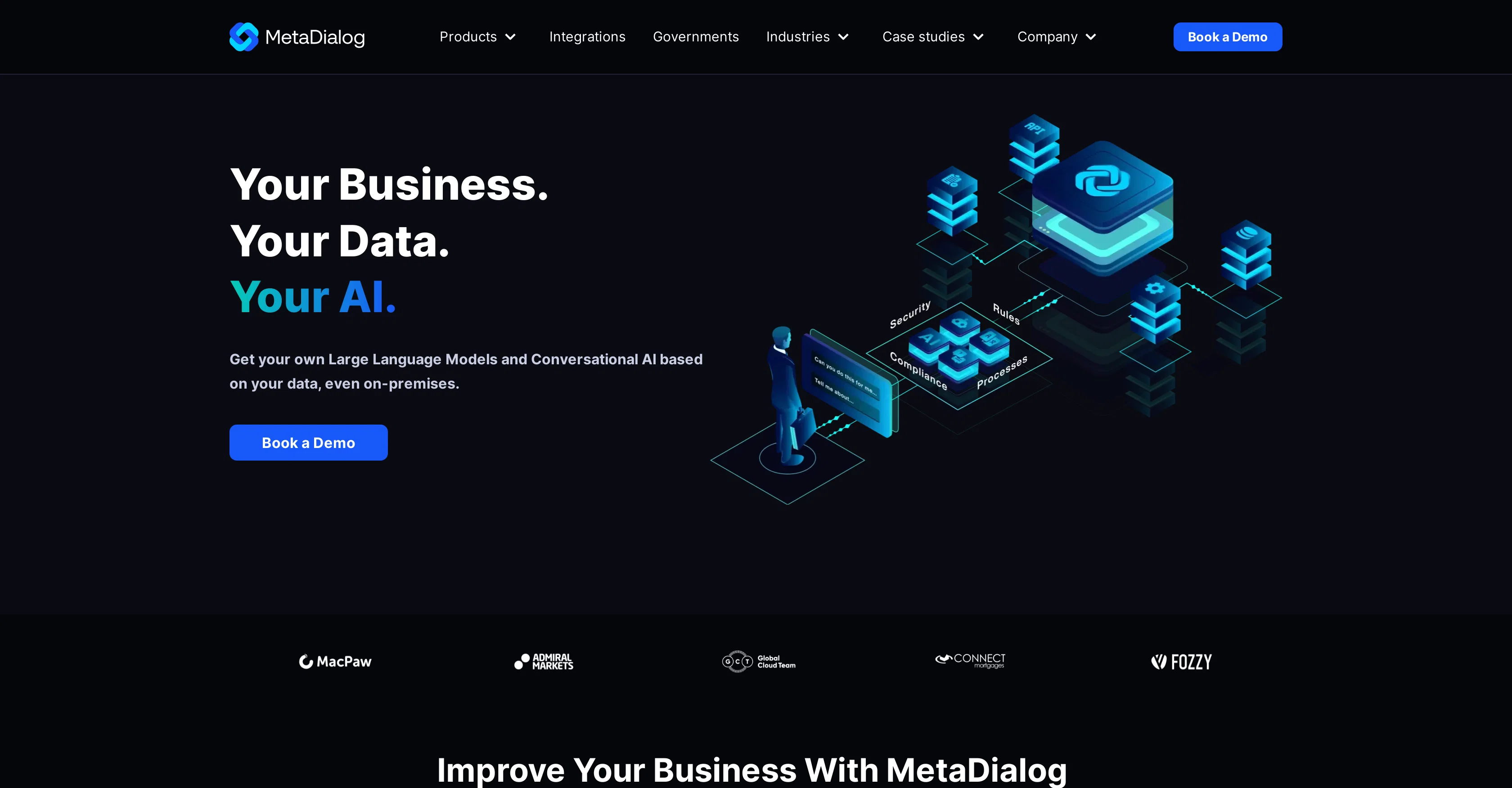
MetaDialog is an AI-based tool focused on providing conversational interfaces for businesses. It leverages Large Language Models to offer customized AI solutions, which can be deployed even on-premises.
This ensures data privacy and compliance, making it ideal for businesses prioritizing data security. The tool features two primary products, namely, SMB AI Support Platform and Enterprise AI Support Platform.
The SMB AI Support Platform is designed to automate customer support conversations, providing secure, multilingual AI support that smoothly integrates into existing customer support software systems.
The Enterprise AI Support Platform, on the other hand, is geared toward integrating Generative AI into regular business processes, offering fully customizable, scalable solutions.
A distinguishing feature of MetaDialog is its provision to create Custom Large Language Models. This functionality allows for the quick and cost-effective deployment of secure, private, and compliant language models, underlining the company's commitment to data control and privacy.
The models are trained with up-to-date knowledge, ensuring immediate responses. The tool also provides advanced searching capabilities and precise, compliant responses via its cutting-edge language models.
Help other people by letting them know if this AI was useful.
Add your own prompts and outputs to help others understand how to use this AI.
Screenshot gallery
Pros & Cons
Pros
+Supports on-premises deployment
+Prioritizes data privacy
+Complies with data security
+Automates customer support conversations
+Provides multilingual support
+Integrates with existing support software
+Delivers customizable, scalable solutions
+Creates Custom Large Language Models
+Enables quick deployment of models
+Ensures up-to-date knowledge in models
+Delivers immediate responses
+Supports advanced searching capabilities
+Provides precise, compliant responses
+Caters to various industries
+Offers integrations
+Maximizes data control
+Adapts to your data
+Response time under 1 hour
+Provides best-in-class language models
+Features data privacy-first approach
+Nameable Large Language Models
+Customizable services
+Compliant with internal company policy
+Can be installed fully on-premises
+Fast and cost-effective deployment
+87% customer support automation
+Enhanced customer satisfaction
+Saves implementation time and expenditure
+Variety of case studies provided
+Can work with government data
+Supports APIs, databases, CRMs
+Can handle large parameters
+Models trained with up-to-date knowledge
+Advanced than GPT 3.5 model
+Competitive with GPT 4 model
+Quick resolution of customer support
+Chatbot trials available
+Compliant with GDPR regulations
Cons
−Complex customization requirements
−Possible scalability issues
−Training needs up-to-date data
−Limited to business use
−Limited language models mentioned
−Doesn't emphasize user-friendliness
−Pricing information not clear
−Limited support for languages
−May need technical guidance
−On-premises deployment complexity
A Professional Framework to Evaluate MetaDialog
When considering MetaDialog for integration into your organizational workflow, we recommend deploying a structured score card across three critical operational pillars: Security & Compliance, Integration Friction, and long-term Price Scalability. Rather than looking only at basic feature lists, modern procurement teams must assess how a software platform behaves under high load and how well it fits into the team's data security guidelines.
1. Security and Database Compliance
Depending on your operating region and field, ensure that MetaDialog supports standard security layers such as SOC 2 Type II certifications, GDPR compliance, or HIPAA-compliant database encryption. If the tool connects directly to client database tables or handles user passwords, verify that they implement multi-factor authentication (MFA), single sign-on (SSO) integrations, and end-to-end data encryption in transit and at rest.
2. API Coverage and Custom Integrations
Siloed data is the primary cause of operational friction. Evaluate if MetaDialog has native connectors for your current project trackers, messaging hubs, and customer communication channels. For custom developer requirements, check if they provide a fully documented REST API with reasonable rate limits, comprehensive Webhooks support, and robust SDK packages in your language. A flexible API layer saves hundreds of hours of manual copy-paste overhead.
3. Total Cost of Ownership (TCO)
SaaS pricing packages are often deceptively simple. When reviewing MetaDialog's billing structure, map out your team's projected expansion over the next 12 to 24 months. Determine how costs scale as your customer database increases or as you add team members. Factor in setup costs, mandatory support plan upgrades, API access fees, and storage overage rates to understand the true cost before committing to a contract.
By combining verified user reviews from our directory with internal workflow pilot tests, your procurement team can make an informed decision that drives productivity without creating capital waste.
Features of MetaDialog
Large Language Models
Conversational AI
Custom Large Language Models
Data Privacy
Enterprise AI Support Platform
SMB AI Support Platform
Free + From $29
SaaS1to10 verified reviews for MetaDialog
Overall rating
★★★★★5.0
Based on 24 reviews
★★★★★5.02 months ago
“Review”
Profoundly expensive. They are charging $79 per month on a yearly subscription. The free version has few ais available. If you opt for the monthly subscription you'll be morgaging your family at $99 per month. I don't know any teachers who could afford that even in the short term. There are far less expensive ai options out there which are just as good.
William Lowe
★★★★★5.02 months ago
“Review”
Useful to quickly explore the content of and interconnections between research papers. Makes it a more fun process.
Jon Hasworth
★★★★★5.02 months ago
“Review”
Use full workspaces multiple people can use this ai
Rajkumar Dyagala
★★★★★5.02 months ago
“Review”
Thanks for the feedback, and also for the tip for the community. One more tip: if you upload an image directly, you can add context that might be missing in the image. For example, the duration is 3 hours or prefix every event title with Name:
Caren Cioffi
★★★★★5.02 months ago
“Review”
For now the best browser based AI scraper i have ever used.
Jason Shirazi
★★★★★5.02 months ago
“Review”
Absolutely in love. I could create my own custom AI and shared it with my colleuges to get instant support from me, i mean digital AI of me :)
Derek W.
★★★★★5.02 months ago
“Review”
They nailed it. It’s better than 3.7 at coding.
Tealgreen
★★★★★5.02 months ago
“Review”
magnificent. perfect. no errors.
Mino F16
★★★★★5.02 months ago
“Review”
It's the maker of MindMateGPT here. Focus group results After vetting the survey for duplicate entries, we were left with 10 users that participated in the focus group The average user had used the app for 3 weeks, and the average frequency was daily 100% of the users felt the app helped them improve their mental health, and 90% of them felt the app gave them a better ability to handle emotional distress. The average perceived mental health score went from a 3.8 to a 8.4 on a 1-10 scale
Anthony Teixeira
★★★★★5.02 months ago
“Review”
You have the option to waitlist or you can login with your email/pass or google account. I chose google. Once inside you have a suite of tools but im sure when you go to publish you have to sign up for a paid plan. So if your looking for a free option it will be branded. Use at your own risk. Thanks
Col Cooper
★★★★★5.02 months ago
“Review”
Great idea, but does not find what you are looking for-about the same as Google Scholar
Andy
★★★★★5.02 months ago
“Review”
Think its a fab tool but why wont it allow you to save your workflows?
Azmat Yusaf
★★★★★5.02 months ago
“Review”
Code varies from run to run. Still it is a helpful app. You can specify coding languages that are not in the dropdown menu.
Oran Kangas
★★★★★5.02 months ago
“Review”
They're dreaming if they think I'd give them my credit card info just for a free trial. Most useless thing ever...
Noeffen Way
★★★★★5.02 months ago
“Review”
Alternative for fast academic writing
Ivan Taslim
★★★★★5.02 months ago
“Review”
Really amazing! Makes learning content and engaging with things so much easier!
Jamie McDonald
★★★★★5.02 months ago
“Review”
after playing around with it for a bit, i am now aware of how much i need this. i can already feel the hours of sleep coming back to me <3
Bru no no no
★★★★★5.02 months ago
“Review”
As the service was in beta-testing stage, I created there a dozen of AI-generated courses for free. I wanted to use them. Those courses remained in my account as they started subscription tiers. But recently I have found out that they were deleted. The support didn't answer to my e-mail at all.
Oldfag TV
★★★★★5.02 months ago
“Review”
I really value the sentiment analysis tool—it simplifies understanding customer feedback by picking up on their emotions. Plus, the way it groups comments into topics is super helpful for decision-making.
Prakhar Pratap Mall
★★★★★5.02 months ago
“Review”
Immo currently best solution if you want to convert / enchant your how-to tutorials to more professional!
asusi zuppa
★★★★★5.02 months ago
“Review”
Created a dashboard using my Excel file and it gave insights I didn’t even expect. It can read any kind of Excel file no matter the template. I can even check the accuracy by tracing back which column the data came from Great tool. highly recommended!!
Anubhav Pandey
★★★★★5.02 months ago
“Review”
Signed up for a pro account for Google Drive integration. Works great! Saves me a lot of manual excel work.
Thu Ha Vu
★★★★★5.02 months ago
“Review”
It is the ease of use for me. @DataSquirrel is fast, the UI is super intuitive, and the guided analysis feature is highly convenient. I have officially moved from uploading CSV files from Google sheet to @DataSquirrel. Within minutes, I can visualize my data and interpreting it becomes super simple.