5.01 months ago
“Review”
Nice website but when you discover the tool. you realize it's half-baked. Hardly does what they claim to do.
Julien Demare

Create indoor maps in minutes with AI
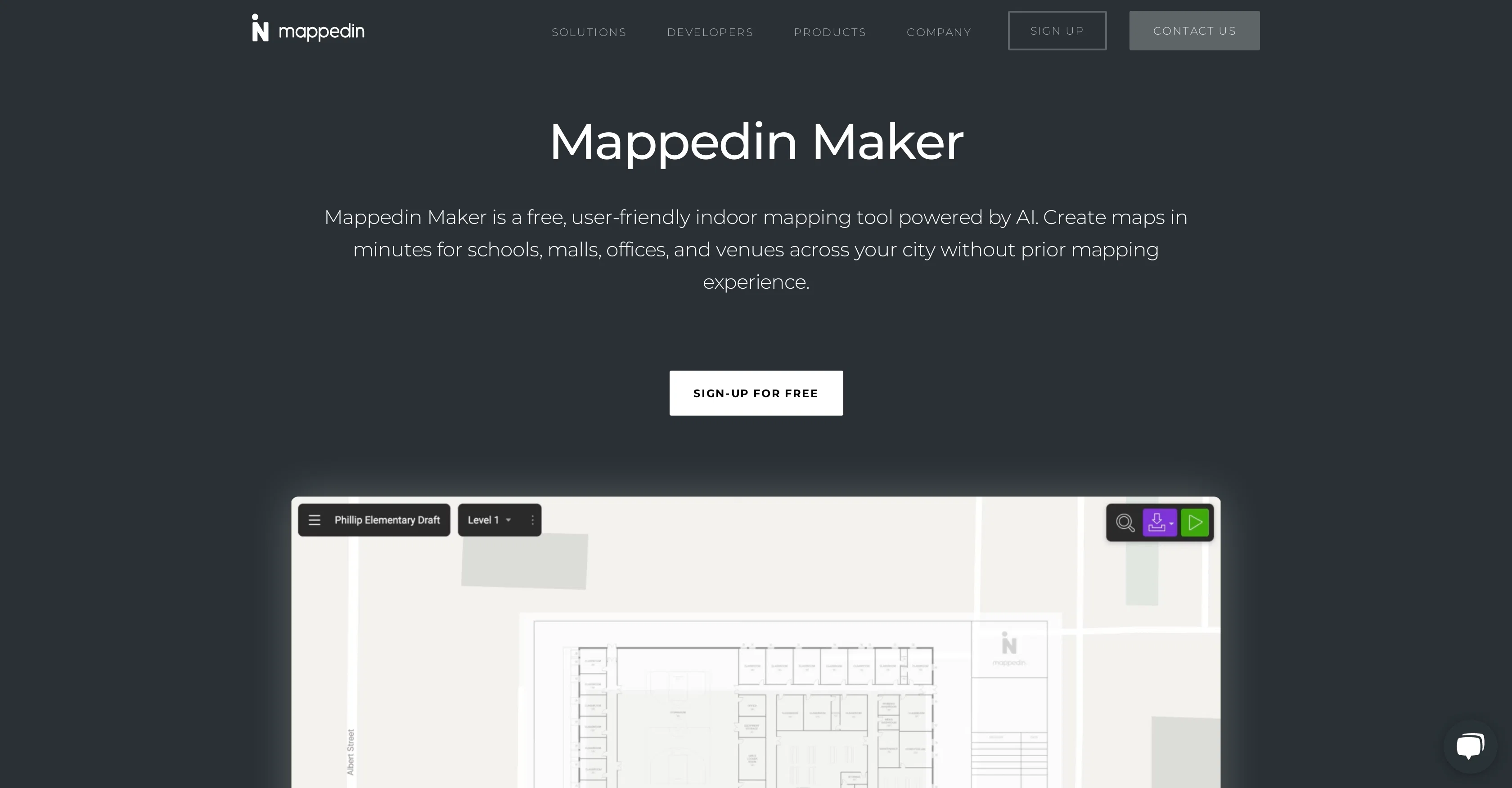
Mappedin Maker is a user-friendly, AI-assisted indoor mapping tool. It enables users to quickly and easily create detailed, accurate maps of indoor locations such as schools, malls, offices, and other venues, without requiring prior mapping experience. With the help of AI technology, users can upload a floor plan of the venue and the tool then converts this into a robust digital map. Alternatively, users can create a map from scratch with the iOS Maker App. The tool includes features such as AutoMap for automatic placement of objects like doors, walls, and windows, and a 3D interactive map viewer. Users also have the ability to edit their maps, add connections, move points of interest, and export the map in various formats or publish it for wayfinding purposes. One of Mappedin Maker's unique offerings is its focus on safety. It allows for easy location of key safety elements like emergency exits and fire extinguishers, ensuring up-to-date maps for emergency response departments. Mappedin Maker, as part of the broader Mappedin product range, supports the digitization of indoor spaces. Help other people by letting them know if this AI was useful. Add your own prompts and outputs to help others understand how to use this AI.
When considering Mappedin for integration into your organizational workflow, we recommend deploying a structured score card across three critical operational pillars: Security & Compliance, Integration Friction, and long-term Price Scalability. Rather than looking only at basic feature lists, modern procurement teams must assess how a software platform behaves under high load and how well it fits into the team's data security guidelines.
Depending on your operating region and field, ensure that Mappedin supports standard security layers such as SOC 2 Type II certifications, GDPR compliance, or HIPAA-compliant database encryption. If the tool connects directly to client database tables or handles user passwords, verify that they implement multi-factor authentication (MFA), single sign-on (SSO) integrations, and end-to-end data encryption in transit and at rest.
Siloed data is the primary cause of operational friction. Evaluate if Mappedin has native connectors for your current project trackers, messaging hubs, and customer communication channels. For custom developer requirements, check if they provide a fully documented REST API with reasonable rate limits, comprehensive Webhooks support, and robust SDK packages in your language. A flexible API layer saves hundreds of hours of manual copy-paste overhead.
SaaS pricing packages are often deceptively simple. When reviewing Mappedin's billing structure, map out your team's projected expansion over the next 12 to 24 months. Determine how costs scale as your customer database increases or as you add team members. Factor in setup costs, mandatory support plan upgrades, API access fees, and storage overage rates to understand the true cost before committing to a contract.
By combining verified user reviews from our directory with internal workflow pilot tests, your procurement team can make an informed decision that drives productivity without creating capital waste.
Overall rating
Based on 17 reviews
Nice website but when you discover the tool. you realize it's half-baked. Hardly does what they claim to do.
Julien Demare
O GPT faz uma análise melhor e mais personalizada.
Vinicius Vilela
As the service was in beta-testing stage, I created there a dozen of AI-generated courses for free. I wanted to use them. Those courses remained in my account as they started subscription tiers. But recently I have found out that they were deleted. The support didn't answer to my e-mail at all.
Oldfag TV
There were no aristocratic Asians and Africans in ancient Rome.
Sándor Gajdos
I think it's the best @Image Generator I ever found on the net. It gives more accurate image according to the prompt. And thank you for keeping it for free.
My Sawsiri
This one is great for logo and poster concepts. The vector-style output looks clean, and it handled a few pixel-art prompts better than expected. I’d still like tighter controls for fonts and style consistency, but it’s a strong tool overall.
Oleg John
love it and the customization it offers. still needs some work creating faces :| even cartoon ones
Bernard
"It’s like if Figma and ComfyUI had a baby." got me laughing. I am gonna use this thing.
Aathreya Shetty
Used this for a quick ebook draft and it got the structure down pretty well. The first chapters were stronger than the later ones, but it’s a useful starting point if you want to turn an idea into something readable fast.
Niraj Katy
Everything is working normally. Best,
Stefan Mitrovic
It is not free. So i couldnt test anything
Isa Venancio
Only available on the iphone... doesn't seem super intuitive to use.
Mental Forge Media
We will give you guys a go! thanks!
Silent Co
superb, e gratis, merge blana, in EN se aude ideal
jon doe
I’ve tried many AI writing tools in the past, but this one actually delivers content that sounds human and ranks. I love how you can create a full SEO blog post with just a keyword… and it’s ready to publish in one click. That saves me so much time. Also, small win for the wallet — use code FSL25 to get 25% off on any plan. Definitely helped me out when testing it for the first time. 👍 Hope this helps someone else who’s been struggling like I was!
Jason
After my first use, I think it's surprisingly good. The only drawback so far is the PDF export option for the report which is formatless.
Alejandro Correa
DO NOT PAY FOR THIS. TERRIBLE PRODUCT, THERES FREE ALTERNATIVES OUT THERE THAT ARE JUST AS GOOD IF NOT BETTER. TRUST ME.
Michael Israel
Starting Price
Contact vendor for pricing
Pricing may vary based on team size and features selected.


