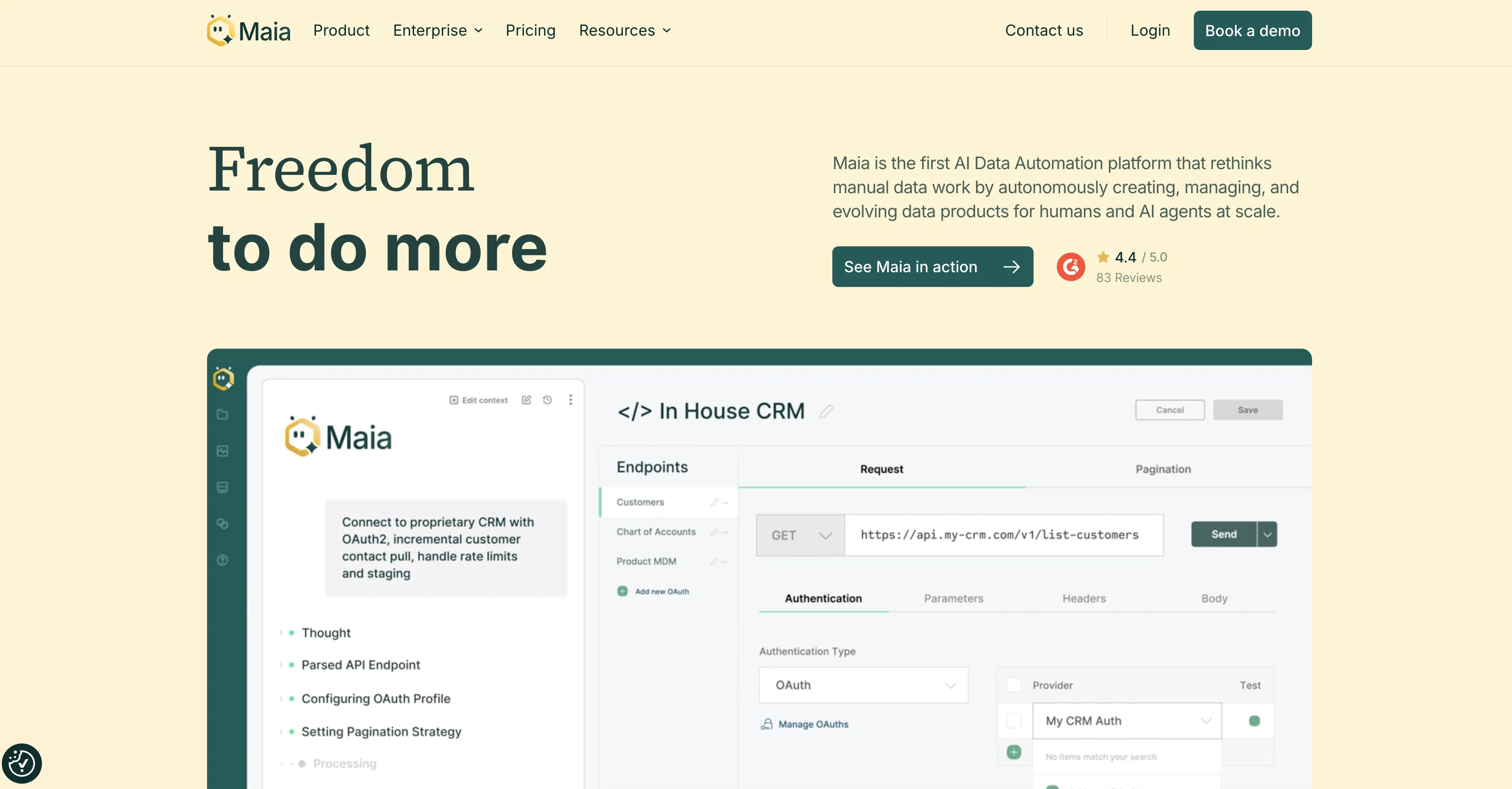
Maia is a pioneering AI Data Automation platform that autonomously handles manual data work. The platform is designed to create, manage, and evolve data products for both humans and AI agents at a large scale.
Designed with a focus on rethinking manual data work, Maia can automate the data lifecycle, from managing data requests to producing production-ready pipelines.
The goal of Maia is to automate manual data work, speeding up your team's operations and allowing them to shift from maintenance to more strategic tasks.
Core features include interactive data engineering, data quality validation, secure and flexible connectivity, automated debugging, performance tuning, and automated migration from legacy ETL/ELT to modern, cloud-ready data pipelines.
Maias role extends beyond these features as the platform can also help teams handle large streams of data requests, reduce bottlenecks, optimize data pipelines to stay within budget, and even modernize legacy systems with AI.
In addition to this, Maias foundation provides enterprise data tools for any workload with built-in security, elastic scale, and centralized control. Maia aims at automating manual data work for teams at global enterprises and fast-growing start-ups alike.
Help other people by letting them know if this AI was useful.
Add your own prompts and outputs to help others understand how to use this AI.
Screenshot gallery
Pros & Cons
Pros
+Autonomous data handling
+Manages and evolves data
+Automates data lifecycle
+Interactive data engineering
+Data quality validation
+Secure, flexible connectivity
+Automated debugging
+Performance tuning feature
+Automated ETL/ELT migration
+Handles large data requests
+Helps reduce bottlenecks
+Data pipeline optimization
+Modernizes legacy systems
+Elastic scale feature
+Centralized control feature
+Automates strategic tasks
+Supports global enterprises
+Supports start-ups data management
+Handles data products creation
+Offers budget optimization
+Automates data work
+Offer built-in security
+Enables teams ops speed
+Shifts to strategic tasks
+Always-on data team
+Data quality shift-left feature
+Data pipeline end-to-end designing
+Effective connectivity feature
+Automates debugging and RCA
+Performance tuning and optimization
+Automates migration from legacy
+Automates hard-coded pipelines
+Automatic documentation maintenance
+Scaling pipelines without headcount
+Data request fulfillment expedited
+Migrates and optimizes legacy code
+Auditability feature
+Auto-documentation feature
+User-friendly interface
+Cloud-ready data pipelines
+Automated controls
+Database connections feature
+Code conversion support
+Reduces manual overhead
+Increases workflow speed
+Secure self-serving insights
+Non-engineer execution support
+Efficient data consolidation
Cons
−Lack of transparent pricing
−No dedicated customer support
−Doesn't provide real-time analytics
−Unclear data storage policies
−Limited integration with APIs
−Lack of customizability
−Potentially complex for beginners
−Lack of user training
−Insufficient data segregation options
−Rely heavily on expert systems
A Professional Framework to Evaluate Maia.ai
When considering Maia.ai for integration into your organizational workflow, we recommend deploying a structured score card across three critical operational pillars: Security & Compliance, Integration Friction, and long-term Price Scalability. Rather than looking only at basic feature lists, modern procurement teams must assess how a software platform behaves under high load and how well it fits into the team's data security guidelines.
1. Security and Database Compliance
Depending on your operating region and field, ensure that Maia.ai supports standard security layers such as SOC 2 Type II certifications, GDPR compliance, or HIPAA-compliant database encryption. If the tool connects directly to client database tables or handles user passwords, verify that they implement multi-factor authentication (MFA), single sign-on (SSO) integrations, and end-to-end data encryption in transit and at rest.
2. API Coverage and Custom Integrations
Siloed data is the primary cause of operational friction. Evaluate if Maia.ai has native connectors for your current project trackers, messaging hubs, and customer communication channels. For custom developer requirements, check if they provide a fully documented REST API with reasonable rate limits, comprehensive Webhooks support, and robust SDK packages in your language. A flexible API layer saves hundreds of hours of manual copy-paste overhead.
3. Total Cost of Ownership (TCO)
SaaS pricing packages are often deceptively simple. When reviewing Maia.ai's billing structure, map out your team's projected expansion over the next 12 to 24 months. Determine how costs scale as your customer database increases or as you add team members. Factor in setup costs, mandatory support plan upgrades, API access fees, and storage overage rates to understand the true cost before committing to a contract.
By combining verified user reviews from our directory with internal workflow pilot tests, your procurement team can make an informed decision that drives productivity without creating capital waste.
Features of Maia.ai
Agent
Data Pipeline Optimization
Data Work Automation
AI Data Automation
Data Lifecycle Automation
Data Work Optimization
SaaS1to10 verified reviews for Maia.ai
Overall rating
★★★★★5.0
Based on 8 reviews
★★★★★5.01 months ago
“Review”
Surprisingly powerful data transformation tool for data scientists and data analysts. Quick onboarding and easy visual interface. I used AI for sentiment analysis and categorization of game reviews for dataset over 20,000 rows, works pretty fine.
Eugene Legkiy
★★★★★5.01 months ago
“Review”
Data narration and augmentation are valuable tools from @DatumFuse.AI
Myweb Buddy
★★★★★5.01 months ago
“Review”
It is the ease of use for me. @DataSquirrel is fast, the UI is super intuitive, and the guided analysis feature is highly convenient. I have officially moved from uploading CSV files from Google sheet to @DataSquirrel. Within minutes, I can visualize my data and interpreting it becomes super simple.
Aakriti Mahajan
★★★★★5.01 months ago
“Review”
tried quickdata on a stack of rent rolls (pdf+xls), a couple T12s and one chunky OM. setup's just an excel add in, super barebones ribbon button and it goes straight to work (no gimmicks). it mapped a lot of line items correctly and dumped them into my model fast. i like that it plugs into your existing model instead of forcing theirs. a clearer "why" for each auto category would be good.
Rami Jane
★★★★★5.01 months ago
“Review”
Data extraction is accurate and incredibly efficient. Plus, it's super easy to use - no setup, no onboarding forms, perfectly simple UI. We started using it right away. The bank statements feature quickly imports, categorizes, and matches transactions. Their automatic categorization and matching process fully automates the reconciliation flow in our team.
Fatih Kutluturk
★★★★★5.01 months ago
“Review”
Used it for PPT generation and performed extremely well, especially the numbers and data part.
Salina Hook
★★★★★5.01 months ago
“Review”
This is the first AI marketing tool I’ve used that actually helps me get things done, not just suggest generic ideas. The mix of AI-powered strategy and real experts executing the work makes it feel like having a high-performance marketing team without the overhead
Zach Chmael
★★★★★5.01 months ago
“Review”
It’s an very interesting project, it helps me a lot to speed up my process.
Max Reverey
Pricing
Starting Price
Contact vendor for pricing
Pricing may vary based on team size and features selected.