5.01 months ago
“Review”
UI has a client-side application error; this user tried both Edge
Richard Vogel

Transcribe audio files into text with AI, all on your device.
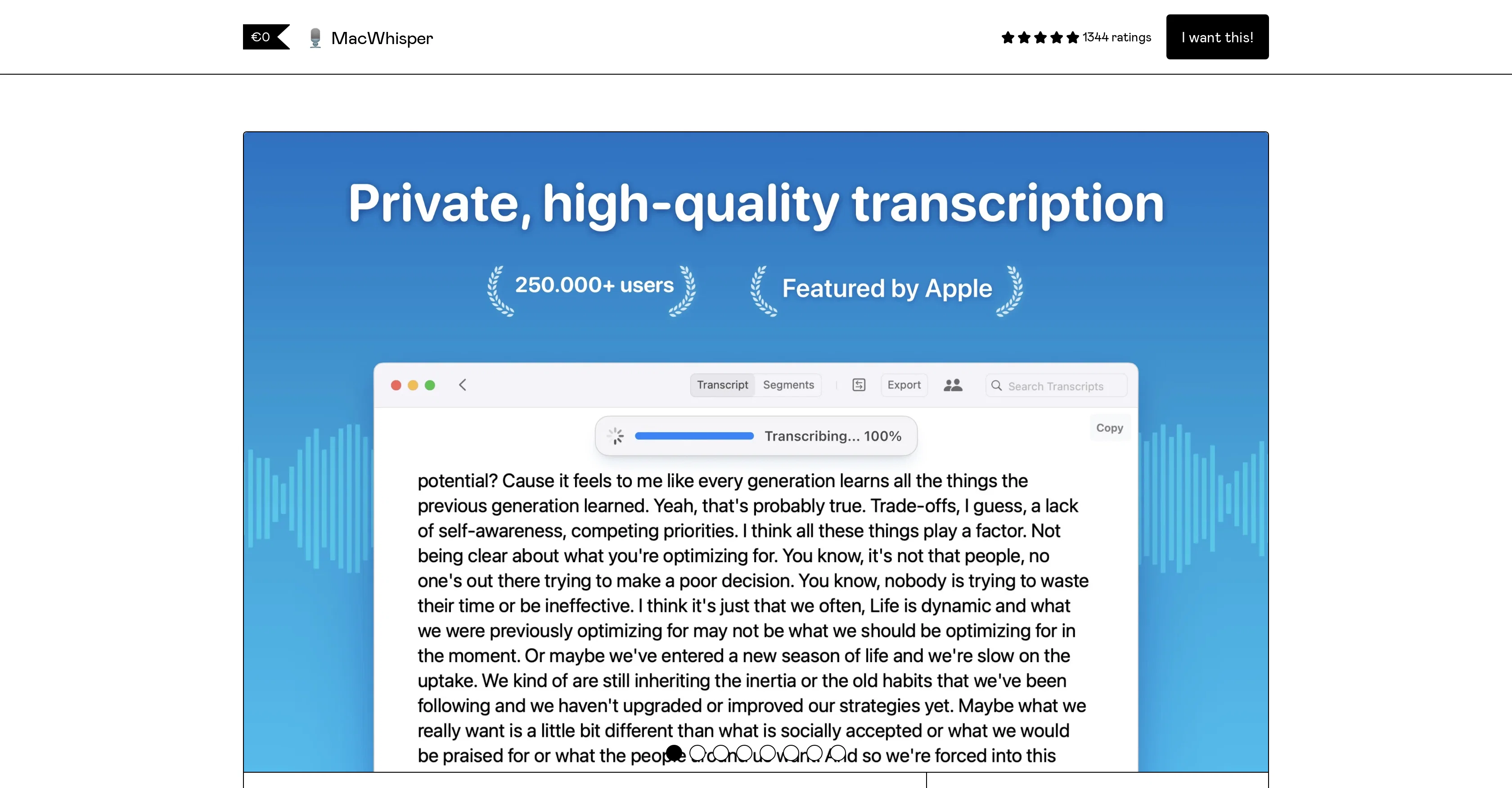
MacWhisper is a transcription tool developed with OpenAI's Whisper technology, allowing users to efficiently transcribe audio files into text. Particularly suitable for recording and transcribing meetings and lectures, it ensures high-quality transcription right on your device without having to transfer data off your machine, making it appropriate for sensitive audio content. An intuitive feature of MacWhisper is the drag and drop functionality. Users can easily transcribe audio files by dragging and dropping them and also record directly from their microphone or any other input device. MacWhisper supports the transcription of multiple formats including mp3, wav, m4a, ogg, and others. The tool ensures data accuracy with audio playback and synchronized transcripts. It is capable of translating and transcribing in over 100 different languages and enables users to edit, delete, or ignore certain segments from the transcript. The app also allows users to save their transcripts, bundled with the original audio, in .whisper file format for convenient sharing. MacWhisper also offers an advanced Pro version for batch transcriptions and support for WhisperKit and Distilled models. It integrates with ChatGPT and Anthropic Claude with user's API key, ensuring a versatile transcription experience. Furthermore, the Pro version allows for transcription of system audio, adding speakers manually for cleaner exports and the translation of transcripts through Whisper or DeepL API Key. The fluency of MacWhisper extends to support for various transcription qualities and an ability to adjust whisper settings for personalized usage. In spite of the wide range of features, MacWhisper remains user-friendly with its consolidated utility nature and priority support. Help other people by letting them know if this AI was useful. Add your own prompts and outputs to help others understand how to use this AI.
When considering MacWhisper for integration into your organizational workflow, we recommend deploying a structured score card across three critical operational pillars: Security & Compliance, Integration Friction, and long-term Price Scalability. Rather than looking only at basic feature lists, modern procurement teams must assess how a software platform behaves under high load and how well it fits into the team's data security guidelines.
Depending on your operating region and field, ensure that MacWhisper supports standard security layers such as SOC 2 Type II certifications, GDPR compliance, or HIPAA-compliant database encryption. If the tool connects directly to client database tables or handles user passwords, verify that they implement multi-factor authentication (MFA), single sign-on (SSO) integrations, and end-to-end data encryption in transit and at rest.
Siloed data is the primary cause of operational friction. Evaluate if MacWhisper has native connectors for your current project trackers, messaging hubs, and customer communication channels. For custom developer requirements, check if they provide a fully documented REST API with reasonable rate limits, comprehensive Webhooks support, and robust SDK packages in your language. A flexible API layer saves hundreds of hours of manual copy-paste overhead.
SaaS pricing packages are often deceptively simple. When reviewing MacWhisper's billing structure, map out your team's projected expansion over the next 12 to 24 months. Determine how costs scale as your customer database increases or as you add team members. Factor in setup costs, mandatory support plan upgrades, API access fees, and storage overage rates to understand the true cost before committing to a contract.
By combining verified user reviews from our directory with internal workflow pilot tests, your procurement team can make an informed decision that drives productivity without creating capital waste.
Overall rating
Based on 22 reviews
UI has a client-side application error; this user tried both Edge
Richard Vogel
this is so good, i pasted a youtube link of 40 mins long video and it gave me a clean text nice to read and i didn’t find any mistakes. best part it only took 2 mins maybe less
beni1
Great app. I am trying Free version. Working fine. will upgrade to Pro soon to transcribe and summarize my online meetings.
Suhreed Sarkar
When uploading a 30-minute video file, I was surprised to receive the transcript in just a few seconds. The speed and quality of the transcription process blew me away, especially considering the complexity of the video content.
Ângelo Deixa
I wasn't able to use this one (I have my API key)
Pauline LeBlanc
Selamat siang saya akan membagikan tutorial gimana caranya mengedit video di aplikasi capcut
Rhyben Rinto
superb, e gratis, merge blana, in EN se aude ideal
jon doe
I'm still testing the tool yet it looks very promising. I tested it with a 5.5k words Academic text that I had previously red. I tested the Key points feature, it does work!
Ivana González
As the service was in beta-testing stage, I created there a dozen of AI-generated courses for free. I wanted to use them. Those courses remained in my account as they started subscription tiers. But recently I have found out that they were deleted. The support didn't answer to my e-mail at all.
Oldfag TV
paid service. 09 USD month
Hugo Baldi
It seems to be working fine right now. Maybe try again and double check if you’re using the book’s original or most recognized title. That might make a difference.
Alexandru Bostina
Really great at creating your "actor" and producing any scenario you prompt. Video creation lacks definition but images are exceptional
3Gs
Great idea, but does not find what you are looking for-about the same as Google Scholar
Andy
Suppppeeeeerrr! Wowwww! @Mindsmith is absolutely fantastic! It is incredibly useful, easy to use, and very professional.
Claudia Scilletta
Really amazing! Makes learning content and engaging with things so much easier!
Jamie McDonald
If you are in the Mac world, this is great. Versions for iOS, macOS, and ipadOS. Turn it on and let it listen (record). When done, let it transcribe. Incredibly accurate. Transcribed a 30 minute Zoom meeting by setting the iPhone on the desk. Took around 10 minutes to transcribe but the results were great. Note that everything is done on the device. Nothing is sent to the cloud. And it is free!
William Vilberg
I really like @Transkribieren. The free features allowed to me to transcribe PERFECTLY some Youtube downloaded audios, into perfectly written texts (in French). Too bad there are no timestamps, but it did the job I needed it to do.
Olivia Carrel
the founder is cool, definitely a recommendation if you have personal requests and grow the app along with you.
Samik Choudhury
This is my favourite, so handy and works brilliant
Colin Fitzpatrick
No other tool quite like this, it's pretty straightforward. Needed to extract a long interview from YouTube and it extracted everything, providing it in different meaningful formats in less than two minutes. Awesome
Juan Sierra
I already have another transcription tool, but this one is much better. I love the different features such as the summary, quiz, and chapters. It does a great job of them. I've only done one transcript so far to try it out, but I'm truly impressed and am going to grab another code. A couple things that would make it even better are: - the ability to rename the files and organize them through folders. - the ability to download a copy of the other features as well as the transcript. Copying and pasting it works, but doesn't keep the format.
dunn
One of the most accurate API's I've used for speech to text and summarization. Cost effective w/ bulk contracts too.
Mery
Starting Price
Free plan available
Free tier available with optional paid upgrades.


