5.02 months ago
“Review”
A valuable resource. I think I will be using this site quite regularly.
Slavica Voss

AI assistant that puts your life on autopilot
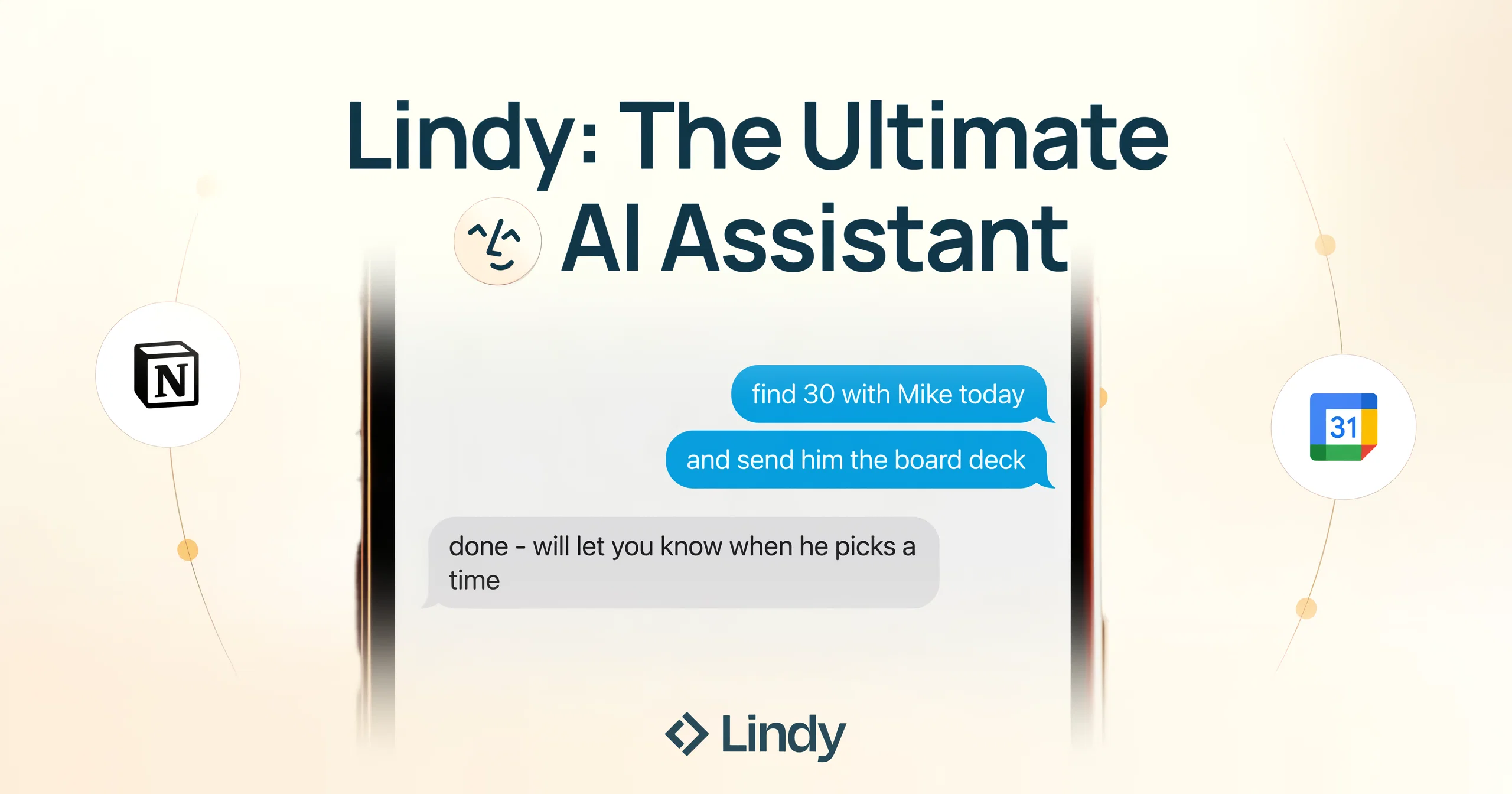
Lindy is an AI assistant designed to simplify and streamline personal and professional tasks. It offers a range of features, including calendar management, email drafting, contract management, task organization, and more. Lindy can be accessed from anywhere and allows for perfect scheduling by handling the back and forth to find common availabilities. The tool pre-drafts email replies, personalized with the user’s voice for each recipient, saving time and streamlining email management. Lindy learns from the user’s inbox to surface the highest-priority emails, triages them, and handles automatic conflict resolutions. Lindy can also participate in meetings and take notes, summarize podcasts, YouTube videos, emails, or web articles, and integrate with favorite tools such as Linear, Gmail, Google Calendar, Twitter, Google Sheets, Salesforce, Twilio, Hubspot, Google Docs, Airtable, Google Drive, Slack, and LinkedIn to provide infinite personalization. Lindy is suitable for use in various scenarios such as sales, recruiting, marketing, and more. This AI tool aims to put users' lives on autopilot by automating tasks and providing personalized assistance, thereby providing time back to focus on higher value tasks. Introducing Lindy Assistant: It reads your email, drafts replies in your voice, manages your calendar, preps you before every meeting, takes notes during, and handles the follow-ups after. Not just words: real action that saves you time and buys you peace of mind, day in, day out. What Lindy Assistant does for you: There is an immense difference between a chatbot that can give answers and an AI assistant that knows you and proactively moves work forward: Proactive and personalized: Lindy constantly works its magic in the background. It learns how you write, how you prioritize, and what your day looks like — then starts anticipating what you need before you ask. Drafts get better. Prep gets more relevant. Follow-ups stop slipping. The more you use it, the less you have to. Enterprise-ready security: Lindy is built for teams. SOC 2 Type II, GDPR, HIPAA, and PIPEDA compliant. You control what connects, what Lindy can access, and all data stays encrypted. No trade-off between getting time back and keeping things secure. Get started in two minutes: Connect your inbox. Let Lindy triage what needs attention and draft your replies. Then ask it to prep you for your next meeting. Within a day, you'll wonder how you worked without it. Lindy Assistant is live now. Try it at Lindy.ai. Help other people by letting them know if this AI was useful. Add your own prompts and outputs to help others understand how to use this AI.
When considering Lindy1.2 for integration into your organizational workflow, we recommend deploying a structured score card across three critical operational pillars: Security & Compliance, Integration Friction, and long-term Price Scalability. Rather than looking only at basic feature lists, modern procurement teams must assess how a software platform behaves under high load and how well it fits into the team's data security guidelines.
Depending on your operating region and field, ensure that Lindy1.2 supports standard security layers such as SOC 2 Type II certifications, GDPR compliance, or HIPAA-compliant database encryption. If the tool connects directly to client database tables or handles user passwords, verify that they implement multi-factor authentication (MFA), single sign-on (SSO) integrations, and end-to-end data encryption in transit and at rest.
Siloed data is the primary cause of operational friction. Evaluate if Lindy1.2 has native connectors for your current project trackers, messaging hubs, and customer communication channels. For custom developer requirements, check if they provide a fully documented REST API with reasonable rate limits, comprehensive Webhooks support, and robust SDK packages in your language. A flexible API layer saves hundreds of hours of manual copy-paste overhead.
SaaS pricing packages are often deceptively simple. When reviewing Lindy1.2's billing structure, map out your team's projected expansion over the next 12 to 24 months. Determine how costs scale as your customer database increases or as you add team members. Factor in setup costs, mandatory support plan upgrades, API access fees, and storage overage rates to understand the true cost before committing to a contract.
By combining verified user reviews from our directory with internal workflow pilot tests, your procurement team can make an informed decision that drives productivity without creating capital waste.
Overall rating
Based on 21 reviews
A valuable resource. I think I will be using this site quite regularly.
Slavica Voss
It seems to be working fine right now. Maybe try again and double check if you’re using the book’s original or most recognized title. That might make a difference.
Alexandru Bostina
Free Start with a Free Experience $0 /mo
Vitus Bering
Works but I cannot understand what's the use. I was expecting it to give me some videos
Samartha Venkatramana
I'm still testing the tool yet it looks very promising. I tested it with a 5.5k words Academic text that I had previously red. I tested the Key points feature, it does work!
Ivana González
The website is pretty good but there are only a limited number of responses
Probal Roy
I tried NovelGPT a template in @Agentgpt and it did an excellent job writing the first two episodes of my novel complete with character descriptions, setting,plot points and well I think you get the point. Great tool can't wait to see it out of beta.
Kelli Crose
After my first use, I think it's surprisingly good. The only drawback so far is the PDF export option for the report which is formatless.
Alejandro Correa
The most humanly AI i have used so far but the problem is as soon as you start piling up messages in single chat session , it starts getting slow and at some point it starts freezing and also uses a lot of resources. For time being its okay to do 3 4 messages but as soon as we continue it has messages limitation and also starts getting very very slow . For the price of £18 per month this is unacceptable and with the newly introduced feature called project, if we start new chat within the project we cannot continue with the context we provided in other chats within same project. There are lot of improvements for them to work on. And to start with the its speed and its price
Bibash Katel
Really amazing! Makes learning content and engaging with things so much easier!
Jamie McDonald
after playing around with it for a bit, i am now aware of how much i need this. i can already feel the hours of sleep coming back to me <3
Bru no no no
O GPT faz uma análise melhor e mais personalizada.
Vinicius Vilela
As the service was in beta-testing stage, I created there a dozen of AI-generated courses for free. I wanted to use them. Those courses remained in my account as they started subscription tiers. But recently I have found out that they were deleted. The support didn't answer to my e-mail at all.
Oldfag TV
I tried using it but the website has too many bugs.
João Neiva
Phenonmal assistant!
Cav
Set up a small agent to sort incoming emails and draft follow-ups, and @Lindy handled it surprisingly well. The app connections are the best part—it feels more useful than a chatbot that only gives suggestions. Setup takes a little experimenting, but once it’s running, it actually saves time.
Bianca Nikam
Fast, Easy to use and makes repetitive tasks easy
Ioannis Gikas
We're live folks! Do check us out and drop your feedback or requests.
Shubh Saras
Can’t use it without an invite code.
Steven
I work on the @Tendem team, so take this with that context — but I also use the product constantly for my own work. I've used @Tendem to research AI directories — finding relevant ones, pulling submission requirements, organizing everything into a spreadsheet I could act on. I've also used it for copy edits — sending over drafts and getting back tightened, polished versions without going back and forth with a prompt ten times. The thing that keeps me coming back is how little I have to think about the handoff. I describe what I need, send it, and move on to something else. It's slower than getting a ChatGPT response, sure. But I get something finished — not a starting point I still need to rework. When you use AI tools for this kind of work, you trade waiting time for cleanup time. @Tendem flips that. I'd rather wait and get a result I can use than get a fast draft I have to fix myself.
Vladimir Gromozdin
I've put about 30-40 hours into SureThing, and it's seriously been a game-changer, basically acting like a virtual COO for my business!
Bonnie
Starting Price
Free plan available
Free tier available with optional paid upgrades.


