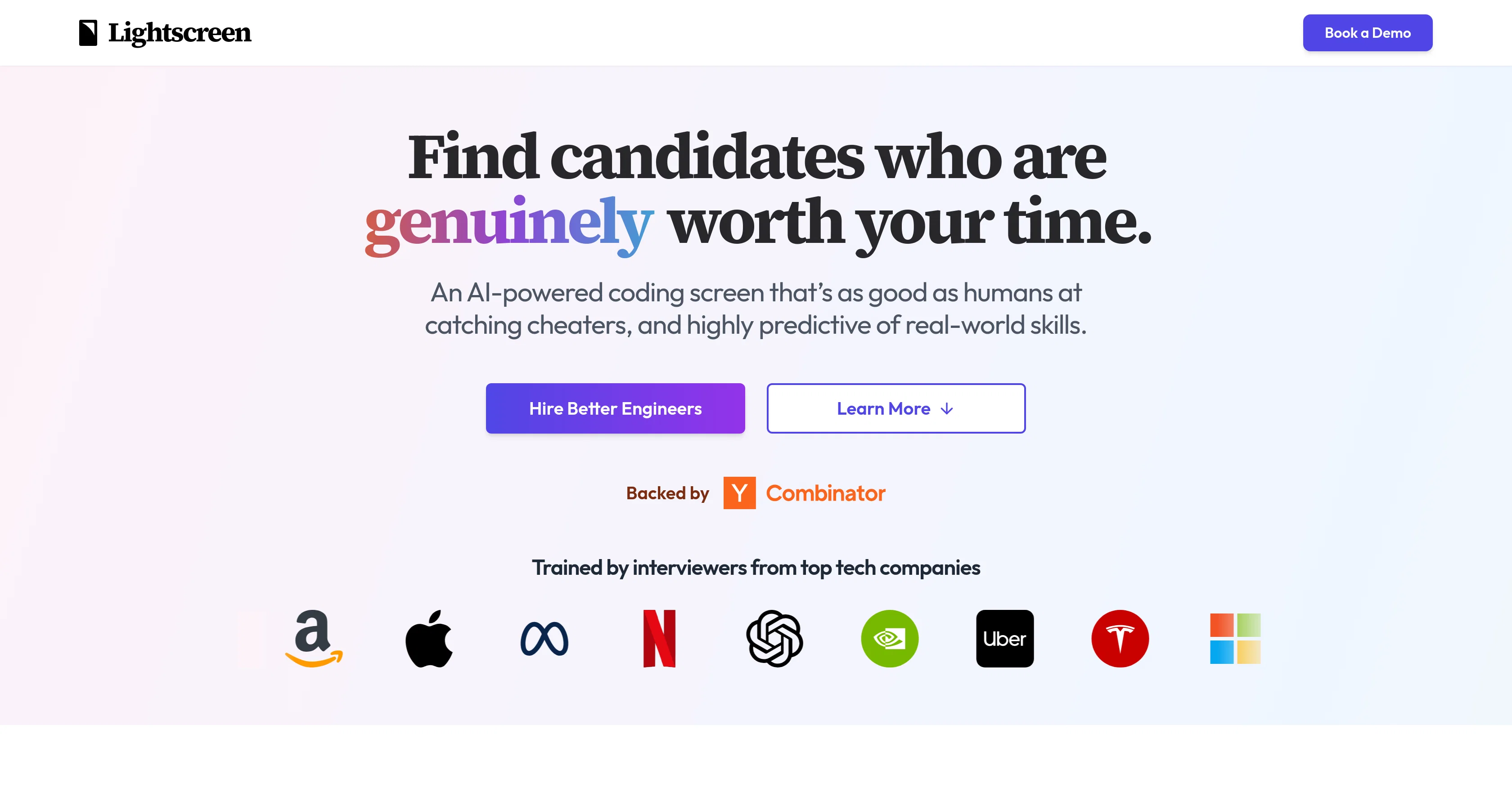
Lightscreen is an AI-powered recruitment tool designed to streamline the hiring process with a focus on fairness, efficiency, and accuracy. The tool presents an automated solution for conducting coding screens, with an AI voice agent called Ethan conducting interviews.
Utilizing a collaborative pair-programming approach, Ethan provides insights into how candidates tackle problems and applies engineering fundamentals.
The evaluation system used by Lightscreen is based on AI technology trained by professionals from top tech companies. The tool is capable of providing robust assessments that are noted to be as accurate as those conducted by human professionals.
Lightscreen is also equipped with features to deter cheating. The tool employs state-of-the-art AI to detect indications of cheating, including behavioural patterns associated with dishonest acts, thus ensuring that candidates have genuine skills.
Moreover, the tool's live video call format adds an additional layer of scrutiny. Markedly, Lightscreen is not just about stern evaluations. Its voice AI feature enables a more engaging and conversational interaction, emulating a human-to-human interaction.
Additionally, Lightscreen provides recruiter response times, an often mentioned concern from job candidates. In regard to strong job candidates, the tool sends notifications shortly after an interview, providing the transcript, video, code, and key indicators.
This allows hiring teams to make quick decisions based on comprehensive data provided by the tool. Beyond these features, Lightscreen aims to offer an enjoyable user experience which has resulted in high customer satisfaction rates.
Reflecting a holistic approach, the platform assesses not just coding skills but also problem-solving ability and communication skills. The entire Lightscreen experience is customizable to fit different roles and organizational needs.
Help other people by letting them know if this AI was useful.
Add your own prompts and outputs to help others understand how to use this AI.
Screenshot gallery
Pros & Cons
Pros
+Automated coding screens
+Collaborative pair-programming approach
+Trained by top tech companies
+High assessment accuracy
+Cheating detection measures
+Tracks dishonest behavioral patterns
+Live video call scrutiny
+Conversational interaction
+Quick recruiter response times
+Post-interview notifications
+Comprehensive interview data
+High customer satisfaction rates
+Evaluates problem-solving ability
+Evaluates communication skills
+Extensive customization features
+Promotes hiring fairness
+Promotes hiring efficiency
+Promotes hiring accuracy
+Detects sophisticated cheating methods
+Provides interview transcripts
+Candidates' real skill prediction
+Evaluation highlights for recruiters
+Fun, engaging candidate experience
+High detection of cheating
+Fight increased cheating trends
+Advanced plagiarism detection
+Performance near human experts
+Candidates justify their approach
+Ensures genuine skills possession
+Assesses candidate's reasoning skills
+Adaptable interview experience
+High candidate satisfaction scores
+Enterprise integration capabilities
Cons
−Depends on connectivity
−Limited to coding screens
−Risk of false positives
−Not suitable for non-technical roles
−May miss subtle cheating tactics
−Requires video-enabled devices
−Could be impersonal experience
−Potential for system bias
A Professional Framework to Evaluate Lightscreen
When considering Lightscreen for integration into your organizational workflow, we recommend deploying a structured score card across three critical operational pillars: Security & Compliance, Integration Friction, and long-term Price Scalability. Rather than looking only at basic feature lists, modern procurement teams must assess how a software platform behaves under high load and how well it fits into the team's data security guidelines.
1. Security and Database Compliance
Depending on your operating region and field, ensure that Lightscreen supports standard security layers such as SOC 2 Type II certifications, GDPR compliance, or HIPAA-compliant database encryption. If the tool connects directly to client database tables or handles user passwords, verify that they implement multi-factor authentication (MFA), single sign-on (SSO) integrations, and end-to-end data encryption in transit and at rest.
2. API Coverage and Custom Integrations
Siloed data is the primary cause of operational friction. Evaluate if Lightscreen has native connectors for your current project trackers, messaging hubs, and customer communication channels. For custom developer requirements, check if they provide a fully documented REST API with reasonable rate limits, comprehensive Webhooks support, and robust SDK packages in your language. A flexible API layer saves hundreds of hours of manual copy-paste overhead.
3. Total Cost of Ownership (TCO)
SaaS pricing packages are often deceptively simple. When reviewing Lightscreen's billing structure, map out your team's projected expansion over the next 12 to 24 months. Determine how costs scale as your customer database increases or as you add team members. Factor in setup costs, mandatory support plan upgrades, API access fees, and storage overage rates to understand the true cost before committing to a contract.
By combining verified user reviews from our directory with internal workflow pilot tests, your procurement team can make an informed decision that drives productivity without creating capital waste.
Features of Lightscreen
AI Recruitment
Anti Cheating AI
Coding Screening
Hiring Efficiency
Anti Cheating Measures
Coding Skills Assessment
SaaS1to10 verified reviews for Lightscreen
Overall rating
★★★★★5.0
Based on 5 reviews
★★★★★5.01 months ago
“Review”
Amazing tool. Ideal for recruiters or hiring managers who want to reduce time spent on resume screening and instead use it for more value-added tasks. Additionally, it reduces the risk of overlooking great candidates
Federico Grinblat
★★★★★5.01 months ago
“Review”
All the automations work pefeect and help us get initial set of pre-screening questions answered. Also, SMS and whatsapp integration makes it easy for team to coordinate and move fast with their tasks.
Sunil Gulati
★★★★★5.01 months ago
“Review”
One of the best tools i tried for recruiting
Ahmed Essam
★★★★★5.02 months ago
“Review”
Great app! User-friendly design, smooth performance, and all the tools I need are easily accessible. Highly recommend!
Andrii Korchevniy
★★★★★5.02 months ago
“Review”
This is a really useful tool for recruiters. It makes the screening process faster and fair, and the AI interviews feel very natural.
Hailey Morgan
Pricing
Starting Price
Contact vendor for pricing
Pricing may vary based on team size and features selected.