5.01 months ago
“Review”
does what it proposes.
Lucas Sales

AI-powered predictive typing for Windows apps.
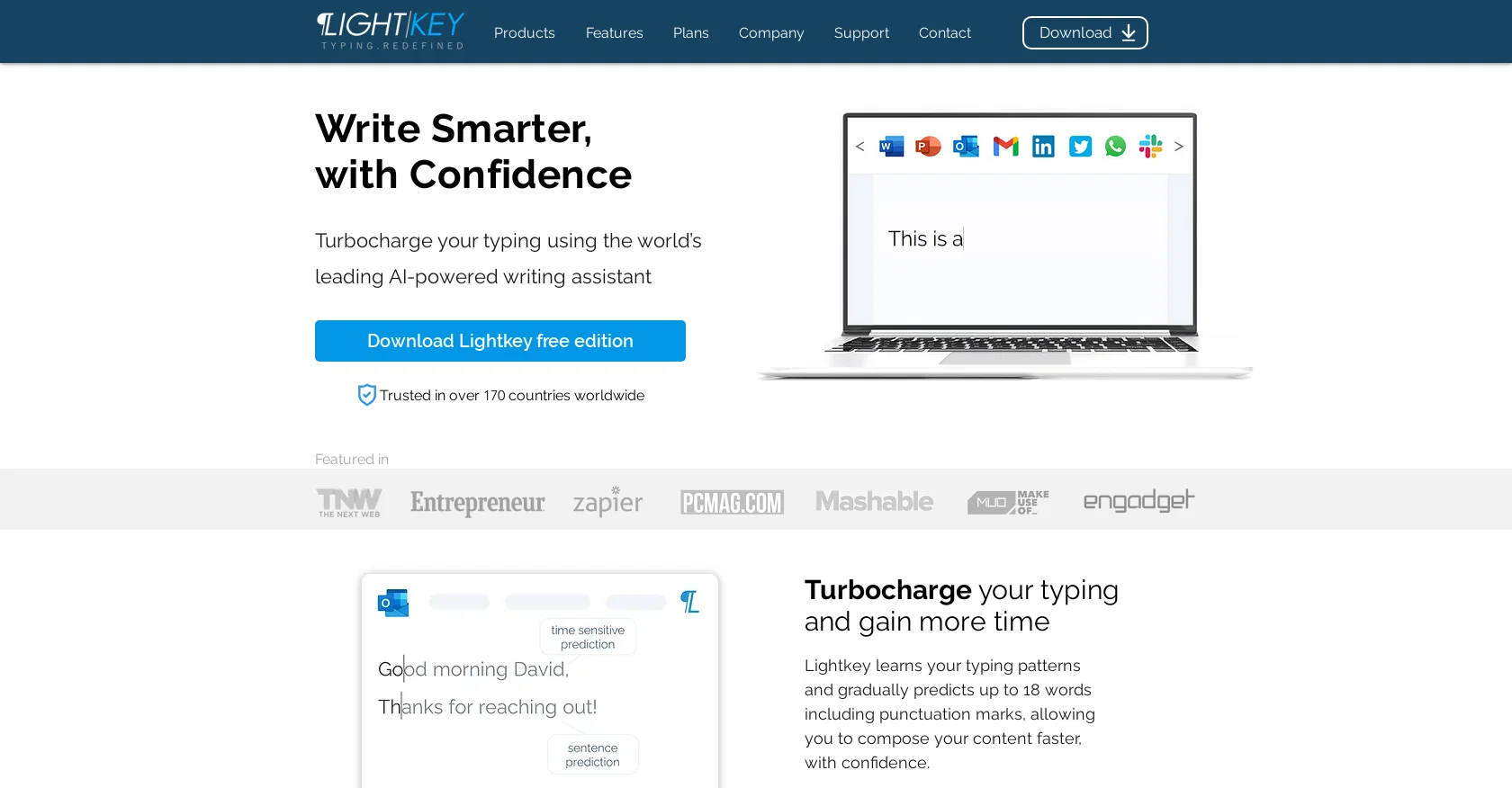
Lightkey is a predictive typing software powered by AI and deep learning algorithms, designed to improve the speed and accuracy of typing in any Windows desktop application. It supports over 85 languages and provides inline text prediction, contextual spelling correction, and multi-word prediction. Lightkey also offers a range of features, including predictive text in Microsoft Word, Office, Google Chrome, Microsoft Edge and any other application, as well as sound assistance, AI-powered prediction and predictive text for any content. Lightkey is trusted in over 170 countries and is suitable for professional typists, people with disabilities, and those who require DSA. It is also used for composing emails, collaborations, social media chats and more. Lightkey is available in a free edition and a Pro edition, which includes unlimited predictions and advanced features. Help other people by letting them know if this AI was useful. Add your own prompts and outputs to help others understand how to use this AI.
When considering Lightkey for integration into your organizational workflow, we recommend deploying a structured score card across three critical operational pillars: Security & Compliance, Integration Friction, and long-term Price Scalability. Rather than looking only at basic feature lists, modern procurement teams must assess how a software platform behaves under high load and how well it fits into the team's data security guidelines.
Depending on your operating region and field, ensure that Lightkey supports standard security layers such as SOC 2 Type II certifications, GDPR compliance, or HIPAA-compliant database encryption. If the tool connects directly to client database tables or handles user passwords, verify that they implement multi-factor authentication (MFA), single sign-on (SSO) integrations, and end-to-end data encryption in transit and at rest.
Siloed data is the primary cause of operational friction. Evaluate if Lightkey has native connectors for your current project trackers, messaging hubs, and customer communication channels. For custom developer requirements, check if they provide a fully documented REST API with reasonable rate limits, comprehensive Webhooks support, and robust SDK packages in your language. A flexible API layer saves hundreds of hours of manual copy-paste overhead.
SaaS pricing packages are often deceptively simple. When reviewing Lightkey's billing structure, map out your team's projected expansion over the next 12 to 24 months. Determine how costs scale as your customer database increases or as you add team members. Factor in setup costs, mandatory support plan upgrades, API access fees, and storage overage rates to understand the true cost before committing to a contract.
By combining verified user reviews from our directory with internal workflow pilot tests, your procurement team can make an informed decision that drives productivity without creating capital waste.
Overall rating
Based on 15 reviews
does what it proposes.
Lucas Sales
The free interface delivers lorum ipsum text and requests and upgrade to see or expan. This is worthless. The process was good, the setting up was easy and intuitive, it was just that the free option was absolutely worthless, and no matter how good the tool is when paid, I won't find out as the initial contact was frustrating, disappointing and a true waste of effort.
Tony Grant
not bad, but few templates
Sonya Salenko
Thank you for your kind words, Ruach Dak! We're thrilled to be a part of the writing journey for so many writers worldwide. If you ever need assistance or have any feedback, feel free to reach out to us at hello@Paperpal.com. We are always here to assist you. Happy writing!
Paperpal
T shirt description
Adrita Jahan Afrin
I just joined the website, hope it would be a worthy experience
Syed Moiz Uddin
Will not let you test on a HD picture without paying. I found a lot of these "programs" do a poor job and I am tired of paying for a test. Maybe offer 1 HD picture, but crop it (user crop)?
Tim Patrie
typed in my prompts and boooooom. clean descriptions in secs lol. handy if you suck at writing (like me). lowkey a cheat code (no san andreas)
Liam Therrien
Very expensive for most common pages, no way you pay that
Leandro Conti
Allows me to create high-quality banners to promote my products.
Marc Heldo
Only available on the iphone... doesn't seem super intuitive to use.
Mental Forge Media
It has everything that I need in one place: ChatGPT, Copywriting templates, AI Images, Audio Transcription.
Dmytro
I've tried to find the exact articles via WoS, Google, or Scopus. Despite using a very advised and complicated search query, it was just a waste of time. Perplexity didn't help either. The Jenni AI, which may add useful links when generating text, finds nothing but trash. SciScape gave exactly what I needed from the first query! A couple of fresh relative articles with very exact topics!
Elijah
WE USE @D-ID AT THE COLORADO VIRTUAL CREATIVE FACTORY...AND LOVE IT.
Franco Arteseros
It's a really great tool. I've used it for many different stories and brainstorms.
Justin Patterson
Starting Price
Free plan available
Free tier available with optional paid upgrades.


