5.02 months ago
“Review”
Would recommend
Chris Hansen

Convert bank statements to Excel instantly with AI.
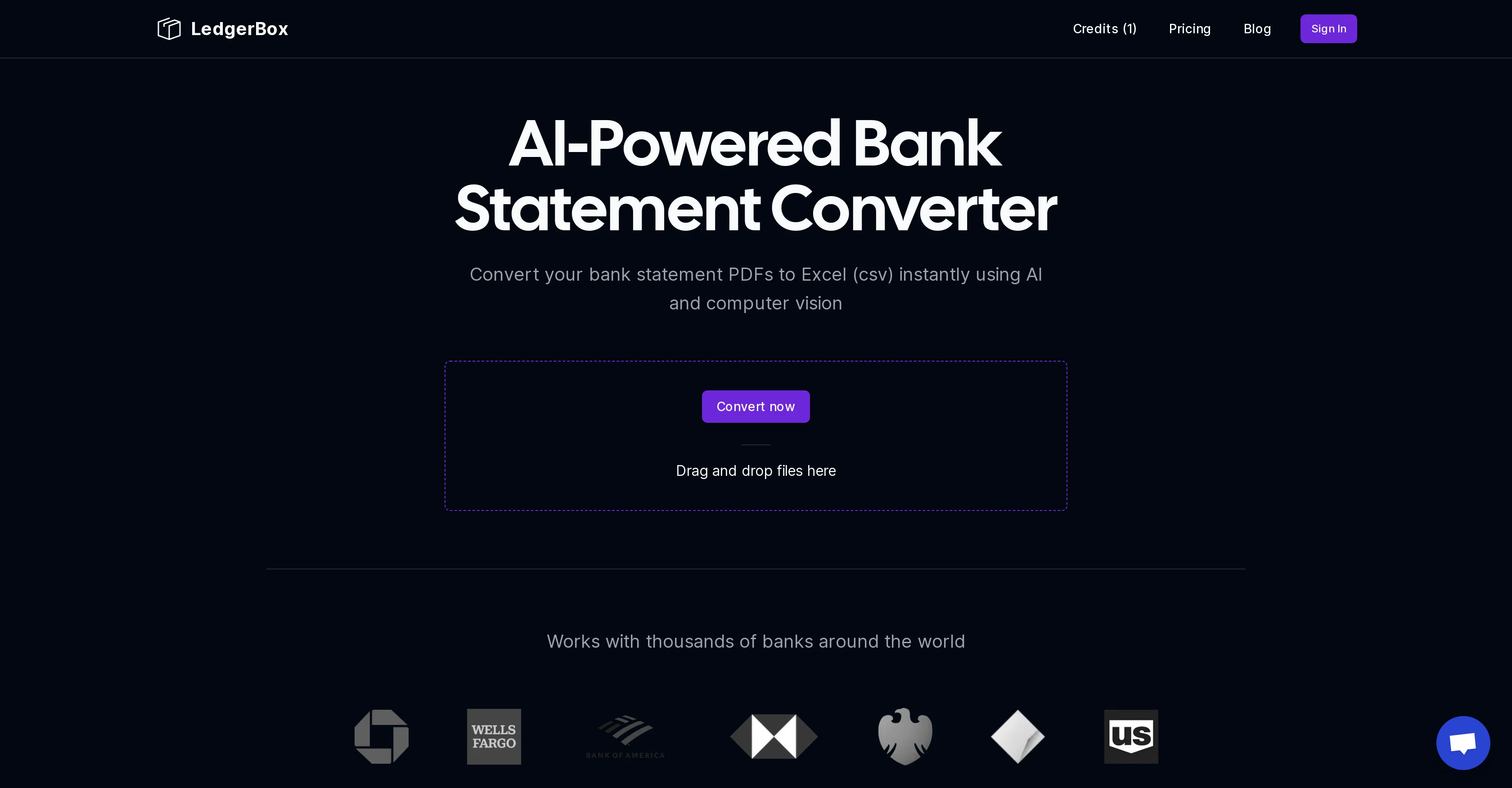
LedgerBox is an AI-powered tool designed to simplify the process of converting bank statement PDFs to Excel CSV files. The tool uses AI and computer vision to instantly convert documents, making it a convenient tool for individuals, as well as industries such as banking, accounting, and personal finance. Its fundamental purpose is to provide fast and accurate conversions while eliminating the need for manual data entry. Beyond converting standard bank statement PDFs, LedgerBox also accommodates documents from thousands of banks around the globe. LedgerBox prioritizes user data security, complying with leading encryption standards, and uses secure connections. The tool is crafted for precision and deploys frequent testing and improvement schemes to ensure the consistency of the conversions. Another notable aspect of LedgerBox is its scalability. Thanks to cloud infrastructure, it is always available, capable of handling any load in a timely manner. Users are able to convert a select number of pages for free every 24 hours, with additional document conversion needs catered for via its paid plans available in a variety of ranges to suit various user requirements. Help other people by letting them know if this AI was useful. Add your own prompts and outputs to help others understand how to use this AI.
When considering LedgerBox for integration into your organizational workflow, we recommend deploying a structured score card across three critical operational pillars: Security & Compliance, Integration Friction, and long-term Price Scalability. Rather than looking only at basic feature lists, modern procurement teams must assess how a software platform behaves under high load and how well it fits into the team's data security guidelines.
Depending on your operating region and field, ensure that LedgerBox supports standard security layers such as SOC 2 Type II certifications, GDPR compliance, or HIPAA-compliant database encryption. If the tool connects directly to client database tables or handles user passwords, verify that they implement multi-factor authentication (MFA), single sign-on (SSO) integrations, and end-to-end data encryption in transit and at rest.
Siloed data is the primary cause of operational friction. Evaluate if LedgerBox has native connectors for your current project trackers, messaging hubs, and customer communication channels. For custom developer requirements, check if they provide a fully documented REST API with reasonable rate limits, comprehensive Webhooks support, and robust SDK packages in your language. A flexible API layer saves hundreds of hours of manual copy-paste overhead.
SaaS pricing packages are often deceptively simple. When reviewing LedgerBox's billing structure, map out your team's projected expansion over the next 12 to 24 months. Determine how costs scale as your customer database increases or as you add team members. Factor in setup costs, mandatory support plan upgrades, API access fees, and storage overage rates to understand the true cost before committing to a contract.
By combining verified user reviews from our directory with internal workflow pilot tests, your procurement team can make an informed decision that drives productivity without creating capital waste.
Overall rating
Based on 16 reviews
Would recommend
Chris Hansen
I tried using it but the website has too many bugs.
João Neiva
I think it's the best @Image Generator I ever found on the net. It gives more accurate image according to the prompt. And thank you for keeping it for free.
My Sawsiri
Data extraction is accurate and incredibly efficient. Plus, it's super easy to use - no setup, no onboarding forms, perfectly simple UI. We started using it right away. The bank statements feature quickly imports, categorizes, and matches transactions. Their automatic categorization and matching process fully automates the reconciliation flow in our team.
Fatih Kutluturk
For now the best browser based AI scraper i have ever used.
Jason Shirazi
has been an absolute game changer. Easy to use and offers the flexibility of enterprise level integrations at a fraction of the cost of some other tools. Training models are easy.
navin jeno
It has everything that I need in one place: ChatGPT, Copywriting templates, AI Images, Audio Transcription.
Dmytro
It's genius. Amazing tool. PDF generation might be improved, but apart from that is amazing.
Aleksander Lukashou
It's sad to see people want to try your tool out but you have no free sample for them. This may be the best tool out there, but, as mentioned, going through with the AI for minutes to explain what you want, then being prompted to pay, without even knowing if it CAN create something, is discouraging. I hope we can get a free sample or preview at one point, im interested in this one.
Ron Jayson
The website is pretty good but there are only a limited number of responses
Probal Roy
After my first use, I think it's surprisingly good. The only drawback so far is the PDF export option for the report which is formatless.
Alejandro Correa
Most flexible financial tracking tool in the market! - support live connection (US/Canada) - support Google Spreadsheet attached transaction. - support multiple profiles / multiple categorization - document interface, like using Notion / AI to get insights. Great bundle!
Shawn Cao
B12 exceeded my expectations especially after I tried a few similar tools. Signing up took under a minute and because I offer a very specific set of services as a consultant, I didn't expect the AI to be able to capture my work, but it did a great job with creating content for me. I only had to make a few edits, add my bio, and was able to publish that same day. Now I get lots of compliments on my site and I've even tried their other tools like email marketing, which is great because the emails match my site's appearance. Overall I would recommend B12 as an effective, affordable, and easy to use website solution.
Katie G
O GPT faz uma análise melhor e mais personalizada.
Vinicius Vilela
A little biased, but I think it's great.
Dawson Whitfield
Highly accurate.. Superb!
Adrian Weber
Starting Price
From $14.00/user/month
Pricing may vary based on team size and features selected.