5.01 months ago
“Review”
it's a must-have for optimizing video ad strategies. Highly recommended for staying ahead in the digital landscape.
Ibrahim Douh

Supercharge your LinkedIn network management.
LeadDelta is a tool designed to streamline the management of LinkedIn relationships. It allows users to organize and engage their network through several features including a 'Connections Manager' for organizing LinkedIn contacts in a single place, with options to sort, filter, add tags and notes, and create tasks and reminders. With its 'Smart Inbox', users can maintain crucial conversations by pinning, starring, filtering, and tagging messages, and sending personalized messages using customizable templates. Additionally, it provides an 'AI assistant' feature to help users generate messages. Other features of LeadDelta include a 'Sidebar' for unlocking contact details, and the ability to build lead lists and import followers. Its 'Workspaces' feature facilitates team collaboration, allowing members to combine their connections, create team tasks, and reminders. Furthermore, its 'Data Integration' feature helps users leverage contacts data, with possibilities of updating, exporting, or centralizing the network data. Lastly, it offers native integrations with platforms like Zapier and HubSpot, facilitating effortless workflow creation. LeadDelta serves various use cases, beneficial for CEOs, Founders, salespeople, marketers, recruiters, venture capitalists, and more. It aids in proactively managing professional connections, aimed at helping professionals utilize their networks effectively. Help other people by letting them know if this AI was useful. Add your own prompts and outputs to help others understand how to use this AI.
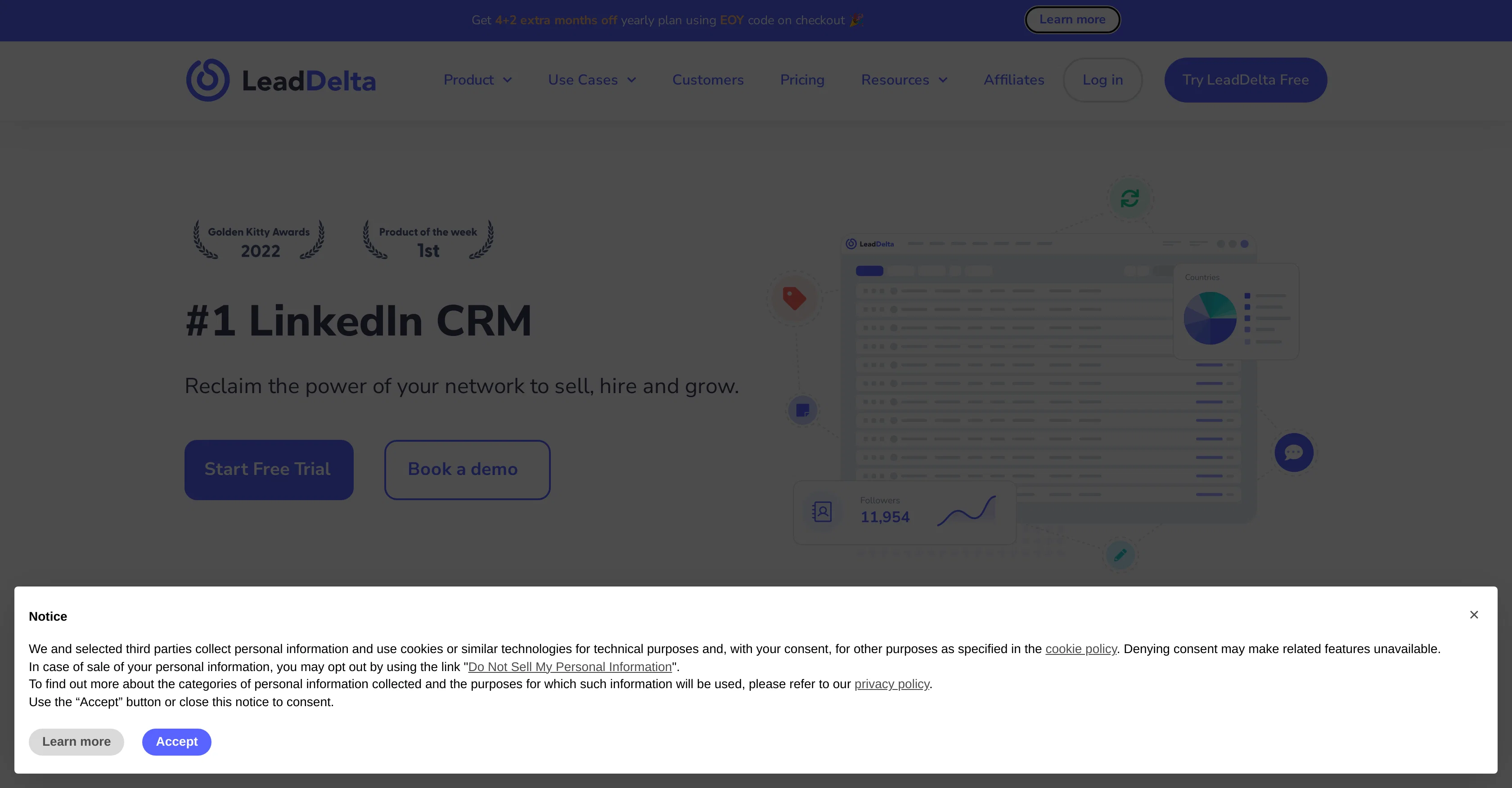
When considering LeadDelta for integration into your organizational workflow, we recommend deploying a structured score card across three critical operational pillars: Security & Compliance, Integration Friction, and long-term Price Scalability. Rather than looking only at basic feature lists, modern procurement teams must assess how a software platform behaves under high load and how well it fits into the team's data security guidelines.
Depending on your operating region and field, ensure that LeadDelta supports standard security layers such as SOC 2 Type II certifications, GDPR compliance, or HIPAA-compliant database encryption. If the tool connects directly to client database tables or handles user passwords, verify that they implement multi-factor authentication (MFA), single sign-on (SSO) integrations, and end-to-end data encryption in transit and at rest.
Siloed data is the primary cause of operational friction. Evaluate if LeadDelta has native connectors for your current project trackers, messaging hubs, and customer communication channels. For custom developer requirements, check if they provide a fully documented REST API with reasonable rate limits, comprehensive Webhooks support, and robust SDK packages in your language. A flexible API layer saves hundreds of hours of manual copy-paste overhead.
SaaS pricing packages are often deceptively simple. When reviewing LeadDelta's billing structure, map out your team's projected expansion over the next 12 to 24 months. Determine how costs scale as your customer database increases or as you add team members. Factor in setup costs, mandatory support plan upgrades, API access fees, and storage overage rates to understand the true cost before committing to a contract.
By combining verified user reviews from our directory with internal workflow pilot tests, your procurement team can make an informed decision that drives productivity without creating capital waste.
Overall rating
Based on 21 reviews
it's a must-have for optimizing video ad strategies. Highly recommended for staying ahead in the digital landscape.
Ibrahim Douh
This is really great opportunity to check any business ideas!
Agata Krajewska
It analyzes my search campaign data exceptionally well. I wouldn’t be able to find so many optimization opportunities manually. With this tool, I save 50% of my time on data analysis.
Сергей Калашников
Classic tool 😮💨 Loving Gen 4, it's wild how good the motion consistency is. It feels like a full studio in your browser. Big W guys keep it up!
Chris Studioz
Working great as of 30/11/2024. Let me tell you why I'm so happy about this, because I was desperate: - Firecrawl.dev? Inconsistent API documentation. Apify scrapers? Couldn't work on my target URL. - I spent $150 over 4-5 OTHER tools before finding this one, which is free to use locally right now. Wow. I'm dumb. - My target URL was a broken site, with 500 javascript errors, content violations, bad cookies, etc. - Not a single scraper worked that I tried, except for this one. So yeah, I'd say I'm pretty happy
Sha Ok
I can't explain how impressed i am by this. I've seen tools to help you brainstorm ideas, but not one to break your task down into big steps, then little steps for each of these. Plus "games" to help come up with more ideas for your project. I'm excited to use this!
ImpulseOscar
Generating captions was super fast like seconds. Wish they had Anton font though
bob miller
Great avatar generation tool!
Ethan Webb
"Brilliant AI solution—making life easier."
Catherine Leblanc
Only available on the iphone... doesn't seem super intuitive to use.
Mental Forge Media
Very cool app! Build was fast as, and with a few tweaks I fully launched my website in 1 hour!
Joe Smythe
A little biased, but I think it's great.
Dawson Whitfield
Such a great place to start out!
Helli Lang
State of the Art
Dmitry G.
WE USE @D-ID AT THE COLORADO VIRTUAL CREATIVE FACTORY...AND LOVE IT.
Franco Arteseros
B12 exceeded my expectations especially after I tried a few similar tools. Signing up took under a minute and because I offer a very specific set of services as a consultant, I didn't expect the AI to be able to capture my work, but it did a great job with creating content for me. I only had to make a few edits, add my bio, and was able to publish that same day. Now I get lots of compliments on my site and I've even tried their other tools like email marketing, which is great because the emails match my site's appearance. Overall I would recommend B12 as an effective, affordable, and easy to use website solution.
Katie G
has been an absolute game changer. Easy to use and offers the flexibility of enterprise level integrations at a fraction of the cost of some other tools. Training models are easy.
navin jeno
Thanks for the feedback! Would love to hear what you’d like to see next
MagicBlocks
I was searching for such a tool literally two days ago, and today I found it on theresanaiforthat. That's funny and awesome. It seems to work well.
Sergey Kolesnikov
It’s an very interesting project, it helps me a lot to speed up my process.
Max Reverey
that's such a great AI
piw
Starting Price
Free plan available
Free tier available with optional paid upgrades.