5.01 months ago
“Review”
Fast & straightforward with acceptable quality
Richie Liu

Upload images and describe how to edit or restyle them.
The Image to Image AI Generator & Editor from Laike.AI is an advanced AI tool designed to reimagine and edit images effectively. Users can upload one or more images and describe the desired edits or restyling via textual prompts, allowing for straightforward and intuitive image transformation. This tool supports various image formats including .jpg, .jpeg, .png, .webp, .jfif, .pjpeg, and .pjp. The highly versatile capacities of this tool range from changing the visual style of an image, applying various artistic effects like cartoon, 3D model, oil painting, and sci-fi styles, to more complex manipulations such as adding objects or modifying an existing scene. One of the key features of this platform is strength, which users can adjust to control the intensity of changes, ranging from subtle edits to complete image restyling. With its advanced, prompt-based editing and ControlNet-style structural consistency, this AI tool ensures that the integrity of the originally uploaded images - including poses and layouts - is preserved. Specifically designed to cater to creative needs, Laike.AIs Image to Image Generator is suitable for designers exploring design variations, photographers seeking to edit backgrounds or seasons, and AI artists looking to improve text-to-image outputs. Help other people by letting them know if this AI was useful. Add your own prompts and outputs to help others understand how to use this AI.
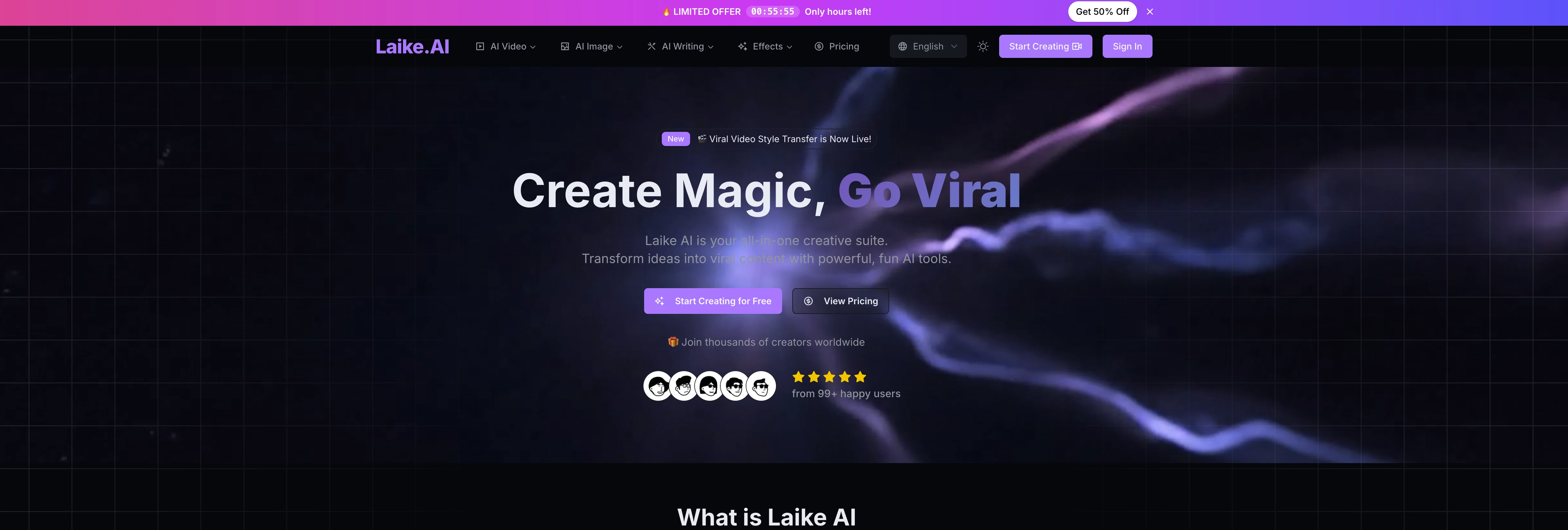
When considering Laike.AI for integration into your organizational workflow, we recommend deploying a structured score card across three critical operational pillars: Security & Compliance, Integration Friction, and long-term Price Scalability. Rather than looking only at basic feature lists, modern procurement teams must assess how a software platform behaves under high load and how well it fits into the team's data security guidelines.
Depending on your operating region and field, ensure that Laike.AI supports standard security layers such as SOC 2 Type II certifications, GDPR compliance, or HIPAA-compliant database encryption. If the tool connects directly to client database tables or handles user passwords, verify that they implement multi-factor authentication (MFA), single sign-on (SSO) integrations, and end-to-end data encryption in transit and at rest.
Siloed data is the primary cause of operational friction. Evaluate if Laike.AI has native connectors for your current project trackers, messaging hubs, and customer communication channels. For custom developer requirements, check if they provide a fully documented REST API with reasonable rate limits, comprehensive Webhooks support, and robust SDK packages in your language. A flexible API layer saves hundreds of hours of manual copy-paste overhead.
SaaS pricing packages are often deceptively simple. When reviewing Laike.AI's billing structure, map out your team's projected expansion over the next 12 to 24 months. Determine how costs scale as your customer database increases or as you add team members. Factor in setup costs, mandatory support plan upgrades, API access fees, and storage overage rates to understand the true cost before committing to a contract.
By combining verified user reviews from our directory with internal workflow pilot tests, your procurement team can make an informed decision that drives productivity without creating capital waste.
Overall rating
Based on 19 reviews
Fast & straightforward with acceptable quality
Richie Liu
v03 ai is the only veo 3 videos generator supporting vertical videos for instagram, tiktok and other social media platforms, try it now!
james
it does only do one image per time i am looking for multiple images to video
Ireal Estate
Hi everyone! I'm the creator of AI Video Maker. It's completely free to use and doesn't require any signup. You can instantly generate unlimited 5-second AI videos from text or images. Great for testing ideas before upgrading to HD or commercial plans. Excited to see what you all create!
Peter
this AI is great!!!!!!!
sina1marvel
i love it i use it to teach me Italian and ukranian and programing ! and it awesome , because it allows you in the free version send many prints of your screen , not having to explain all the errors by typing diferent from gpt that you can only send 3 photos in the free version. i also use @Grok to study i frist make the exercise in my book then i take a photo of my exercise then i ask it to see if there is any mistake and dissipate my terryble handwriting it understands
fernand Lopes
This tool finally helps me understand what makes a great prompt. It doesn't just give me a better version, it shows me to get there by analyzing why the original prompt is weak and showing what to improve. The difference this makes to the final AI output is incredible. An essential tool for getting more accurate and detailed results, Great Job!
Milo Quinn
@img2img AI is the first image editor that actually replaced three tools on our team. I can upload a product shot, type what I want in plain English.
futian liang
This is absolutely a great image editing tool for everyday use. The UX is great and the price is affordable!
quinta diminuita
still background removing accuracy is required. it only 80% not 100%
Krutika Creations
Thank you for your feedback. I want to clarify: Nano Banana (the free version) remains free. What's new: Nano Banana Pro — A new premium option we added with higher resolution (4K) and advanced features (requires subscription) The free version is still available on the homepage under the "Nano Banana" tab. You can use it for free. We added Pro as an optional upgrade for users who want higher quality outputs. I hope this clears things up, and thank you for using our service!
liu jacky
A very clean website — simple, clear, and fast to generate results.
yiming zhou
I think it's the best @Image Generator I ever found on the net. It gives more accurate image according to the prompt. And thank you for keeping it for free.
My Sawsiri
i edited my picture twice because the first time it randomly got deleted. second time i did everything and i pressed download but nothing happened, after repeatedly trying it didn’t work in the end. regardless very good editing tool (fyi you can’t download high res pic without paying)
Georg
I think this is the point of a free trial...
Michael McWilliam
Works wonders for anime, has me taking it in consideration for a tool rotation.
Sean Gandhi
The prompt library is extremely practical.
yang li
I was struggling to create some free Christmas and New Year's e-cards, and these templates are really good. I recommend giving them a try. The only downside is that each free template can only be used once.
youngwind
Not at all accurate…. The only thing similar between original and generated images were the clothes and accessories… face was absolutely new and unconnected.
Shvetank Sharma
Starting Price
Free plan available
Free tier available with optional paid upgrades.


