5.01 months ago
“Review”
Just so limited and kind of useless
Maurice Audinet

Summarize content instantly with AI
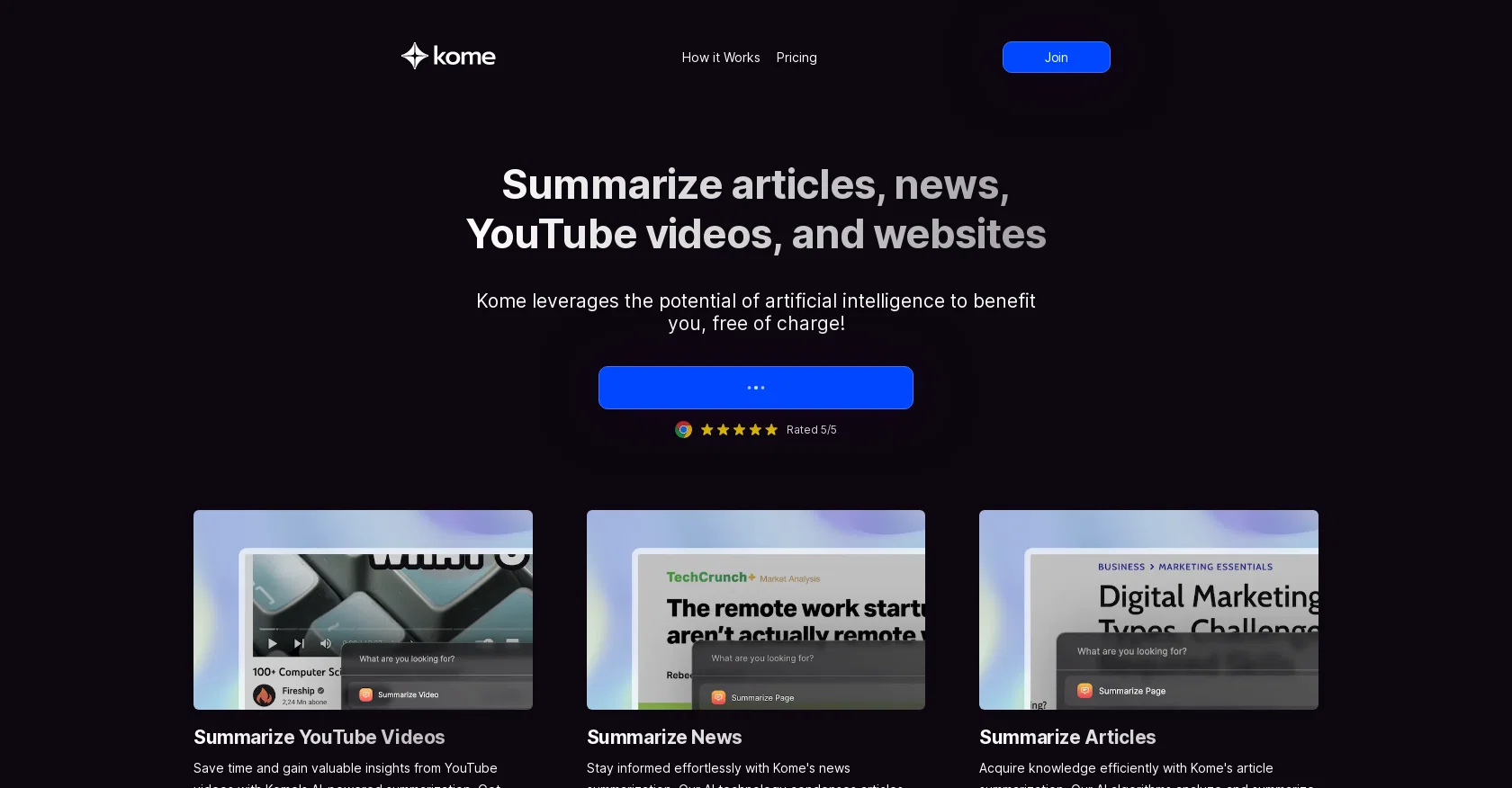
Kome is an AI-powered tool that allows users to summarize articles, YouTube videos, and websites quickly and easily. With the help of artificial intelligence technology, Kome condenses lengthy content into concise and informative summaries, saving users valuable time and providing them with key insights.For YouTube videos, Kome's AI-powered summarization feature enables users to gain valuable insights without having to watch the entire video. Whether it's educational or trending content, Kome provides concise summaries that allow users to optimize their viewing experience.The news summarization feature of Kome helps users stay informed effortlessly. By condensing articles into concise summaries, Kome delivers crucial details, main points, and essential context, allowing users to save time and stay up-to-date with current events.With Kome's article summarization function, users can acquire knowledge efficiently. By analyzing and summarizing articles, Kome's AI algorithms provide concise and comprehensive summaries, extracting key information, main arguments, and relevant insights in less time.Kome has various use cases, such as streamlining information digestion for researchers, enhancing study efficiency for students, creating engaging content for content creators, staying informed on-the-go for news readers, efficient information processing for professionals, and condensing complex topics for journalists.Overall, Kome is a free, AI-powered tool that enables users to summarize articles, YouTube videos, and websites in seconds, offering them a time-saving and efficient way to extract key information and insights. Help other people by letting them know if this AI was useful. Add your own prompts and outputs to help others understand how to use this AI.
When considering Kome Summaries for integration into your organizational workflow, we recommend deploying a structured score card across three critical operational pillars: Security & Compliance, Integration Friction, and long-term Price Scalability. Rather than looking only at basic feature lists, modern procurement teams must assess how a software platform behaves under high load and how well it fits into the team's data security guidelines.
Depending on your operating region and field, ensure that Kome Summaries supports standard security layers such as SOC 2 Type II certifications, GDPR compliance, or HIPAA-compliant database encryption. If the tool connects directly to client database tables or handles user passwords, verify that they implement multi-factor authentication (MFA), single sign-on (SSO) integrations, and end-to-end data encryption in transit and at rest.
Siloed data is the primary cause of operational friction. Evaluate if Kome Summaries has native connectors for your current project trackers, messaging hubs, and customer communication channels. For custom developer requirements, check if they provide a fully documented REST API with reasonable rate limits, comprehensive Webhooks support, and robust SDK packages in your language. A flexible API layer saves hundreds of hours of manual copy-paste overhead.
SaaS pricing packages are often deceptively simple. When reviewing Kome Summaries's billing structure, map out your team's projected expansion over the next 12 to 24 months. Determine how costs scale as your customer database increases or as you add team members. Factor in setup costs, mandatory support plan upgrades, API access fees, and storage overage rates to understand the true cost before committing to a contract.
By combining verified user reviews from our directory with internal workflow pilot tests, your procurement team can make an informed decision that drives productivity without creating capital waste.
Overall rating
Based on 20 reviews
Just so limited and kind of useless
Maurice Audinet
Does it work on pages behind a paywall, or only open articles?
Seonix AI
I couldn't use it because it wouldn't let me upload a PDF file, so I can't really review it properly. This tool would work best with audio files. For example, if your teacher gave you an assignment in a PDF file, you wouldn't be able to use it. Until it enables that feature, it's not very useful for students. However, it is useful if you're incorporating audio.
Denise Calvert (Corporate Finance Student)
Awesome feature with the chrome extension. Low brainer 🔥🔥🔥
Carl Beauregard
It is useful in the free version too..you get credits inviting people!
cristina recenti
It doesn't allow me to upload a file with less then 1GB and sends the message "Tenant ID missing"...
Fil Ca
easy to pick up and you get a few free file imports. it gives you results pretty fast, unfortunately i can't find a way to get back to these, they're locked behind the paid service.
Ron Jayson
Really amazing! Makes learning content and engaging with things so much easier!
Jamie McDonald
Awesome app - if you're a podcast fan, check out Jellypod, it pairs well with @Snipd!
Pierson Marks
No good at pdfs
Chris Cox
Nice interface, but no good at PDF answers, especially tables data.
hifive szu
@Mindgrasp was the best upgrade from using Chat GPT for school cuz I can upload anything I want and get help from the AI and it’s really detailed notes and answers. It’s cheap too I only pay 9.99 per month
Daivat Patel
I would highly recommend for researches and students. useful to manage your articles and use AI to get the key points.
Hamed Mousavi
An amazing app, I love the share feature and the comment section summaries
Silvia Cho
Great personalized digests you can share with your team mates!
Carl Brenssell
They started charging for documents , Please change from no pricing to freemium
ABIRAM
The best among similar tools. Don't forget to add all your newsletters to get rid of them.
Valeriy Klyukin
10 MB Limit does limit usability best if .pdf contains NO images.
Steve Bastiman
Free version is limited to 5 pages for PDFs. I could not find a file short enough to even test this product. I give up.
Nic Carter
Hi all, I am the founder of @Futurwise, and we build this tool to help people keep up-to-date on fast-changing topics as the world is changing so incredibly fast. Our objective is to build a next gen media platform and help anyone cut through the noise of information overload and find your next insight faster. At the moment, we do that with an MVP focused on super fast summaries of many types of content but from trusted sources, available with one click, in your style and language. Ready in under 5 seconds, regardless of content type. Securely stored in your private library. Distraction free, no ads, forever. As we collapse hours into seconds and keep professionals aligned on what matters across 25 languages and trusted sources, we envision helping individuals, enterprises and global societies increase awareness on fast changing topics, such as emerging technologies, climate change or healthcare, that will affect humanity in the long run. I hope you enjoy our app!
Mark van Rijmenam
Starting Price
Free plan available
Free tier available with optional paid upgrades.


