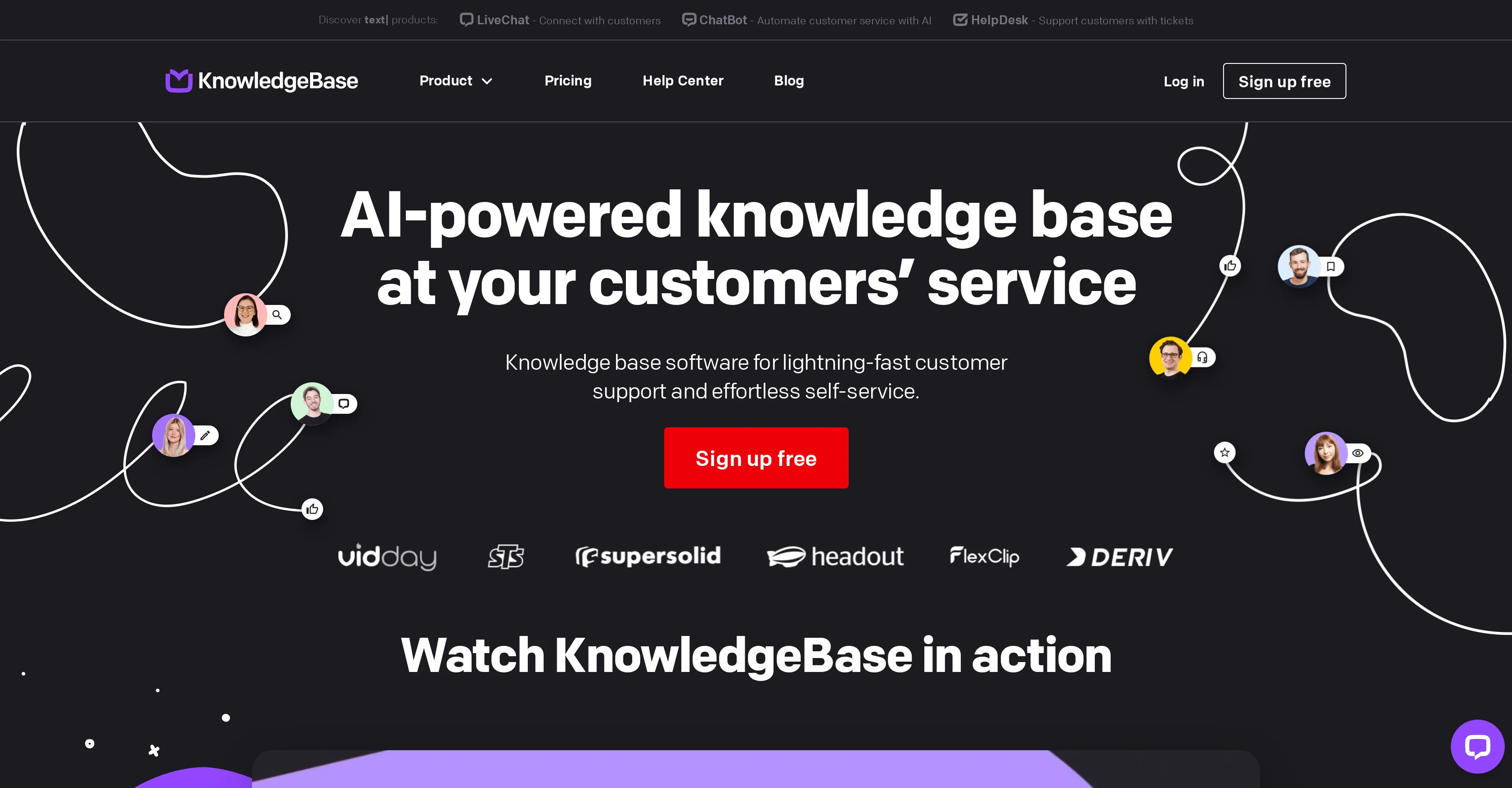
KnowledgeBase AI is a software tool designed to provide quick, effortless customer support and self-service. It serves as a platform for managing and sharing data, improving knowledge management and visualisation across the board.
This software tool uses Artificial Intelligence to automate several tasks, from providing tailored answers to customer queries to creating articles, titles, and keywords.
It supports multi-tasking, allowing users to manage different knowledge bases within a singular, intuitive dashboard. With 24/7 service and self-help options, it enables customers to resolve their issues at their convenience.
KnowledgeBase AI also streamlines internal processes by helping support teams find precise answers quickly, thereby reducing handling time. It adopts a customer-centric approach, offering SEO-friendly resources hence driving more organic traffic and reducing the pressure on support teams.
With features aimed at enhancing consistent tone of voice in customer communications and prioritizing tasks, it ensures brands deliver a tailored, efficient support experience.
Furthermore, KnowledgeBase AI includes customization features that help maintain brand consistency, integrating seamlessly with the users website design.
Help other people by letting them know if this AI was useful.
Add your own prompts and outputs to help others understand how to use this AI.
Screenshot gallery
Pros & Cons
Pros
+Quick customer support
+Provides self-service
+Effective knowledge management
+Data and knowledge sharing
+Automates task creation
+Generates SEO-friendly articles
+Supports multi-tasking
+Intuitive Dashboard
+24/7 Service
+Internal processes streamlining
+Adopts customer-centric approach
+Drives organic traffic
+Reduces load on support
+Consistent communication tone
+Task prioritization
+Maintains brand consistency
+Customizable design
+Visualisation capabilities
+Reporting feature
+Integration with LiveChat
+Facilitates Internal and Customer workspaces
+24/7 self-service options
+Helps boost search engine ranking
+Decreases total case handling time
+Supports Knowledge Base for teams
+On-brand tone of voice
+Prioritizes repeated customer queries
+Stay on-brand with customization
+Encourages self-learning for customers
+Help center for customers
+Enables multichannel access
+Significantly reduces workload for teams
+Supports multiple knowledge bases
+Encourages improved knowledge management
+Good resources for video making techniques
+Tool for internal knowledge sharing
+Helps customers self-solve problems
+Offers free trial
+Access to learning materials
+Hosted help center for customers
Cons
−No offline functionalities
−No integrations mentioned
−Lacks in-depth reporting capabilities
−No multi-language support
−Limited customization
−No mobile application
−Unclear pricing structure
−No SLA mentioned
−Streamlining processes is vague
A Professional Framework to Evaluate KnowledgeBase AI
When considering KnowledgeBase AI for integration into your organizational workflow, we recommend deploying a structured score card across three critical operational pillars: Security & Compliance, Integration Friction, and long-term Price Scalability. Rather than looking only at basic feature lists, modern procurement teams must assess how a software platform behaves under high load and how well it fits into the team's data security guidelines.
1. Security and Database Compliance
Depending on your operating region and field, ensure that KnowledgeBase AI supports standard security layers such as SOC 2 Type II certifications, GDPR compliance, or HIPAA-compliant database encryption. If the tool connects directly to client database tables or handles user passwords, verify that they implement multi-factor authentication (MFA), single sign-on (SSO) integrations, and end-to-end data encryption in transit and at rest.
2. API Coverage and Custom Integrations
Siloed data is the primary cause of operational friction. Evaluate if KnowledgeBase AI has native connectors for your current project trackers, messaging hubs, and customer communication channels. For custom developer requirements, check if they provide a fully documented REST API with reasonable rate limits, comprehensive Webhooks support, and robust SDK packages in your language. A flexible API layer saves hundreds of hours of manual copy-paste overhead.
3. Total Cost of Ownership (TCO)
SaaS pricing packages are often deceptively simple. When reviewing KnowledgeBase AI's billing structure, map out your team's projected expansion over the next 12 to 24 months. Determine how costs scale as your customer database increases or as you add team members. Factor in setup costs, mandatory support plan upgrades, API access fees, and storage overage rates to understand the true cost before committing to a contract.
By combining verified user reviews from our directory with internal workflow pilot tests, your procurement team can make an informed decision that drives productivity without creating capital waste.
Features of KnowledgeBase AI
Customer Support
Customer Centric Approach
Knowledge Management
Self Service
Task Automation
Internal Processes Streamlining
SaaS1to10 verified reviews for KnowledgeBase AI
Overall rating
★★★★★5.0
Based on 8 reviews
★★★★★5.02 months ago
“Review”
Hey everyone, I’m Evaldas, co-founder of @Guideless, the fastest way to turn any browser workflow into a polished, AI-narrated video guide in minutes. No screen recording. No tedious editing. Just turn on the extension, click through your process as you normally would, and instantly get a share-ready guide. We recently shipped a major update: a sleeker UX and new high-quality AI voiceover characters — making guides sound and feel more vibrant than ever. Give @Guideless a try and see how effortless creating high-quality tutorials can be 🪄
Evaldas Bieliūnas
★★★★★5.02 months ago
“Review”
Hi there, I’m Alix, co-founder of Invent. We’re building the future of Customer Support UX, where humans and AI truly collaborate. Would love to read&hear your thoughts. DM for any questions. We ship fast!
Alix Gallardo
★★★★★5.02 months ago
“Review”
The @Crisp team has done a very good job with this. I'm a very happy customer!
Duda Bardavid
★★★★★5.02 months ago
“Review”
If ai agents collect data but don’t qualify or convert leads, you’re storing inputs instead of generating revenue -> ~25% loss. How many submissions actually turn into deals?
Paul
★★★★★5.02 months ago
“Review”
We've been using InboxPilot for a couple of weeks now, and it’s been a game-changer for my art studio's business! Our admins were drowning in repetitive customer emails while juggling phone calls and front-desk responsibilities, but we had a debate in our team about whether we could afford to hire support specialists. Now, with AI handling emails 24/7, our admins only review the emails that are escalated. I used to notice that emails went unanswered for hours due to the workload, and I'm sure our customer satisfaction has increased significantly since they receive responses right away. Thank you for the tool!
Alex P
★★★★★5.02 months ago
“Review”
Nice to meet you
Shouakat Baloch
★★★★★5.02 months ago
“Review”
WhatsApp and Messenger integrations don't work very well. Support team is very sporadic. Still couldn't get it to work consistently despite best effort to fix.
Orion Chin
★★★★★5.02 months ago
“Review”
@GPT Trainer is run by a highly responsive management team and support staff. Questions are answered quickly, feature requests are incorporated quickly. We have multiple chatbots that are live with GPT Traner, including for Healthcare, hospitality and solar energy providers. We highly recommend for both value and quality.