5.02 months ago
“Review”
I've used it for personal finance transaction categorisation to sort out my bank statements transactions before import to Quicken. It has been amazing so far and today is just day 1!
Dominic Wong

Centralize, secure, and manage AI across your workforce
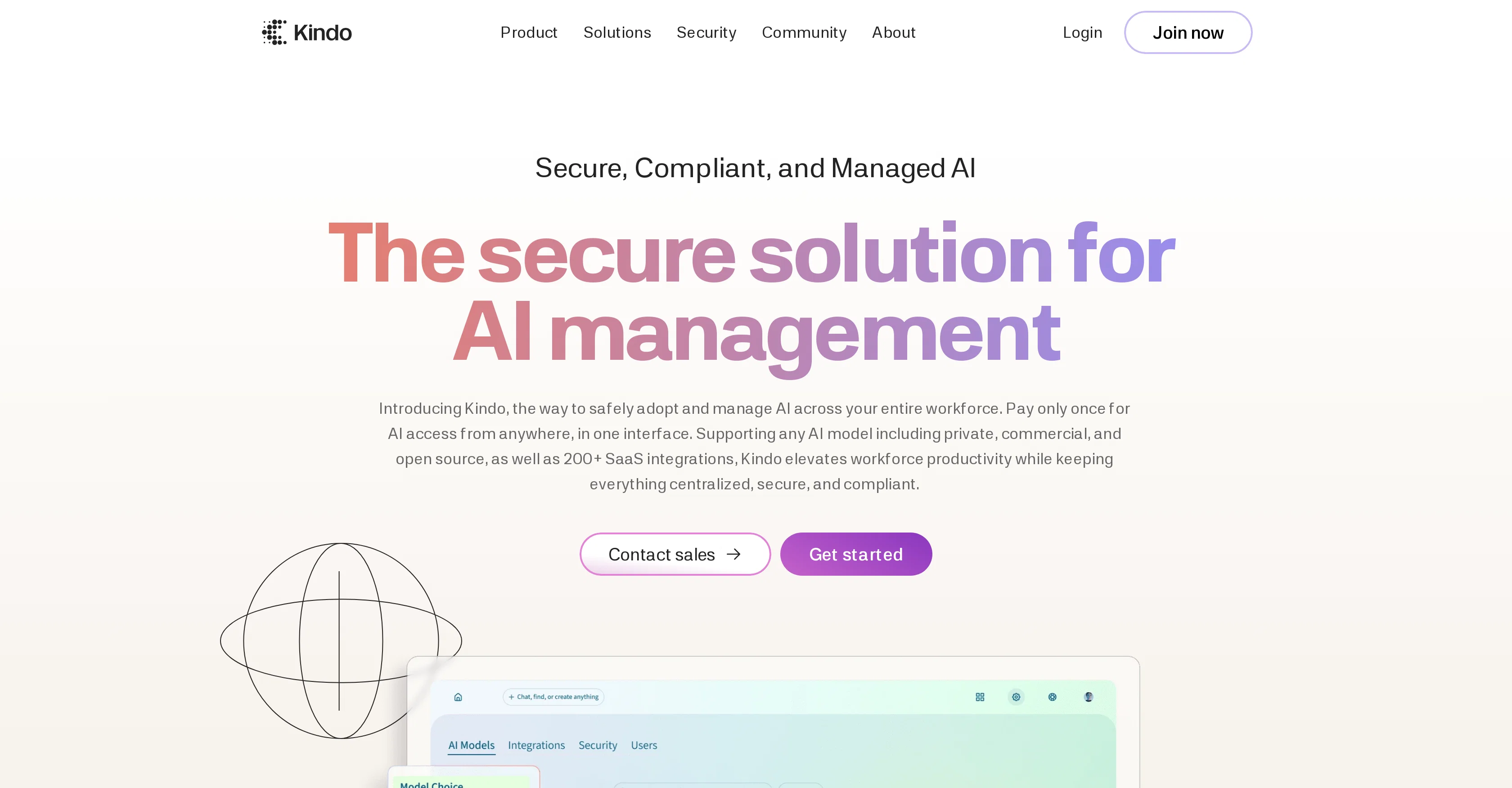
Kindo AI is a platform designed to support and manage the application of artificial intelligence (AI) across an organization's workforce. The platform has the capability to support any AI model, whether it be private, commercial, or open source. In addition to this, Kindo provides compatibility with over 200 Software as a Service (SaaS) integrations, thereby promoting a convenient and centralized solution for AI management. One of the core features of Kindo AI lies in its provision of comprehensive visibility and control over every action that involves the use of AI. This includes understanding AI usage, monitoring connected SaaS integrations and maintaining full audit logs. Apart from the centralization of AI management, Kindo also places emphasis on compliance and security. It operates on a robust security framework, based on OWASP standards, in order to deter threats and protect the user's business. It provides data controls to help maintain compliance with various regulations including SOC2, HIPAA, GDPR, ITAR, and FINRA. Kindo also assists in deploying AI based on unique business needs and allows users to utilize any AI model to assist workers in tasks such as finding answers, analyzing data and summarising information. In terms of connectivity, Kindo provides a secure link between AI, data and applications. Lastly, it offers an AI workflow functionality to help simplify complex tasks, improve efficiency and reduce busy work, all whilst ensuring the secure scaling of AI across a workforce. Help other people by letting them know if this AI was useful. Add your own prompts and outputs to help others understand how to use this AI.
When considering Kindo AI for integration into your organizational workflow, we recommend deploying a structured score card across three critical operational pillars: Security & Compliance, Integration Friction, and long-term Price Scalability. Rather than looking only at basic feature lists, modern procurement teams must assess how a software platform behaves under high load and how well it fits into the team's data security guidelines.
Depending on your operating region and field, ensure that Kindo AI supports standard security layers such as SOC 2 Type II certifications, GDPR compliance, or HIPAA-compliant database encryption. If the tool connects directly to client database tables or handles user passwords, verify that they implement multi-factor authentication (MFA), single sign-on (SSO) integrations, and end-to-end data encryption in transit and at rest.
Siloed data is the primary cause of operational friction. Evaluate if Kindo AI has native connectors for your current project trackers, messaging hubs, and customer communication channels. For custom developer requirements, check if they provide a fully documented REST API with reasonable rate limits, comprehensive Webhooks support, and robust SDK packages in your language. A flexible API layer saves hundreds of hours of manual copy-paste overhead.
SaaS pricing packages are often deceptively simple. When reviewing Kindo AI's billing structure, map out your team's projected expansion over the next 12 to 24 months. Determine how costs scale as your customer database increases or as you add team members. Factor in setup costs, mandatory support plan upgrades, API access fees, and storage overage rates to understand the true cost before committing to a contract.
By combining verified user reviews from our directory with internal workflow pilot tests, your procurement team can make an informed decision that drives productivity without creating capital waste.
Overall rating
Based on 19 reviews
I've used it for personal finance transaction categorisation to sort out my bank statements transactions before import to Quicken. It has been amazing so far and today is just day 1!
Dominic Wong
I'm still testing the tool yet it looks very promising. I tested it with a 5.5k words Academic text that I had previously red. I tested the Key points feature, it does work!
Ivana González
Improving your public speaking skills for professional presentations can be achieved through practice, preparation, and persistence. Here are some tips to help you enhance your public speaking skills: Practice and Preparation Building Confidence Start small: Begin with small presentations or group discussions to build your confidence. Focus on your message: Focus on the value of your message rather than your own nervousness. Delivery Techniques Make eye contact: Engage with your audience by making eye contact with different people in the room. Vary your tone and pace: Use vocal variety to add emphasis and keep your audience engaged. Use visual aids: Use visual aids like slides, videos, or props to support your message and add visual interest. Managing Nervousness Take deep breaths: Take deep breaths before your presentation to calm your nerves. Use positive self-talk: Encourage yourself with positive affirmations, such as "I am well-prepared" or "I can do this." Focus on your audience: Focus on your audience's needs and interests rather than your own nervousness. Seeking Feedback Ask for feedback: Ask colleagues or mentors for feedback on your presentations. Be open to constructive criticism: Use feedback to identify areas for improvement and work on making changes. Continuously improve: Continuously work on improving your public speaking skills through practice, feedback, and self-reflection. By following these tips, you can improve your public speaking skills and deliver confident, effective presentations in a professional setting.
Abul Kashem
It is useful for when you are in the project manager and you have to do certain tasks.
G C
I'm thoroughly impressed by Maze Guru's text to image technology, which effortlessly converts written descriptions into captivating visuals.
沈卓亨
Platform who is working on to empower 3d artist and supporting them rather than repalcing them like other AI tools
New AI eNTRH
Seamless to setup and works as an excellent alternative to GitHub Copilot.
Sree Sankari
@GPT Trainer is run by a highly responsive management team and support staff. Questions are answered quickly, feature requests are incorporated quickly. We have multiple chatbots that are live with GPT Traner, including for Healthcare, hospitality and solar energy providers. We highly recommend for both value and quality.
John Griffith
There are much better apps for much better pricing. Company was rude after discovering it couldn't do as advertised, refused any refund (nothing was really accomplished at all, quirky at best). MOVE app on the iphone is so much better. Avoid this software, waste of money.
Jared Smith
the kids really liked it, they started drawing a lot of pictures, trying to bring them to life - it turns out fantastic! it's important that there is one character in the picture
Yulia Boiko
It's too complicated for a beginner
Giti Mortazavi
I’ve been using UX sniff for a little while now and I absolutely love it! It’s brilliant! It’s very easy to use, very easy to set up and the support has been spot on. It’s really been helping me with my Business - Pawfection Pet Products. I highly recommend this product.
Anneka Avery
that's such a great AI
piw
I've been playing around with this for a few hours. It's made me say "WOW" too many times than i wish to admit. I'm going to follow this and see how it evolves. For now, i managed to create quite a nice Expenses app for personal use. | It did have some problems when it came to moving some components on other pages, but for how short the prompts it uses can be, it is really impressive. With some proper prompts it can generate some strong stuff.
Bernard
Fast, Easy to use and makes repetitive tasks easy
Ioannis Gikas
We're live folks! Do check us out and drop your feedback or requests.
Shubh Saras
Can’t use it without an invite code.
Steven
I work on the @Tendem team, so take this with that context — but I also use the product constantly for my own work. I've used @Tendem to research AI directories — finding relevant ones, pulling submission requirements, organizing everything into a spreadsheet I could act on. I've also used it for copy edits — sending over drafts and getting back tightened, polished versions without going back and forth with a prompt ten times. The thing that keeps me coming back is how little I have to think about the handoff. I describe what I need, send it, and move on to something else. It's slower than getting a ChatGPT response, sure. But I get something finished — not a starting point I still need to rework. When you use AI tools for this kind of work, you trade waiting time for cleanup time. @Tendem flips that. I'd rather wait and get a result I can use than get a fast draft I have to fix myself.
Vladimir Gromozdin
I've put about 30-40 hours into SureThing, and it's seriously been a game-changer, basically acting like a virtual COO for my business!
Bonnie
Starting Price
Free plan available
Free tier available with optional paid upgrades.


