5.01 months ago
“Review”
Very expensive for most common pages, no way you pay that
Leandro Conti

AI-powered screenshot organization for Mac users.
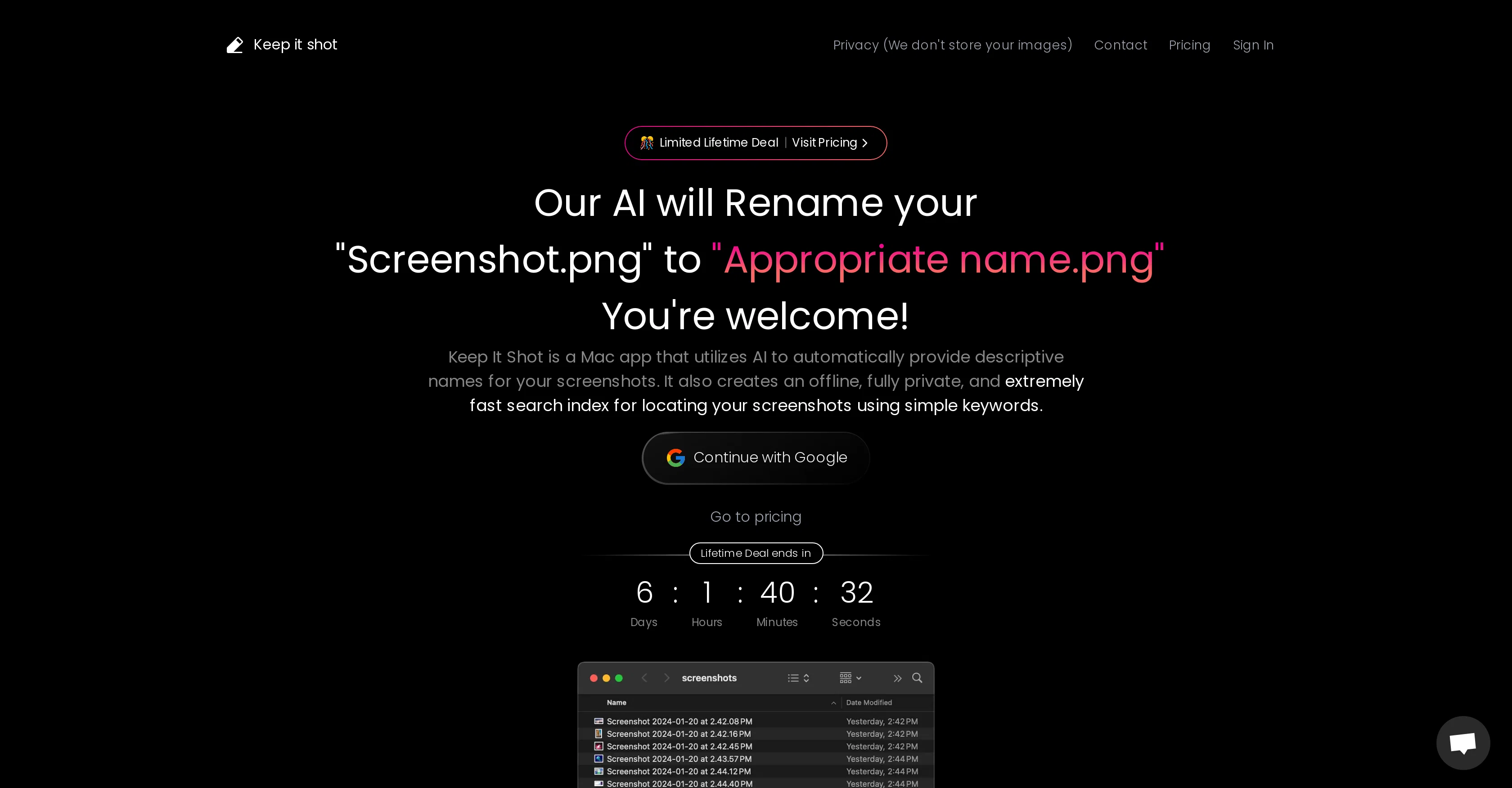
Keep It Shot is a Mac application that leverages artificial intelligence to name and manage your screenshots effectively. This tool doesn't merely provide an arbitrary name to your 'screenshot.png' but gives it an 'appropriate descriptive name', crafted by the AI based on the content of the screenshot. This automation streamlines the tedious process of manually renaming files and keeps the user interface clutter-free. Furthermore, the app provides an added feature of generating short image descriptions and keywords through OCR (Optical Character Recognition). These attributes are used to create a local index that allows for a highly responsive and fully private offline search functionality. The search feature is conveniently accessible, requiring only a few keywords to locate any screenshot swiftly. An additional special feature includes customizable renaming preferences that the user can tailor as per their needs, and an option to revert to original names if users are unsatisfied with the new ones. In summary, Keep It Shot is an efficient screenshot management tool that combines AI-powered naming functionalities with effective browsing and search capabilities to turn cluttered screenshots folders into an organized resource. Help other people by letting them know if this AI was useful. Add your own prompts and outputs to help others understand how to use this AI.
When considering Keep It Shot for integration into your organizational workflow, we recommend deploying a structured score card across three critical operational pillars: Security & Compliance, Integration Friction, and long-term Price Scalability. Rather than looking only at basic feature lists, modern procurement teams must assess how a software platform behaves under high load and how well it fits into the team's data security guidelines.
Depending on your operating region and field, ensure that Keep It Shot supports standard security layers such as SOC 2 Type II certifications, GDPR compliance, or HIPAA-compliant database encryption. If the tool connects directly to client database tables or handles user passwords, verify that they implement multi-factor authentication (MFA), single sign-on (SSO) integrations, and end-to-end data encryption in transit and at rest.
Siloed data is the primary cause of operational friction. Evaluate if Keep It Shot has native connectors for your current project trackers, messaging hubs, and customer communication channels. For custom developer requirements, check if they provide a fully documented REST API with reasonable rate limits, comprehensive Webhooks support, and robust SDK packages in your language. A flexible API layer saves hundreds of hours of manual copy-paste overhead.
SaaS pricing packages are often deceptively simple. When reviewing Keep It Shot's billing structure, map out your team's projected expansion over the next 12 to 24 months. Determine how costs scale as your customer database increases or as you add team members. Factor in setup costs, mandatory support plan upgrades, API access fees, and storage overage rates to understand the true cost before committing to a contract.
By combining verified user reviews from our directory with internal workflow pilot tests, your procurement team can make an informed decision that drives productivity without creating capital waste.
Overall rating
Based on 18 reviews
Very expensive for most common pages, no way you pay that
Leandro Conti
i edited my picture twice because the first time it randomly got deleted. second time i did everything and i pressed download but nothing happened, after repeatedly trying it didn’t work in the end. regardless very good editing tool (fyi you can’t download high res pic without paying)
Georg
You have the option to waitlist or you can login with your email/pass or google account. I chose google. Once inside you have a suite of tools but im sure when you go to publish you have to sign up for a paid plan. So if your looking for a free option it will be branded. Use at your own risk. Thanks
Col Cooper
Very cool app! Build was fast as, and with a few tweaks I fully launched my website in 1 hour!
Joe Smythe
I joined Kin's beta program on my iPhone XR. After upgrading to an iPhone 13, I found that I couldn't log into my existing account on the new phone, forcing me to create a new account. Now, I have two separate Kin accounts on different phones. Today, when I accessed the beta version of Kin, I got a notification stating that the test version ended on Monday, September 23rd. It instructed me to back up my data and move to the official Kin app. I did as advised—backed up my data, confirmed, uninstalled the beta app via TestFlight, and installed the official Kin app. However, when I attempted to “log in”, I was still unable to access my existing account. This issue hasn't been resolved yet. I have been trying desperately to get in contact with the support team. I left feedback through the test flight app and sent emails. No response. Now trying to find a forums, Reddit posts, TAAFT comments☻
Desiree Miller
This tool i found is super cool, I created 5 books from this tool to sell them online, which gives me great profit. I am creating more valuable books to spread knowledge, and earn some bucks as well 🤑.
Bilal Ashraf
O GPT faz uma análise melhor e mais personalizada.
Vinicius Vilela
It is not free. So i couldnt test anything
Isa Venancio
Finally, a prompt optimizer that makes sense, adding power to my own words. Easy to expand details, easy to go deeper and to get exactly what I need to squeeze out incredible results with ChatGPT. The Prompt_Enhancer setting is something serious. Thanks guys, keep on providing excellent AI tools!
Hollie Arsement
Isn't it intriguing how all three other reviews for this "website builder" share the exact same profile photo?
Desiree Miller
I tried using it but the website has too many bugs.
João Neiva
after playing around with it for a bit, i am now aware of how much i need this. i can already feel the hours of sleep coming back to me <3
Bru no no no
As the service was in beta-testing stage, I created there a dozen of AI-generated courses for free. I wanted to use them. Those courses remained in my account as they started subscription tiers. But recently I have found out that they were deleted. The support didn't answer to my e-mail at all.
Oldfag TV
I can't explain how impressed i am by this. I've seen tools to help you brainstorm ideas, but not one to break your task down into big steps, then little steps for each of these. Plus "games" to help come up with more ideas for your project. I'm excited to use this!
ImpulseOscar
It's sad to see people want to try your tool out but you have no free sample for them. This may be the best tool out there, but, as mentioned, going through with the AI for minutes to explain what you want, then being prompted to pay, without even knowing if it CAN create something, is discouraging. I hope we can get a free sample or preview at one point, im interested in this one.
Ron Jayson
B12 exceeded my expectations especially after I tried a few similar tools. Signing up took under a minute and because I offer a very specific set of services as a consultant, I didn't expect the AI to be able to capture my work, but it did a great job with creating content for me. I only had to make a few edits, add my bio, and was able to publish that same day. Now I get lots of compliments on my site and I've even tried their other tools like email marketing, which is great because the emails match my site's appearance. Overall I would recommend B12 as an effective, affordable, and easy to use website solution.
Katie G
Best labeling tool for complex image
Ce Fung
I use it to post photos to Adobe Stocks, works great
Sasa Sijak
Starting Price
Free plan available
Free tier available with optional paid upgrades.


