5.01 months ago
“Review”
Too limited in caracters, visuals and prompt application
Luisa Leipnitz

Boost sales with 24/7 AI shopping assistance
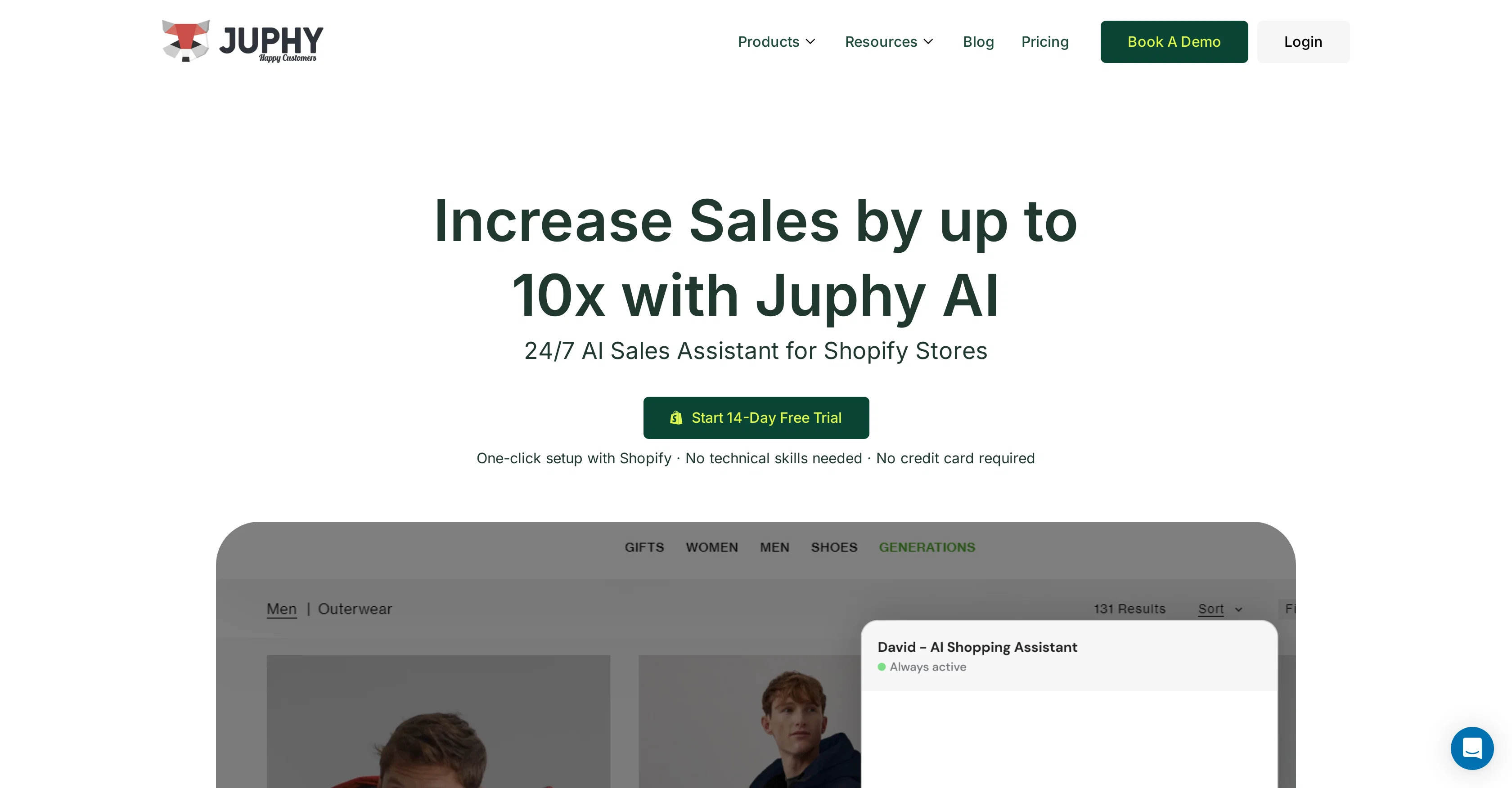
Juphy is an AI sales assistant designed to support e-commerce operations specifically on Shopify stores. The AI functionality facilitates a personalized and dynamic shopping experience by recommending relevant products and answering customer queries round the clock. Besides providing solutions for common customer concerns such as FAQs and order tracking, it also facilitates team collaborations on incoming messages.Juphy's robust integration capability allows it to assimilate details about your product catalog and FAQs. It further extends its customer support to Instagram DMs thereby broadening the coverage of customer interactions. The platform features a unified dashboard for managing social media and Shopify conversations, providing a single interface for customer service, team collaboration, smart tags, and report generation.The assistant can categorize messages based on product, category and urgency and provide actionable reports to analyze the shopping assistant's performance. Juphy also provides review management and contact list building capabilities to foster customer relations and future marketing campaigns.Equipped with automation, Juphy aims to remove the manual work from customer support tasks, seeking to deliver a high ROI by increasing sales through enhanced customer engagement and satisfaction. Help other people by letting them know if this AI was useful. Add your own prompts and outputs to help others understand how to use this AI.
When considering Juphy for integration into your organizational workflow, we recommend deploying a structured score card across three critical operational pillars: Security & Compliance, Integration Friction, and long-term Price Scalability. Rather than looking only at basic feature lists, modern procurement teams must assess how a software platform behaves under high load and how well it fits into the team's data security guidelines.
Depending on your operating region and field, ensure that Juphy supports standard security layers such as SOC 2 Type II certifications, GDPR compliance, or HIPAA-compliant database encryption. If the tool connects directly to client database tables or handles user passwords, verify that they implement multi-factor authentication (MFA), single sign-on (SSO) integrations, and end-to-end data encryption in transit and at rest.
Siloed data is the primary cause of operational friction. Evaluate if Juphy has native connectors for your current project trackers, messaging hubs, and customer communication channels. For custom developer requirements, check if they provide a fully documented REST API with reasonable rate limits, comprehensive Webhooks support, and robust SDK packages in your language. A flexible API layer saves hundreds of hours of manual copy-paste overhead.
SaaS pricing packages are often deceptively simple. When reviewing Juphy's billing structure, map out your team's projected expansion over the next 12 to 24 months. Determine how costs scale as your customer database increases or as you add team members. Factor in setup costs, mandatory support plan upgrades, API access fees, and storage overage rates to understand the true cost before committing to a contract.
By combining verified user reviews from our directory with internal workflow pilot tests, your procurement team can make an informed decision that drives productivity without creating capital waste.
Overall rating
Based on 16 reviews
Too limited in caracters, visuals and prompt application
Luisa Leipnitz
Excellent chatbot, very functional and easy to teach. It took me a while to vary the prompt, but I ended up getting a great result when I put it through a stress test. I give 4 stars because I think this AI can still improve. In any case I recommend it.
Waltdege
NOT FREE! DO NOT USE. ITS REQUIRED $99.99 A YEAR OR $15 A MONTH!!!!
John Doe
It took me less than 20 minutes to create infographic perfection- all the other AI design sites I tried, and I tried them all, weren't able to give me what I wanted in 1 way or another. Outline Ninja helped me create my infographic
Gay Shirer
They nailed it. It’s better than 3.7 at coding.
Tealgreen
I am not satisfied with @Looka.
AK Properties
It's a really great tool. I've used it for many different stories and brainstorms.
Justin Patterson
Way too expensive for anything but short form or casual use.
Richard Green
The most humanly AI i have used so far but the problem is as soon as you start piling up messages in single chat session , it starts getting slow and at some point it starts freezing and also uses a lot of resources. For time being its okay to do 3 4 messages but as soon as we continue it has messages limitation and also starts getting very very slow . For the price of £18 per month this is unacceptable and with the newly introduced feature called project, if we start new chat within the project we cannot continue with the context we provided in other chats within same project. There are lot of improvements for them to work on. And to start with the its speed and its price
Bibash Katel
Very cool app! Build was fast as, and with a few tweaks I fully launched my website in 1 hour!
Joe Smythe
It created some decent logos. They are great as a start point
Samuel Barlet
Makes it easy to get started with a presentation if you have an outline, but as soon as you want more control, you're better off using Google Slides. @Gamma's feature that I used the most was image generation - you can select among a variety of models (Ideogram, Flux, DALL-E, but not Midjourney), and it shows 3 variations to choose from. Performance is slow and a little janky, even in Chrome. Prompts and settings are often not respected - e.g. you set it to "preserve text" and just generate slides, and it goes onto dumping an entire 3 paragraphs of text in one slide. You can't overlay text over images (e.g. for image attribution), and there's no precise positioning control, or grouping elements. No way to control table layout, e.g. to have two images slide-by-side in full bleed mode. I tried @Gamma for a new presentation, but next time I need to make a presentation, I'll go back to Google Slides and generate images independently.
Dan Dascalescu
Undetectable.wtf is better bypasses everything maintaining thee integrity of the text.
LiteEagle
I’ve tried many AI writing tools in the past, but this one actually delivers content that sounds human and ranks. I love how you can create a full SEO blog post with just a keyword… and it’s ready to publish in one click. That saves me so much time. Also, small win for the wallet — use code FSL25 to get 25% off on any plan. Definitely helped me out when testing it for the first time. 👍 Hope this helps someone else who’s been struggling like I was!
Jason
I'm still testing the tool yet it looks very promising. I tested it with a 5.5k words Academic text that I had previously red. I tested the Key points feature, it does work!
Ivana González
after playing around with it for a bit, i am now aware of how much i need this. i can already feel the hours of sleep coming back to me <3
Bru no no no
Starting Price
Free plan available
Free tier available with optional paid upgrades.