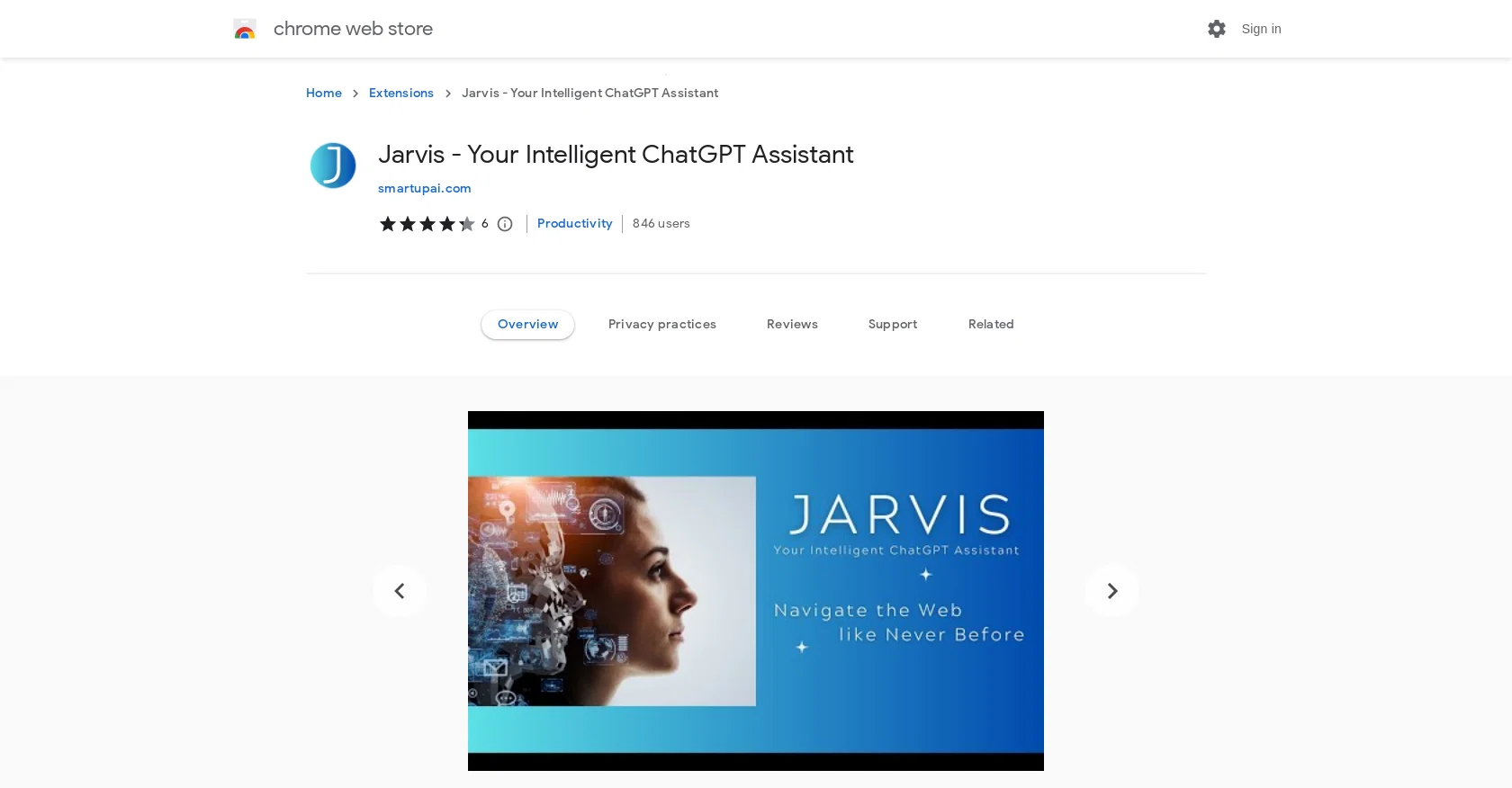
Jarvis is an intelligent chatbot tool that aims to enhance your online browsing experience. It is a Chrome extension powered by ChatGPT, an AI technology.
Jarvis allows you to select any online content and provides relevant information, summaries, and generates replies. To get started with Jarvis, you can either select any online text content, which brings up the Jarvis custom menu, or simply press Ctrl+J to start chatting with Jarvis.
The key benefits of using Jarvis include free access to the power of ChatGPT, the ability to summarize selected articles and long-form content, get more information about any topic of interest, create replies to emails and social media posts, and ask any question to get instant answers.
How Jarvis works:1. Select any online content which brings up the Jarvis custom menu.2. Choose a command from the menu, such as summarizing, getting more information, generating replies, etc.3.
Jarvis pops up with a relevant answer, and you can continue chatting with Jarvis if needed.There is a free version of Jarvis available, and you can also customize its usage for selected websites.For further inquiries or assistance, you can contact Jarvis's developers at contact@smartupai.com or visit their website.
Jarvis is designed to be user-friendly, seamlessly integrated as a Chrome extension, and aims to enhance your online journey by providing relevant information and assistance while you browse.
The developers believe that Jarvis has the potential to revolutionize how people interact with the web and welcome user feedback and support.
Help other people by letting them know if this AI was useful.
Add your own prompts and outputs to help others understand how to use this AI.
Screenshot gallery
Pros & Cons
Pros
+Chrome extension
+Free access
+Summarizes online content
+Generates replies to emails
+Answer any questions instantly
+User-friendly interface
+Customize usage for selected websites
+Smart browsing assistance
+Activable via keyboard shortcut
+Integrated with ChatGPT technology
+Constantly optimized with user feedback
+Doesn't require tab switches
Cons
−Only for Chrome
−Only works online
−Potential privacy concerns
−Requires selection of content
−Accessibility convenience unclear
−No mobile version
−Installation needed
A Professional Framework to Evaluate Jarvis AI Assistant
When considering Jarvis AI Assistant for integration into your organizational workflow, we recommend deploying a structured score card across three critical operational pillars: Security & Compliance, Integration Friction, and long-term Price Scalability. Rather than looking only at basic feature lists, modern procurement teams must assess how a software platform behaves under high load and how well it fits into the team's data security guidelines.
1. Security and Database Compliance
Depending on your operating region and field, ensure that Jarvis AI Assistant supports standard security layers such as SOC 2 Type II certifications, GDPR compliance, or HIPAA-compliant database encryption. If the tool connects directly to client database tables or handles user passwords, verify that they implement multi-factor authentication (MFA), single sign-on (SSO) integrations, and end-to-end data encryption in transit and at rest.
2. API Coverage and Custom Integrations
Siloed data is the primary cause of operational friction. Evaluate if Jarvis AI Assistant has native connectors for your current project trackers, messaging hubs, and customer communication channels. For custom developer requirements, check if they provide a fully documented REST API with reasonable rate limits, comprehensive Webhooks support, and robust SDK packages in your language. A flexible API layer saves hundreds of hours of manual copy-paste overhead.
3. Total Cost of Ownership (TCO)
SaaS pricing packages are often deceptively simple. When reviewing Jarvis AI Assistant's billing structure, map out your team's projected expansion over the next 12 to 24 months. Determine how costs scale as your customer database increases or as you add team members. Factor in setup costs, mandatory support plan upgrades, API access fees, and storage overage rates to understand the true cost before committing to a contract.
By combining verified user reviews from our directory with internal workflow pilot tests, your procurement team can make an informed decision that drives productivity without creating capital waste.
Features of Jarvis AI Assistant
Chat
Chatbot
Chrome
Extension
Q&A
Summary
Free + From $1.99/Mo
SaaS1to10 verified reviews for Jarvis AI Assistant
Overall rating
★★★★★5.0
Based on 20 reviews
★★★★★5.02 months ago
“Review”
I tried NovelGPT a template in @Agentgpt and it did an excellent job writing the first two episodes of my novel complete with character descriptions, setting,plot points and well I think you get the point. Great tool can't wait to see it out of beta.
Kelli Crose
★★★★★5.02 months ago
“Review”
After my first use, I think it's surprisingly good. The only drawback so far is the PDF export option for the report which is formatless.
Alejandro Correa
★★★★★5.02 months ago
“Review”
It's not free, it forces you to input an email before shoving a price tag in your face.
Arvoly XSL
★★★★★5.02 months ago
“Review”
after playing around with it for a bit, i am now aware of how much i need this. i can already feel the hours of sleep coming back to me <3
Bru no no no
★★★★★5.02 months ago
“Review”
As the service was in beta-testing stage, I created there a dozen of AI-generated courses for free. I wanted to use them. Those courses remained in my account as they started subscription tiers. But recently I have found out that they were deleted. The support didn't answer to my e-mail at all.
Oldfag TV
★★★★★5.02 months ago
“Review”
it says its free but its not true
Lebron domfe
★★★★★5.02 months ago
“Review”
No free, not worth it
jaybug
★★★★★5.02 months ago
“Review”
This is a powerful and helpful real-life app.
Sue
★★★★★5.02 months ago
“Review”
It's the maker of MindMateGPT here. Focus group results After vetting the survey for duplicate entries, we were left with 10 users that participated in the focus group The average user had used the app for 3 weeks, and the average frequency was daily 100% of the users felt the app helped them improve their mental health, and 90% of them felt the app gave them a better ability to handle emotional distress. The average perceived mental health score went from a 3.8 to a 8.4 on a 1-10 scale
Anthony Teixeira
★★★★★5.02 months ago
“Review”
You have the option to waitlist or you can login with your email/pass or google account. I chose google. Once inside you have a suite of tools but im sure when you go to publish you have to sign up for a paid plan. So if your looking for a free option it will be branded. Use at your own risk. Thanks
Col Cooper
★★★★★5.02 months ago
“Review”
An amazing app, I love the share feature and the comment section summaries
Silvia Cho
★★★★★5.02 months ago
“Review”
Really amazing! Makes learning content and engaging with things so much easier!
Jamie McDonald
★★★★★5.02 months ago
“Review”
saving time and effort.
chloe
★★★★★5.02 months ago
“Review”
Great idea, but does not find what you are looking for-about the same as Google Scholar
Andy
★★★★★5.02 months ago
“Review”
Alternative for fast academic writing
Ivan Taslim
★★★★★5.02 months ago
“Review”
It's sad to see people want to try your tool out but you have no free sample for them. This may be the best tool out there, but, as mentioned, going through with the AI for minutes to explain what you want, then being prompted to pay, without even knowing if it CAN create something, is discouraging. I hope we can get a free sample or preview at one point, im interested in this one.
Ron Jayson
★★★★★5.02 months ago
“Review”
@FlowGPT was great... up until the point where all my history disappeared, I stopped being able to see content, and I was unable to do anything without their ever helpful "something went wrong" error message. I'm glad I didn't pay for their currency... it would have all be lost.
David Holden
★★★★★5.02 months ago
“Review”
This app is awesome because it has two cool features. First, it lets you chat with an AI that talks like a real person, perfect for customer service or just having fun conversations. The second feature lets you create amazing artwork instantly using AI. The app is super easy to use, and you don’t even need to sign up. Plus, it’s a free mobile app, so you can take it anywhere! It’s a fun, creative tool for everyone.
Tahir
★★★★★5.02 months ago
“Review”
Athena has been a useful product for travel and product recommendations. Additionally, it has helped me with my daily tasks.