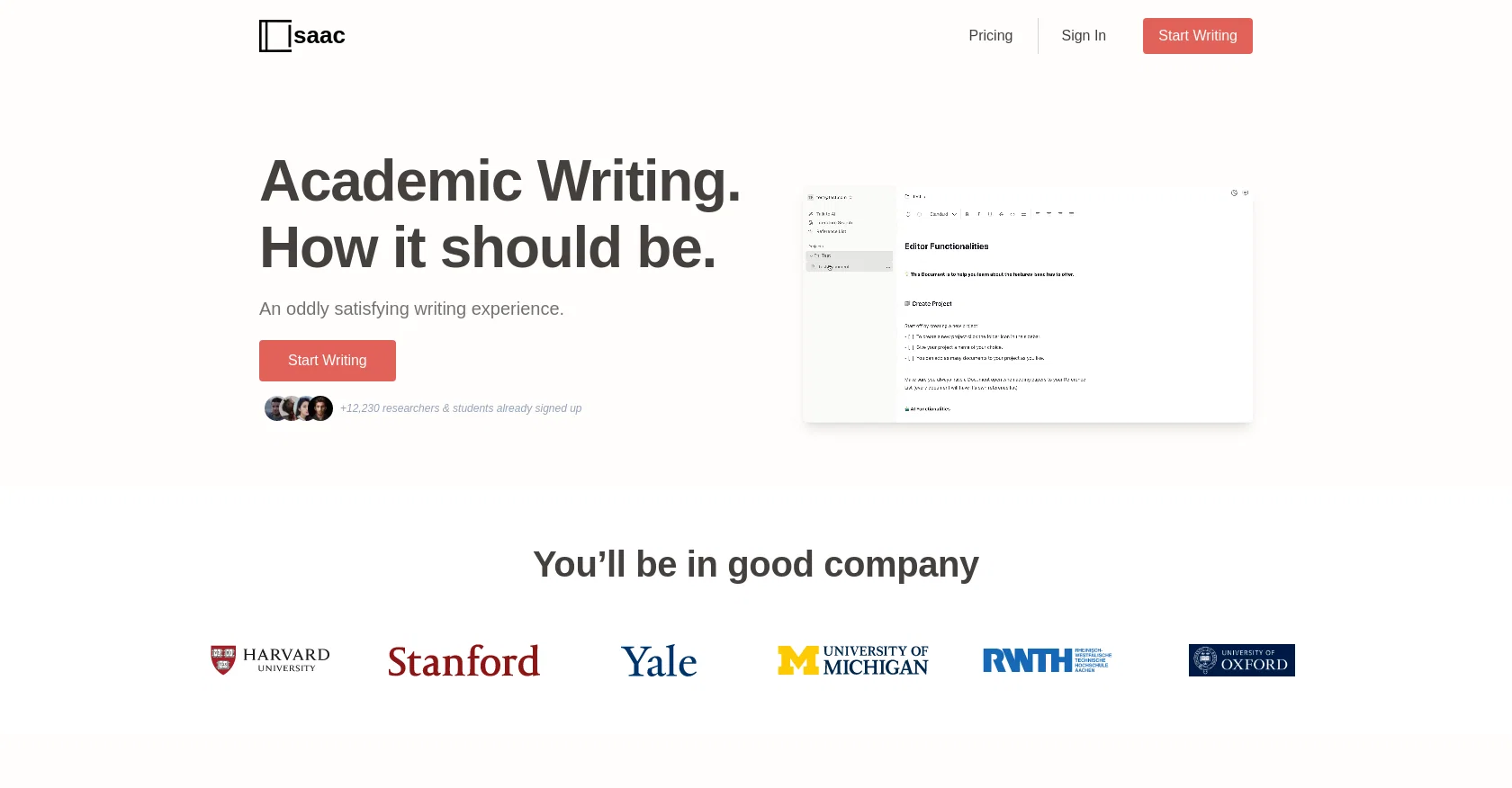
Isaac Editor is an AI-first text editor designed specifically for academic writing. It offers an intuitive and user-friendly writing experience that aims to make the academic writing process more satisfying.
The tool has already gained popularity with over 12,230 researchers and students having signed up to use it. The tool is particularly beneficial for writers seeking to enhance their writing productivity and achieve better results.
Isaac Editor has an AI-powered grammar and language checker, which helps ensure accurate grammar and spelling, making it particularly appealing to non-native English speakers.
Besides that, the tool has a built-in citation generator, allowing users to efficiently add citations as they write. These functions make the tool particularly useful, helping users save time and effort that might otherwise be spent on proofreading and formatting.
As an added benefit, Isaac Editor offers a customizable writing environment and also includes the ability to share and collaborate on documents. Overall, Isaac Editor serves as an excellent text editor for students, researchers, and academics seeking to streamline their writing process and produce high-quality academic writing with ease.
Help other people by letting them know if this AI was useful.
Add your own prompts and outputs to help others understand how to use this AI.
Screenshot gallery
Pros & Cons
Pros
+Designed for academic writing
+Intuitive user experience
+Popular with researchers/students
+Helpful for non-native English speakers
+Built-in citation generator
+Saves time on proofreading/formatting
+Customizable writing environment
+Document sharing capability
+Document collaboration feature
+Enhances writing productivity
+Ensures high-quality academic writing
Cons
−No offline mode
−No version control
−No mobile version
−Limited formatting options
−Limited document collaboration features
−No multi-language support
−No built-in plagiarism checker
−No document templates
−No integration with external databases
A Professional Framework to Evaluate Isaac Editor
When considering Isaac Editor for integration into your organizational workflow, we recommend deploying a structured score card across three critical operational pillars: Security & Compliance, Integration Friction, and long-term Price Scalability. Rather than looking only at basic feature lists, modern procurement teams must assess how a software platform behaves under high load and how well it fits into the team's data security guidelines.
1. Security and Database Compliance
Depending on your operating region and field, ensure that Isaac Editor supports standard security layers such as SOC 2 Type II certifications, GDPR compliance, or HIPAA-compliant database encryption. If the tool connects directly to client database tables or handles user passwords, verify that they implement multi-factor authentication (MFA), single sign-on (SSO) integrations, and end-to-end data encryption in transit and at rest.
2. API Coverage and Custom Integrations
Siloed data is the primary cause of operational friction. Evaluate if Isaac Editor has native connectors for your current project trackers, messaging hubs, and customer communication channels. For custom developer requirements, check if they provide a fully documented REST API with reasonable rate limits, comprehensive Webhooks support, and robust SDK packages in your language. A flexible API layer saves hundreds of hours of manual copy-paste overhead.
3. Total Cost of Ownership (TCO)
SaaS pricing packages are often deceptively simple. When reviewing Isaac Editor's billing structure, map out your team's projected expansion over the next 12 to 24 months. Determine how costs scale as your customer database increases or as you add team members. Factor in setup costs, mandatory support plan upgrades, API access fees, and storage overage rates to understand the true cost before committing to a contract.
By combining verified user reviews from our directory with internal workflow pilot tests, your procurement team can make an informed decision that drives productivity without creating capital waste.
Features of Isaac Editor
Academic Writing
Citation Tool
Text Editor
Grammar Check
Academic Research
AI Powered
Free + From $16.88/Mo
SaaS1to10 verified reviews for Isaac Editor
Overall rating
★★★★★5.0
Based on 20 reviews
★★★★★5.02 months ago
“Review”
Hello!
I am writing about an error When using Asc Isaac.
It is not the answer that appears, but the text of the HTML code. here is the first half of
Server Error
:root {
--bg: hsl(250, 24%, 9%);
--fg: hsl(0, 0%, 100%);
--pink: hsl(270, 60%, 52%);
} html,
Bari Hamelson
★★★★★5.02 months ago
“Review”
Tried using it to get answers for a few questions, but what really impressed me was how many sources it pulled in. Didnt expect that, but it actually turned out to be super useful. Nice tool :)
Marley Blenkinsop
★★★★★5.02 months ago
“Review”
Really amazing! Makes learning content and engaging with things so much easier!
Jamie McDonald
★★★★★5.02 months ago
“Review”
Undetectable.wtf is better bypasses everything maintaining thee integrity of the text.
LiteEagle
★★★★★5.02 months ago
“Review”
I tried using it but the website has too many bugs.
João Neiva
★★★★★5.02 months ago
“Review”
after playing around with it for a bit, i am now aware of how much i need this. i can already feel the hours of sleep coming back to me <3
Bru no no no
★★★★★5.02 months ago
“Review”
It is genius! And seems to be free. I can't believe!
Youssef Moustafa
★★★★★5.02 months ago
“Review”
As the service was in beta-testing stage, I created there a dozen of AI-generated courses for free. I wanted to use them. Those courses remained in my account as they started subscription tiers. But recently I have found out that they were deleted. The support didn't answer to my e-mail at all.
Oldfag TV
★★★★★5.02 months ago
“Review”
Not particularly useful and expensive at the same time. Don’t waste your time or money.
Yakir Levin
★★★★★5.02 months ago
“Review”
Think its a fab tool but why wont it allow you to save your workflows?
Azmat Yusaf
★★★★★5.02 months ago
“Review”
I'm still testing the tool yet it looks very promising. I tested it with a 5.5k words Academic text that I had previously red. I tested the Key points feature, it does work!
Ivana González
★★★★★5.02 months ago
“Review”
Such an impressive platform for all of us who are looking for more efficient ways to do the investigation. @OpenRead has the potential to solve our problems.
Zhuohang Tong
★★★★★5.02 months ago
“Review”
I've tried to find the exact articles via WoS, Google, or Scopus. Despite using a very advised and complicated search query, it was just a waste of time. Perplexity didn't help either. The Jenni AI, which may add useful links when generating text, finds nothing but trash. SciScape gave exactly what I needed from the first query! A couple of fresh relative articles with very exact topics!
Elijah
★★★★★5.02 months ago
“Review”
easy to pick up and you get a few free file imports. it gives you results pretty fast, unfortunately i can't find a way to get back to these, they're locked behind the paid service.
Ron Jayson
★★★★★5.02 months ago
“Review”
@Aithor is an excellent tool for writing scientific essays. The best part is that it shows real references. This means your generated text is validated. Other tools, like Gemini or Chatgpt, frequently give wrong citations and references, even nonexistent ones.
Iftekhar Alam
★★★★★5.02 months ago
“Review”
Thank you for your kind words, Ruach Dak! We're thrilled to be a part of the writing journey for so many writers worldwide. If you ever need assistance or have any feedback, feel free to reach out to us at hello@Paperpal.com. We are always here to assist you. Happy writing!
Paperpal
★★★★★5.02 months ago
“Review”
The tool is posted since 2024-01-04.
Daniel Garaiacu
★★★★★5.02 months ago
“Review”
Great way to get concrete, organized supervisor-style feedback on papers pre-submission without text generation or ChatGPT-style high-level comments.
TK
★★★★★5.02 months ago
“Review”
It works great for generating your Thesis/Essay or research papers. The fact that it has in-source citations is what really makes it stand out from the competition. Also great that it has minimal AI detection😁