5.02 months ago
“Review”
Best AI Chatbot out there!
GMP

Generate custom WordPress plugins with AI, no coding required.
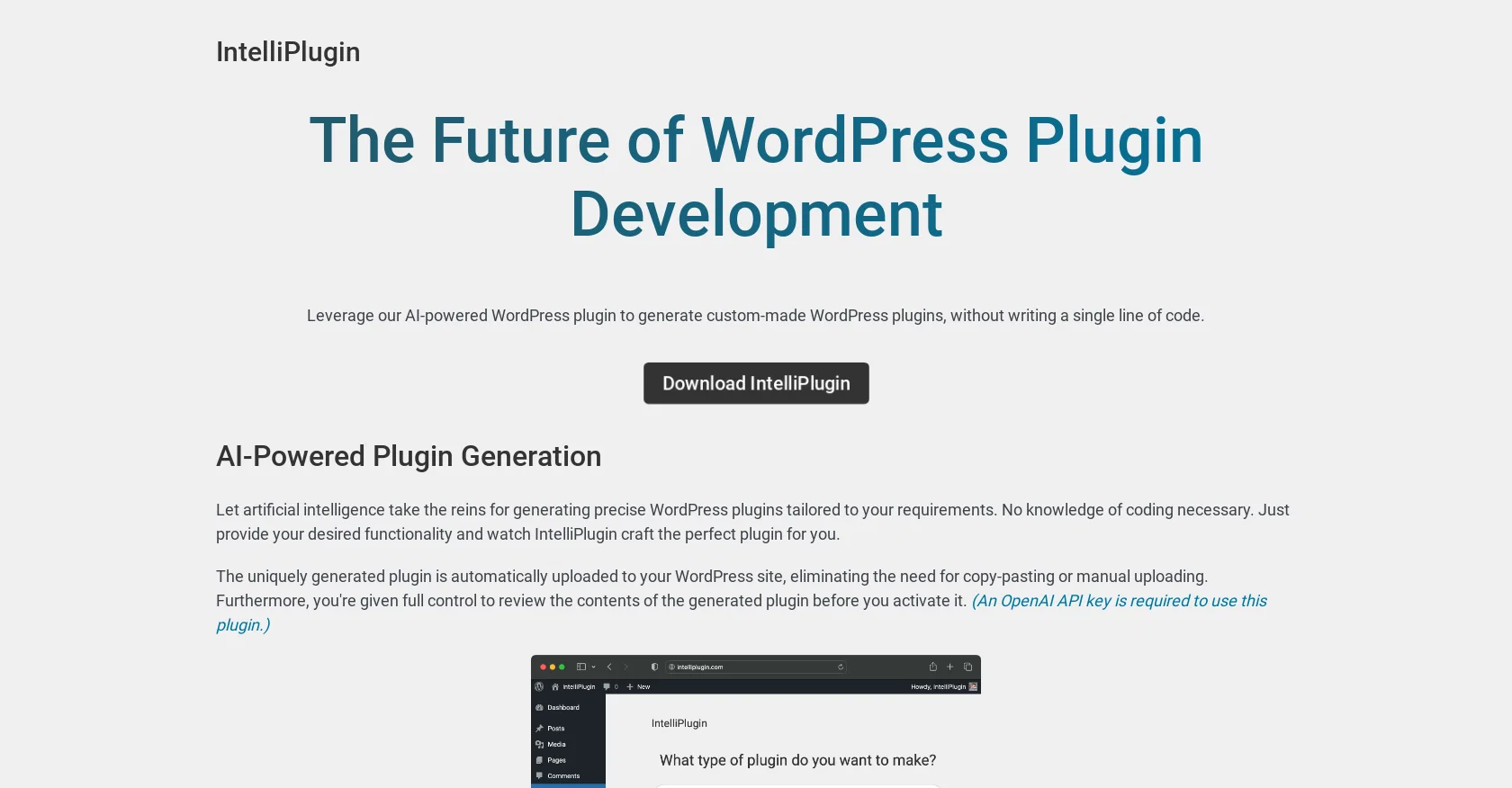
IntelliPlugin is an AI-powered WordPress plugin that allows users to generate custom-made plugins without the need for coding. Users can simply provide the desired functionality and IntelliPlugin will generate a plugin tailored to their requirements. The generated plugin is automatically uploaded to the user's WordPress site, eliminating the need for copy-pasting or manual uploading.With IntelliPlugin, users have full control to review the contents of the generated plugin before activating it. This ensures that the generated plugin meets their needs and preferences. Users can also edit and customize the functionality of existing IntelliPlugin-generated plugins with ease, making it a flexible tool for customization.IntelliPlugin seamlessly integrates with WordPress, BuddyPress, WooCommerce, and most other WordPress plugins, allowing users to extend their website's functionality. For example, users can use IntelliPlugin to display the number of likes for each BuddyPress post in the activity feed, say a birthday message to logged-in users on their birthday, add an extra layer of security to their WordPress site, and even create a settings page.Please note that an OpenAI API key is required to use this plugin and additional pricing information can be found on the OpenAI website. IntelliPlugin provides a convenient solution for WordPress users who want to leverage AI technology to generate and customize plugins without the need for coding expertise. Help other people by letting them know if this AI was useful. Add your own prompts and outputs to help others understand how to use this AI.
When considering IntelliPlugin for integration into your organizational workflow, we recommend deploying a structured score card across three critical operational pillars: Security & Compliance, Integration Friction, and long-term Price Scalability. Rather than looking only at basic feature lists, modern procurement teams must assess how a software platform behaves under high load and how well it fits into the team's data security guidelines.
Depending on your operating region and field, ensure that IntelliPlugin supports standard security layers such as SOC 2 Type II certifications, GDPR compliance, or HIPAA-compliant database encryption. If the tool connects directly to client database tables or handles user passwords, verify that they implement multi-factor authentication (MFA), single sign-on (SSO) integrations, and end-to-end data encryption in transit and at rest.
Siloed data is the primary cause of operational friction. Evaluate if IntelliPlugin has native connectors for your current project trackers, messaging hubs, and customer communication channels. For custom developer requirements, check if they provide a fully documented REST API with reasonable rate limits, comprehensive Webhooks support, and robust SDK packages in your language. A flexible API layer saves hundreds of hours of manual copy-paste overhead.
SaaS pricing packages are often deceptively simple. When reviewing IntelliPlugin's billing structure, map out your team's projected expansion over the next 12 to 24 months. Determine how costs scale as your customer database increases or as you add team members. Factor in setup costs, mandatory support plan upgrades, API access fees, and storage overage rates to understand the true cost before committing to a contract.
By combining verified user reviews from our directory with internal workflow pilot tests, your procurement team can make an informed decision that drives productivity without creating capital waste.
Overall rating
Based on 14 reviews
Best AI Chatbot out there!
GMP
It is the ease of use for me. @DataSquirrel is fast, the UI is super intuitive, and the guided analysis feature is highly convenient. I have officially moved from uploading CSV files from Google sheet to @DataSquirrel. Within minutes, I can visualize my data and interpreting it becomes super simple.
Aakriti Mahajan
Wow, wonderful project.
Palash Roy
Free Start with a Free Experience $0 /mo
Vitus Bering
I’ve tried many AI writing tools in the past, but this one actually delivers content that sounds human and ranks. I love how you can create a full SEO blog post with just a keyword… and it’s ready to publish in one click. That saves me so much time. Also, small win for the wallet — use code FSL25 to get 25% off on any plan. Definitely helped me out when testing it for the first time. 👍 Hope this helps someone else who’s been struggling like I was!
Jason
B12 exceeded my expectations especially after I tried a few similar tools. Signing up took under a minute and because I offer a very specific set of services as a consultant, I didn't expect the AI to be able to capture my work, but it did a great job with creating content for me. I only had to make a few edits, add my bio, and was able to publish that same day. Now I get lots of compliments on my site and I've even tried their other tools like email marketing, which is great because the emails match my site's appearance. Overall I would recommend B12 as an effective, affordable, and easy to use website solution.
Katie G
Amazing AI to create a WordPress website with all the basics in less than a minute. If you feed it with enough details in your prompt, it will really create nice text for your website. It can also create subpages like About Us, Contact Us, blog, etc. The standard ones. Everything looks great, apart from the fact that the UI of the created website for you is limited to less than 10 variations. I'm pretty sure they will add more layouts or unlimited layouts, but at the moment isn't yet there. Once it can create tens of different and custom theme layouts for the outcome, then it will win the hearts of all who want to build with WP.
Theodor Dimitriou
ask a doubt before asking him plz for your own safety!
Pranaauv Parkway
Article Quality is Empecable
Ken Abenojar
For now the best browser based AI scraper i have ever used.
Jason Shirazi
It's sad to see people want to try your tool out but you have no free sample for them. This may be the best tool out there, but, as mentioned, going through with the AI for minutes to explain what you want, then being prompted to pay, without even knowing if it CAN create something, is discouraging. I hope we can get a free sample or preview at one point, im interested in this one.
Ron Jayson
I think it's the best @Image Generator I ever found on the net. It gives more accurate image according to the prompt. And thank you for keeping it for free.
My Sawsiri
Fair position, LM. We're currently in beta testing, but will be on the repo (ideally) by the end of this week. The plugin is currently under view. The company behind @AgentWP is WPAI.co. We've been around for some time and have a large userbase.
James LePage
pretty good ai.
Immortal king1
Starting Price
From $18.00/user/month
Pricing may vary based on team size and features selected.