5.01 months ago
“Review”
nice holistic
Amit ImmI

AI-powered mind maps from any content, instantly.
Help other people by letting them know if this AI was useful. Add your own prompts and outputs to help others understand how to use this AI.
When considering InstantMind for integration into your organizational workflow, we recommend deploying a structured score card across three critical operational pillars: Security & Compliance, Integration Friction, and long-term Price Scalability. Rather than looking only at basic feature lists, modern procurement teams must assess how a software platform behaves under high load and how well it fits into the team's data security guidelines.
Depending on your operating region and field, ensure that InstantMind supports standard security layers such as SOC 2 Type II certifications, GDPR compliance, or HIPAA-compliant database encryption. If the tool connects directly to client database tables or handles user passwords, verify that they implement multi-factor authentication (MFA), single sign-on (SSO) integrations, and end-to-end data encryption in transit and at rest.
Siloed data is the primary cause of operational friction. Evaluate if InstantMind has native connectors for your current project trackers, messaging hubs, and customer communication channels. For custom developer requirements, check if they provide a fully documented REST API with reasonable rate limits, comprehensive Webhooks support, and robust SDK packages in your language. A flexible API layer saves hundreds of hours of manual copy-paste overhead.
SaaS pricing packages are often deceptively simple. When reviewing InstantMind's billing structure, map out your team's projected expansion over the next 12 to 24 months. Determine how costs scale as your customer database increases or as you add team members. Factor in setup costs, mandatory support plan upgrades, API access fees, and storage overage rates to understand the true cost before committing to a contract.
By combining verified user reviews from our directory with internal workflow pilot tests, your procurement team can make an informed decision that drives productivity without creating capital waste.
Overall rating
Based on 25 reviews
nice holistic
Amit ImmI
Looks amazing, but only 5 searches??
kanawati
Just joined your channel in Discord.
M. Cristian
I have been using @Life Note for months and this has improved my own mental health and self-discovery journey. I learn new things about my self from people who inspire me while I journal. It's really helpful for me to go deeper with self-introspection and growth.
Vicky Lee
@Fabric is kind of like a combo of bookmarking/webclipper/summarizer/knowledgebase. Basically you can add information and it will auto organize it as well as let you chat with this information and search through it. It is not a “search engine tool” I wouldn’t say. Maybe you will be able to create a knowledge, base and information repository of everything relevant to you and be able to search through that information… But that is still different than a “search engine, tool” in my opinion. So far I think they are shooting for individuals and not enterprise users. Which is great because I have been wanting to find a product that will allow me to add information from PDFs, websites and videos and then be able to search/query/chat with that. But so many of the companies I have found that offer anything close to along these lines are developing knowledge bases with only company customers in mind. I get that that is where the money is, but @Fabric appears to be for actual people to use. The product is definitely underdevelopment, and I have the TestFlight of their iOS app. I wouldn’t say the app is perfect yet or anything, but they are actively developing it, and some of their ideas are changing and evolving not just minor changes to their user interface. I am using @Fabric and Mem at the same time and I will be interested to see which turns put to be more for me. Definitely check it out if you have not already done so they have the opportunity to make an extremely useful tool and kind of even changing the way individuals think about storing/accessing information important to them.
Extra Google Account
I recently started using @Napkin AI, and I couldn't be more impressed! This tool is incredibly user-friendly and intuitive, making it easy to generate clear visual representations from text. Moreover, the interface is clean and visually appealing, which enhances the overall user experience. @Napkin AI is a fantastic companion. Highly recommended for anyone looking to elevate their creative process!
Jobin Mathew
Not at all accurate…. The only thing similar between original and generated images were the clothes and accessories… face was absolutely new and unconnected.
Shvetank Sharma
Love this!! 100x better than Notion, this should get more attention
Troy
Would rate 4.9 if possible, but rounding up to 5 stars because this app truly excels compared to other AI coding tools. Why 5 Stars: Best-in-class AI coding assistance Huge improvements over competitors Actually works for real development Real Impact: I successfully built and published an actual app using this tool - that's game-changing for non-developers like me. Bottom Line: Yes, there's room for improvement, but this is already the top AI coding app available. The fact that ordinary people can create real apps with it says everything. Perfect for anyone wanting to turn ideas into actual apps!
Johnson
I’ve been using @Collate to go through technical PDFs, and it’s been surprisingly handy. Summarizing docs and being able to ask questions directly saves me time, especially when I’m skimming through research or API references. No sign-ups, works offline, and everything stays on my device — which I appreciate.
Harman
This tool finally helps me understand what makes a great prompt. It doesn't just give me a better version, it shows me to get there by analyzing why the original prompt is weak and showing what to improve. The difference this makes to the final AI output is incredible. An essential tool for getting more accurate and detailed results, Great Job!
Milo Quinn
Really like how it finds connection in the content that I save. I don't think any other tool can do that.
amix ffx
your answer is much too general, so useless. You could have just tell me to ask Perplexity.
Ta
Great tool! Was very helpful in content production
Duck Typer
Went from a C to an A in Cognitive Psychology using @Thea!!
Sarah White
I think it's the best @Image Generator I ever found on the net. It gives more accurate image according to the prompt. And thank you for keeping it for free.
My Sawsiri
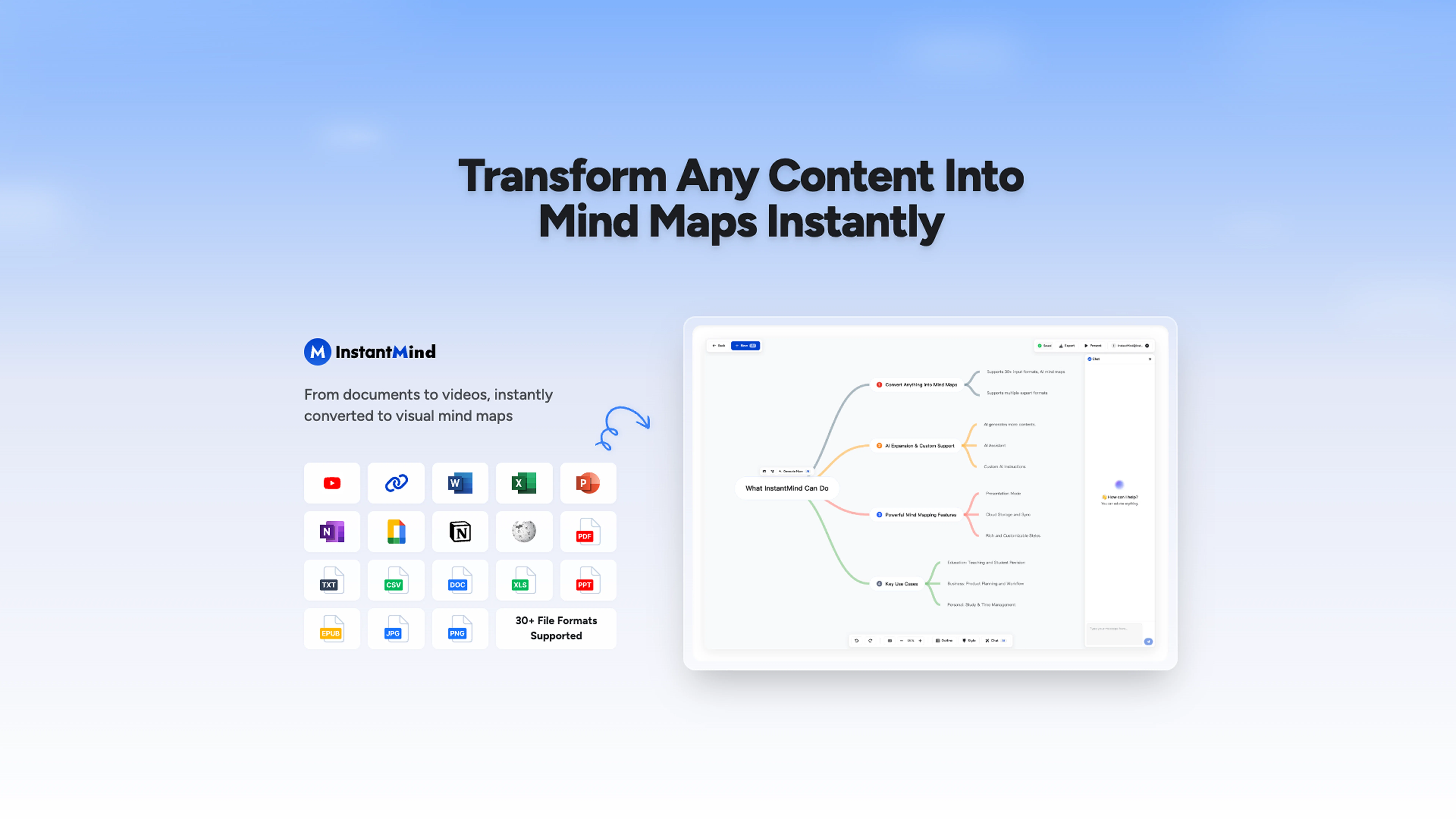
Hi everyone! 👋 I'm the PM behind @InstantMind, and I'm thrilled to see it featured here on TAAFT! We built @InstantMind to solve a real problem - turning any content into beautiful, interactive mind maps instantly. What makes us special is our incredible format support: 30 file formats including PDF, Word, Excel, PowerPoint, Ebook, Markdown, Images, YouTube videos, and web pages - basically anything you throw at it! Key features that users love: 🧠 AI-powered mind map generation - No manual work needed 💬 Smart chat with your documents - Get contextual insights, not generic answers 🎨 Beautiful themes
Zane Hale
Thank you so much, Wasel! ❤️ Your kind words mean the world to us. We're thrilled @InstantMind brought you joy - that's exactly what we hoped for!
Zane Hale
This is truly a wonderful experience that brings joy and delight.
Wasel Alhodar
Tried it on a extremely messy brief and it gave me a clean map. Good for catching the shape of an idea and moving stuff around.
Hein Ríos
I'm the creator, so I'm biased. @Slatebox lets you build editable diagrams/visuals using natural language. You can even chat with the AI to build a diagrams in real-time and brainstorm together. Real-time collaborate with your team. Starts at free.
Tim Heckel
No way to test it. Only paid options. The 7 days trial requires a credit card. this sounds as a scham
Roberto Lopez
Amazing app and really easy-to-use! It has all the things I need to create a neat, functional, and clear-cut mindmap.
Matt Short
This one was really nice. In that it could also generate a white paper to go with the diagram
Marcy
i would say it gives the mind a sense of clarity
Emmanuella Marshall
Starting Price
Free plan available
Free tier available with optional paid upgrades.


