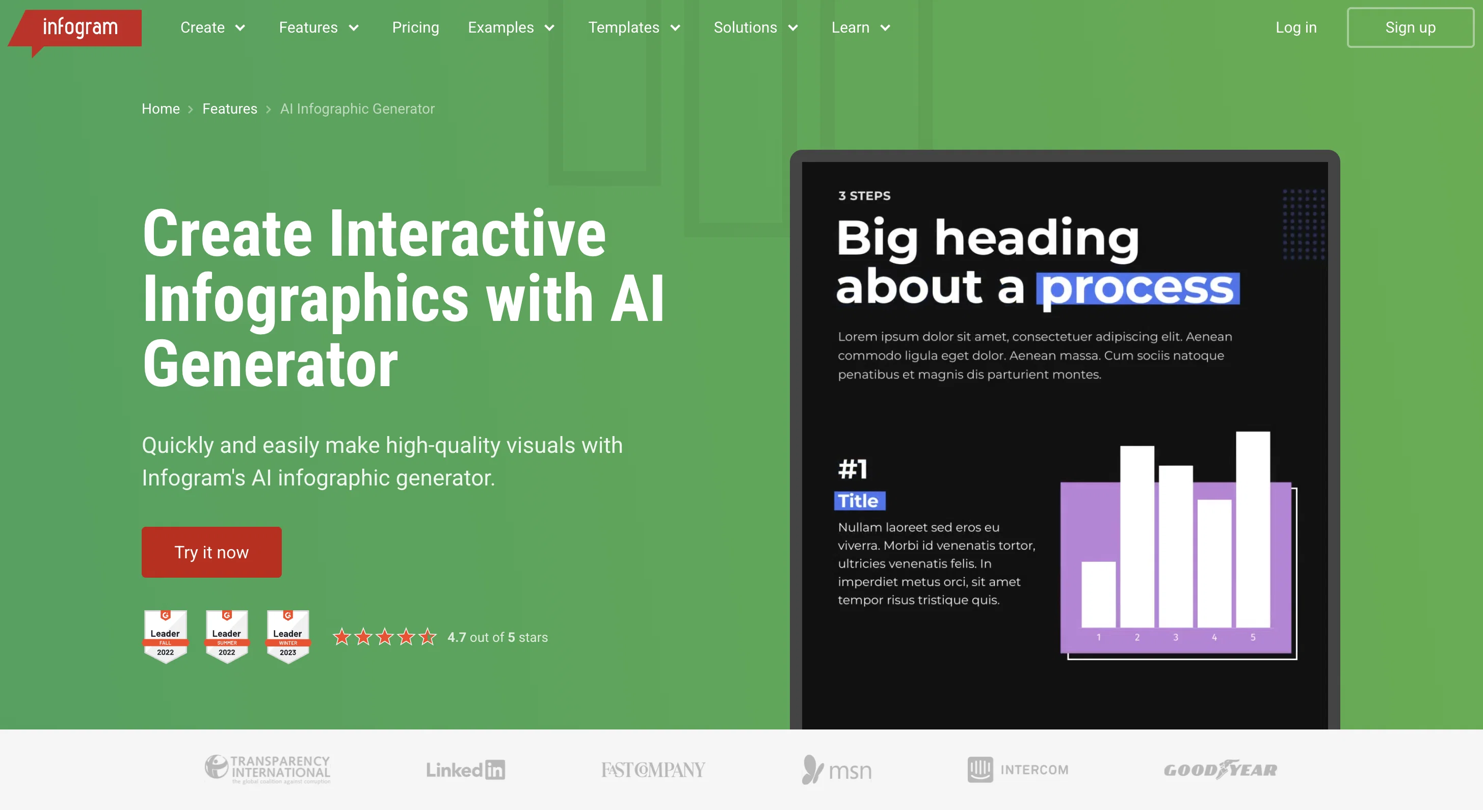
Infogram is an AI-powered tool used for creating interactive, high-quality infographics. It offers assistance to users with varying design experience by simplifying infographic creation, data presentation, and visual storytelling.
This tool is designed to save time and effort! Just input raw data and watch as the tool automatically turns it into engaging and professional infographics.
Infogram stands out from other tools with its smart suggestions feature - which assists in streamlining the design process and boosting creativity. It makes the task easier by suggesting suitable layouts and visual presentations based on the input data.
Moreover, this tool is versatile and can be beneficial for a wide range of users from writers and journalists to marketers and educators. It aims to enhance the visual impact of data stories and helps communicate the information more effectively, making it suitable for use in various sectors including government, education, nonprofit organizations, and teams striving for collaborative work.
Moreover, Infogram provides insights into content engagement analytics, offers a wide range of customizable chart options, report generating tools, and offers features for creating data-driven maps, social media graphics, and many more.
Help other people by letting them know if this AI was useful.
Add your own prompts and outputs to help others understand how to use this AI.
Screenshot gallery
Pros & Cons
Pros
+Interactive infographics creation
+Simplifies design process
+Data-driven: turns raw data into infographics
+Smart suggestions for design
+Boosts user creativity
+Automates layout suggestions
+Various user applicability: writers, journalists, marketers
+Beneficial for educators
+Optimized for government sector
+Optimized for education sector
+Optimized for nonprofit sector
+Encourages collaborative work
+Content engagement analytics
+Customizable charts
+Automated report generation tools
+Data-driven maps generation
+Social media graphics creation
+Custom Maps
+Auto Layout
+Data Import feature
+Advanced Editing Tools
+Royalty-Free Asset Library
+Team Templates
+WCAG 2.2 Level Accessibility
+SOC 2 Type 2 Compliance
+Streamlined infographic creation process
+Facilitates clear data presentation
+Automatically suggests layouts and content
+Boosts user creativity
+Versatility in use cases
+User-friendly interface
+Creates statistical infographics
+Creates timeline infographics
+Creates process infographics
+Creates comparison infographics
+Creates geographical or map infographics
+Creates hierarchical infographics
+Creates infographic reports
+Creates interactive infographics
+Helps visualize data stories
+Optimized for business efficiency
+Offers customization options
+Automatically transforms raw data into infographics
+Offers innovative layouts and visuals
+Ideal tool for tight deadlines
+Caters to broad range of needs
Cons
−Lacks offline functionality
−No free tier offered
−Limited template variety
−Inflexible layout suggestions
−Incompatible with some data formats
−No multilingual support
−Missing real-time collaboration
−No built-in spellcheck
−Insufficient accessibility features
−Limited customer support channels
A Professional Framework to Evaluate Infogram
When considering Infogram for integration into your organizational workflow, we recommend deploying a structured score card across three critical operational pillars: Security & Compliance, Integration Friction, and long-term Price Scalability. Rather than looking only at basic feature lists, modern procurement teams must assess how a software platform behaves under high load and how well it fits into the team's data security guidelines.
1. Security and Database Compliance
Depending on your operating region and field, ensure that Infogram supports standard security layers such as SOC 2 Type II certifications, GDPR compliance, or HIPAA-compliant database encryption. If the tool connects directly to client database tables or handles user passwords, verify that they implement multi-factor authentication (MFA), single sign-on (SSO) integrations, and end-to-end data encryption in transit and at rest.
2. API Coverage and Custom Integrations
Siloed data is the primary cause of operational friction. Evaluate if Infogram has native connectors for your current project trackers, messaging hubs, and customer communication channels. For custom developer requirements, check if they provide a fully documented REST API with reasonable rate limits, comprehensive Webhooks support, and robust SDK packages in your language. A flexible API layer saves hundreds of hours of manual copy-paste overhead.
3. Total Cost of Ownership (TCO)
SaaS pricing packages are often deceptively simple. When reviewing Infogram's billing structure, map out your team's projected expansion over the next 12 to 24 months. Determine how costs scale as your customer database increases or as you add team members. Factor in setup costs, mandatory support plan upgrades, API access fees, and storage overage rates to understand the true cost before committing to a contract.
By combining verified user reviews from our directory with internal workflow pilot tests, your procurement team can make an informed decision that drives productivity without creating capital waste.
Features of Infogram
Interactive Infographics
AI Powered Tool
Data Presentation
Design Simplification
Layout Suggestions
Smart Suggestions
Free + From $25/Mo
SaaS1to10 verified reviews for Infogram
Overall rating
★★★★★5.0
Based on 17 reviews
★★★★★5.01 months ago
“Review”
Hey everyone, I’m Evaldas, co-founder of @Guideless, the fastest way to turn any browser workflow into a polished, AI-narrated video guide in minutes. No screen recording. No tedious editing. Just turn on the extension, click through your process as you normally would, and instantly get a share-ready guide. We recently shipped a major update: a sleeker UX and new high-quality AI voiceover characters — making guides sound and feel more vibrant than ever. Give @Guideless a try and see how effortless creating high-quality tutorials can be 🪄
Evaldas Bieliūnas
★★★★★5.01 months ago
“Review”
👋 Hey, I'm the founder of Flowova! We built this because we were tired of spending hours dragging boxes in traditional flowchart tools. A few things you might not know: - Works with anything — text, images, PDFs, Word, PPT, Excel, even photos of whiteboard sketches - 40+ themes designed for presentations - Full Mermaid code support for developers Happy to answer any questions! 🚀
Jimmy
★★★★★5.01 months ago
“Review”
@Choosaro makes it much easier to compare options and make decisions with more clarity. I like that it gives structured analysis, scores, reasoning, strengths and weaknesses, and a clear recommendation instead of a generic AI answer. Very useful for reducing overthinking and choosing the best option faster.
Olivia Grace
★★★★★5.01 months ago
“Review”
Total game changer. Been using Jude AI every day for emails, market insights and lead followups. Saves me hours and honestly feels like having an assistant that actually gets real estate. Super impressed.
Thomas nayak
★★★★★5.01 months ago
“Review”
We're live folks! Do check us out and drop your feedback or requests.
Shubh Saras
★★★★★5.01 months ago
“Review”
This tool not only transcribes videos and audio, but also automatically generates summaries, which greatly helps me organize my study notes.
Sarah
★★★★★5.01 months ago
“Review”
I've been using it for a few months, primarily for research, content generation and writing for both internal docs and public posts, and searching for data from weeks prior. It's been a game changer.
Pete Ballotta
★★★★★5.01 months ago
“Review”
Deploys the backend directly from chat!
Spam Trapper
★★★★★5.01 months ago
“Review”
Faster than sifting through reddit myself. TY for building.
Sean M
★★★★★5.01 months ago
“Review”
No good at pdfs
Chris Cox
★★★★★5.01 months ago
“Review”
It works nicely. The autodraw function works really well, it easily detects what I’m trying to go for. W tool!
Orit Paredes
★★★★★5.01 months ago
“Review”
Very interesting
Béatrice Duval
★★★★★5.01 months ago
“Review”
I've tried to find the exact articles via WoS, Google, or Scopus. Despite using a very advised and complicated search query, it was just a waste of time. Perplexity didn't help either. The Jenni AI, which may add useful links when generating text, finds nothing but trash. SciScape gave exactly what I needed from the first query! A couple of fresh relative articles with very exact topics!
Elijah
★★★★★5.02 months ago
“Review”
Which is more valuable, time or money? This doesn't save you either, at the moment as you only get two infographics to test out and you have to do quite a bit of editing to get it to look ok. The point of infographics is to inform in a highly visual and compelling way. None of the example info graphics are that. I suggest a pivot and use AI to fill out the text in a pre-made graphic template.
Michelle Ashton
★★★★★5.02 months ago
“Review”
I wasn't able to use this one (I have my API key)
Pauline LeBlanc
★★★★★5.02 months ago
“Review”
I had to tweak a few things to match my brand style, but overall it saved me a ton of time. Definitely handy if you need something fast and professional-looking.
Sophia
★★★★★5.02 months ago
“Review”
It took me less than 20 minutes to create infographic perfection- all the other AI design sites I tried, and I tried them all, weren't able to give me what I wanted in 1 way or another. Outline Ninja helped me create my infographic