5.01 months ago
“Review”
very good and hyper realistic
David Akers

Convert photos to videos instantly with AI.
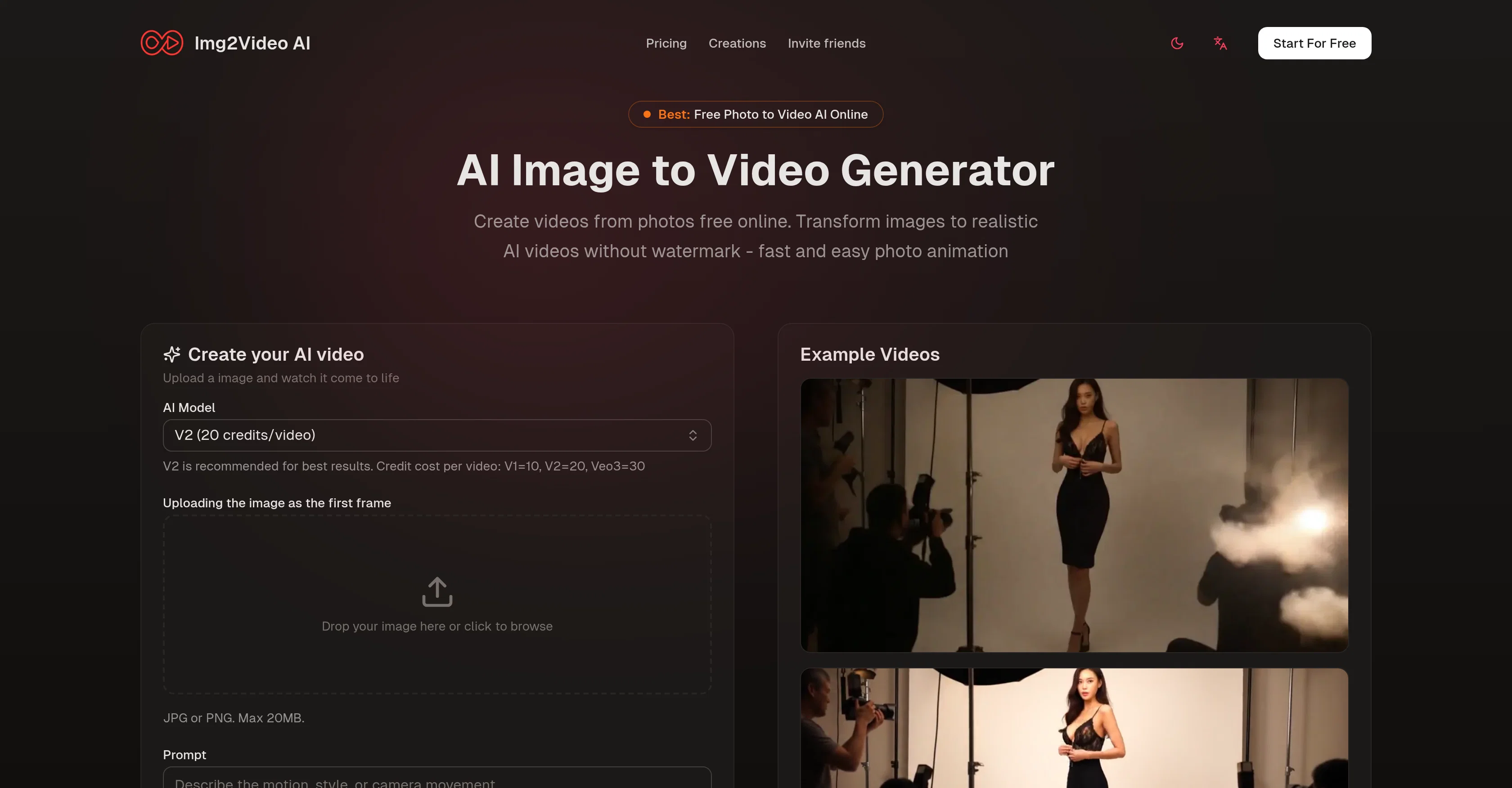
Img2Video AI is an online AI tool designed to transform static images into realistic videos. Without the need for watermarks, this free tool can generate animations from any image, delivering fast results. Users begin by uploading their images, which can be in any format, and then briefly instruct the tool on how they wish the image to be animated. Examples might include specifying desired motion, effects, or storylines. The second step involves the smart Image to Video AI processing the image data and creating an animated video. The algorithm considers details and color profiles of the source image to produce videos that maintain the core character of the original, and could add elements like individual motion, facial expressions, ambient effects, and more. The completion of the process allows users to preview their AI-animated photo and download a high-resolution video without a watermark, ready to share on any platform. Img2Video AI supports the creation of a variety of video styles, offering versatility for all sorts of visual content, such as portraits, cartoons, memes, products, vintage photos, and even vehicles, and maintains high-resolution outputs ideal for marketing, websites, or social media campaigns. Help other people by letting them know if this AI was useful. Add your own prompts and outputs to help others understand how to use this AI.
When considering Img2Video AI for integration into your organizational workflow, we recommend deploying a structured score card across three critical operational pillars: Security & Compliance, Integration Friction, and long-term Price Scalability. Rather than looking only at basic feature lists, modern procurement teams must assess how a software platform behaves under high load and how well it fits into the team's data security guidelines.
Depending on your operating region and field, ensure that Img2Video AI supports standard security layers such as SOC 2 Type II certifications, GDPR compliance, or HIPAA-compliant database encryption. If the tool connects directly to client database tables or handles user passwords, verify that they implement multi-factor authentication (MFA), single sign-on (SSO) integrations, and end-to-end data encryption in transit and at rest.
Siloed data is the primary cause of operational friction. Evaluate if Img2Video AI has native connectors for your current project trackers, messaging hubs, and customer communication channels. For custom developer requirements, check if they provide a fully documented REST API with reasonable rate limits, comprehensive Webhooks support, and robust SDK packages in your language. A flexible API layer saves hundreds of hours of manual copy-paste overhead.
SaaS pricing packages are often deceptively simple. When reviewing Img2Video AI's billing structure, map out your team's projected expansion over the next 12 to 24 months. Determine how costs scale as your customer database increases or as you add team members. Factor in setup costs, mandatory support plan upgrades, API access fees, and storage overage rates to understand the true cost before committing to a contract.
By combining verified user reviews from our directory with internal workflow pilot tests, your procurement team can make an informed decision that drives productivity without creating capital waste.
Overall rating
Based on 25 reviews
very good and hyper realistic
David Akers
It’s good tool, but needs work when I write what supposed to be written is not working properly
Omar Ibrahim
Really impressive! The suggestions were simple, and the image came out beautifully well too!
Jojo
It’s quite nice! It does exactly what it suggests, which is amazing too.
Jojo
still background removing accuracy is required. it only 80% not 100%
Krutika Creations
It's working very well. AI chat is 100% free, but image and video are not free, though they are still good. You get a few daily credits, but at least you still have some
Asem Aldosoky
this is completely free, and it is amazing that you can change pictures into art and animations without paying anything.
Ellio
VideoWeb AI is an useful AI tool for my video creation. I like the video to video feature that I can create the anime video with my videos.
Leo Li
A very clean website — simple, clear, and fast to generate results.
yiming zhou
It is very receptive to the prompts and gives very aesthetically pleasing results.
Arianna
very good image
Bristan “Capesterre” Carbier
There were no aristocratic Asians and Africans in ancient Rome.
Sándor Gajdos
nice holistic
Amit ImmI
Hi everyone! I'm the creator of AI Video Maker. It's completely free to use and doesn't require any signup. You can instantly generate unlimited 5-second AI videos from text or images. Great for testing ideas before upgrading to HD or commercial plans. Excited to see what you all create!
Peter
tried it on selfies and random shots and it did fine. faces look good objects get weird if the source is rough. free tier is tight too on my account it gave 20 credits which basically covered one export then a small daily drip of +2 or +5 before I could play more. would love more runway up front. paid packs lift the watermark and quality if you need it.
Jason Bowers
I think it's the best @Image Generator I ever found on the net. It gives more accurate image according to the prompt. And thank you for keeping it for free.
My Sawsiri
Not at all accurate…. The only thing similar between original and generated images were the clothes and accessories… face was absolutely new and unconnected.
Shvetank Sharma
It transform my photo to spiderman video, so cool
khan
it does only do one image per time i am looking for multiple images to video
Ireal Estate
I mainly used Himedia AI for image creation and got surprisingly realistic outputs. Prompt control feels intuitive compared with some other tools.
KoooU
Many ai models help me create videos I love
long ff
Requires previous login, not fully free
Elenimotoon
Feels illegal to be this early, quick run with @Grok Imagine: great for teaser bits. The image-to-video pass holds up for shorts ~6s loops with decent motion and sound sync. Style range is solid. Access sits behind the Grok sub on mobile, so not fully free and I’d love longer clips!
Herbert Kemp
a friend sent me this the other day. veo, grok, seedance all run from one upload and it's actually fast. ui doesn't fight me. no complaints.
owen_reeves
Only app I could create video for free! Thanks
7even
Starting Price
Free plan available
Free tier available with optional paid upgrades.


