5.02 months ago
“Review”
It ain't free
Ollie Astro

Bring your photos to life with smooth animations.
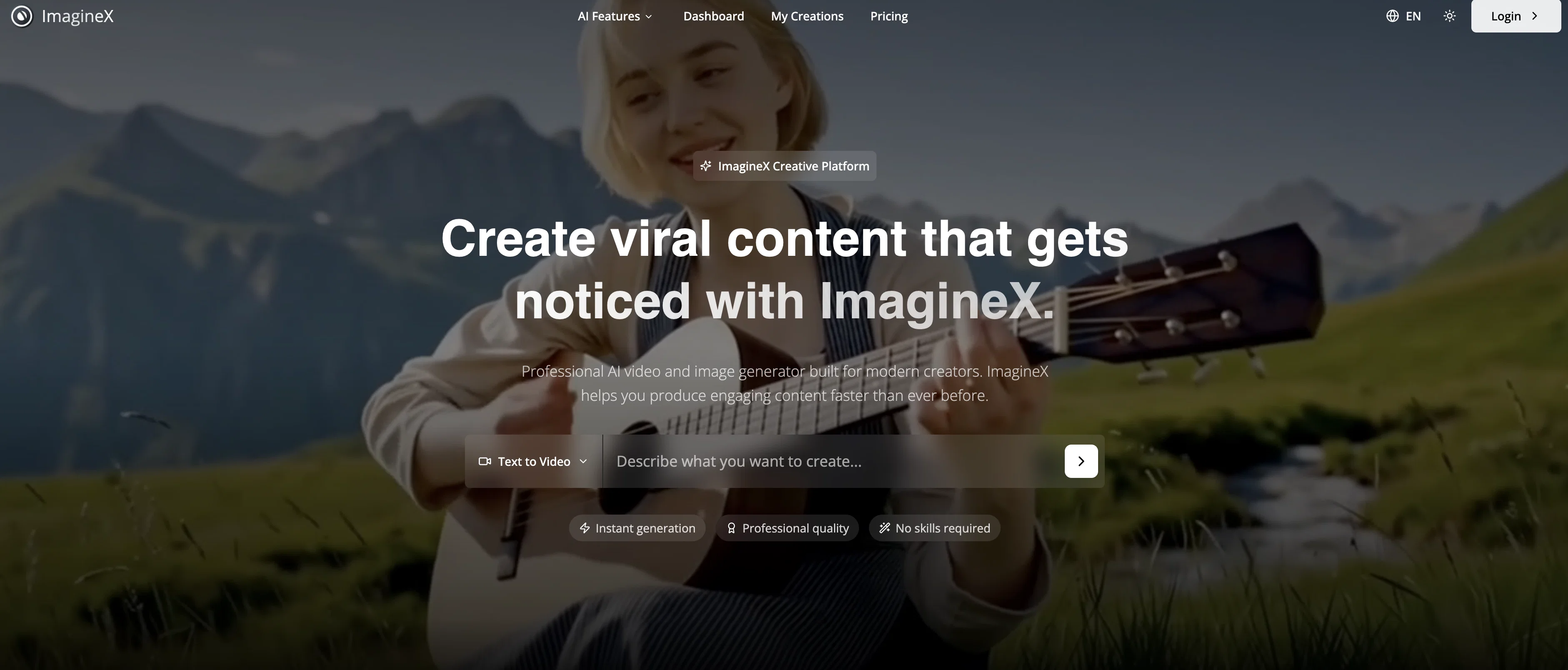
ImagineX Image to Video is an advanced AI-based tool designed to bring static images to life by adding realistic motion animations. Ideal for creating engaging content for social media, marketing or any other purpose, it offers users a simple, fast, and highly effective means to convert a still photograph into a dynamic video clip. To operate the tool, users simply upload their image in JPEG, PNG, or WebP format. The AI then analyzes the image to understand its content, depth, and possible optimal motion, and applies pertinent motion effects to the picture, transforming it into a video sequence. Users have the ability to also specify desired motions such as zoom effects, pans, rotations, and parallax. The resultant videos can be generated at three different resolution settings, with an offer of 480p, 720p, or 1080p Full HD. For enhancing the animation, users have the option to integrate background music and audio effects. ImagineX Image to Video is integrated into a web-based interface - meaning no downloads are necessary for usage. It allows users to easily convert their photos, even if they have no prior animation skills or access to complex animation software. Given its versatility, the tool can be applied in various scenarios ranging from real estate tours to product marketing videos, social media stories, portfolio presentation, event invitations, and memory preservation among others. The tool is permissible for commercial use, providing full commercial rights with subscription plans for marketing, advertising, and social media content creation purposes. Help other people by letting them know if this AI was useful. Add your own prompts and outputs to help others understand how to use this AI.
When considering ImagineX | Image to Video for integration into your organizational workflow, we recommend deploying a structured score card across three critical operational pillars: Security & Compliance, Integration Friction, and long-term Price Scalability. Rather than looking only at basic feature lists, modern procurement teams must assess how a software platform behaves under high load and how well it fits into the team's data security guidelines.
Depending on your operating region and field, ensure that ImagineX | Image to Video supports standard security layers such as SOC 2 Type II certifications, GDPR compliance, or HIPAA-compliant database encryption. If the tool connects directly to client database tables or handles user passwords, verify that they implement multi-factor authentication (MFA), single sign-on (SSO) integrations, and end-to-end data encryption in transit and at rest.
Siloed data is the primary cause of operational friction. Evaluate if ImagineX | Image to Video has native connectors for your current project trackers, messaging hubs, and customer communication channels. For custom developer requirements, check if they provide a fully documented REST API with reasonable rate limits, comprehensive Webhooks support, and robust SDK packages in your language. A flexible API layer saves hundreds of hours of manual copy-paste overhead.
SaaS pricing packages are often deceptively simple. When reviewing ImagineX | Image to Video's billing structure, map out your team's projected expansion over the next 12 to 24 months. Determine how costs scale as your customer database increases or as you add team members. Factor in setup costs, mandatory support plan upgrades, API access fees, and storage overage rates to understand the true cost before committing to a contract.
By combining verified user reviews from our directory with internal workflow pilot tests, your procurement team can make an informed decision that drives productivity without creating capital waste.
Overall rating
Based on 17 reviews
It ain't free
Ollie Astro
This is absolutely a great image editing tool for everyday use. The UX is great and the price is affordable!
quinta diminuita
I ama YouTuber, scrambling to put out content,this AI video maker works.No weird,glitchy stuff here—just realistic footage that doesn’t make my viewers go‘that’s AI?’Total lifesaver when I’m tight on time.
Moey
Hey TAAFT, real talk. AI gives you ideas. But, it doesn't give you a voice. Enter @Humanize.sh. We make AI text sound like a real person, not a bot. Fast, private, and low effort. How: Paste. @Humanize. Copy. Done. Works with ChatGPT, Gemini, Claude, and all the usual suspects. Made for students who want clear essays, honest emails to profs, and captions that don’t scream “generated”. Teachers, creators, everyone welcome. Privacy: we never store your text. Want a demo? Drop one sentence and we'll @Humanize it live :)
Humanize
very good tool. done your work in seconds with Retouch Pro
Tahir
tried @Veo 3 today and it honestly feels like a sneak peek into the future. one short prompt and it gave me a crisp 4K video with perfect audio and cinematic camera moves. not flawless yet, but wow.
Lark Cube
This tool i found is super cool, I created 5 books from this tool to sell them online, which gives me great profit. I am creating more valuable books to spread knowledge, and earn some bucks as well 🤑.
Bilal Ashraf
nice holistic
Amit ImmI
Not at all accurate…. The only thing similar between original and generated images were the clothes and accessories… face was absolutely new and unconnected.
Shvetank Sharma
Hi everyone! I'm the creator of AI Video Maker. It's completely free to use and doesn't require any signup. You can instantly generate unlimited 5-second AI videos from text or images. Great for testing ideas before upgrading to HD or commercial plans. Excited to see what you all create!
Peter
I think it's the best @Image Generator I ever found on the net. It gives more accurate image according to the prompt. And thank you for keeping it for free.
My Sawsiri
I mainly used Himedia AI for image creation and got surprisingly realistic outputs. Prompt control feels intuitive compared with some other tools.
KoooU
Many ai models help me create videos I love
long ff
Requires previous login, not fully free
Elenimotoon
Feels illegal to be this early, quick run with @Grok Imagine: great for teaser bits. The image-to-video pass holds up for shorts ~6s loops with decent motion and sound sync. Style range is solid. Access sits behind the Grok sub on mobile, so not fully free and I’d love longer clips!
Herbert Kemp
a friend sent me this the other day. veo, grok, seedance all run from one upload and it's actually fast. ui doesn't fight me. no complaints.
owen_reeves
Only app I could create video for free! Thanks
7even
Starting Price
From $8.00/user/month
Pricing may vary based on team size and features selected.


