5.02 months ago
“Review”
very good image
Bristan “Capesterre” Carbier

Turn small, noisy images into crisp assets - automatically.
Help other people by letting them know if this AI was useful. Add your own prompts and outputs to help others understand how to use this AI.
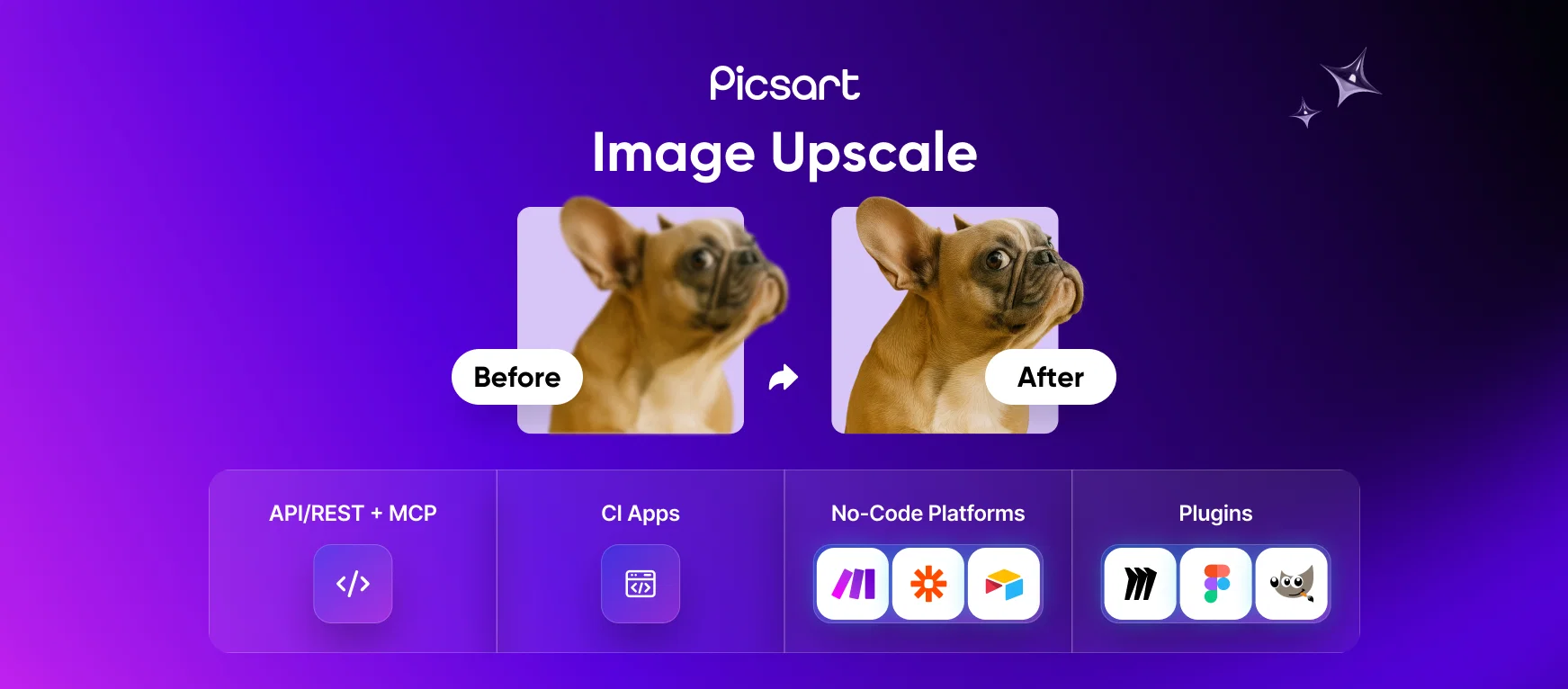
When considering Image Upscale by Picsart for integration into your organizational workflow, we recommend deploying a structured score card across three critical operational pillars: Security & Compliance, Integration Friction, and long-term Price Scalability. Rather than looking only at basic feature lists, modern procurement teams must assess how a software platform behaves under high load and how well it fits into the team's data security guidelines.
Depending on your operating region and field, ensure that Image Upscale by Picsart supports standard security layers such as SOC 2 Type II certifications, GDPR compliance, or HIPAA-compliant database encryption. If the tool connects directly to client database tables or handles user passwords, verify that they implement multi-factor authentication (MFA), single sign-on (SSO) integrations, and end-to-end data encryption in transit and at rest.
Siloed data is the primary cause of operational friction. Evaluate if Image Upscale by Picsart has native connectors for your current project trackers, messaging hubs, and customer communication channels. For custom developer requirements, check if they provide a fully documented REST API with reasonable rate limits, comprehensive Webhooks support, and robust SDK packages in your language. A flexible API layer saves hundreds of hours of manual copy-paste overhead.
SaaS pricing packages are often deceptively simple. When reviewing Image Upscale by Picsart's billing structure, map out your team's projected expansion over the next 12 to 24 months. Determine how costs scale as your customer database increases or as you add team members. Factor in setup costs, mandatory support plan upgrades, API access fees, and storage overage rates to understand the true cost before committing to a contract.
By combining verified user reviews from our directory with internal workflow pilot tests, your procurement team can make an informed decision that drives productivity without creating capital waste.
Overall rating
Based on 18 reviews
very good image
Bristan “Capesterre” Carbier
There were no aristocratic Asians and Africans in ancient Rome.
Sándor Gajdos
Supports unlimited preview, which is good
Scofield michael
Very nice lighting and some mildly interesting results when generating image, though hit or miss as it does not adhere well to the text prompt. Could not upscale an image at all. Waited over 20 minutes, and just quit. Don't waste your time.
James Weitz
as mentioned before by somebody else, it's great that it's free that's a big plus. quality isn't anything crazy, but it does the job especially with human faces. tried it on a bunch of random stuff like objects, places, animals but the results vary depending on the original image quality. don't expect miracles on super lowres pics. still, the fact that it's 100% free is already good so yeah, that's a 4 starrer in my book
Jason Bowers
This is basically Magnific Ai integrated into this service since they have bought the company.
Lowreza
A very clean website — simple, clear, and fast to generate results.
yiming zhou
still background removing accuracy is required. it only 80% not 100%
Krutika Creations
Not at all accurate…. The only thing similar between original and generated images were the clothes and accessories… face was absolutely new and unconnected.
Shvetank Sharma
I think it's the best @Image Generator I ever found on the net. It gives more accurate image according to the prompt. And thank you for keeping it for free.
My Sawsiri
Very practical
Scofield michael
you only get 10 credits better to use other upscalers
Requiem of Ice
Very good job. File size concerns me, it was 10.2mb from a 1.63mb file. That was only one image, what if I had 50?
Ann P
5 minutes to create account. 1 minute to discover poor photo enhancing. Waste of time
Екатерина Дашкова
Androlicous!!!
Wazim Aju
nice holistic
Amit ImmI
Use it daily and the results are incredibly good…
Hrach Tamrazyan
unlock premium
kamil khan
Starting Price
Free plan available
Free tier available with optional paid upgrades.