5.02 months ago
“Review”
I have tried to import a docx file, and it said that it can't extract content from it. I tried again with a PDF file and it worked like a charm. Hope you guys will fix this.
Magnus

AI-powered image to text conversion.
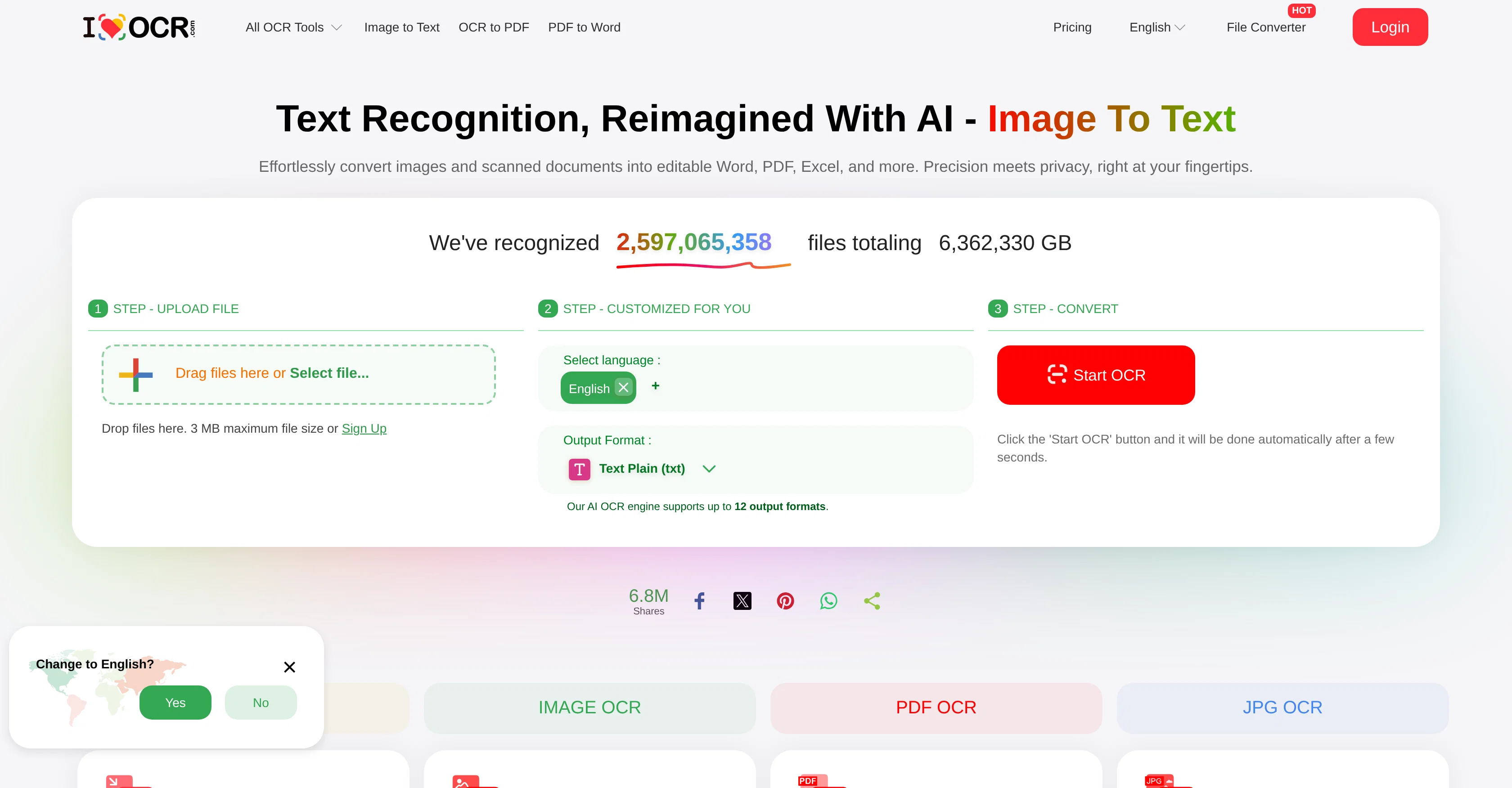
iLoveOCR is an online OCR converter engineered with artificial intelligence for precise conversion of images and scanned PDFs into editable formats. The comprehensive toolset extends to PDF, Word, Excel, Text, PowerPoint, ePub, Mobi, and AZW3, covering a wide variety of both work and leisure-related needs. iLoveOCR offers image to text conversion, which extracts and converts text from images directly into an editable format with high accuracy. The platform also supports the conversion of image-based presentations into editable PowerPoint formats, and the extraction of table data from images into Excel files. Additionally, it demonstrates capabilities in turning various document types into eBook formats like ePub, Mobi, and AZW3. Users will experience an AI-driven process that can handle multiple languages, preserving the layout and formatting during the conversion. iLoveOCR also offers a functionality to make scanned PDFs searchable and selectable. A key aspect of the platform is its emphasis on user privacy and its reputation for quick and secure processing. The files are automatically discarded after 60 minutes for security purposes. Help other people by letting them know if this AI was useful. Add your own prompts and outputs to help others understand how to use this AI.
When considering iLoveOCR for integration into your organizational workflow, we recommend deploying a structured score card across three critical operational pillars: Security & Compliance, Integration Friction, and long-term Price Scalability. Rather than looking only at basic feature lists, modern procurement teams must assess how a software platform behaves under high load and how well it fits into the team's data security guidelines.
Depending on your operating region and field, ensure that iLoveOCR supports standard security layers such as SOC 2 Type II certifications, GDPR compliance, or HIPAA-compliant database encryption. If the tool connects directly to client database tables or handles user passwords, verify that they implement multi-factor authentication (MFA), single sign-on (SSO) integrations, and end-to-end data encryption in transit and at rest.
Siloed data is the primary cause of operational friction. Evaluate if iLoveOCR has native connectors for your current project trackers, messaging hubs, and customer communication channels. For custom developer requirements, check if they provide a fully documented REST API with reasonable rate limits, comprehensive Webhooks support, and robust SDK packages in your language. A flexible API layer saves hundreds of hours of manual copy-paste overhead.
SaaS pricing packages are often deceptively simple. When reviewing iLoveOCR's billing structure, map out your team's projected expansion over the next 12 to 24 months. Determine how costs scale as your customer database increases or as you add team members. Factor in setup costs, mandatory support plan upgrades, API access fees, and storage overage rates to understand the true cost before committing to a contract.
By combining verified user reviews from our directory with internal workflow pilot tests, your procurement team can make an informed decision that drives productivity without creating capital waste.
Overall rating
Based on 13 reviews
I have tried to import a docx file, and it said that it can't extract content from it. I tried again with a PDF file and it worked like a charm. Hope you guys will fix this.
Magnus
Great tool, it works as advertised and more!
Eran Medan
Process patient referral documents way faster now. Pulls key medical history and relevant details instantly instead of me scanning through pages. Still review everything carefully but it flags what matters first.
Sarah Laura
We are a team of founders who worked before in data extraction, with traditional manual review of each document to check accuracy / errors. We are so excited about AI and the new LLM models because we have created DeepRead using those and the accuracy is 95% and we flag uncertain fields so no one has to manually review entire documents (whew), only the exceptions! We hope you try it out and please share your review, comments and feedback. Looking forward to hearing from users!
twinkle c
This has got a super-positive future. After creating just one video, I could see that there would be a large use-case for most industries, including mine with Online Marketing. One thing I did notice was that assets that appear on screen often overlap each other. The same was apparent on most of the other videos in their showcase. Once they get over this hurdle, it'll be worth paying for, for sure.
Martyn Brown (Vinyl Impressions)
This tool is expected to evolve rapidly, we are also taking all feature requests so submit what you like and we'll build it if it aligns with our product vision! Have fun with the tool and let us know what you think!
New Odyssey
Hello Everyone, My name is Mohamed, the Co-Founder of linesNcircles.com. At linesNcircles our mission is to revolutionize AI & Humen Interaction. Our first product TheBar is an AI agent which can build websites for you, edit them, saves files locally, browses the internet and provide you with answers to your questions all in very simple interface. TheBar runs on your computer without signup. Your website files are saved locally with the option to publish them under our website with one click. All your files are under your creations folders. We built TheBar to be simple to use, super fast in building things for you and we are working tirelessly, to bring in more features for you like writing pdf documents and making presentations which are coming soon. Check TheBar out it is available for free now on our website https://www.linesncircles.com. We would love to hear your feedback and comments
linesNcircles
Didn't really do the graphs that i thought it would do. Good for simple graphs, like for a presentation
Timothy Unfried
For now the best browser based AI scraper i have ever used.
Jason Shirazi
Used it for PPT generation and performed extremely well, especially the numbers and data part.
Salina Hook
Highly recommend it for anyone dealing with high-volume document processing. Simplifies the process of extracting data from multiple PDFs into clean, accurate spreadsheets.
Tarang
Way too expensive! 300 - 600 or 1000$ per month !
Julien Dion (Universus)
A great solution for unstructured docs to structured format.
Ali
Starting Price
Free plan available
Free tier available with optional paid upgrades.


