IFTTT

4.8(29 reviews)

Automate apps and devices without coding.

Freemium

IFTTT Overview

What is IFTTT?

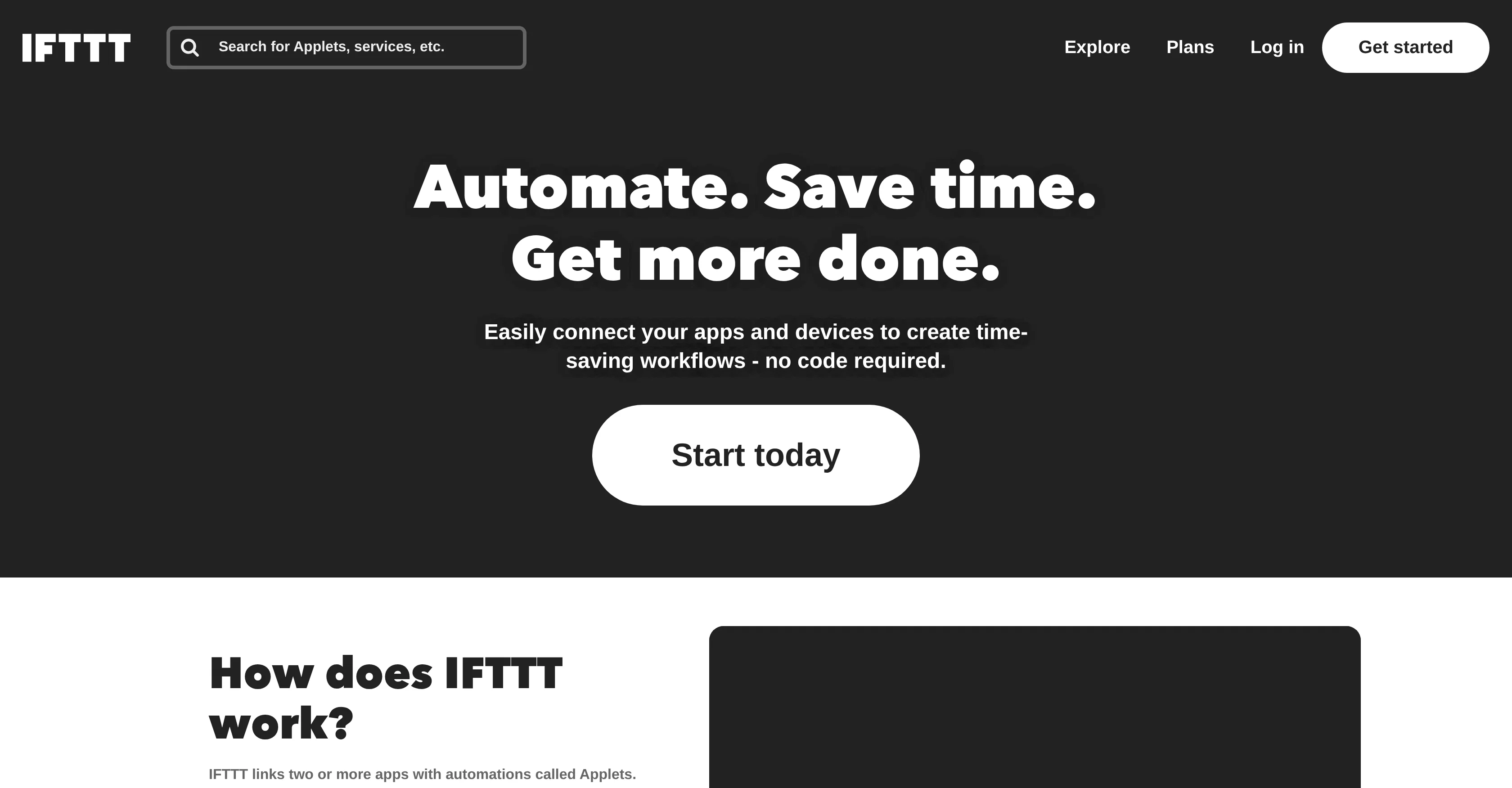
IFTTT, or 'If This Then That', is an innovative tool envisioning to automate tasks across various applications and devices. It saves time by simplifying routine tasks, thus boosting productivity and effectiveness. This tool operates by establishing a connection between two or more applications via automations, referred to as 'Applets'. To establish an automatic function, users select a trigger event from one app and an actionable response from another, customizing it to their requirements. This tool offers ready-to-use Applets, along with the option to create custom ones.IFTTT caters to an array of applications such as business productivity, smart home operations, iOS, and Android, thereby making workspaces more productive and homes more relaxing. The platform's versatility can be seen from its compatibility with popular services like Spotify, iOS Reminders, Android SMS, Email, ToDoist, and many others. These applications can be interconnected to form productive chains of command. For instance, it can organize screenshots into a dedicated iOS album, or automate SMS forwarding to an email inbox.The software doesn't require any coding skills and allows users to align their work channels across multiple tools, seamlessly manage smart home devices with custom commands or use AI to generate drafts. Moreover, it can perform multiple actions automatically, which means it can handle complex tasks effortlessly.In a nutshell, IFTTT is a user-friendly tool that unifies and automates tasks and workflows across various applications and devices conveniently and efficiently, establishing the much-needed harmony between numerous apps and services. Help other people by letting them know if this AI was useful. Add your own prompts and outputs to help others understand how to use this AI.

Screenshot gallery

IFTTT screenshot

Pros & Cons

Pros

  • Automate apps without coding
  • Saves time
  • Boosts productivity
  • Establishes app connections
  • Trigger-based task automation
  • Offers ready-to-use Applets
  • Custom Applet creation
  • Integrates various applications
  • Compatible with iOS and Android
  • Works with smart home operations
  • Manages work across multiple tools
  • Seamless smart home management
  • Allows custom command creation
  • Handles complex tasks
  • Enhances efficiency
  • No coding skills required
  • Compatible with Spotify
  • iOS Reminders integration
  • Android SMS integration
  • Email integration
  • ToDoist integration
  • Automates SMS forwarding
  • Organizes screenshots into iOS album
  • Business productivity integration
  • Cross-platform operation
  • Workflow management
  • Time-saving tool
  • Allows multi-tool alignment
  • User-friendly interface
  • Can execute multiple actions
  • Customizable Applet timing and conditions
  • Integrates with 1000+ services
  • Location-based control for smart homes
  • Integrates with voice assistants
  • Energy-saving automations
  • Smart home security automation
  • Easy DIY building of Applets
  • Automate from mobile apps
  • Multiple actions per trigger
  • Access to exclusive triggers, actions, and services
  • Trusted by top brands
  • Helps in social media automation
  • Optimal for project management
  • Can be used for expense and invoice tracking
  • Powerful tool for content creators
  • Top choice for small business automation

Cons

  • Limited app compatibility
  • Lacks advanced customization
  • No offline usage
  • Learning curve for beginners
  • Occasional synchronization issues
  • Dependent on stable internet
  • Lack of detailed user guide
  • No multi-language support
  • No chat support

A Professional Framework to Evaluate IFTTT

When considering IFTTT for integration into your organizational workflow, we recommend deploying a structured score card across three critical operational pillars: Security & Compliance, Integration Friction, and long-term Price Scalability. Rather than looking only at basic feature lists, modern procurement teams must assess how a software platform behaves under high load and how well it fits into the team's data security guidelines.

1. Security and Database Compliance

Depending on your operating region and field, ensure that IFTTT supports standard security layers such as SOC 2 Type II certifications, GDPR compliance, or HIPAA-compliant database encryption. If the tool connects directly to client database tables or handles user passwords, verify that they implement multi-factor authentication (MFA), single sign-on (SSO) integrations, and end-to-end data encryption in transit and at rest.

2. API Coverage and Custom Integrations

Siloed data is the primary cause of operational friction. Evaluate if IFTTT has native connectors for your current project trackers, messaging hubs, and customer communication channels. For custom developer requirements, check if they provide a fully documented REST API with reasonable rate limits, comprehensive Webhooks support, and robust SDK packages in your language. A flexible API layer saves hundreds of hours of manual copy-paste overhead.

3. Total Cost of Ownership (TCO)

SaaS pricing packages are often deceptively simple. When reviewing IFTTT's billing structure, map out your team's projected expansion over the next 12 to 24 months. Determine how costs scale as your customer database increases or as you add team members. Factor in setup costs, mandatory support plan upgrades, API access fees, and storage overage rates to understand the true cost before committing to a contract.

By combining verified user reviews from our directory with internal workflow pilot tests, your procurement team can make an informed decision that drives productivity without creating capital waste.

Features of IFTTT

  • Automation
  • Productivity
  • No Coding
  • App Integration
  • Task Simplification
  • Smart Home
  • Free + From $2.99/Mo

SaaS1to10 verified reviews for IFTTT

Overall rating

4.8

Based on 29 reviews

5.01 days ago

Review

I have dealt with the founder for features that i need, firstly it is a great tool it worked very well for my finance firm. When i asked questions from the support team they are always here to help me and some complext features they agreed to help me out. cant recommend more of @docAnalyzer!

Ning Na

5.01 days ago

Review

remio is a comprehensive note taking app that store all data locally for security. One of remarkable remio's feature is auto capture for web pages.

汪源

5.01 days ago

Review

This is my best bro! I communicate with him like my best friend, he always helps to direct my thoughts and ideas in the right direction, always tells me how to improve something and always gives detailed instructions during the conversation. Thanks to him, I’m launching a new project, in which he helps me take my ideas to a new level, just communication, during which you reassemble your concept and rethink your original idea, because you didn’t know how it would be better and more correct. @DeepSeek is my best assistant today, my creative inspiration, who gives me support and confidence in my business, guiding me to realize my dreams)

Gamer TOTORO

5.03 weeks ago

Review

It's a useful app.

musthafa basheer

5.03 weeks ago

Review

Yeah AI has ongoing cost. You have to purchase that model. But if you have a good computer, you can also use local models

Praneeth Pike

5.03 weeks ago

Review

Thanks for your feedback! We are also shipping some exciting new features this month!

Saverio Pulizzi

5.03 weeks ago

Review

Love how it offers stuff for both free and premium users. huge thanks to the devs and keep it up!

Burner Cruz

5.03 weeks ago

Review

NOt transparent, pricing not given, you cannot choose plan prior to registering, or even after that. One prompt free.

Tibor Prievara

5.03 weeks ago

Review

OctiAI makes you work SMARTER, not harder.

Caramelt

5.03 weeks ago

Review

This is an awesome tool that creates crazy detailed mega-prompts

Monster Studios

5.03 weeks ago

Review

Purely magic. It increases the productivity by a lot and the process is pretty addictive. I've been building websites like there's not tomorrow.

Geo Burlibasa

5.03 weeks ago

Review

i love it i use it to teach me Italian and ukranian and programing ! and it awesome , because it allows you in the free version send many prints of your screen , not having to explain all the errors by typing diferent from gpt that you can only send 3 photos in the free version. i also use @Grok to study i frist make the exercise in my book then i take a photo of my exercise then i ask it to see if there is any mistake and dissipate my terryble handwriting it understands

fernand Lopes

5.03 weeks ago

Review

It is really easy to use. Best of all, you can use the built-in free VPN to access content from anywhere in the world. I just recently found out that you can also stream FIFA games with this feature. It's so good!

GigaChad

5.03 weeks ago

Review

I’ve been using @Collate to go through technical PDFs, and it’s been surprisingly handy. Summarizing docs and being able to ask questions directly saves me time, especially when I’m skimming through research or API references. No sign-ups, works offline, and everything stays on my device — which I appreciate.

Harman

5.03 weeks ago

Review

This tool finally helps me understand what makes a great prompt. It doesn't just give me a better version, it shows me to get there by analyzing why the original prompt is weak and showing what to improve. The difference this makes to the final AI output is incredible. An essential tool for getting more accurate and detailed results, Great Job!

Milo Quinn

5.03 weeks ago

Review

Accuracy nice. Free

Álvaro Sánchez Román

5.03 weeks ago

Review

The most humanly AI i have used so far but the problem is as soon as you start piling up messages in single chat session , it starts getting slow and at some point it starts freezing and also uses a lot of resources. For time being its okay to do 3 4 messages but as soon as we continue it has messages limitation and also starts getting very very slow . For the price of £18 per month this is unacceptable and with the newly introduced feature called project, if we start new chat within the project we cannot continue with the context we provided in other chats within same project. There are lot of improvements for them to work on. And to start with the its speed and its price

Bibash Katel

5.03 weeks ago

Review

Loved the search engine ideas.

Amr عمرو Amin امين

5.03 weeks ago

Review

Really like how it finds connection in the content that I save. I don't think any other tool can do that.

amix ffx

5.03 weeks ago

Review

State of the Art

Dmitry G.

5.03 weeks ago

Review

Went from a C to an A in Cognitive Psychology using @Thea!!

Sarah White

5.03 weeks ago

Review

Fast, Easy to use and makes repetitive tasks easy

Ioannis Gikas

5.03 weeks ago

Review

We're live folks! Do check us out and drop your feedback or requests.

Shubh Saras

5.03 weeks ago

Review

Can’t use it without an invite code.

Steven

5.03 weeks ago

Review

I work on the @Tendem team, so take this with that context — but I also use the product constantly for my own work. I've used @Tendem to research AI directories — finding relevant ones, pulling submission requirements, organizing everything into a spreadsheet I could act on. I've also used it for copy edits — sending over drafts and getting back tightened, polished versions without going back and forth with a prompt ten times. The thing that keeps me coming back is how little I have to think about the handoff. I describe what I need, send it, and move on to something else. It's slower than getting a ChatGPT response, sure. But I get something finished — not a starting point I still need to rework. When you use AI tools for this kind of work, you trade waiting time for cleanup time. @Tendem flips that. I'd rather wait and get a result I can use than get a fast draft I have to fix myself.

Vladimir Gromozdin

5.03 weeks ago

Review

I've put about 30-40 hours into SureThing, and it's seriously been a game-changer, basically acting like a virtual COO for my business!

Bonnie

2.04 weeks ago

Review

It's just limited to what it can do, and requires more to actually complete flows

Issac Alejandro

4.04 weeks ago

Review

Great no-code automation tool Minimalist interface focused on usability, several integrations available and low cost subscription

Arthur Henrique Della Fraga

4.04 weeks ago

Review

Looked at whether Zapier has something similar, but IFTTT's decade of

consumer/smart-home integrations (lights, thermostats, personal apps)

feels like a genuinely different surface area than Zapier's more

business-tool-heavy catalog. For Claude controlling stuff in your

actual home or personal life specifically, IFTTT's breadth there is

the differentiator.

Ulykbek Asylbek

Pricing

Starting Price

Free plan available

Free tier available with optional paid upgrades.

Where can IFTTT be deployed?

  • Cloud, SaaS, Web-Based

Recommended for you